

Your Browsing History

Meet Your Seller
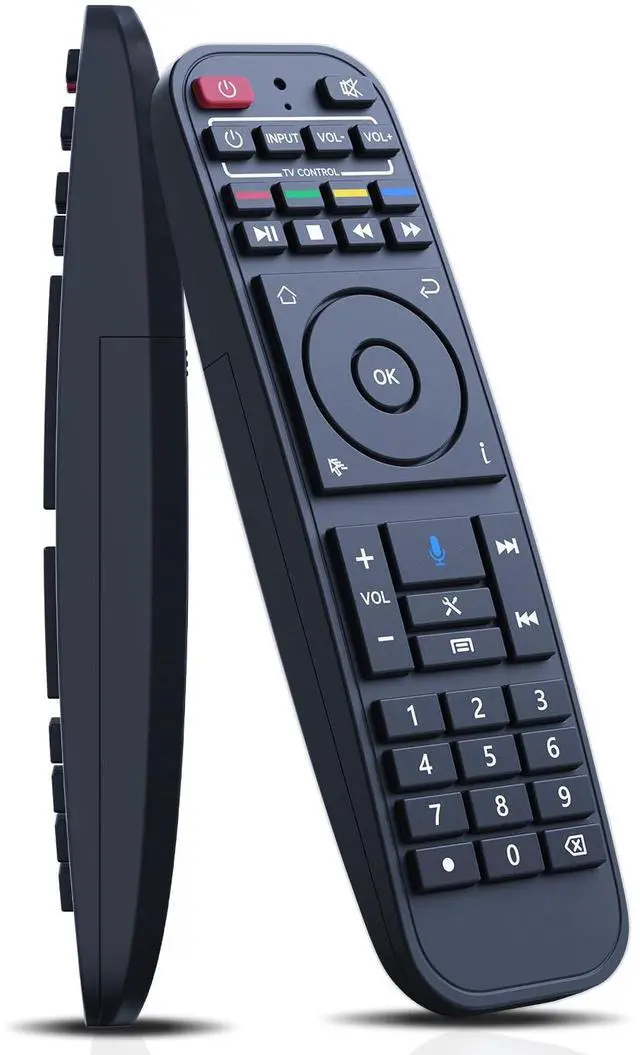
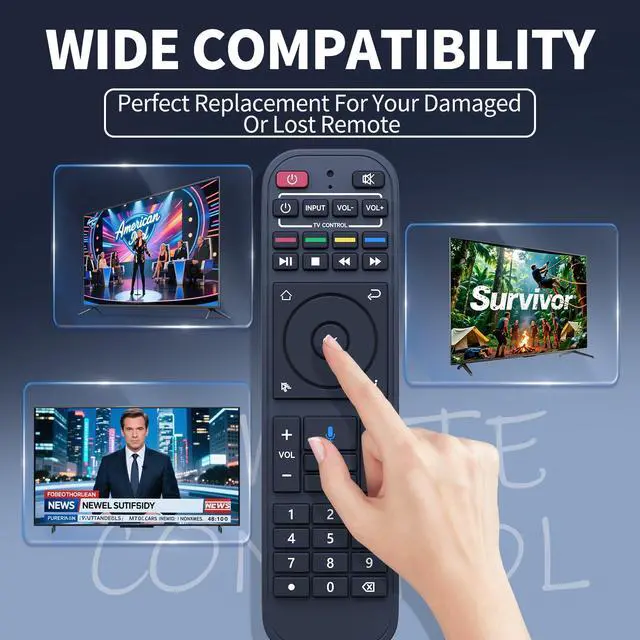
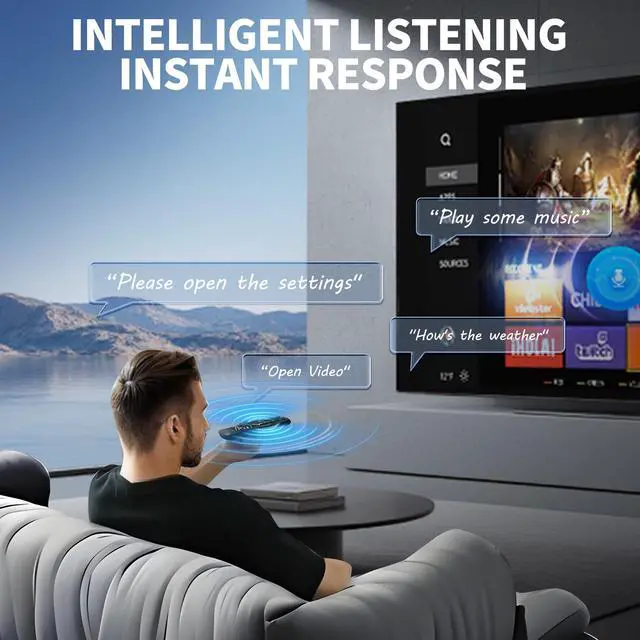


RC-200 Voice Remote Control Replacement for SuperBox S5 Max/S5 Pro, S6 Ultra/Max/Pro, S7, S7 Prime 2026, Elite Ultra/Elite Pro+ Smart TV Box (RC-200L)
- Extensive Compatibility - The RC-200 replacement remote control is designed for use with SuperBox S5 Max/Pro, S6 Ultra/Max/Pro, S7, S7 Prime 2026, Elite Ultra/Elite Pro+. Note: The voice function is not supported on S3 Pro and S4 Pro models, but all other features operate properly. Simple Pairing Process - Step 1: Press the "OK" and "" buttons at the same time until the indicator light flashes for pairing. Press the [OK] button until the red light ceases blinking. Step 2: Finally, navigate to [Settings] - [Bluetooth] to verify the device connection. Look for the "RC-200" device to confirm successful pairing. Programming Instructions for Other Remotes - 1. Press and hold the power button within the "TV CONTROL" section until the indicator light remains steady. Then begin programming. 2. Press the button in the "TV CONTROL" section for the function you to program. The light will start to blink. 3. Point your TV remote at the TV box remote and press and hold the button on the TV remote that requires programming. 4. If the function is copied successfully, the indicator light will flash 3 times and then stay lit. Use the same method to program other functions. 5. The indicator light will flash 5 times if programming is unsuccessful. Then you need to repeat steps 2-4. 6. Press any button outside the "TV CONTROL" section to exit. Advanced Performance & Broad Coverage - Equipped with infrared 3.0 technology and a newly upgraded chip, this remote provides rapid response (0.2 seco
+
+
Overview
Specs
Reviews

Any questions? Our AI mode will help you find out quickly.
Try me now
Extensive Compatibility - The RC-200 replacement remote control is designed for use with SuperBox S5 Max/Pro, S6 Ultra/Max/Pro, S7, S7 Prime 2026, Elite Ultra/Elite Pro+.
Note: The voice function is not supported on S3 Pro and S4 Pro models, but all other features operate properly. Simple Pairing Process -
Step 1: Press the "OK" and "" buttons at the same time until the indicator light flashes for pairing. Press the [OK] button until the red light ceases blinking.
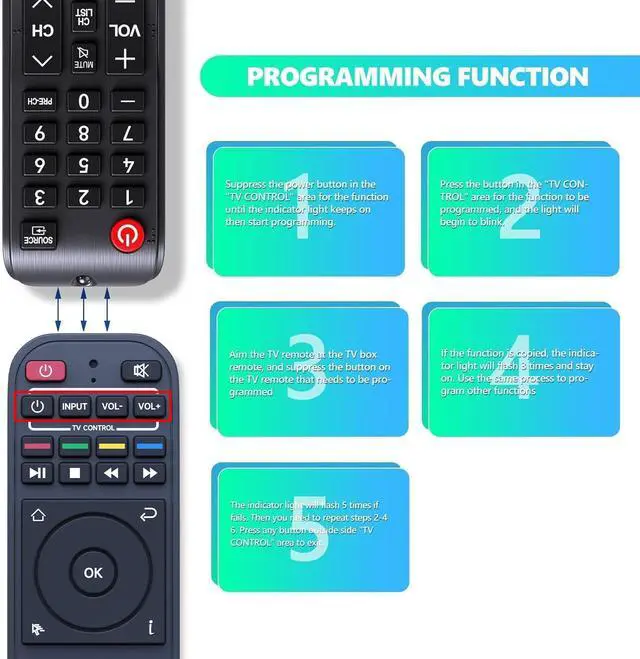
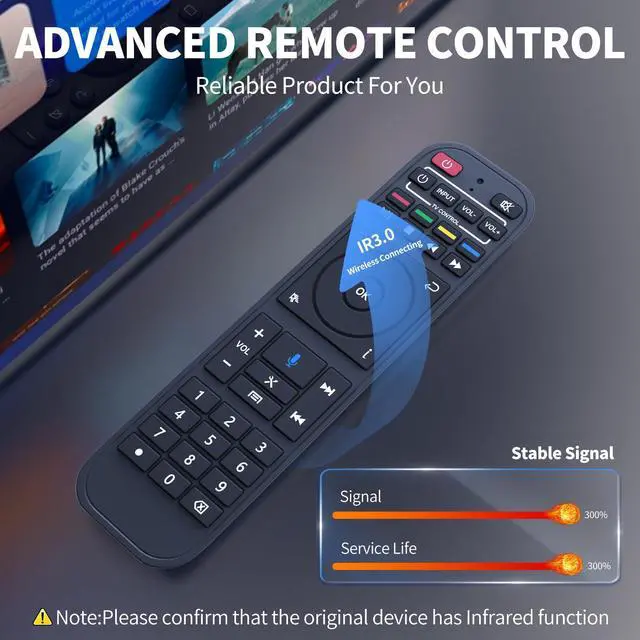
Step 2: Finally, navigate to [Settings] - [Bluetooth] to verify the device connection. Look for the "RC-200" device to confirm successful pairing. Programming Instructions for Other Remotes - 1. Press and hold the power button within the "TV CONTROL" section until the indicator light remains steady. Then begin programming. 2. Press the button in the "TV CONTROL" section for the function you to program. The light will start to blink. 3. Point your TV remote at the TV box remote and press and hold the button on the TV remote that requires programming. 4. If the function is copied successfully, the indicator light will flash 3 times and then stay lit. Use the same method to program other functions. 5. The indicator light will flash 5 times if programming is unsuccessful. Then you need to repeat steps 2-4. 6. Press any button outside the "TV CONTROL" section to exit. Advanced Performance & Broad Coverage - Equipped with infrared 3.0 technology and a newly upgraded chip, this remote provides rapid response ( 0.2 seconds) and consistent signal transmission. With an 8m/26ft control range and a 120°+ control angle, it offers a more adaptable remote control experience.
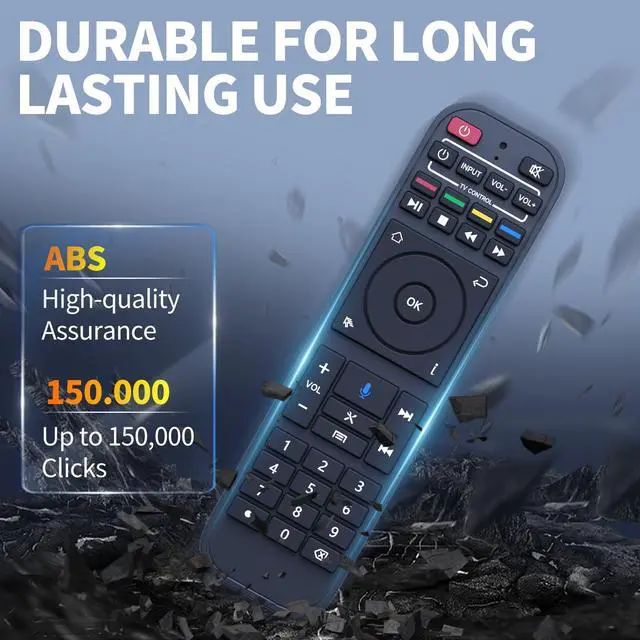
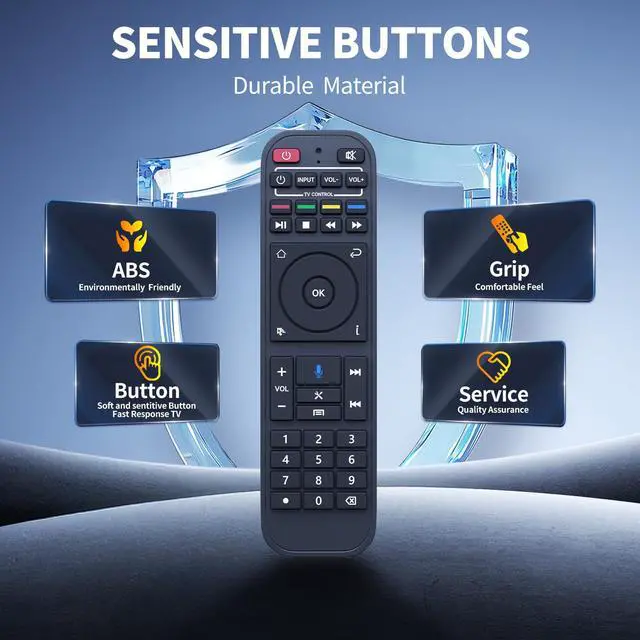
It is tested to withstand over 150, 000 clicks for dependable performance. High-Quality Durability & Comfortable Hold - Made from premium ABS material, it features outstanding impact resistance and robustness, constructed to endure daily use. The glossy smooth surface provides a comfortable grip, while soft silicone buttons deliver a responsive feel, stain resistance, and improved longevity
Note: The voice function is not supported on S3 Pro and S4 Pro models, but all other features operate properly. Simple Pairing Process -
Step 1: Press the "OK" and "" buttons at the same time until the indicator light flashes for pairing. Press the [OK] button until the red light ceases blinking.
Step 2: Finally, navigate to [Settings] - [Bluetooth] to verify the device connection. Look for the "RC-200" device to confirm successful pairing. Programming Instructions for Other Remotes - 1. Press and hold the power button within the "TV CONTROL" section until the indicator light remains steady. Then begin programming. 2. Press the button in the "TV CONTROL" section for the function you to program. The light will start to blink. 3. Point your TV remote at the TV box remote and press and hold the button on the TV remote that requires programming. 4. If the function is copied successfully, the indicator light will flash 3 times and then stay lit. Use the same method to program other functions. 5. The indicator light will flash 5 times if programming is unsuccessful. Then you need to repeat steps 2-4. 6. Press any button outside the "TV CONTROL" section to exit. Advanced Performance & Broad Coverage - Equipped with infrared 3.0 technology and a newly upgraded chip, this remote provides rapid response ( 0.2 seconds) and consistent signal transmission. With an 8m/26ft control range and a 120°+ control angle, it offers a more adaptable remote control experience.
It is tested to withstand over 150, 000 clicks for dependable performance. High-Quality Durability & Comfortable Hold - Made from premium ABS material, it features outstanding impact resistance and robustness, constructed to endure daily use. The glossy smooth surface provides a comfortable grip, while soft silicone buttons deliver a responsive feel, stain resistance, and improved longevity
Warranty & Returns
Warranty, Returns, And Additional Information
Warranty
- Please contact the Seller directly for warranty information. Warranty information may also be found on the Manufacturer's website.
- CONTACT
Return Policies
- Return for refund within: 30 days
- Return for replacement within: 30 days
- This item is covered by Audivibe Return Policy
Manufacturer Contact Info
- For a directory of all our manufacturers, please click below.
- Manufacturers Directory
LOADING...