

Your Browsing History

Meet Your Seller
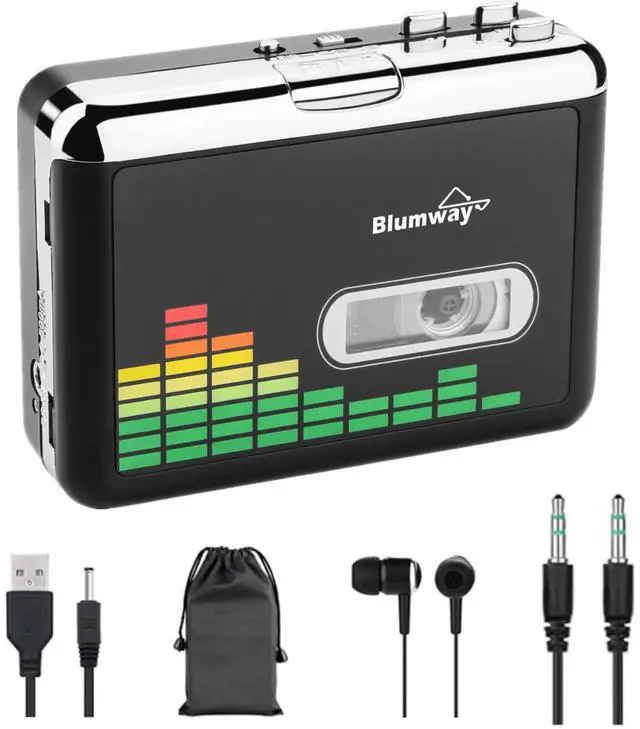
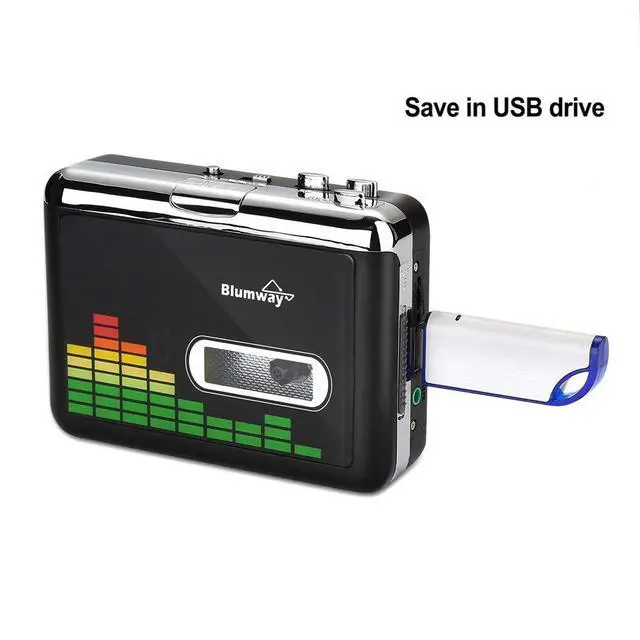
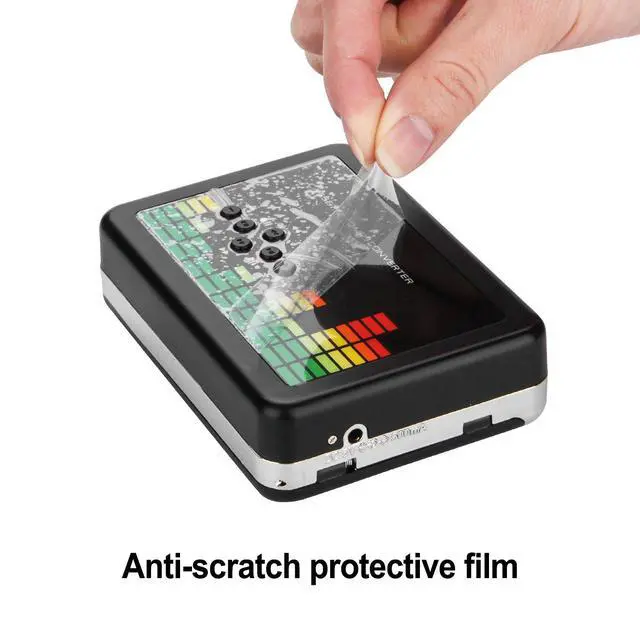


USB Cassette to MP3 Converter, Cassette Tape Player, No PC Needed | Plug & Play, USB/Battery Power, Portable Walkman Type, Auto-Reverse, Volume Control, Tape to Digital Converter with Earphone
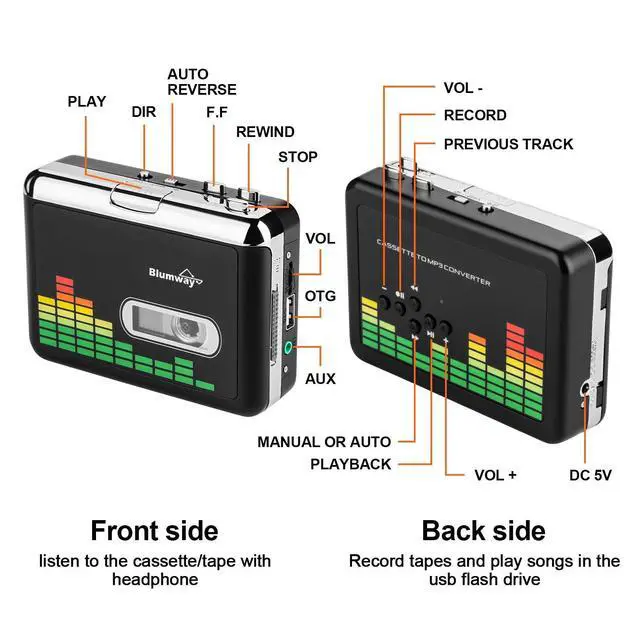
- Cassette to MP3 Converter Converts audio music cassette tapes to MP3 digital format without a computer. Quickly transfers your old cassette tapes onto a USB flash drive, either manually or automatically. This compact cassette tape recorder is simple to operate and features a volume control button, enabling you to adjust the volume during recording. Note: This device supports recording tapes to USB drives and does not support computer recording. USB Cassette Converter This cassette player effectively captures and converts your old tapes to MP3 format with a playback function. It works with USB drives (FAT, FAT32 formats, up to 128GB). It is highly recommended to use a USB drive formatted in FAT32 mode, with 32GB capacity and a 4-6M/S read speed. Incompatible USB drives can interrupt the recording or prevent storage. Please format the USB drive as FAT32, even if it was originally FAT32. Auto Reverse The cassette player to MP3 converter can automatically switch to the other side of the cassette tape while conversion is in progress, without manual operation. Audio rates: 44.1 and 48 kHz, 16-bit. The converter is powered by a USB port or 2x AA batteries, with USB power being more stable. Note: If the device stops functioning after a period of use, check the power supply. Switch to battery or DC power supply to increase power. Auto / Manual Mode Two types of conversion. You can split your music into tracks using two conversion modes. The default is manual mode; switch to
+
+
Overview
Specs
Reviews

Any questions? Our AI mode will help you find out quickly.
Try me now
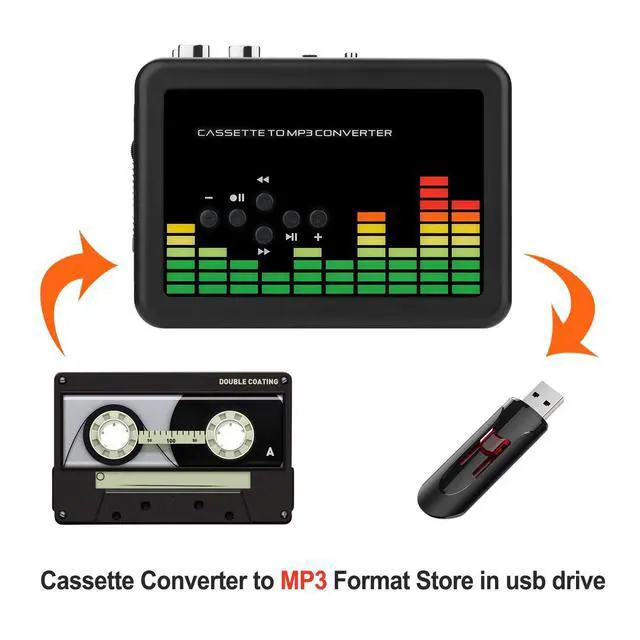
Cassette to MP3 Converter Converts audio music cassette tapes to MP3 digital format without a computer. Quickly transfers your old cassette tapes onto a USB flash drive, either manually or automatically. This compact cassette tape recorder is simple to operate and features a volume control button, enabling you to adjust the volume during recording.
Note: This device supports recording tapes to USB drives and does not support computer recording. USB Cassette Converter This cassette player effectively captures and converts your old tapes to MP3 format with a playback function. It works with USB drives (FAT, FAT32 formats, up to 128GB). It is highly recommended to use a USB drive formatted in FAT32 mode, with 32GB capacity and a 4-6M/S read speed. Incompatible USB drives can interrupt the recording or prevent storage. Please format the USB drive as FAT32, even if it was originally FAT32. Auto Reverse The cassette player to MP3 converter can automatically switch to the other side of the cassette tape while conversion is in progress, without manual operation.
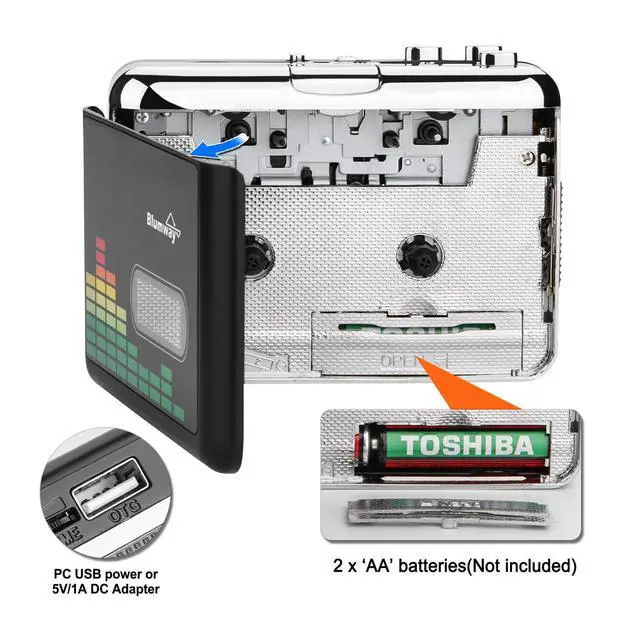
Audio rates: 44.1 and 48 kHz, 16-bit. The converter is powered by a USB port or 2x AA batteries, with USB power being more stable.
Note: If the device stops functioning after a period of use, check the power supply. Switch to battery or DC power supply to increase power. Auto / Manual Mode Two types of conversion. You can split your music into tracks using two conversion modes. The default is manual mode; switch to auto mode with the button. In automatic mode, the converter saves each song as a separate MP3 file. It is very convenient to operate, helping you enjoy high-quality listening.
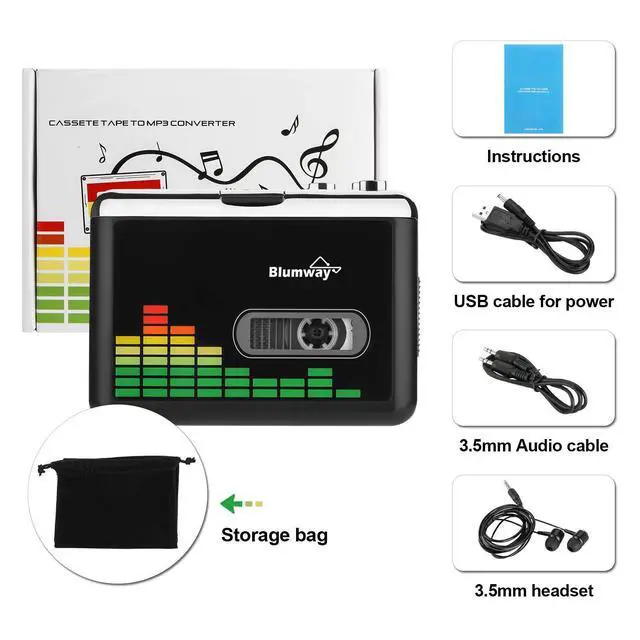
Note: Auto mode automatically splits recordings into individual songs and saves them. Manual mode requires you to stop recording each song manually. Portable Cassette Player Functions as a cassette player. This lightweight and versatile player includes a storage bag. Simply use headphones or connect to a car speaker via the included 3.5 mm AUX jack to enjoy your MP3 music anywhere.
Note: No external speaker or microphone is included in the package
Note: This device supports recording tapes to USB drives and does not support computer recording. USB Cassette Converter This cassette player effectively captures and converts your old tapes to MP3 format with a playback function. It works with USB drives (FAT, FAT32 formats, up to 128GB). It is highly recommended to use a USB drive formatted in FAT32 mode, with 32GB capacity and a 4-6M/S read speed. Incompatible USB drives can interrupt the recording or prevent storage. Please format the USB drive as FAT32, even if it was originally FAT32. Auto Reverse The cassette player to MP3 converter can automatically switch to the other side of the cassette tape while conversion is in progress, without manual operation.
Audio rates: 44.1 and 48 kHz, 16-bit. The converter is powered by a USB port or 2x AA batteries, with USB power being more stable.
Note: If the device stops functioning after a period of use, check the power supply. Switch to battery or DC power supply to increase power. Auto / Manual Mode Two types of conversion. You can split your music into tracks using two conversion modes. The default is manual mode; switch to auto mode with the button. In automatic mode, the converter saves each song as a separate MP3 file. It is very convenient to operate, helping you enjoy high-quality listening.
Note: Auto mode automatically splits recordings into individual songs and saves them. Manual mode requires you to stop recording each song manually. Portable Cassette Player Functions as a cassette player. This lightweight and versatile player includes a storage bag. Simply use headphones or connect to a car speaker via the included 3.5 mm AUX jack to enjoy your MP3 music anywhere.
Note: No external speaker or microphone is included in the package
Warranty & Returns
Warranty, Returns, And Additional Information
Warranty
- Please contact the Seller directly for warranty information. Warranty information may also be found on the Manufacturer's website.
- CONTACT
Return Policies
- Return for refund within: 30 days
- Return for replacement within: 30 days
- This item is covered by Audivibe Return Policy
Manufacturer Contact Info
- For a directory of all our manufacturers, please click below.
- Manufacturers Directory
LOADING...