

Your Browsing History

Meet Your Seller
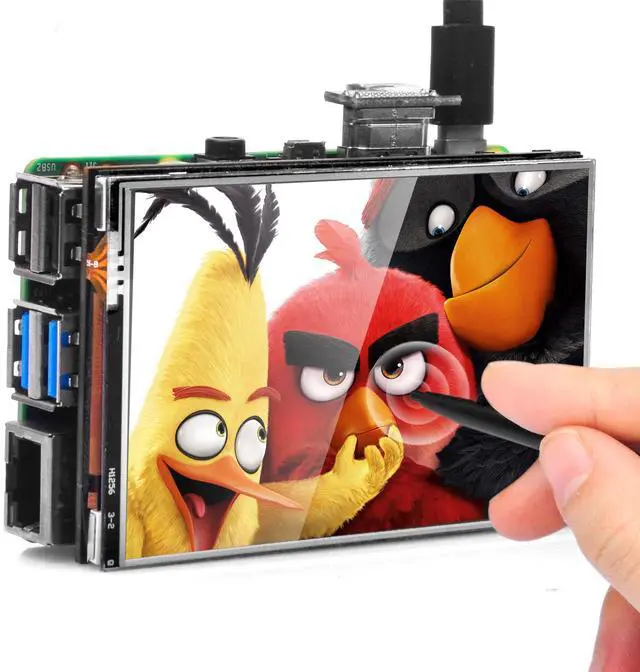
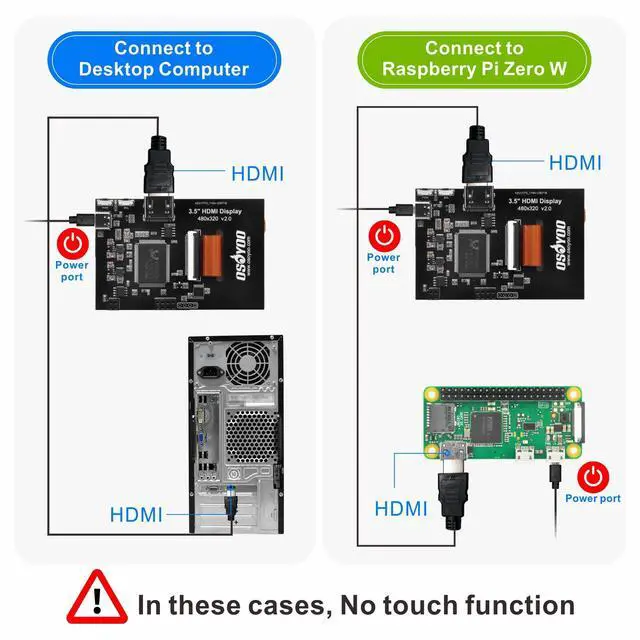
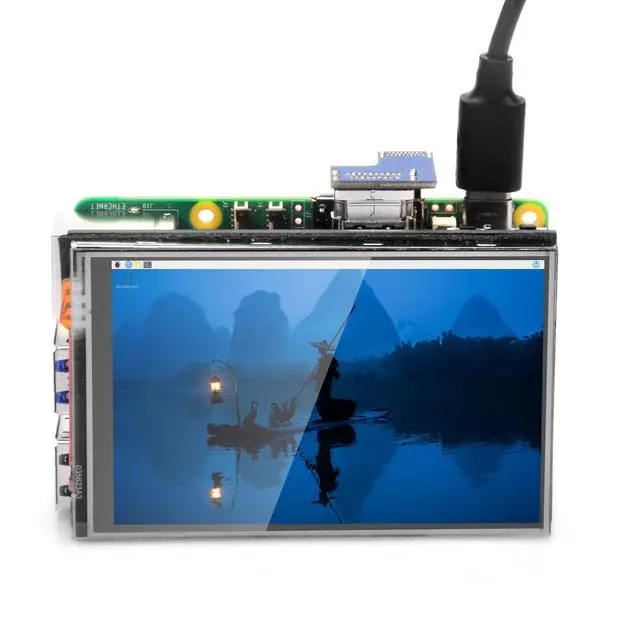
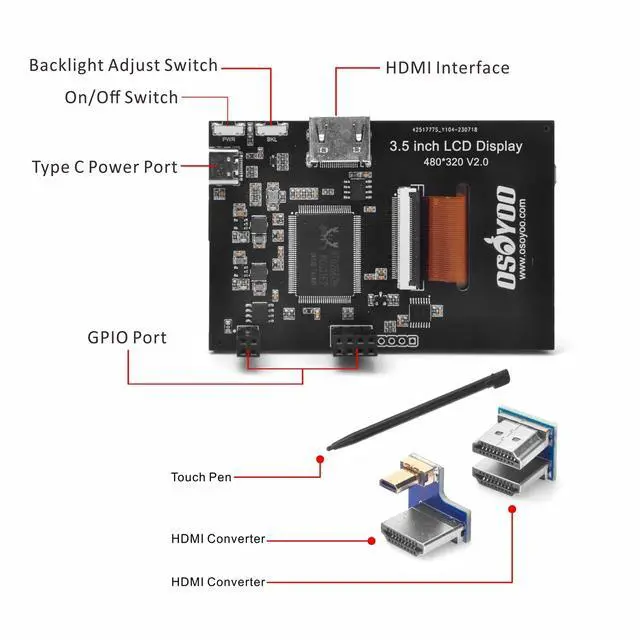
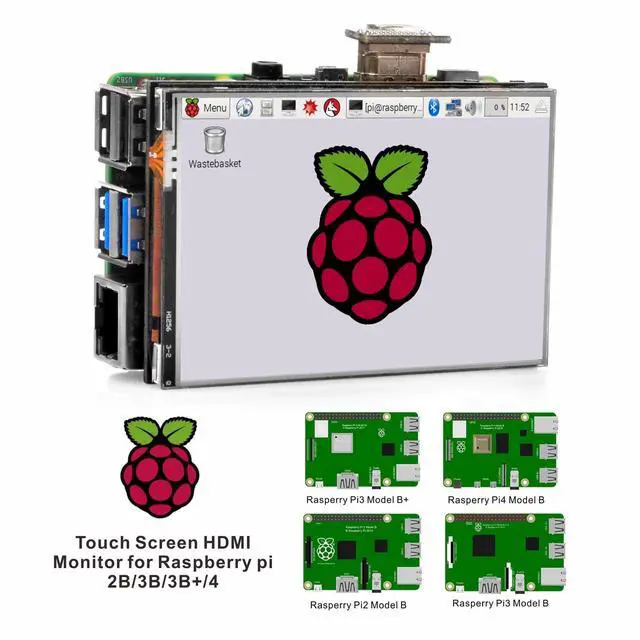


3.5" HDMI LCD Touch Screen for Raspberry Pi 5 4 3 2 with Stylus Pen
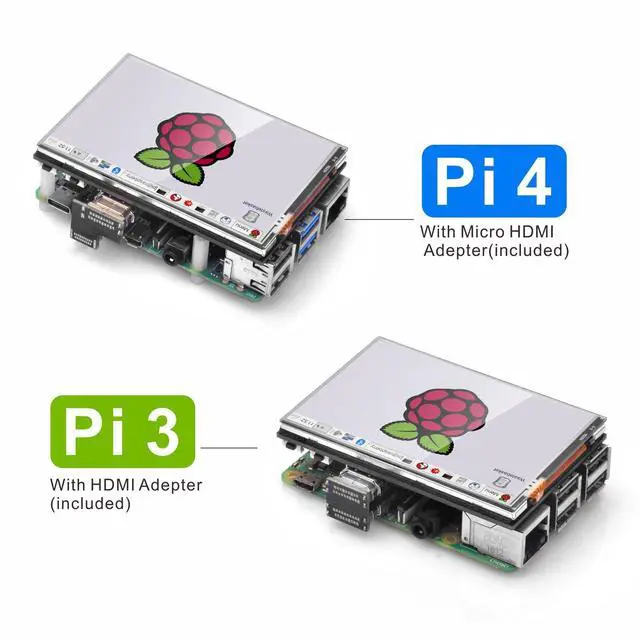
- 3.5-inch resistive touch screen, very easy to install with Raspberry Pi 2B, 3B, and 4. No external power supply is required. A driver is necessary. Fully compatible with OS: Raspberry Pi OS. Note: display function supports OS: Raspbian, Kali, Ubuntu, RetroPie, PiPlayer, Windows 10, etc. You simply need to install the OS you prefer. This LCD display resolution is 480*320. It also accepts input resolutions up to 1920*1280. Supports adjustable resolution: any resolution between 480*320 to 1920*1280 (recommended 3:2 aspect ratio). Resolutions higher than 480*320 will be compressed to 480*320 on the LCD display. When resolution is compressed, the screen display ratio may be adjusted accordingly. Supports playing video and games. This screen works out of the box with minimal effort to get the touch control functioning. It has multiple uses, not just for the Pi. Suitable for DIY projects. This 3.5-inch HDMI resistive touchscreen does not work properly when using the default Wayfire graphics system on the Raspberry Pi 4B and 5B. However, if you change the default graphics system on these models to X11, it will work fine. Please follow the new tutorial
+
+
Overview
Specs
Reviews

Any questions? Our AI mode will help you find out quickly.
Try me now
3.5 -inch resistive touch screen, very easy to install with Raspberry Pi 2B, 3B, and 4. No external power supply is required. A driver is necessary.
Fully compatible with OS: Raspberry Pi OS.
Note: display function supports
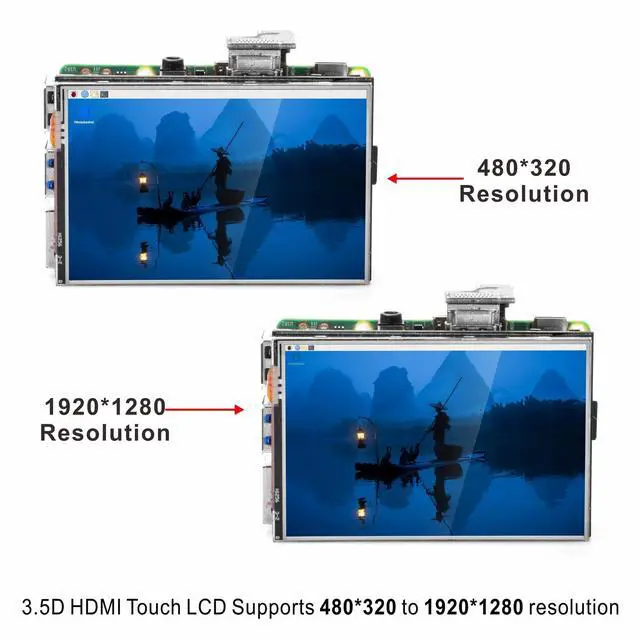
OS: Raspbian, Kali, Ubuntu, RetroPie, PiPlayer, Windows 10, etc. You simply need to install the OS you prefer. This LCD display resolution is 480*320. It also accepts input resolutions up to 1920*1280.
Supports adjustable resolution: any resolution between 480*320 to 1920*1280 (recommended 3:2 aspect ratio). Resolutions higher than 480*320 will be compressed to 480*320 on the LCD display. When resolution is compressed, the screen display ratio may be adjusted accordingly. Supports playing video and games. This screen works out of the box with minimal effort to get the touch control functioning. It has multiple uses, not just for the Pi. Suitable for DIY projects. This 3.5 -inch HDMI resistive touchscreen does not work properly when using the default Wayfire graphics system on the Raspberry Pi 4B and 5B. However, if you change the default graphics system on these models to X11, it will work fine. Please follow the new tutorial
Fully compatible with OS: Raspberry Pi OS.
Note: display function supports
OS: Raspbian, Kali, Ubuntu, RetroPie, PiPlayer, Windows 10, etc. You simply need to install the OS you prefer. This LCD display resolution is 480*320. It also accepts input resolutions up to 1920*1280.
Supports adjustable resolution: any resolution between 480*320 to 1920*1280 (recommended 3:2 aspect ratio). Resolutions higher than 480*320 will be compressed to 480*320 on the LCD display. When resolution is compressed, the screen display ratio may be adjusted accordingly. Supports playing video and games. This screen works out of the box with minimal effort to get the touch control functioning. It has multiple uses, not just for the Pi. Suitable for DIY projects. This 3.5 -inch HDMI resistive touchscreen does not work properly when using the default Wayfire graphics system on the Raspberry Pi 4B and 5B. However, if you change the default graphics system on these models to X11, it will work fine. Please follow the new tutorial
Warranty & Returns
Warranty, Returns, And Additional Information
Warranty
- Please contact the Seller directly for warranty information. Warranty information may also be found on the Manufacturer's website.
- CONTACT
Return Policies
- Return for refund within: 30 days
- Return for replacement within: 30 days
- This item is covered by Audivibe Return Policy
Manufacturer Contact Info
- For a directory of all our manufacturers, please click below.
- Manufacturers Directory
LOADING...