

Your Browsing History

Meet Your Seller


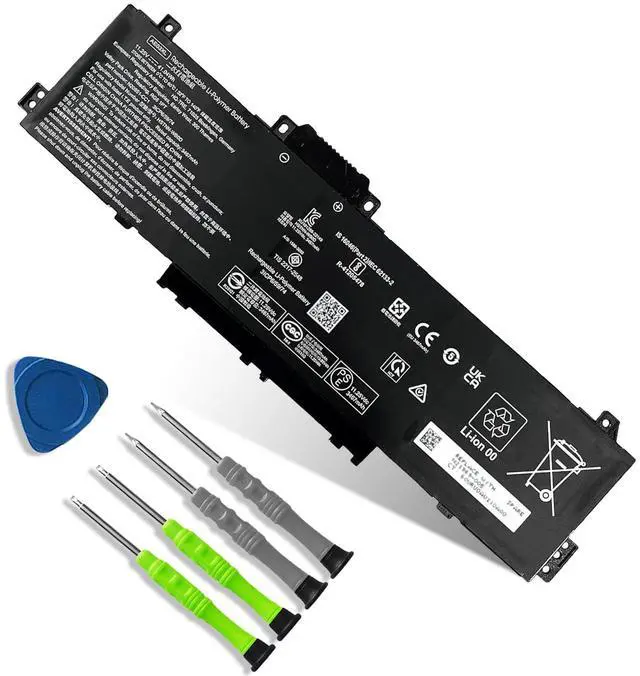
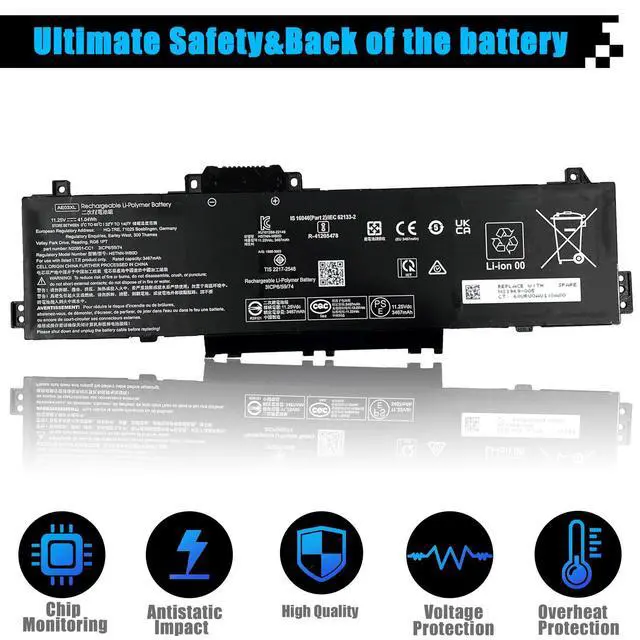
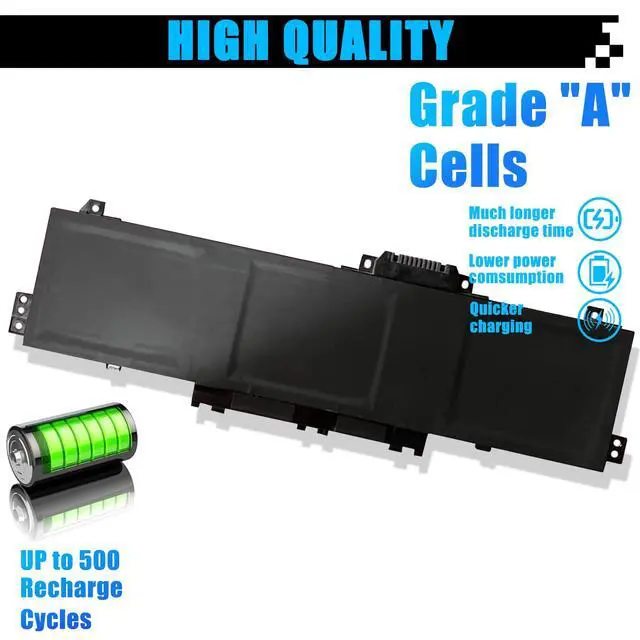



AE03XL N21969-005 Laptop Battery Replacement for HP 240 G10 245 G10 246 G10 250 G10 255 G10 256 G10 14-EE 14-EM 14Z-EM 14-EP 14T-EP 15-FC 15Z-FC 15-FD 15T-FD AE03041XL N20951-171 N20951-CC1 TPN-DB1N
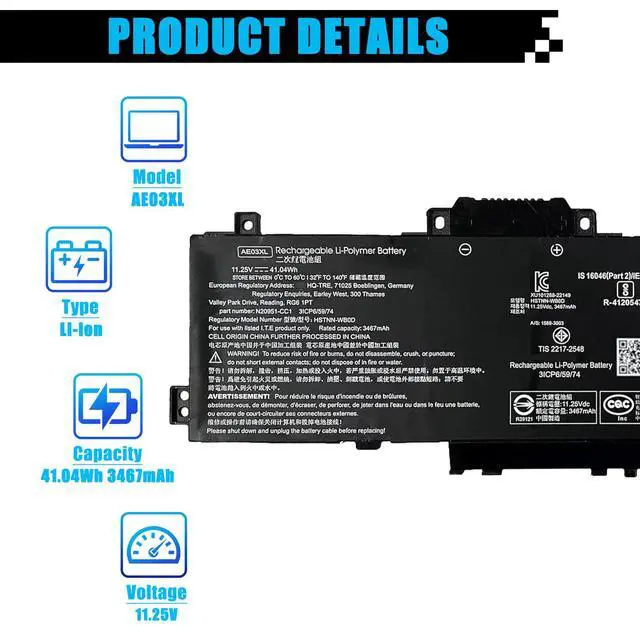
- Specifications: Item Model: AE03XL Battery Type: Li-ion Voltage: 11.25V Capacity: 41.04Wh 3467mAh Battery Condition: Brand New. Replacement for Part Numbers: AE03XL, AE03041XL, N21969-005, TPN-DB1N, N20951-2D1, HSTNN-OB3E, HSTNN-WB0D, N20951-2E1. Compatible Laptop Models: This battery is designed for the HP 240 G10 Series, HP 245 G10 Series, HP 246 G10 Series, HP 250 G10 Series, HP 255 G10 Series, HP 256 G10 Series, HP 14-EE Series, HP 14-EM 14Z-EM Series, HP 14-EP 14T-EP Series, HP 15-FC Series, HP 15Z-FC Series, HP 15-FD Series, and HP 15T-FD Series. Note: Before purchase, please open the back cover of your laptop to verify that your original battery model matches the one listed. Upon receiving the battery, install it properly. Make sure the battery connector is securely attached to the laptop motherboard and utilize the original laptop charger. To condition the new battery, discharge it to 5% (not 0%), then charge it fully. Repeat this charge and discharge cycle 3-4 times
+
+
Overview
Specs
Reviews

Any questions? Our AI mode will help you find out quickly.
Try me now
Specifications
: ItemModel: AE03XL
Battery Type: Li-ion
Voltage: 11.25V
Capacity: 41.04W h 3467mAh
Battery Condition: Brand New.
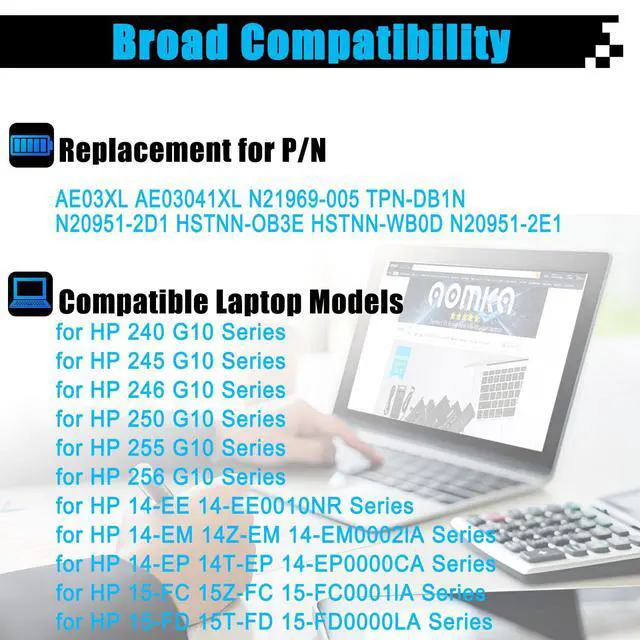
Replacement for Part Numbers: AE03XL, AE03041XL, N21969-005, TPN-DB1N, N20951-2D1, HSTNN-OB3E, HSTNN-WB0D, N20951-2E1.
Compatible Laptop Models: This battery is designed for the HP 240 G10 Series, HP 245 G10 Series, HP 246 G10 Series, HP 250 G10 Series, HP 255 G10 Series, HP 256 G10 Series, HP 14-EE Series, HP 14-EM 14Z-EM Series, HP 14-EP 14T-EP Series, HP 15-FC Series, HP 15Z-FC Series, HP 15-FD Series, and HP 15T-FD Series.
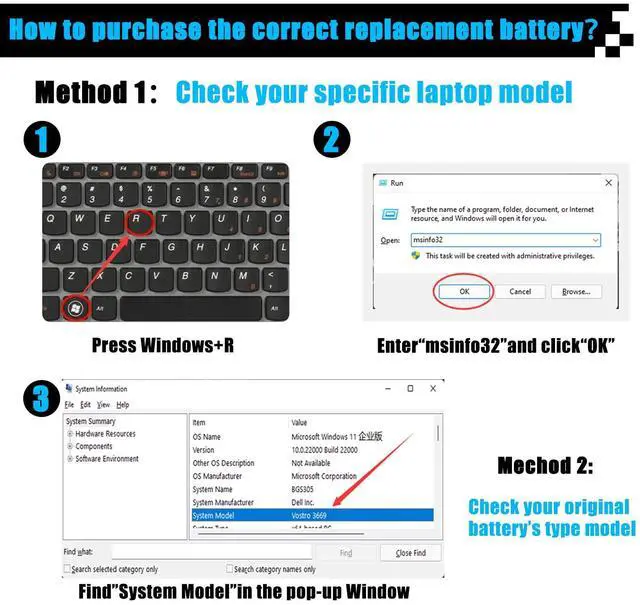
Note: Before purchase, please open the back cover of your laptop to verify that your original battery model matches the one listed. Upon receiving the battery, install it properly. Make sure the battery connector is securely attached to the laptop motherboard and utilize the original laptop charger. To condition the new battery, discharge it to 5% (not 0%), then charge it fully. Repeat this charge and discharge cycle 3-4 times
Warranty & Returns
Warranty, Returns, And Additional Information
Warranty
- Please contact the Seller directly for warranty information. Warranty information may also be found on the Manufacturer's website.
- CONTACT
Return Policies
- Return for refund within: 30 days
- Return for replacement within: 30 days
- This item is covered by JadeEssence Shop Return Policy
Manufacturer Contact Info
- For a directory of all our manufacturers, please click below.
- Manufacturers Directory
LOADING...