

Your Browsing History

Meet Your Seller


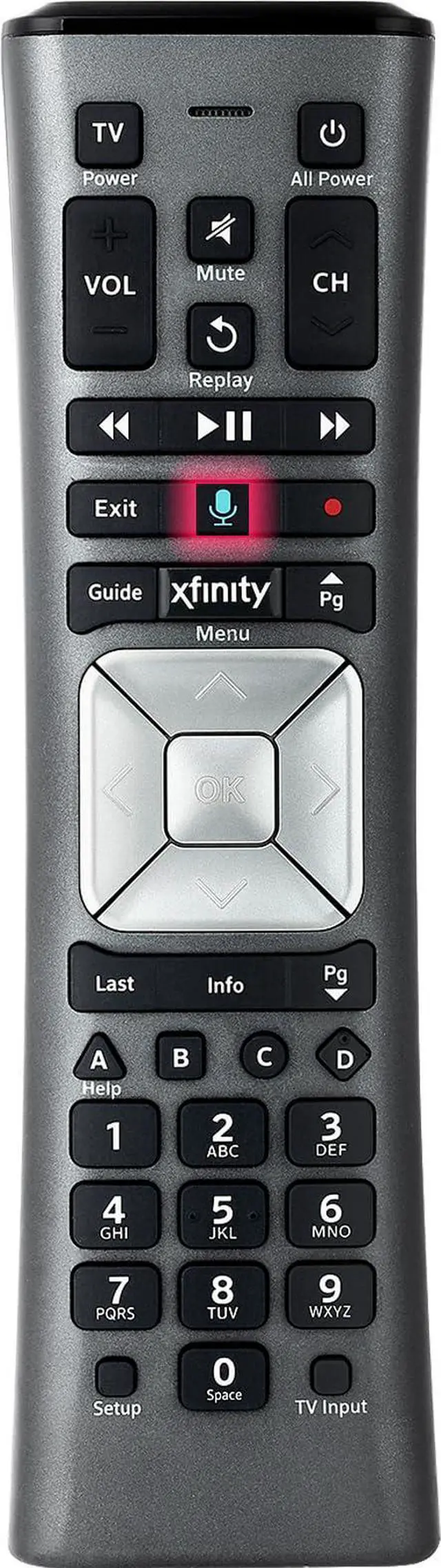


Voice Remote Control Replacement Compatible with XFinity Comcast Activated Cable TV Remote Control XR11 99% New Condition
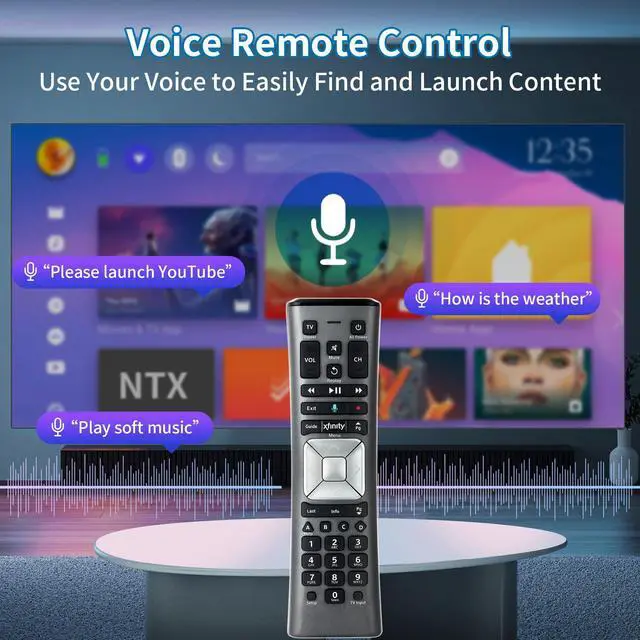
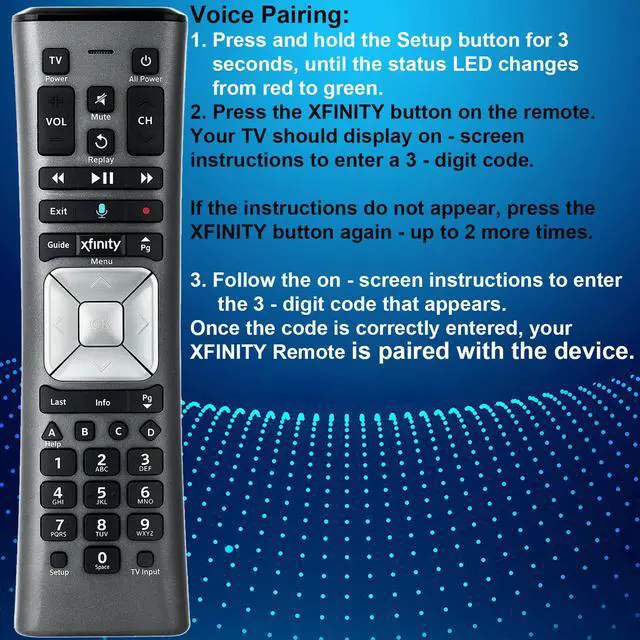
- Note: The remote has scratches on the back and may have dirty buttons, but it functions properly. Please consider this carefully before purchasing if it is a concern. The XR11 Voice Remote Control is compatible with the XFinity Comcast activated cable TV remote control. Please note: Voice functionality is only compatible with the X1 set-top box. RF pairing is exclusively available with the XG1 and Xi3 set-top boxes. How to pair your voice remote: Step 1: Press and hold the Setup button until the LED changes from red to green (approximately 3 seconds). Step 2: Press the Xfinity button. Step 3: Your TV should display a 3-digit codeenter it using the remote. If the code does not appear, press the Xfinity button 12 more times. Step 4: After entering the code correctly, the remote will pair automatically. The XR11 Voice Remote Control is compatible with the X1 set-top box
+
+
Overview
Specs
Reviews

Any questions? Our AI mode will help you find out quickly.
Try me now
Note: The remote has scratches on the back and may have dirty buttons, but it functions properly. Please consider this carefully before purchasing if it is a concern. The XR11 Voice Remote Control is compatible with the XFinity Comcast activated cable TV remote control.
Please note: Voice functionality is only compatible with the X1 set-top box. RF pairing is exclusively available with the XG1 and Xi3 set-top boxes. How to pair your voice remote: Step
1: Press and hold the Setup button until the LED changes from red to green (approximately 3 seconds).
Step 2: Press the Xfinity button.
Step 3: Your TV should display a 3-digit codeenter it using the remote. If the code does not appear, press the Xfinity button 12 more times.
Step 4: After entering the code correctly, the remote will pair automatically. The XR11 Voice Remote Control is compatible with the X1 set-top box
Please note: Voice functionality is only compatible with the X1 set-top box. RF pairing is exclusively available with the XG1 and Xi3 set-top boxes. How to pair your voice remote: Step
1: Press and hold the Setup button until the LED changes from red to green (approximately 3 seconds).
Step 2: Press the Xfinity button.
Step 3: Your TV should display a 3-digit codeenter it using the remote. If the code does not appear, press the Xfinity button 12 more times.
Step 4: After entering the code correctly, the remote will pair automatically. The XR11 Voice Remote Control is compatible with the X1 set-top box
Warranty & Returns
Warranty, Returns, And Additional Information
Warranty
- Please contact the Seller directly for warranty information. Warranty information may also be found on the Manufacturer's website.
- CONTACT
Return Policies
- Return for refund within: 30 days
- Return for replacement within: 30 days
- This item is covered by JadeEssence Shop Return Policy
Manufacturer Contact Info
- For a directory of all our manufacturers, please click below.
- Manufacturers Directory
LOADING...