

Your Browsing History

Meet Your Seller
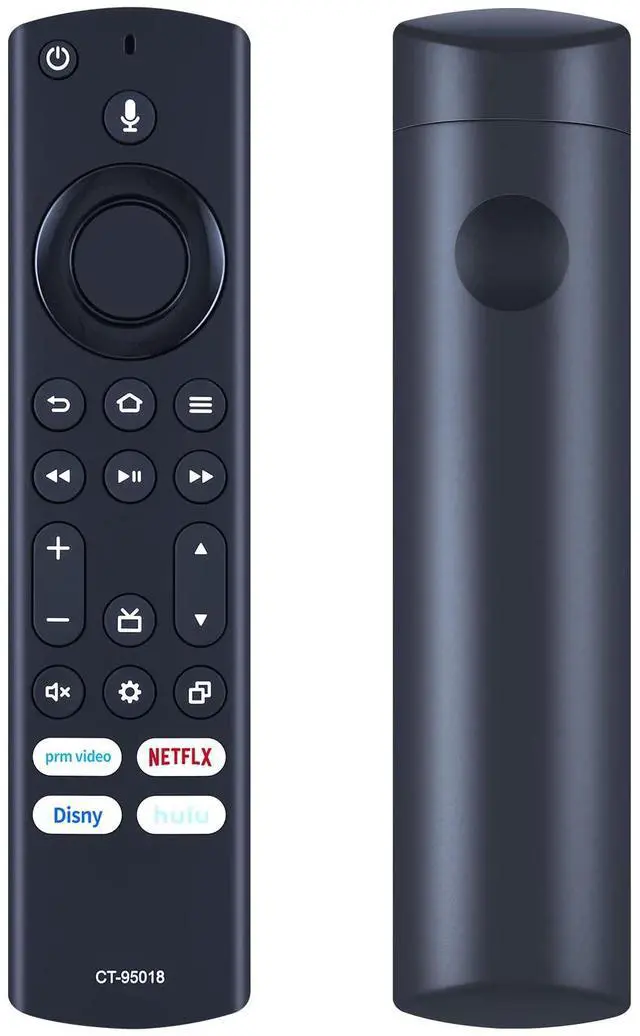
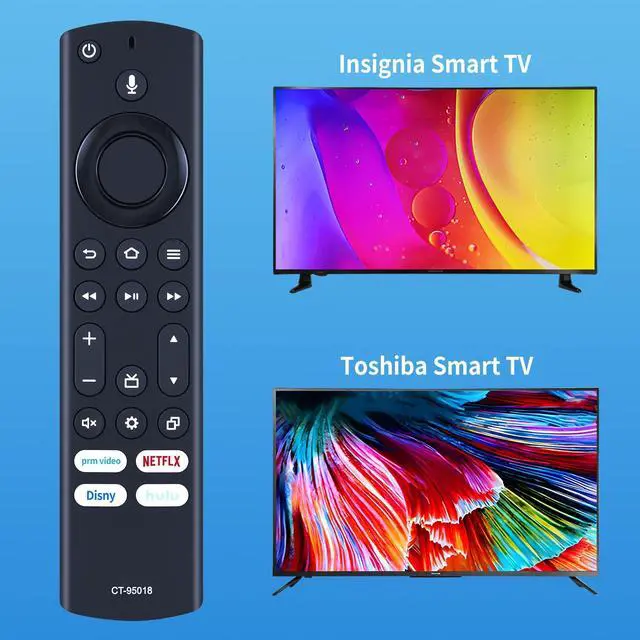
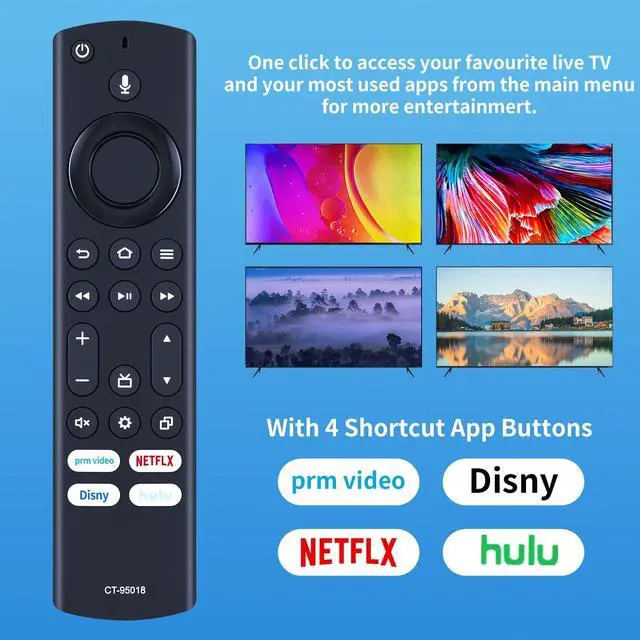


CT-95018 Replacement Voice Remote Control Compatible for Toshiba Insignia 4K LED UHD Smart TV 40C350KU 43C350KU 50C350KU 55C350KU 65C350KU 75C350KU NS-24F202NA22 NS-42F201NA22 NS-55F301NA22
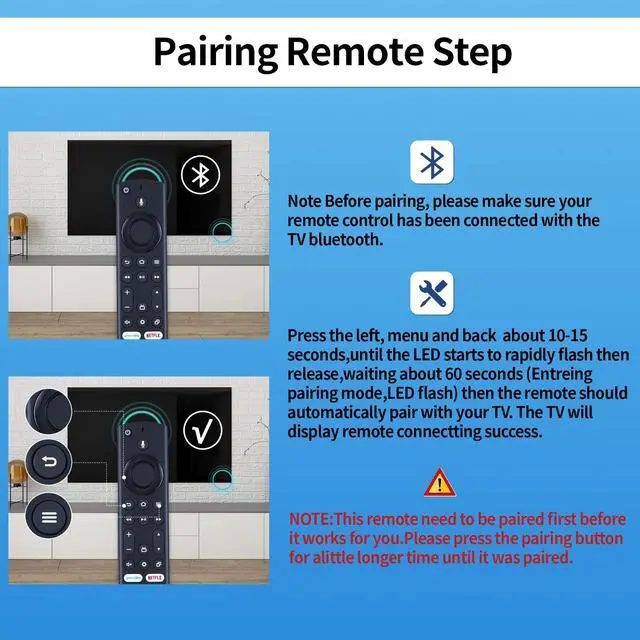
- This is a new CT-95018 voice remote control with microphone, designed as a replacement for Toshiba and Insignia 4K LED UHD Smart TVs. Pairing Steps: 1. Press and hold the left, menu, and back keys for more than 10 seconds, then wait for 60 seconds. 3. Remove the battery from the remote control, press the power button on the TV and wait for 60 seconds, then reinsert the battery and wait for the main screen to display. 4. Press and hold the Home button on the remote control for 40 seconds, then wait 60 seconds to complete the setup. This high-quality replacement remote control works with Toshiba 4K LED UHD Smart TV and Insignia 4K LED UHD Smart TV. It is compatible with Toshiba Smart TV models, including: 40C350KU, 43C350KU, 50C350KU, 55C350KU, 65C350KU, 75C350KU, NS-24F202NA22, NS-24DF310NA21, NS-32F201NA2, NS-32F202NA22, NS-32DF310NA21, NS-39DF310NA21, NS-42F201NA22, NS-43F301NA22, NS-43DF710NA21, NS-50F301NA22, NS-50F501NA22, NS-55F301NA22, NS-55F501NA22, NS-58F301NA22 2, NS-65F501NA22, NS-65DF710NA21, NS-70F501NA22, and NS-70DF710NA21. Battery Type: 2 x 1.5V AAA batteries (batteries are not included)
+
+
Overview
Specs
Reviews

Any questions? Our AI mode will help you find out quickly.
Try me now
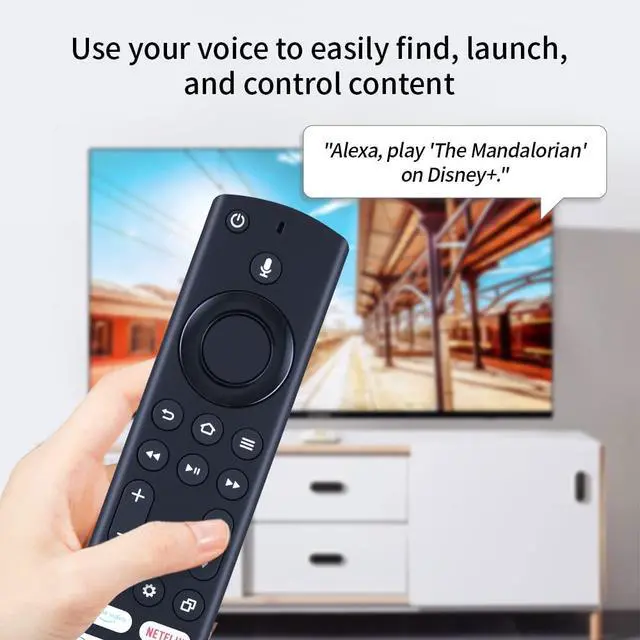
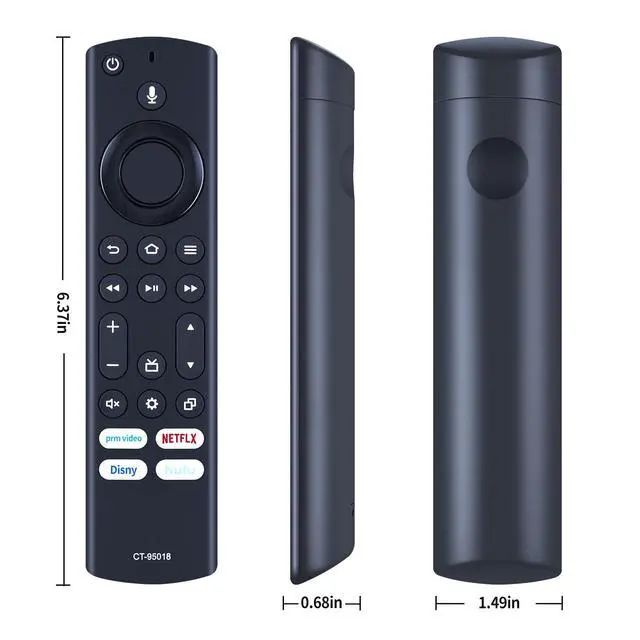
This is a new CT-95018 voice remote control with microphone, designed as a replacement for Toshiba and Insignia 4K LED UHD Smart TVs.
Pairing Steps: 1. Press and hold the left, menu, and back keys for more than 10 seconds, then wait for 60 seconds. 3. Remove the battery from the remote control, press the power button on the TV and wait for 60 seconds, then reinsert the battery and wait for the main screen to display. 4. Press and hold the Home button on the remote control for 40 seconds, then wait 60 seconds to complete the setup. This high-quality replacement remote control works with Toshiba 4K LED UHD Smart TV and Insignia 4K LED UHD Smart TV. It is compatible with Toshiba Smart TV models, including: 40C350KU, 43C350KU, 50C350KU, 55C350KU, 65C350KU, 75C350KU, NS-24F202NA22, NS-24DF310NA21, NS-32F201NA2, NS-32F202NA22, NS-32DF310NA21, NS-39DF310NA21, NS-42F201NA22, NS-43F301NA22, NS-43DF710NA21, NS-50F301NA22, NS-50F501NA22, NS-55F301NA22, NS-55F501NA22, NS-58F301NA22 2, NS-65F501NA22, NS-65DF710NA21, NS-70F501NA22, and NS-70DF710NA21.
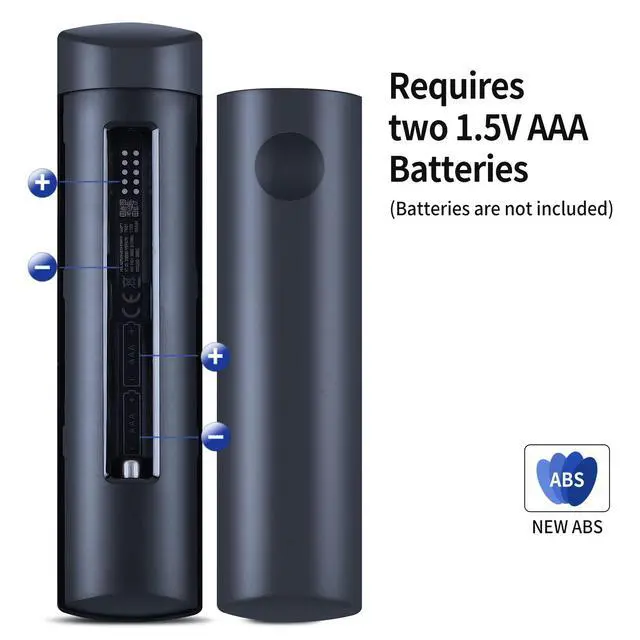
Battery Type: 2 x 1.5V AAA batteries (batteries are not included)
Pairing Steps: 1. Press and hold the left, menu, and back keys for more than 10 seconds, then wait for 60 seconds. 3. Remove the battery from the remote control, press the power button on the TV and wait for 60 seconds, then reinsert the battery and wait for the main screen to display. 4. Press and hold the Home button on the remote control for 40 seconds, then wait 60 seconds to complete the setup. This high-quality replacement remote control works with Toshiba 4K LED UHD Smart TV and Insignia 4K LED UHD Smart TV. It is compatible with Toshiba Smart TV models, including: 40C350KU, 43C350KU, 50C350KU, 55C350KU, 65C350KU, 75C350KU, NS-24F202NA22, NS-24DF310NA21, NS-32F201NA2, NS-32F202NA22, NS-32DF310NA21, NS-39DF310NA21, NS-42F201NA22, NS-43F301NA22, NS-43DF710NA21, NS-50F301NA22, NS-50F501NA22, NS-55F301NA22, NS-55F501NA22, NS-58F301NA22 2, NS-65F501NA22, NS-65DF710NA21, NS-70F501NA22, and NS-70DF710NA21.
Battery Type: 2 x 1.5V AAA batteries (batteries are not included)
Warranty & Returns
Warranty, Returns, And Additional Information
Warranty
- Please contact the Seller directly for warranty information. Warranty information may also be found on the Manufacturer's website.
- CONTACT
Return Policies
- Return for refund within: 30 days
- Return for replacement within: 30 days
- This item is covered by Audivibe Return Policy
Manufacturer Contact Info
- For a directory of all our manufacturers, please click below.
- Manufacturers Directory
LOADING...