

Your Browsing History
- Free 30-day Returns
$74.99

Meet Your Seller

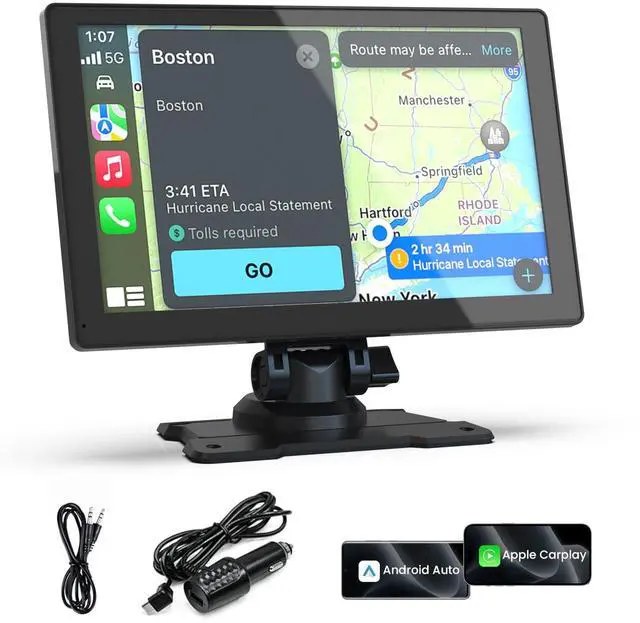


Carplay Screen for Car, 9'' Wireless CarPlay-Upgrade Portable Touchscreen | GPS Navigation, Bluetooth, Mirror Link, Voice Control, Hands-Free Calling,Plug & Play Car Play Screen
Limited time offer, ends 09/29 By JadeEssence Shop
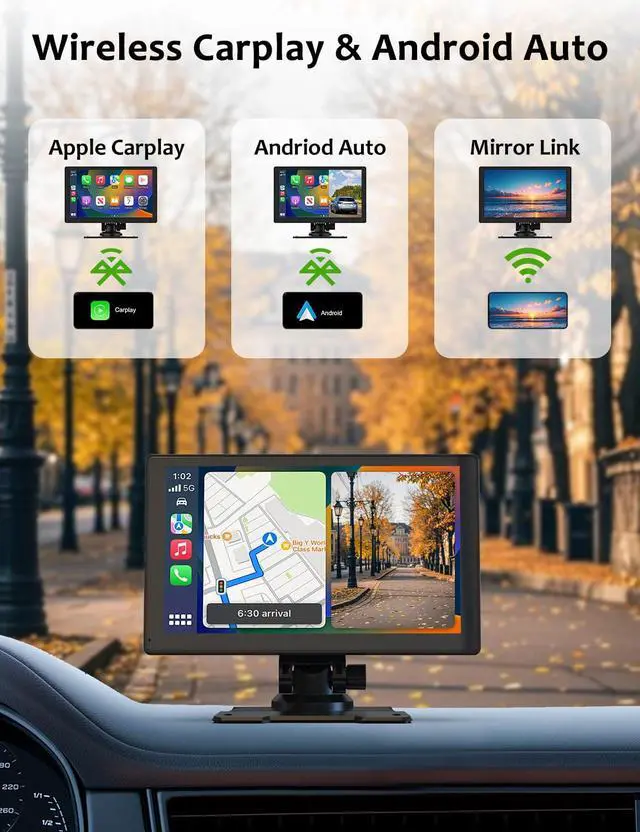
- Upgrade to Wireless CarPlay and Android Auto This plug-and-play dual din car stereo features wireless Apple CarPlay and Android Auto with the latest voice control technology. Simply connect it to your smartphone to access map navigation, calling, email, notifications, music, and more with the help of Siri or Google Assistant. The screen enhances driving safety and comfort, making your drive more convenient and enjoyable. It is an ideal upgrade solution for older car models. 4 Audio Outputs for Ultimate Flexibility Connect to your car stereo via Bluetooth for an immersive audio experience, whether in a highway tunnel or stuck in traffic. It provides four audio outputs: Bluetooth, AUX, FM, and built-in speakers, allowing you to enjoy clear and stable music in noisy environments. This unit is compatible with almost all car models, including cars, trucks, vans, and pickups. 9-inch HD Screen with Screen Mirroring This 9-inch HD portable car screen is compatible with CarPlay and screen mirroring (iOS/Android), turning it into a media center for YouTube and Netflix, and transforming your car into a temporary theater for more driving fun. Easy Installation and Fit This portable unit is plug-and-play, connecting directly to the dashboard via the cigarette lighter. There is no need to disassemble your car's console, and it allows you to keep your car's original radio. It is suitable for most motor vehicles, such as cars, trucks, vans, and pickups. Online Maps and Real-time GPS Naviga
+
+
Overview
Specs
Reviews

Any questions? Our AI mode will help you find out quickly.
Try me now
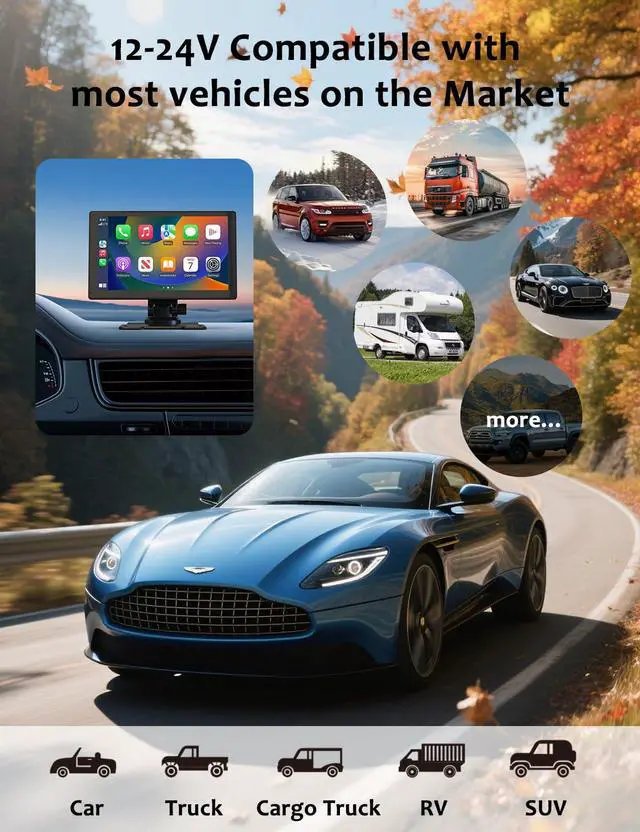
Upgrade to Wireless CarPlay and Android Auto This plug-and-play dual din car stereo features wireless Apple CarPlay and Android Auto with the latest voice control technology. Simply connect it to your smartphone to access map navigation, calling, email, notifications, music, and more with the help of Siri or Google Assistant. The screen enhances driving safety and comfort, making your drive more convenient and enjoyable. It is an ideal upgrade solution for older car models. 4 Audio Outputs for Ultimate Flexibility Connect to your car stereo via Bluetooth for an immersive audio experience, whether in a highway tunnel or stuck in traffic.
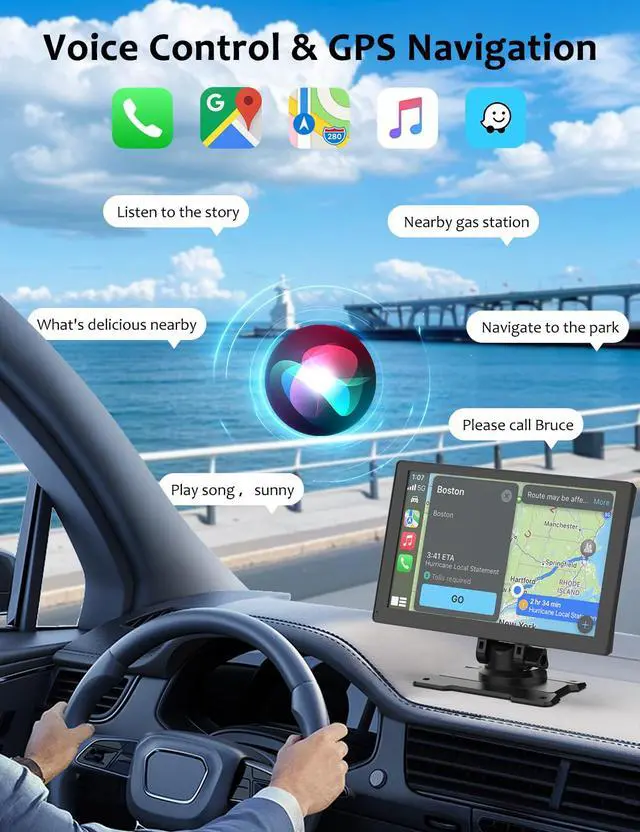
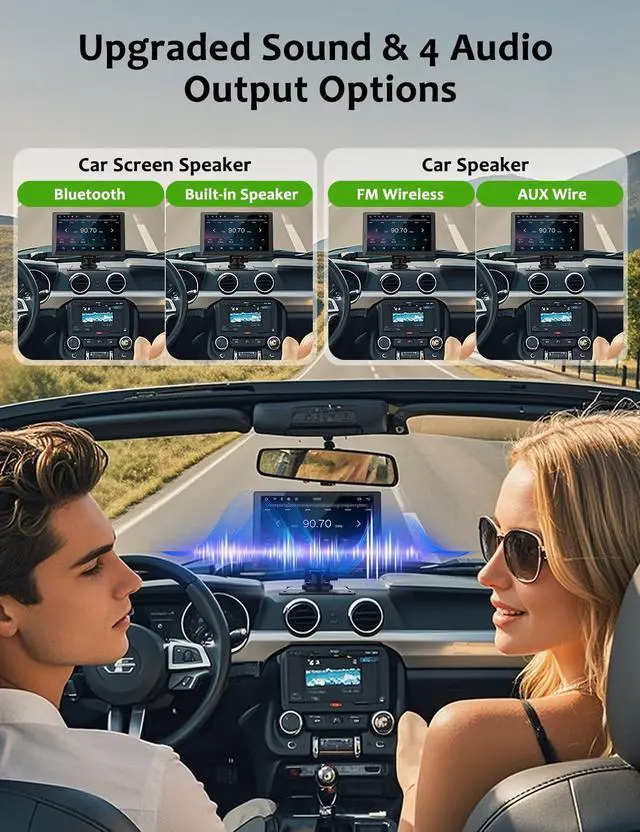
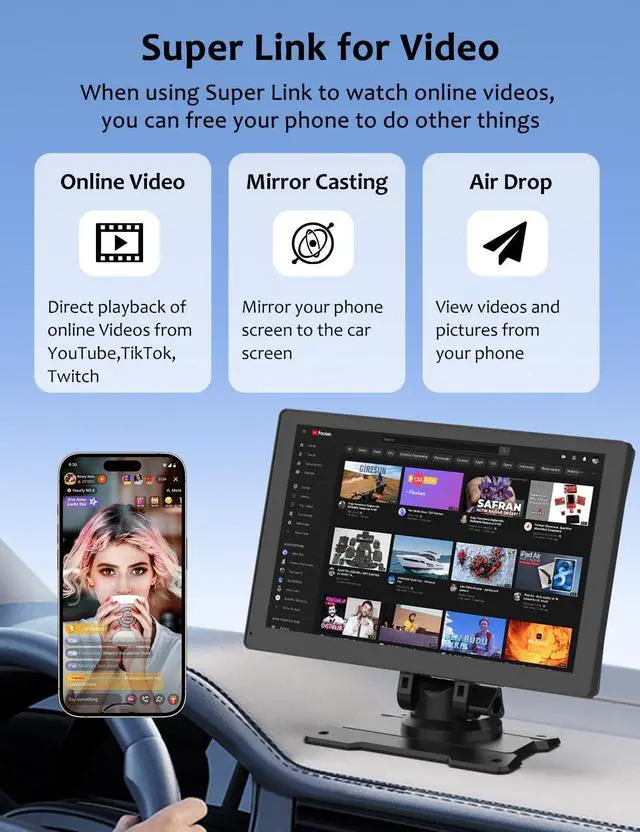
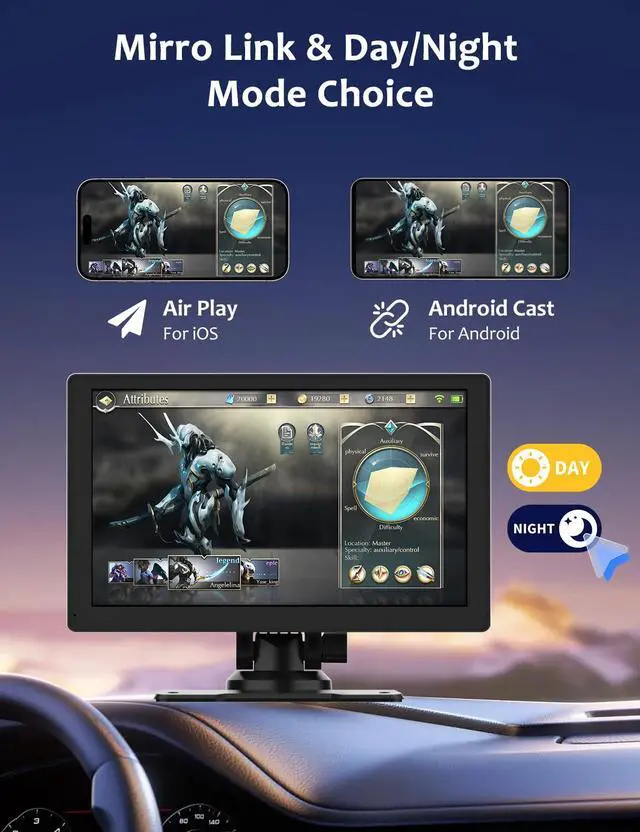
It provides four audio outputs: Bluetooth, AUX, FM, and built-in speakers, allowing you to enjoy clear and stable music in noisy environments. This unit is compatible with almost all car models, including cars, trucks, vans, and pickups. 9-inch HD Screen with Screen Mirroring This 9-inch HD portable car screen is compatible with CarPlay and screen mirroring (iOS/Android), turning it into a media center for YouTube and Netflix, and transforming your car into a temporary theater for more driving fun. Easy Installation and Fit This portable unit is plug-and-play, connecting directly to the dashboard via the cigarette lighter. There is no need to disassemble your car's console, and it allows you to keep your car's original radio. It is suitable for most motor vehicles, such as cars, trucks, vans, and pickups. Online Maps and Real-time GPS Navigation When connected to your phone, this portable screen provides accurate real-time location and GPS navigation without delay. It allows you to use popular mapping apps such as Google Maps and Waze for real-time navigation (phone connection required). In-car speaker voice navigation provides optimized, real-time route suggestions during traffic jams and lane changes, ensuring safety on the road.
How to connect an
Android phone: Option
1: Download Baidu CarLife+, open the app, and grant full permissions for location, storage, and microphone. On the car's infotainment screen, tap "CarLife / Phone Connectivity. " On your phone, in the pop-up authorization window, tap "Allow" for all permissions. Connection is then successful. Navigation and music will be fully mirrored from your phone to the car's screen, supporting car infotainment button operations.
Option 2: Install Android Auto on your phone and enable USB debugging. Connect the data cable to the car's USB port. Select Android Auto mode on the car's infotainment system. Complete permission authorization to achieve full-screen mirroring
It provides four audio outputs: Bluetooth, AUX, FM, and built-in speakers, allowing you to enjoy clear and stable music in noisy environments. This unit is compatible with almost all car models, including cars, trucks, vans, and pickups. 9-inch HD Screen with Screen Mirroring This 9-inch HD portable car screen is compatible with CarPlay and screen mirroring (iOS/Android), turning it into a media center for YouTube and Netflix, and transforming your car into a temporary theater for more driving fun. Easy Installation and Fit This portable unit is plug-and-play, connecting directly to the dashboard via the cigarette lighter. There is no need to disassemble your car's console, and it allows you to keep your car's original radio. It is suitable for most motor vehicles, such as cars, trucks, vans, and pickups. Online Maps and Real-time GPS Navigation When connected to your phone, this portable screen provides accurate real-time location and GPS navigation without delay. It allows you to use popular mapping apps such as Google Maps and Waze for real-time navigation (phone connection required). In-car speaker voice navigation provides optimized, real-time route suggestions during traffic jams and lane changes, ensuring safety on the road.
How to connect an
Android phone: Option
1: Download Baidu CarLife+, open the app, and grant full permissions for location, storage, and microphone. On the car's infotainment screen, tap "CarLife / Phone Connectivity. " On your phone, in the pop-up authorization window, tap "Allow" for all permissions. Connection is then successful. Navigation and music will be fully mirrored from your phone to the car's screen, supporting car infotainment button operations.
Option 2: Install Android Auto on your phone and enable USB debugging. Connect the data cable to the car's USB port. Select Android Auto mode on the car's infotainment system. Complete permission authorization to achieve full-screen mirroring
Warranty & Returns
Warranty, Returns, And Additional Information
Warranty
- Please contact the Seller directly for warranty information. Warranty information may also be found on the Manufacturer's website.
- CONTACT
Return Policies
- Return for refund within: 30 days
- Return for replacement within: 30 days
- This item is covered by JadeEssence Shop Return Policy
Manufacturer Contact Info
- For a directory of all our manufacturers, please click below.
- Manufacturers Directory
LOADING...