

Your Browsing History

Meet Your Seller
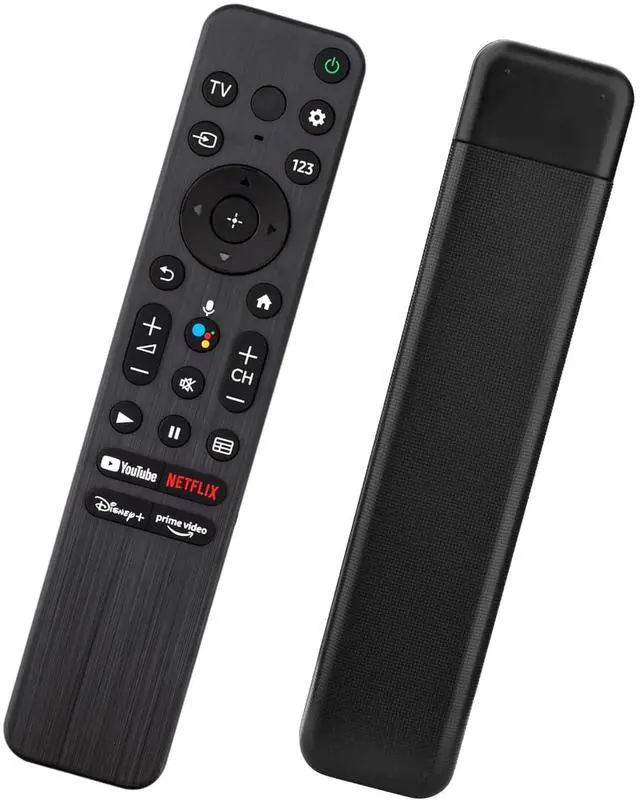


Voice Remote for Sony Smart TVs,Replacement Remote Control for Sony Bravia 4K UHD LED/LCD TVs
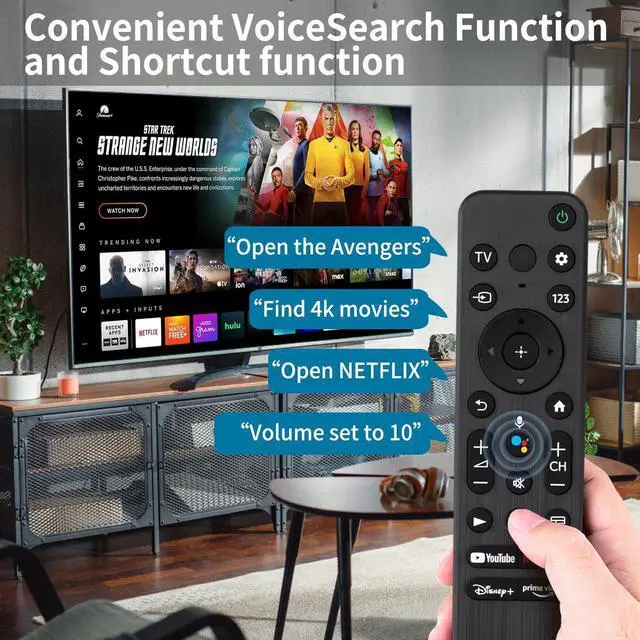
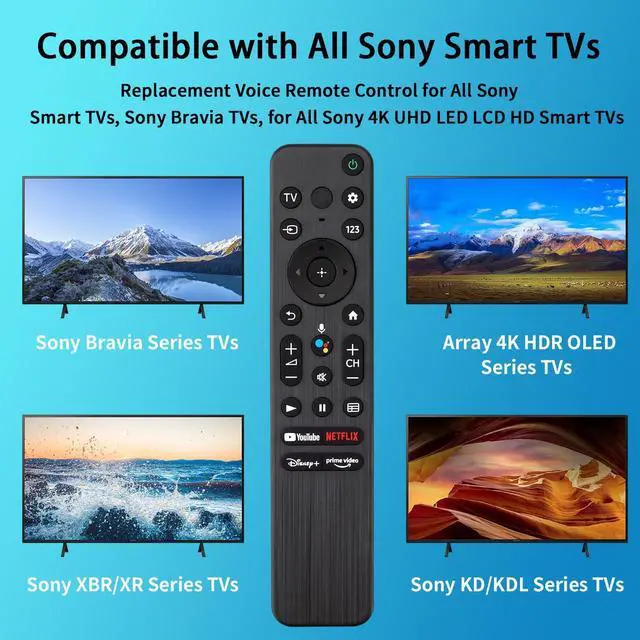
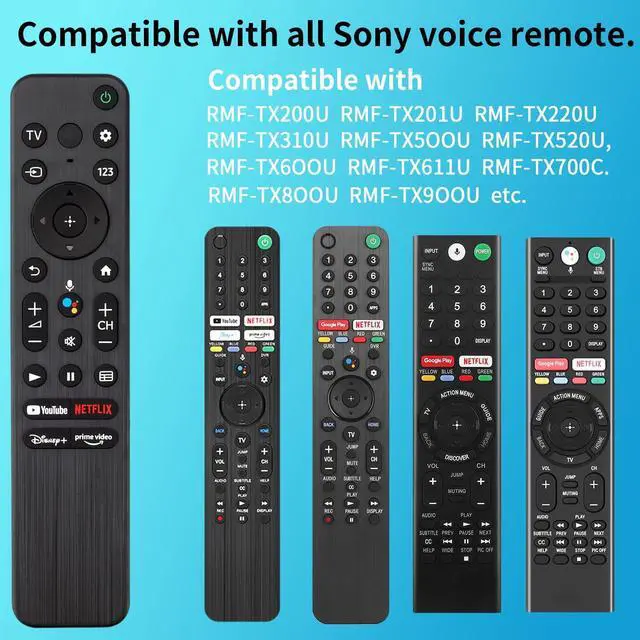
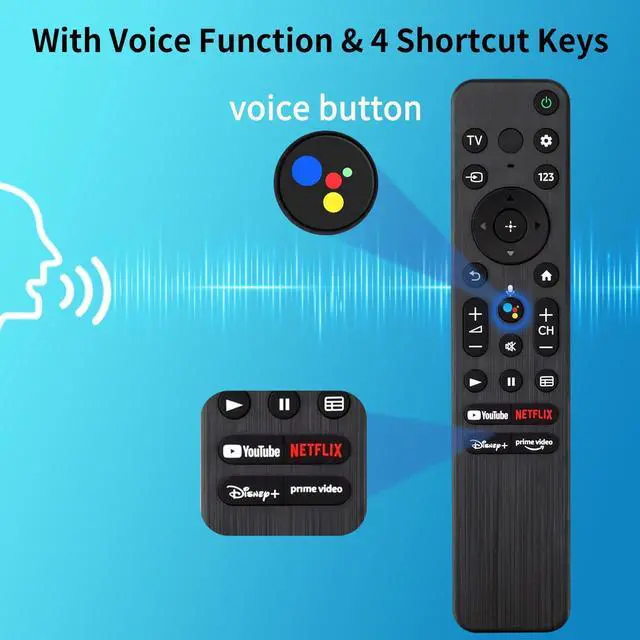
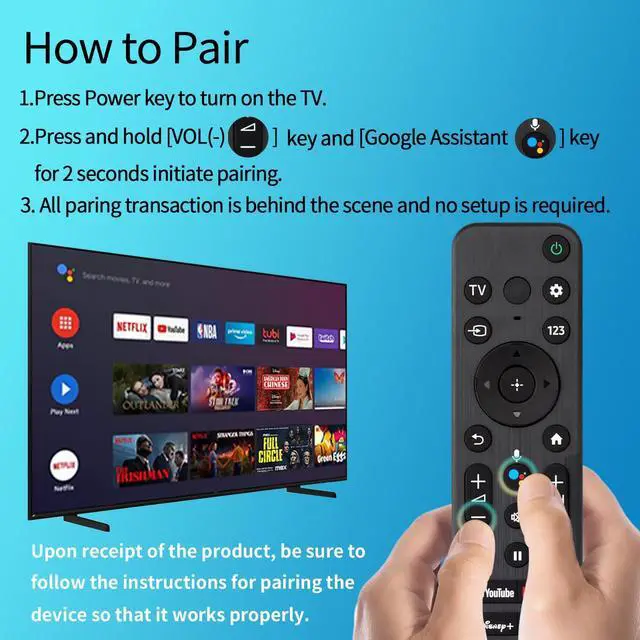
- Universal Voice Remote Control Replacement for Sony TV remote models RMF-TX200U, RMF-TX201U, RMF-TX220U, RMF-TX310U, RMF-TX500U, RMF-TX520U, RMF-TX600U, RMF-TX611U, RMF-TX700C, RMF-TX800U, and RMF-TX900U. It is compatible with all Sony Bravia Series TVs, Sony XBR/XR/KD/KDL Series TVs, Sony 4K UHD Crystal HDR TVs, and Sony OLED Ultra HD TVs. The voice control feature allows you to search for content, change channels, adjust volume, and perform other functions simply by speaking to the remote. This provides convenient hands-free navigation, search, and command capabilities for an intuitive viewing experience. Quickly access your preferred content with dedicated shortcut buttons for YouTube, Netflix, Disney+, and Prime Video. For easy setup, first install 2 AAA batteries (not included). Then, press and hold the "VOL-" button and the "Mic" button simultaneously for 3 seconds to begin the pairing process
+
+
Overview
Specs
Reviews

Any questions? Our AI mode will help you find out quickly.
Try me now
Universal Voice Remote Control Replacement for Sony TV remote models RMF-TX200U, RMF-TX201U, RMF-TX220U, RMF-TX310U, RMF-TX500U, RMF-TX520U, RMF-TX600U, RMF-TX611U, RMF-TX700C, RMF-TX800U, and RMF-TX900U. It is compatible with all Sony Bravia Series TVs, Sony XBR/XR/KD/KDL Series TVs, Sony 4K UHD Crystal HDR TVs, and Sony OLED Ultra HD TVs. The voice control feature allows you to search for content, change channels, adjust volume, and perform other functions simply by speaking to the remote. This provides convenient hands-free navigation, search, and command capabilities for an intuitive viewing experience.
Quickly access your preferred content with dedicated shortcut buttons for YouTube, Netflix, Disney+, and Prime Video. For easy setup, first install 2 AAA batteries (not included). Then, press and hold the "VOL-" button and the "Mic" button simultaneously for 3 seconds to begin the pairing process
Quickly access your preferred content with dedicated shortcut buttons for YouTube, Netflix, Disney+, and Prime Video. For easy setup, first install 2 AAA batteries (not included). Then, press and hold the "VOL-" button and the "Mic" button simultaneously for 3 seconds to begin the pairing process
Warranty & Returns
Warranty, Returns, And Additional Information
Warranty
- Please contact the Seller directly for warranty information. Warranty information may also be found on the Manufacturer's website.
- CONTACT
Return Policies
- Return for refund within: 30 days
- Return for replacement within: 30 days
- This item is covered by Audivibe Return Policy
Manufacturer Contact Info
- For a directory of all our manufacturers, please click below.
- Manufacturers Directory
LOADING...