

Your Browsing History
- Free 30-day Returns
$29.99

Meet Your Seller

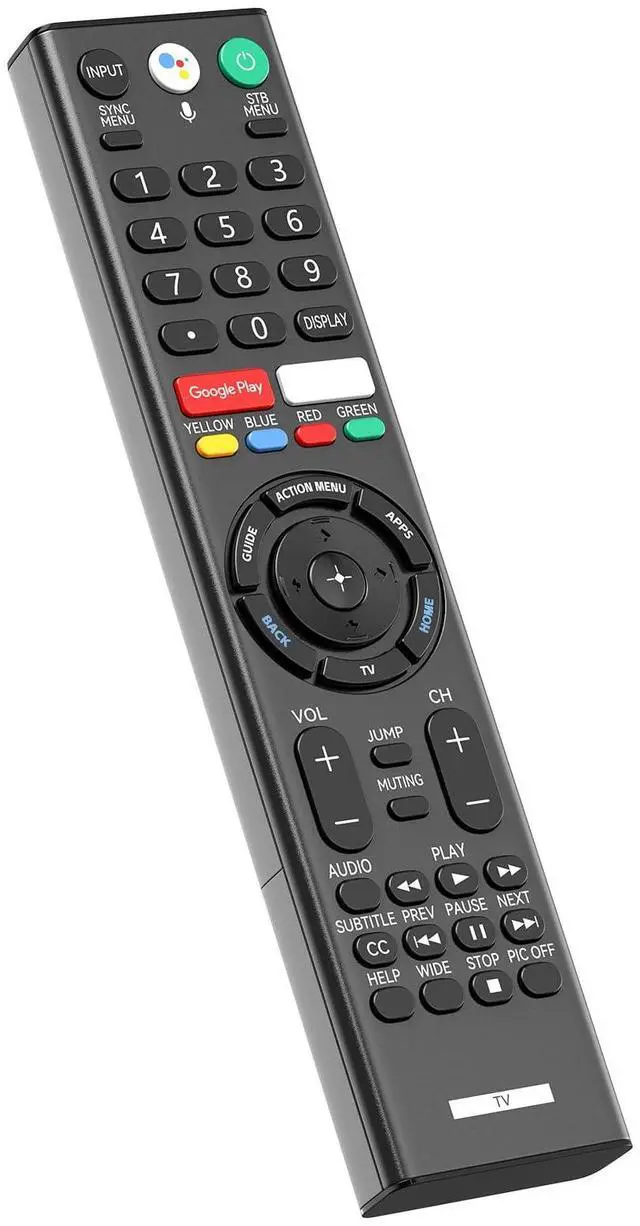


RMF-TX310U Voice Replacement Remote Control with Mic for Sony 4K Smart Bravia TV XBR-43X800G XBR-49X800G XBR-49X900F XBR-55X800G XBR-65X900F XBR-65X800G XBR-75X900F XBR-75X800G XBR-85X900F
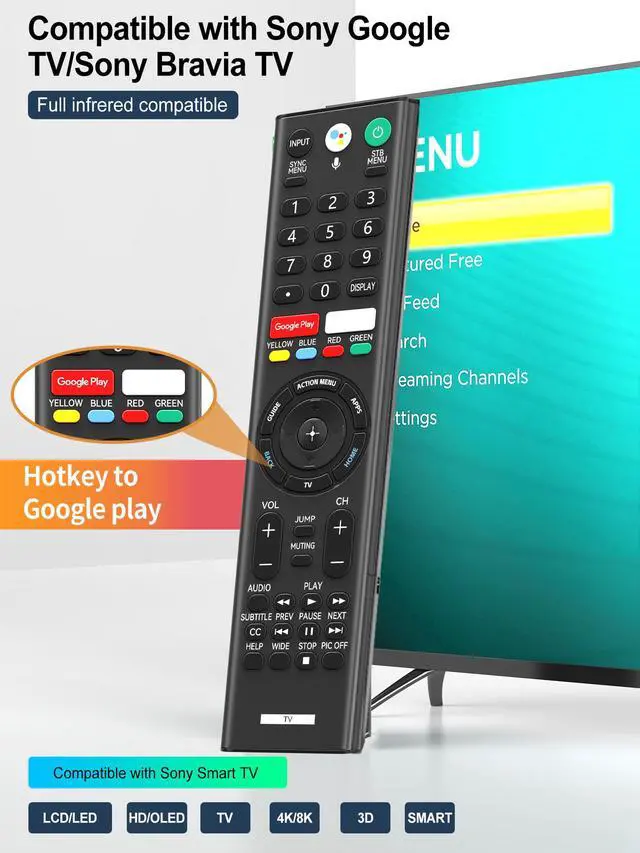
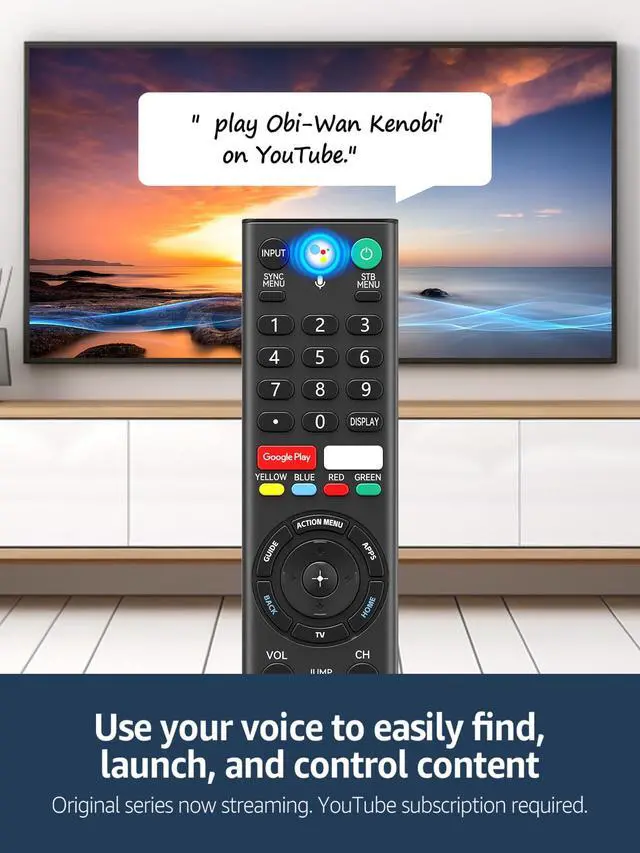
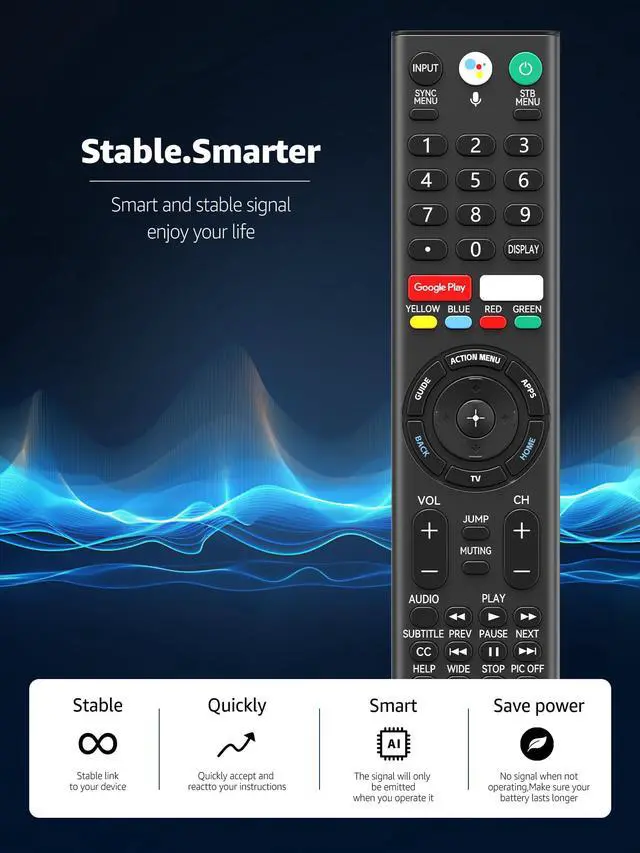
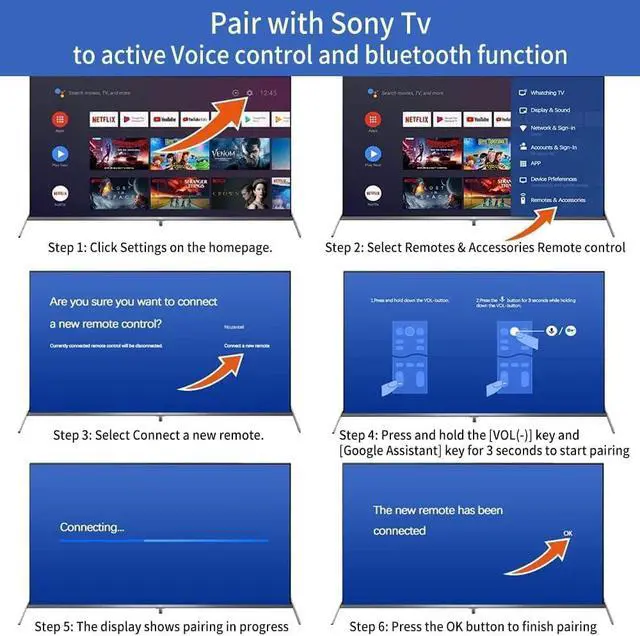
- This replacement voice remote with microphone is designed for Sony 4K Smart Bravia/Google TVs, including models XBR-43X800G, XBR-49X800G, XBR-55X800G, XBR-65X800G, XBR-75X800G, XBR-85X800G, XBR-49X900F, XBR-55X900F, XBR-65X900F, XBR-75X900F, XBR-85X900F, XBR-49X850F, XBR-55X850F, XBR-65X850F, XBR-75X850F, XBR-85X850F, XBR-85X855F, XBR-60X830F, XBR-70X830F, XBR-55A8G, and XBR-65A8G. Before operation, pair the remote control with your television. The pairing procedure is as follows: 1. Navigate to the TV's home screen, access Settings, select "Remote Control and Accessories", and choose "Connect a New Remote Control". 2. Press and hold the VOL- key together with the Google Assistant key for 3 seconds to initiate pairing. 3. Press the OK button to finalize the pairing. (Note: The voice microphone feature becomes available only after successful pairing.) **Voice Assistant Shortcut** Easily command your Google/Bravia TV using dedicated shortcuts for Google Assistant, enabling control by speaking simple commands. **Shortcut Buttons** Dedicated shortcut buttons for Netflix and Google Play provide direct, one-click access to your preferred streaming services. **Package Contents** 1 x Voice Remote Control (2 x 1.5V AAA batteries are not included)
+
+
Overview
Specs
Reviews

Any questions? Our AI mode will help you find out quickly.
Try me now
This replacement voice remote with microphone is designed for Sony 4K Smart Bravia/Google TVs, including models XBR-43X800G, XBR-49X800G, XBR-55X800G, XBR-65X800G, XBR-75X800G, XBR-85X800G, XBR-49X900F, XBR-55X900F, XBR-65X900F, XBR-75X900F, XBR-85X900F, XBR-49X850F, XBR-55X850F, XBR-65X850F, XBR-75X850F, XBR-85X850F, XBR-85X855F, XBR-60X830F, XBR-70X830F, XBR-55A8G, and XBR-65A8G. Before operation, pair the remote control with your television. The pairing procedure is as follows: 1. Navigate to the TV's home screen, access Settings, select "Remote Control and Accessories", and choose "Connect a New Remote Control". 2. Press and hold the VOL- key together with the Google Assistant key for 3 seconds to initiate pairing. 3. Press the OK button to finalize the pairing.
(Note: The voice microphone feature becomes available only after successful pairing. ) **Voice Assistant Shortcut** Easily command your Google/Bravia TV using dedicated shortcuts for Google Assistant, enabling control by speaking simple commands. **Shortcut Buttons** Dedicated shortcut buttons for Netflix and Google Play provide direct, one-click access to your preferred streaming services. **Package Contents** 1 x Voice Remote Control (2 x 1.5V AAA batteries are not included)
(Note: The voice microphone feature becomes available only after successful pairing. ) **Voice Assistant Shortcut** Easily command your Google/Bravia TV using dedicated shortcuts for Google Assistant, enabling control by speaking simple commands. **Shortcut Buttons** Dedicated shortcut buttons for Netflix and Google Play provide direct, one-click access to your preferred streaming services. **Package Contents** 1 x Voice Remote Control (2 x 1.5V AAA batteries are not included)
Warranty & Returns
Warranty, Returns, And Additional Information
Warranty
- Please contact the Seller directly for warranty information. Warranty information may also be found on the Manufacturer's website.
- CONTACT
Return Policies
- Return for refund within: 30 days
- Return for replacement within: 30 days
- This item is covered by JadeEssence Shop Return Policy
Manufacturer Contact Info
- For a directory of all our manufacturers, please click below.
- Manufacturers Directory
LOADING...