

Your Browsing History

Meet Your Seller


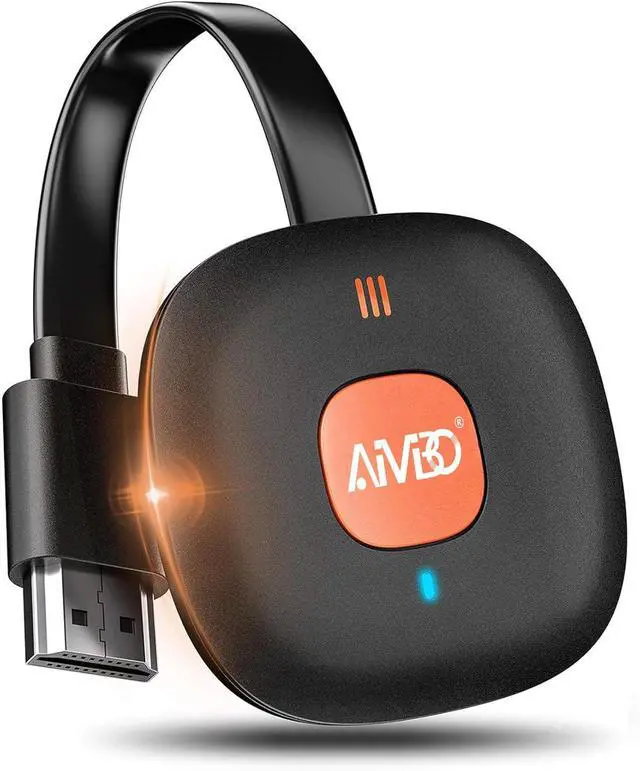



Wireless HDMI Display Adapter 4K, Miracast Dongle for iOS/Android/Windows to HDTV Projector, Screen Mirror with Airplay Miracast DLNA for Movies, Presentations
Limited time offer, ends 08/27 By JadeEssence Shop
- Wireless 4K Casting to Big Screen: This Wireless HDMI Display Adapter instantly mirrors audio and video from small screens (iPhone, iPad, MacBook, Android phones, tablets, laptops) to larger displays (TVs, monitors, projectors). Enjoy crystal-clear, lag-free casting on a bigger screen without any cables. Plug & Play Simplicity: Begin turning your screen wireless in three simple stepsjust plug the HDMI dongle into your TV, power it on, and connect wirelessly via the screen-mirroring function on your device. Crystal-clear HD video and audio will be displayed from your device to any TV in minutes. (Note: iOS users require an extra step to connect to the dongle's wireless signal.) Instant Casting from Android or Windows: Cast your favorite content in secondsno cables, no hassle. This wireless display adapter lets you mirror everything from Android or Windows (Windows 10 and earlier; not supported on Windows 11) devices to your TV, including Netflix, Prime Video, Hulu, YouTube, TikTok, and more. Switch from a small screen to a larger one and enjoy stunning HD audio and video with friends and family. HDCP App Limitations for iOS Device: The Wireless HDMI Dongle supports mirroring your iPhone (including iPhone 17), iPad, and MacBook to the big screen for watching movies or shows, web browsing, presentations, or casting free apps like YouTube, Safari, WhatsApp, Skype, and more. Note: iOS does not work with HDCP copyright-protected apps like Netflix, Prime Video, or HBO Max. Mirro
+
+
Overview
Specs
Reviews

Any questions? Our AI mode will help you find out quickly.
Try me now
Wireless 4K Casting to
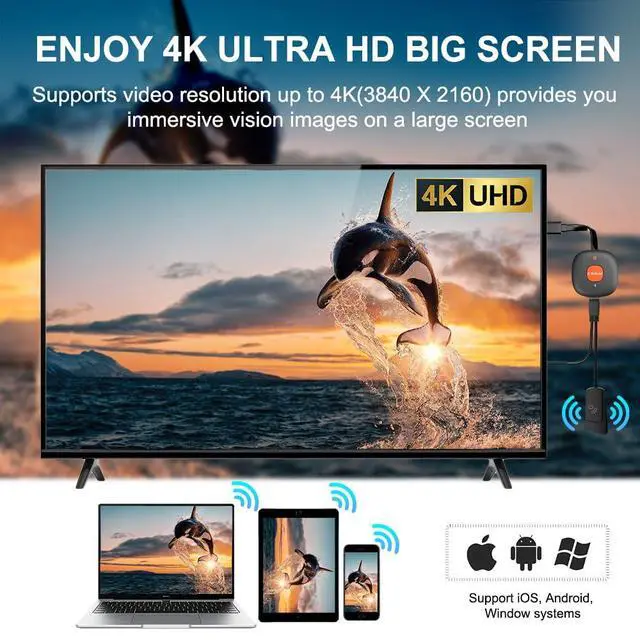
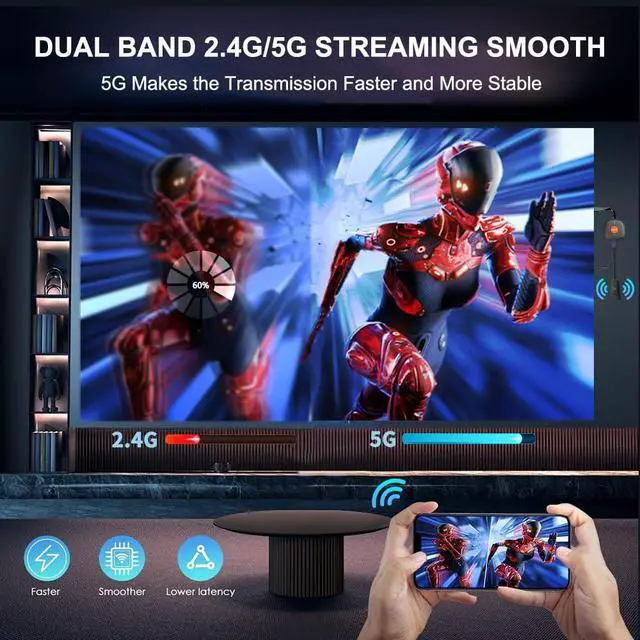
Big Screen: This Wireless HDMI Display Adapter instantly mirrors audio and video from small screens (iPhone, iPad, MacBook, Android phones, tablets, laptops) to larger displays (TVs, monitors, projectors). Enjoy crystal-clear, lag-free casting on a bigger screen without any cables.
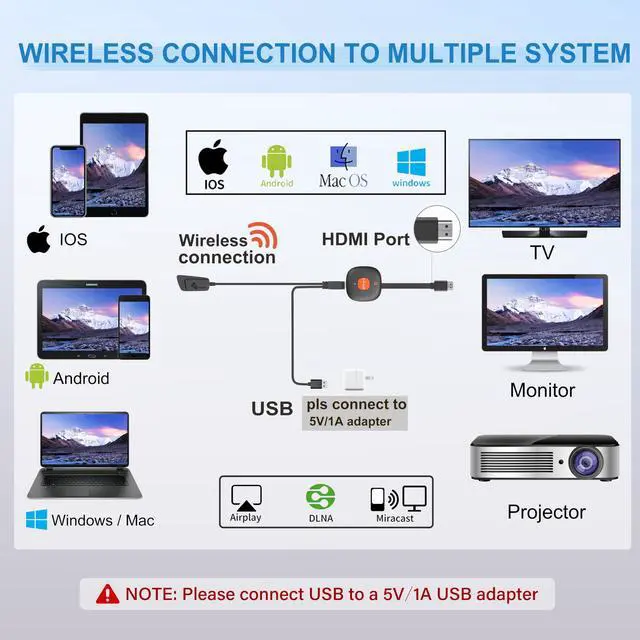
Plug & Play Simplicity: Begin turning your screen wireless in three simple stepsjust plug the HDMI dongle into your TV, power it on, and connect wirelessly via the screen-mirroring function on your device. Crystal-clear HD video and audio will be displayed from your device to any TV in minutes.
(Note: iOS users require an extra step to connect to the dongle's wireless signal. ) Instant Casting from Android or
Windows: Cast your favorite content in secondsno cables, no hassle. This wireless display adapter lets you mirror everything from Android or Windows (Windows 10 and earlier; not supported on Windows 11) devices to your TV, including Netflix, Prime Video, Hulu, YouTube, TikTok, and more. Switch from a small screen to a larger one and enjoy stunning HD audio and video with friends and family. HDCP App Limitations for iOS
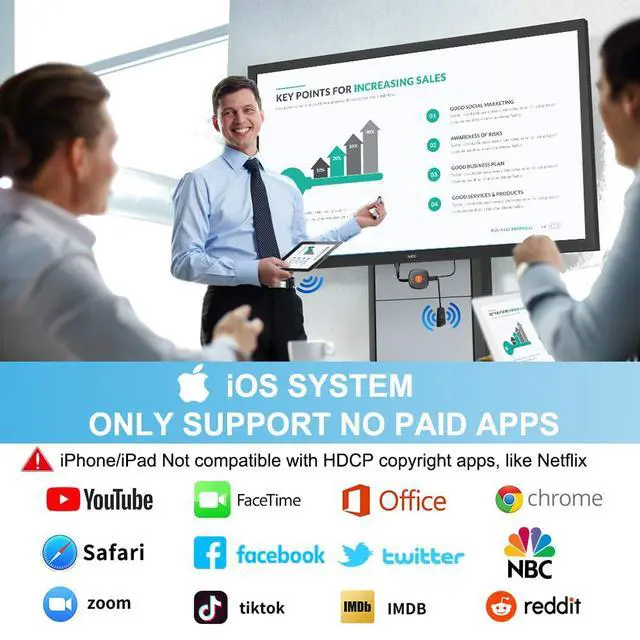
Device: The Wireless HDMI Dongle supports mirroring your iPhone (including iPhone 17), iPad, and MacBook to the big screen for watching movies or shows, web browsing, presentations, or casting free apps like YouTube, Safari, WhatsApp, Skype, and more.
Note: iOS does not work with HDCP copyright-protected apps like Netflix, Prime Video, or HBO Max.
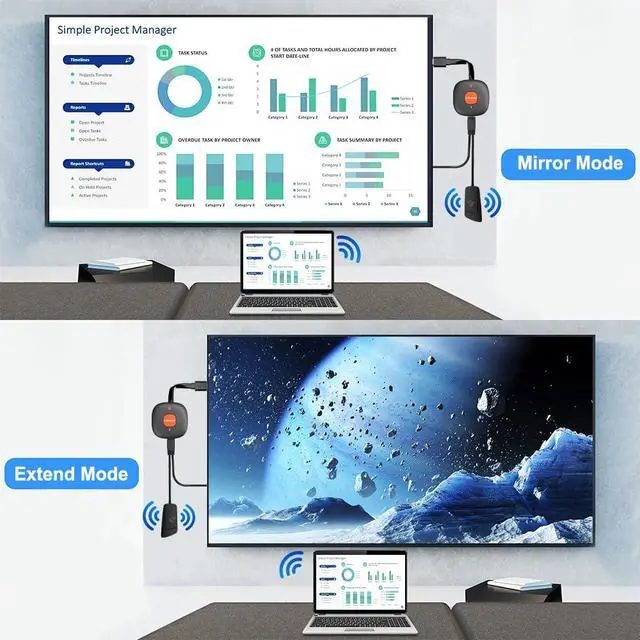
Mirror & Extend Mode: Dual display mode choice between Mirror Mode (4K/1080P/720P) for shared content viewing or handy Extend Mode for dual-screen multitasking. The flexible extended display mode enables you to cast HD movies on the TV while keeping your phone free for texts or other apps at the same time.
Online Upgrade:
Note: Before screen mirroring, Google Pixel phone and iPhone 17 users may need to upgrade the dongle's chip online (access IP address 192.168. 203.1 to click "Upgrade") to ensure optimal performance
Big Screen: This Wireless HDMI Display Adapter instantly mirrors audio and video from small screens (iPhone, iPad, MacBook, Android phones, tablets, laptops) to larger displays (TVs, monitors, projectors). Enjoy crystal-clear, lag-free casting on a bigger screen without any cables.
Plug & Play Simplicity: Begin turning your screen wireless in three simple stepsjust plug the HDMI dongle into your TV, power it on, and connect wirelessly via the screen-mirroring function on your device. Crystal-clear HD video and audio will be displayed from your device to any TV in minutes.
(Note: iOS users require an extra step to connect to the dongle's wireless signal. ) Instant Casting from Android or
Windows: Cast your favorite content in secondsno cables, no hassle. This wireless display adapter lets you mirror everything from Android or Windows (Windows 10 and earlier; not supported on Windows 11) devices to your TV, including Netflix, Prime Video, Hulu, YouTube, TikTok, and more. Switch from a small screen to a larger one and enjoy stunning HD audio and video with friends and family. HDCP App Limitations for iOS
Device: The Wireless HDMI Dongle supports mirroring your iPhone (including iPhone 17), iPad, and MacBook to the big screen for watching movies or shows, web browsing, presentations, or casting free apps like YouTube, Safari, WhatsApp, Skype, and more.
Note: iOS does not work with HDCP copyright-protected apps like Netflix, Prime Video, or HBO Max.
Mirror & Extend Mode: Dual display mode choice between Mirror Mode (4K/1080P/720P) for shared content viewing or handy Extend Mode for dual-screen multitasking. The flexible extended display mode enables you to cast HD movies on the TV while keeping your phone free for texts or other apps at the same time.
Online Upgrade:
Note: Before screen mirroring, Google Pixel phone and iPhone 17 users may need to upgrade the dongle's chip online (access IP address 192.168. 203.1 to click "Upgrade") to ensure optimal performance
Warranty & Returns
Warranty, Returns, And Additional Information
Warranty
- Please contact the Seller directly for warranty information. Warranty information may also be found on the Manufacturer's website.
- CONTACT
Return Policies
- Return for refund within: 30 days
- Return for replacement within: 30 days
- This item is covered by JadeEssence Shop Return Policy
Manufacturer Contact Info
- For a directory of all our manufacturers, please click below.
- Manufacturers Directory
LOADING...