

Your Browsing History

Meet Your Seller


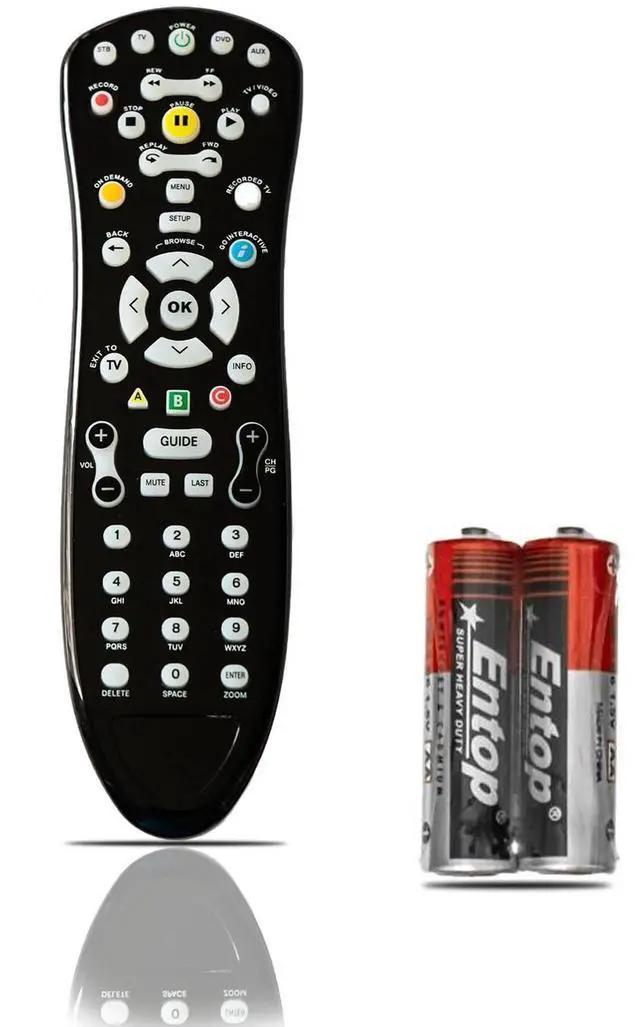
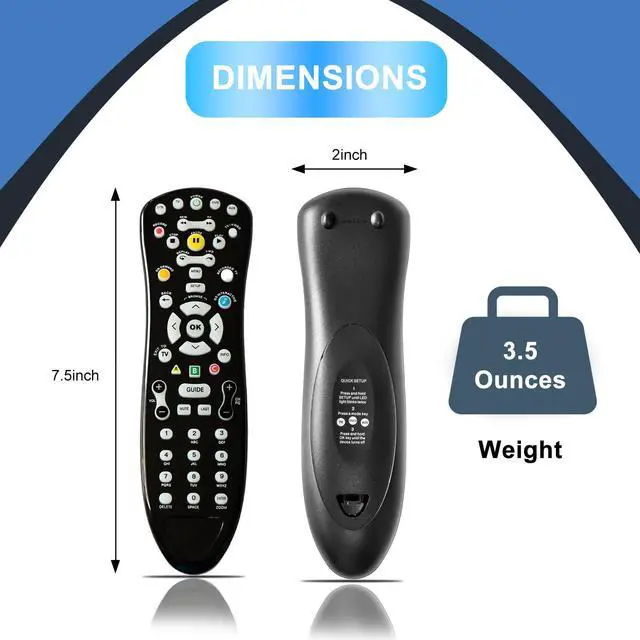
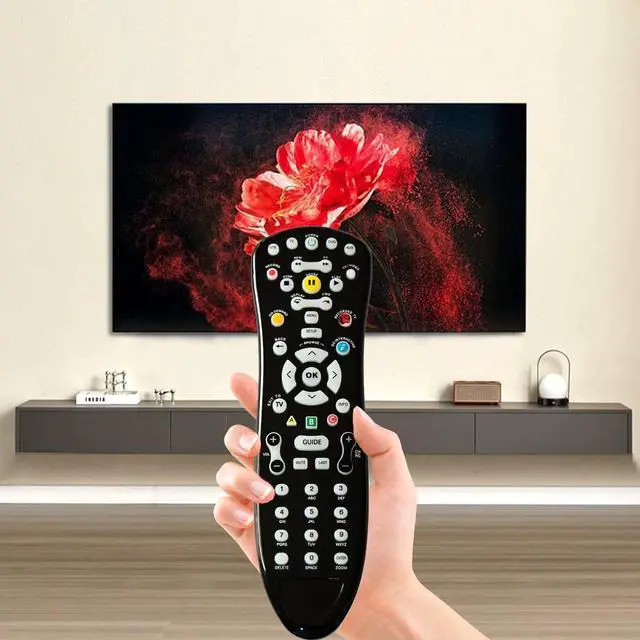
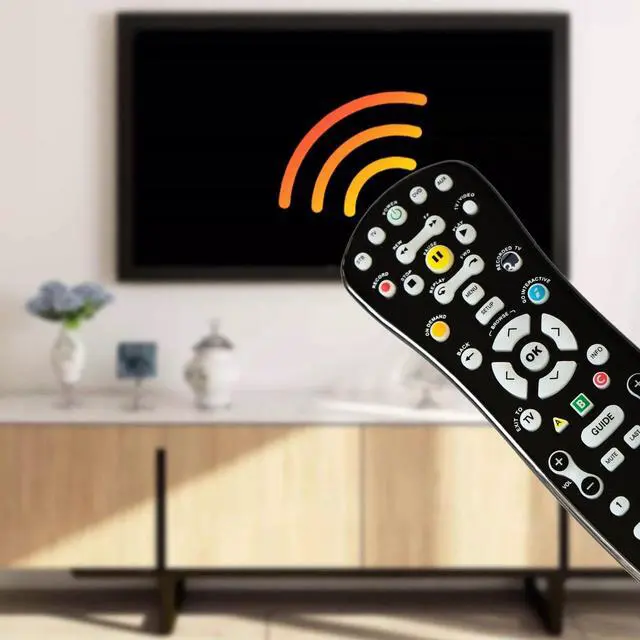


S10 ATT Universal TV Remote Control, Replacement Remote, Easy Setup, Wide Compatibility S10 ATT Remote Control Replacement
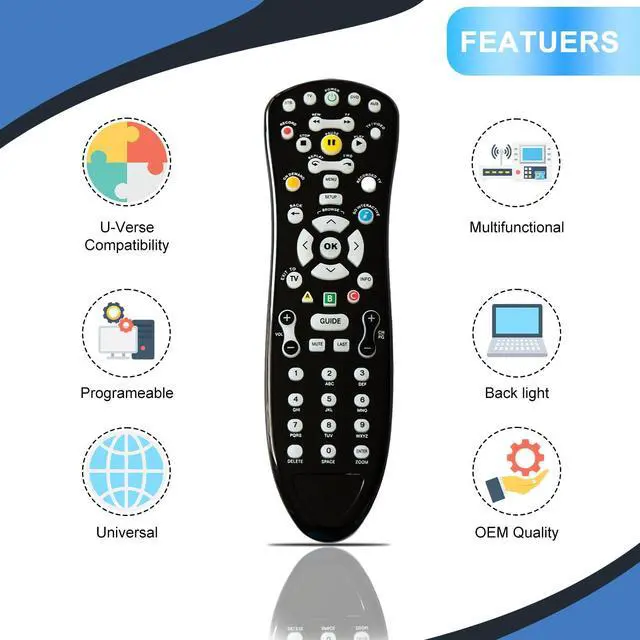
- Backlit Button Illumination - Glow-in-the-dark keys offer excellent visibility for nighttime TV viewing or dimly lit settings. Easy Programming & Setup - Clear step-by-step instructions enable you to swiftly program this remote to operate your TV, soundbar, and other devices. Instructions are included. Multi-Device Functionality - Dedicated buttons for power, volume, channel control, and menu navigation across all your devices. This remote is compatible only with the ATT S10 remote control model, including the S10-S1, S10-S2, S10-S3, and S10-S4 variants. Ergonomic Design: Sleek black design with large, easy-to-read buttons and a convenient layout. Features a comfortable non-slip grip for simple operation. This is a replacement ATT S10 remote. Programming Instructions: 1. First, press the STB button quickly and then release it. 2. Second, press and hold the SET UP button for about 3 seconds; the STB button will turn red. 3. Third, enter the code 0000. If 0000 does not work, repeat the steps above and enter code 0001, 0002, 0003, or 0004 to verify
+
+
Overview
Specs
Reviews

Any questions? Our AI mode will help you find out quickly.
Try me now
Backlit Button Illumination - Glow-in-the-dark keys offer excellent visibility for nighttime TV viewing or dimly lit settings. Easy Programming & Setup - Clear step-by-step instructions enable you to swiftly program this remote to operate your TV, soundbar, and other devices. Instructions are included. Multi-Device Functionality - Dedicated buttons for power, volume, channel control, and menu navigation across all your devices. This remote is compatible only with the ATT S10 remote control model, including the S10-S1, S10-S2, S10-S3, and S10-S4 variants.
Ergonomic Design: Sleek black design with large, easy-to-read buttons and a convenient layout. Features a comfortable non-slip grip for simple operation. This is a replacement ATT S10 remote.
Programming Instructions: 1. First, press the STB button quickly and then release it. 2. Second, press and hold the SET UP button for about 3 seconds; the STB button will turn red. 3. Third, enter the code 0000. If 0000 does not work, repeat the steps above and enter code 0001, 0002, 0003, or 0004 to verify
Ergonomic Design: Sleek black design with large, easy-to-read buttons and a convenient layout. Features a comfortable non-slip grip for simple operation. This is a replacement ATT S10 remote.
Programming Instructions: 1. First, press the STB button quickly and then release it. 2. Second, press and hold the SET UP button for about 3 seconds; the STB button will turn red. 3. Third, enter the code 0000. If 0000 does not work, repeat the steps above and enter code 0001, 0002, 0003, or 0004 to verify
Warranty & Returns
Warranty, Returns, And Additional Information
Warranty
- Please contact the Seller directly for warranty information. Warranty information may also be found on the Manufacturer's website.
- CONTACT
Return Policies
- Return for refund within: 30 days
- Return for replacement within: 30 days
- This item is covered by JadeEssence Shop Return Policy
Manufacturer Contact Info
- For a directory of all our manufacturers, please click below.
- Manufacturers Directory
LOADING...