

Your Browsing History

Meet Your Seller


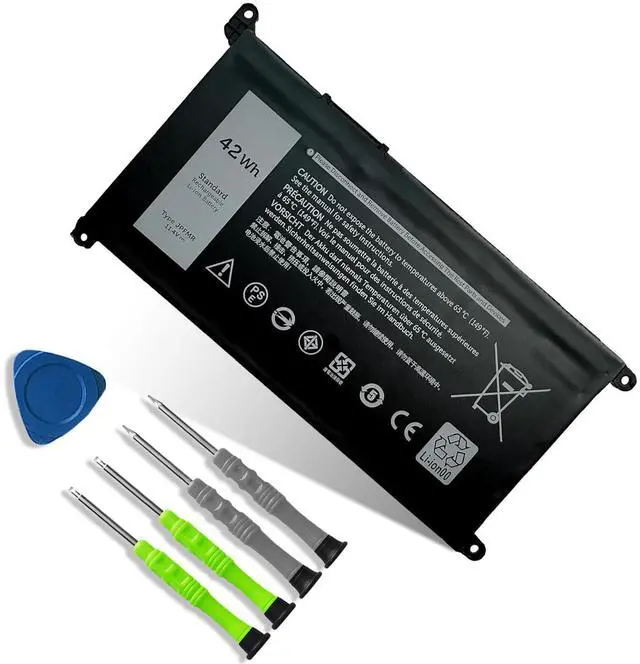
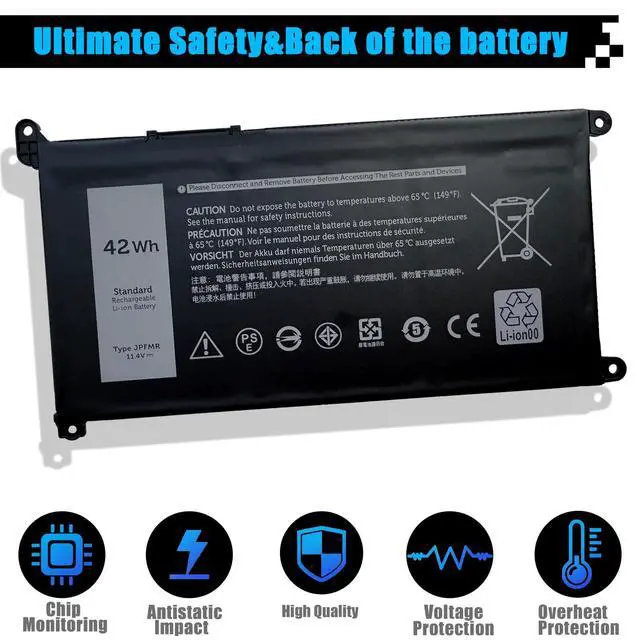
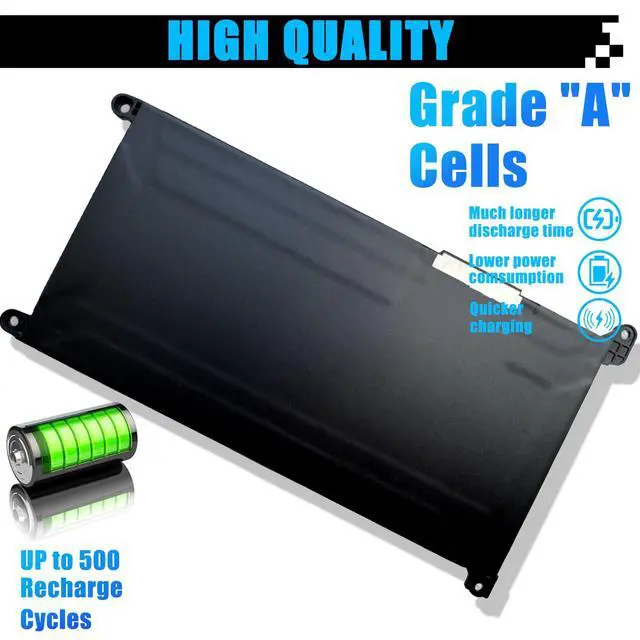


JPFMR Laptop Battery Replacement for Dell Chromebook 3100 3400 2-in-1 5488 5493 5593 P90F Series 0JPFMR 7MT0R 7MTOR 16DPH 7T0D3 07T0D3 DN33X RDNP5 65N6H 11.4V 3500mAh
Limited time offer, ends 08/27 By JadeEssence Shop
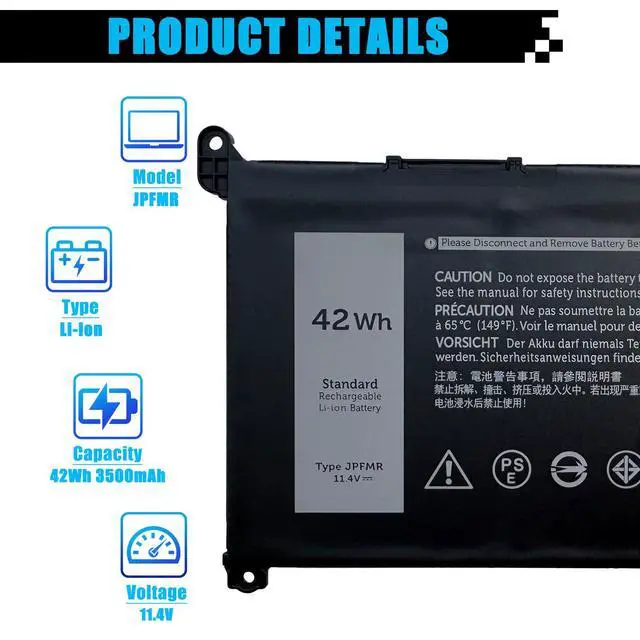
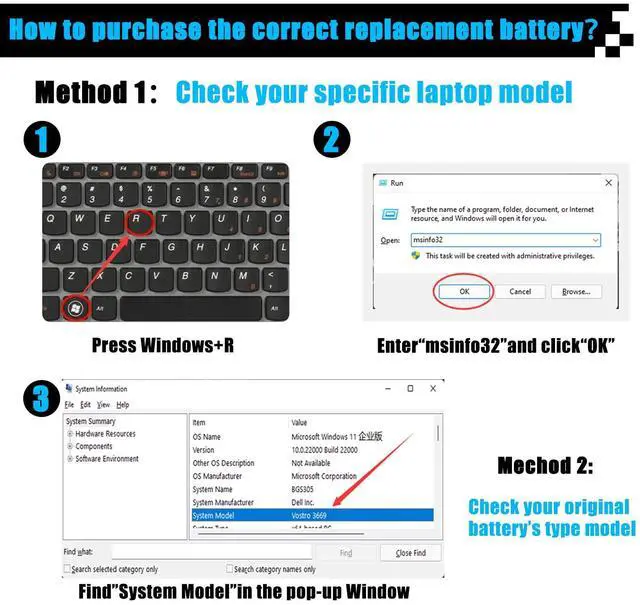
- Specifications: Item Model: JPFMR Battery Type: Lithium-ion Voltage: 11.4V Capacity: 42Wh 3500mAh Battery Condition: New Replacement for Part Numbers: JPFMR, 16DPH, 65N6H, 7T0D3, 07GDY, 7MT0R, DN33X, RDNP5. Compatible Laptop Models: Designed for Dell Chromebook 3100, 3400, 5488, 5593, 5493, and the 3100 2-in-1 Series. Note: Prior to purchase, please open the back cover of your laptop and confirm that the original battery model matches the one specified here. After receiving the battery, install it properly. Make sure the battery connector is firmly attached to the laptop motherboard. Utilize the original charger to power the laptop. For best performance, discharge the new battery to approximately 5% (avoid 0%), then charge it completely. Repeat this process 3-4 times to condition the new battery
+
+
Overview
Specs
Reviews

Any questions? Our AI mode will help you find out quickly.
Try me now
Specifications
: ItemModel: JPFMR
Battery Type: Lithium-ion
Voltage: 11.4V
Capacity: 42Wh 3500mAh
Battery Condition: New Replacement for
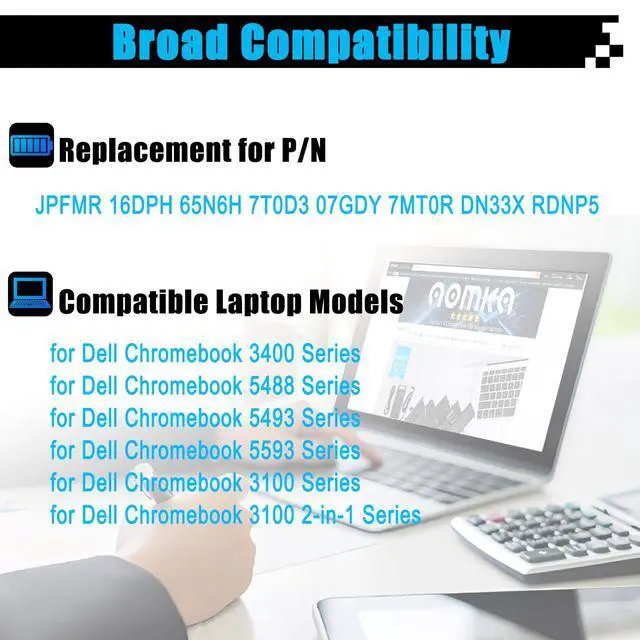
Part Numbers: JPFMR, 16DPH, 65N6H, 7T0D3, 07GDY, 7MT0R, DN33X, RDNP5.
Compatible Laptop Models: Designed for Dell Chromebook 3100, 3400, 5488, 5593, 5493, and the 3100 2-in-1 Series.
Note: Prior to purchase, please open the back cover of your laptop and confirm that the original battery model matches the one specified here. After receiving the battery, install it properly. Make sure the battery connector is firmly attached to the laptop motherboard. Utilize the original charger to power the laptop. For best performance, discharge the new battery to approximately 5% (avoid 0%), then charge it completely. Repeat this process 3-4 times to condition the new battery
Warranty & Returns
Warranty, Returns, And Additional Information
Warranty
- Please contact the Seller directly for warranty information. Warranty information may also be found on the Manufacturer's website.
- CONTACT
Return Policies
- Return for refund within: 30 days
- Return for replacement within: 30 days
- This item is covered by JadeEssence Shop Return Policy
Manufacturer Contact Info
- For a directory of all our manufacturers, please click below.
- Manufacturers Directory
LOADING...