

Your Browsing History

Meet Your Seller

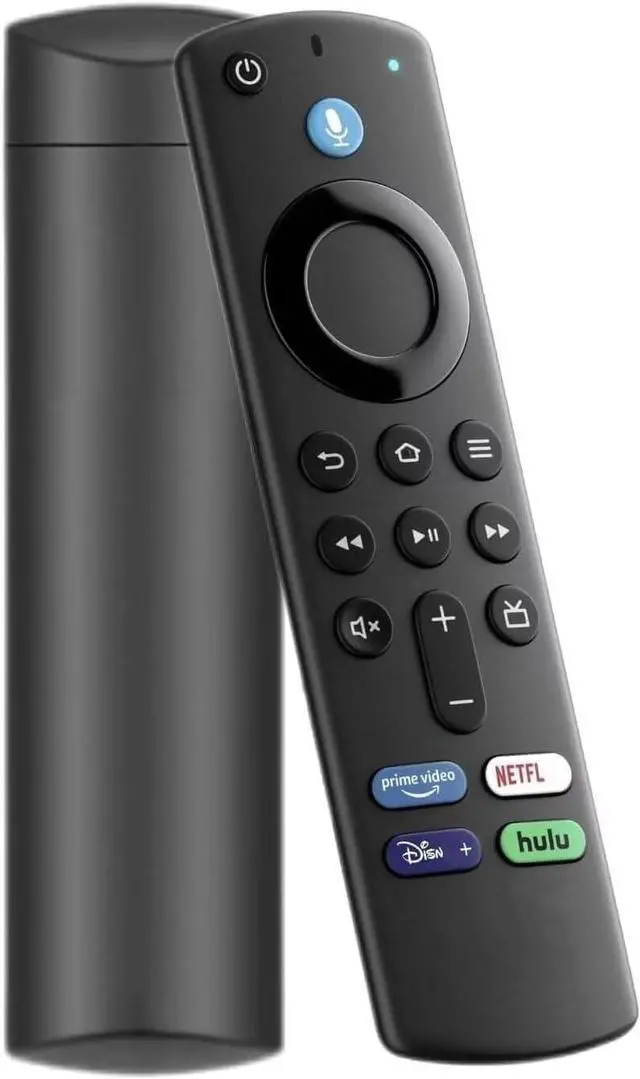
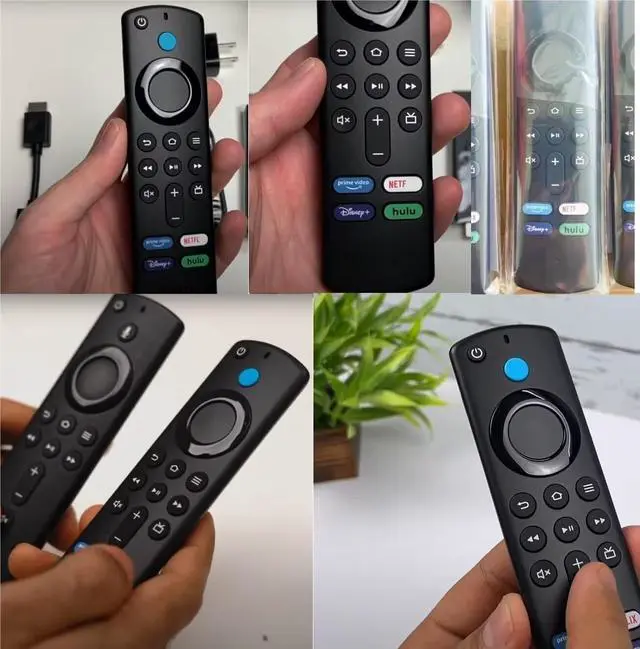
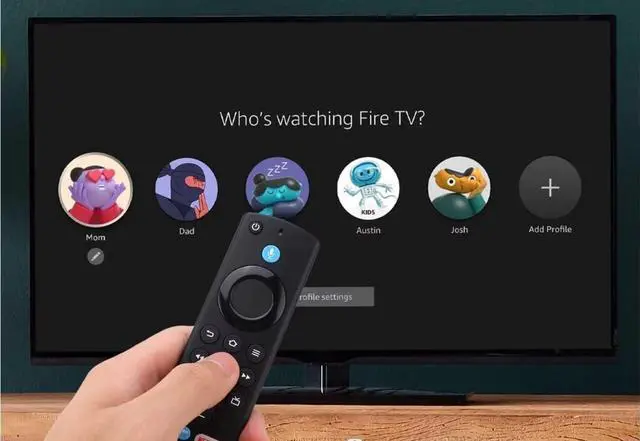


Amazon Fire Stick Remote Replacement Control Fit for Fire Stick 2nd Gen, 3rd Gen, Lite, 4K,4K MAX Fire Cube (1st Gen, 2nd Gen, 3nd Gen), Fire (3rd Gen PendantDesign) 3nd 7.22
Limited time offer, ends 09/18 By JadeEssence Shop
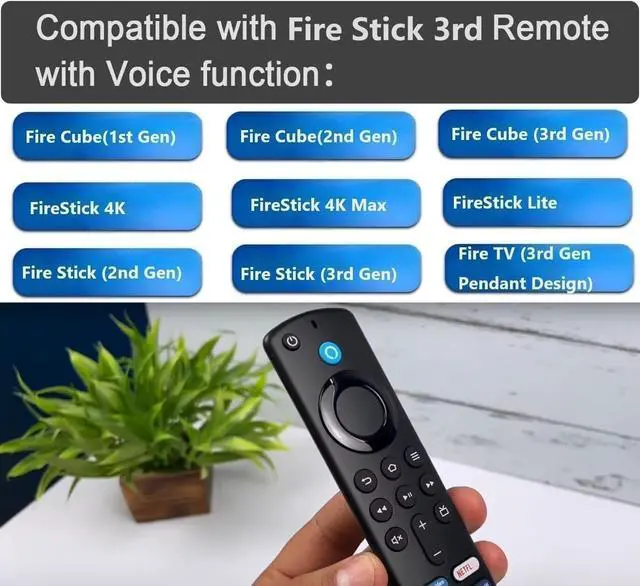
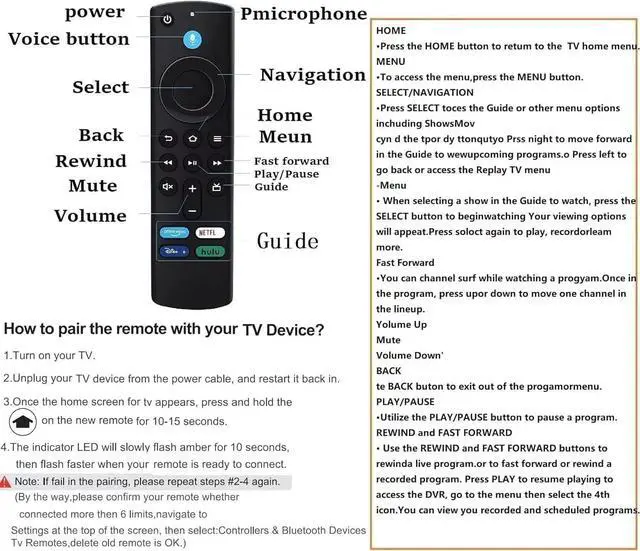
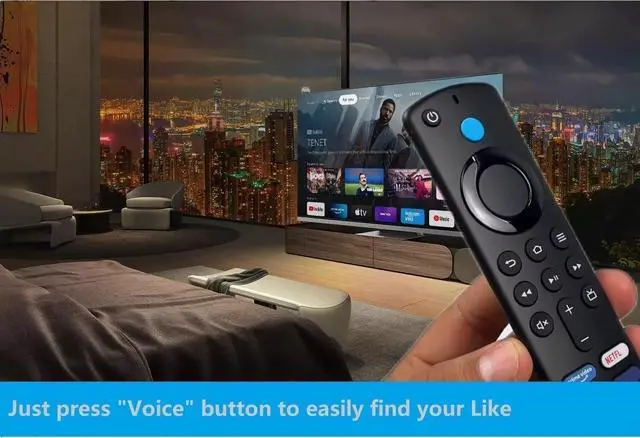
- This is a replacement remote control (3rd GEN) for 2021 release models. It fits for Fire Cube (3rd Generation), Fire Cube (2nd Generation), Fire Cube (1st Generation), Fire Stick 4K Max, Fire Stick 4K, Fire Stick (3rd Generation), Fire Stick (2nd Generation), Fire Stick Lite, and Fire (3rd Generation, Pendant Design). It is not for Fire (1st and 2nd Gen), not for Fire Stick (1st Gen), and not for Fire Edition smart devices. You need to pair it first before use. Press and hold the Home button for about 10-15 seconds, then release when the LED starts to rapidly flash. Wait about 30-60 seconds (entering pairing mode, LED flash), then the remote should automatically pair with your device. Easy voice search & control: It is 50% more powerful than the previous generation for fast streaming in Full HD. Quickly search across thousands of top channels, play entertainment, control your streaming, and more with your voice. Just press the "Voice" button to easily find content. Reasons why the remote controller may not work properly after pairing: 1. If the remote controller doesn't work after pairing, it may be caused by too many devices already paired with your streaming device. 2. The battery of the old remote controller is not removed. If the battery of the old remote controller is not taken out, the old remote controller will still be paired with the device, so the new remote controller will not work properly
+
+
Overview
Specs
Reviews

Any questions? Our AI mode will help you find out quickly.
Try me now
This is a replacement remote control (3rd GEN) for 2021 release models. It fits for Fire Cube (3rd Generation), Fire Cube (2nd Generation), Fire Cube (1st Generation), Fire Stick 4K Max, Fire Stick 4K, Fire Stick (3rd Generation), Fire Stick (2nd Generation), Fire Stick Lite, and Fire (3rd Generation, Pendant Design). It is not for Fire (1st and 2nd Gen), not for Fire Stick (1st Gen), and not for Fire Edition smart devices. You need to pair it first before use. Press and hold the Home button for about 10-15 seconds, then release when the LED starts to rapidly flash.
Wait about 30-60 seconds (entering pairing mode, LED flash), then the remote should automatically pair with your device. Easy voice search
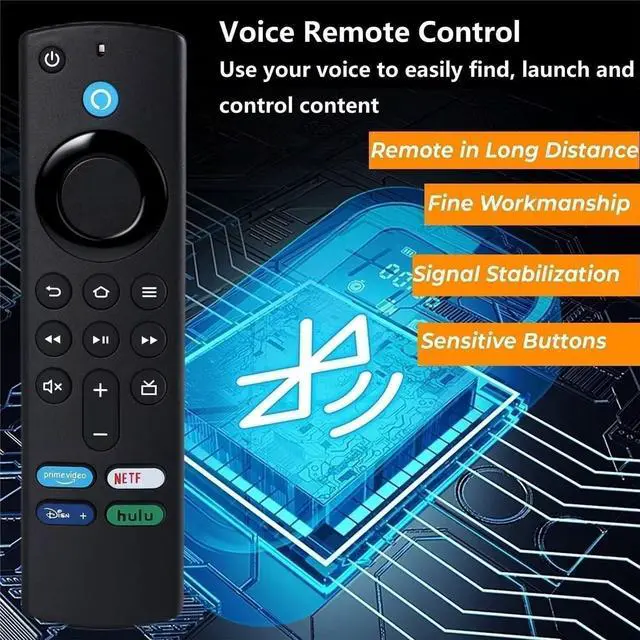
& control: It is 50% more powerful than the previous generation for fast streaming in Full HD. Quickly search across thousands of top channels, play entertainment, control your streaming, and more with your voice. Just press the "Voice" button to easily find content. Reasons why the remote controller may not work properly after pairing: 1. If the remote controller doesn't work after pairing, it may be caused by too many devices already paired with your streaming device. 2. The battery of the old remote controller is not removed. If the battery of the old remote controller is not taken out, the old remote controller will still be paired with the device, so the new remote controller will not work properly
Wait about 30-60 seconds (entering pairing mode, LED flash), then the remote should automatically pair with your device. Easy voice search
& control: It is 50% more powerful than the previous generation for fast streaming in Full HD. Quickly search across thousands of top channels, play entertainment, control your streaming, and more with your voice. Just press the "Voice" button to easily find content. Reasons why the remote controller may not work properly after pairing: 1. If the remote controller doesn't work after pairing, it may be caused by too many devices already paired with your streaming device. 2. The battery of the old remote controller is not removed. If the battery of the old remote controller is not taken out, the old remote controller will still be paired with the device, so the new remote controller will not work properly
Warranty & Returns
Warranty, Returns, And Additional Information
Warranty
- Please contact the Seller directly for warranty information. Warranty information may also be found on the Manufacturer's website.
- CONTACT
Return Policies
- Return for refund within: 30 days
- Return for replacement within: 30 days
- This item is covered by JadeEssence Shop Return Policy
Manufacturer Contact Info
- For a directory of all our manufacturers, please click below.
- Manufacturers Directory
LOADING...