Your Browsing History
Meet Your Seller
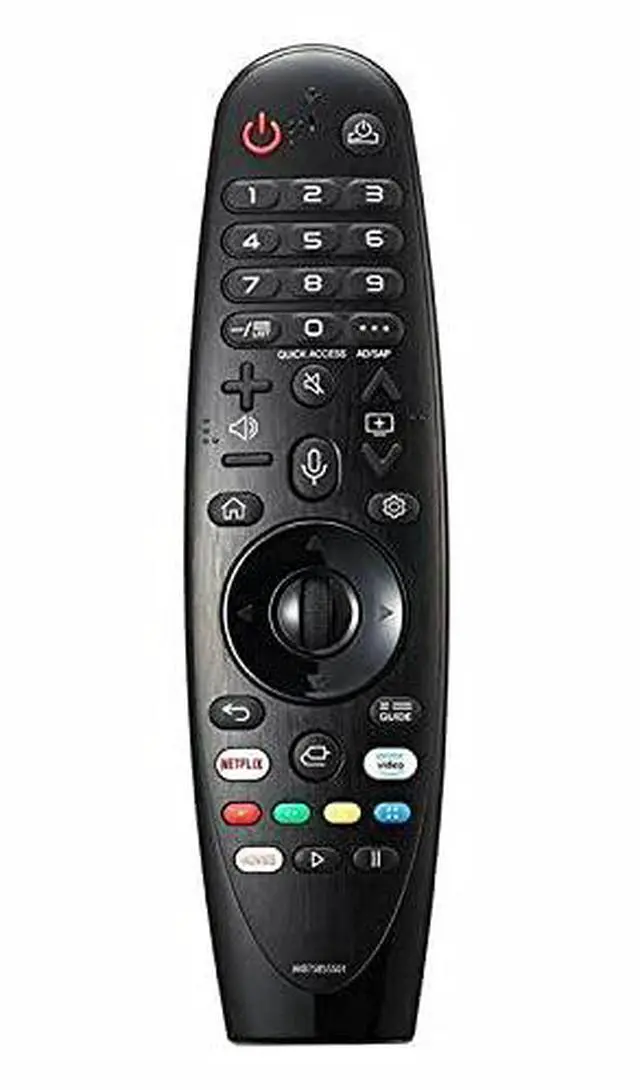
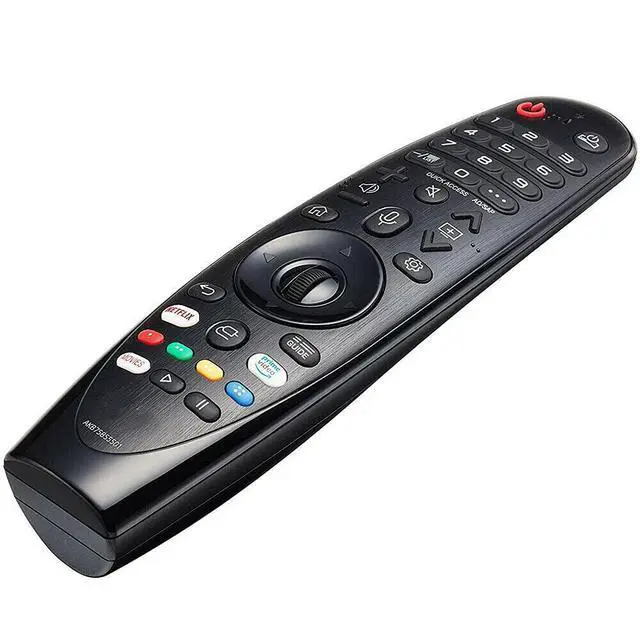
Replacement TV Remote Control Controller for LG OLED65C9PUA C9 Series 65" 4K Ultra HD Smart OLED TV (2019)
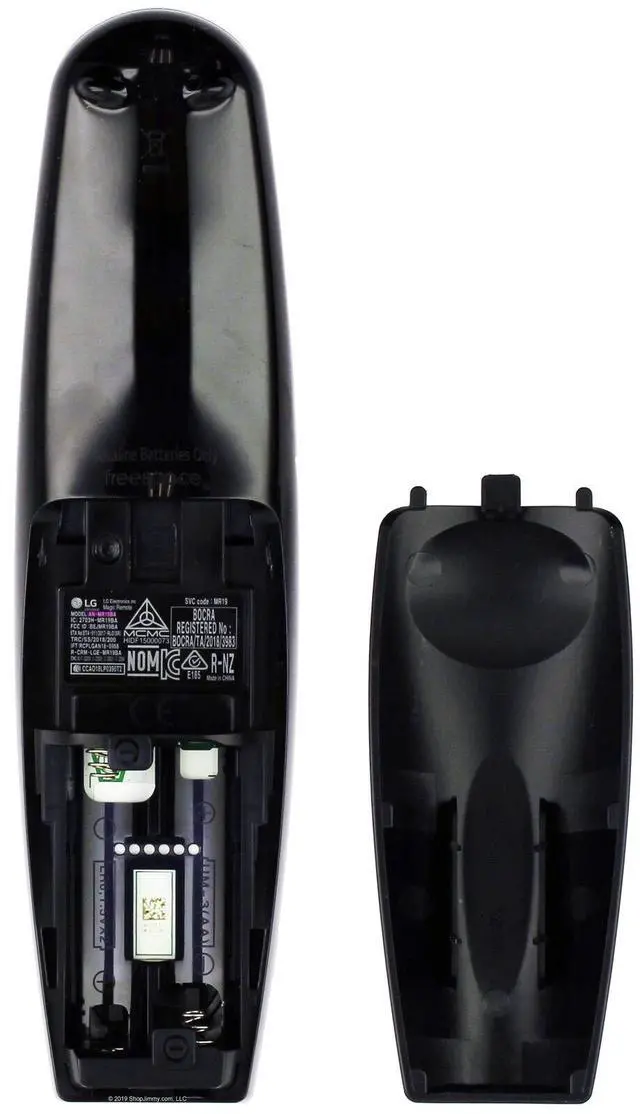
- Works with the LG OLED65C9PUA C9 Series 65" 4K Ultra HD Smart OLED TV (2019). How to register (pair) the Magic Remote: 1. Insert the batteries into the remote and power on the TV. 2. Aim the Magic Remote at your TV and press the "Wheel" (OK) button on the remote control. - If the TV does not register the remote, try again after switching the TV off and then on. Power Supply: 2X 1.5V AAA Alkaline Battery ***Battery and User Manual Not Included AN-MR19BA
+
+
Overview
Specs
Reviews
Any questions? Our AI mode will help you find out quickly.
Try me now
Works with the LG OLED65C9PUA C9 Series 65" 4K Ultra HD Smart OLED TV (2019). How to register (pair) the
Magic Remote: 1. Insert the batteries into the remote and power on the TV. 2. Aim the Magic Remote at your TV and press the "Wheel" (OK) button on the remote control. - If the TV does not register the remote, try again after switching the TV off and then on.
Power Supply: 2X 1.5V AAA Alkaline Battery ***Battery and User Manual Not Included AN-MR19BA
Magic Remote: 1. Insert the batteries into the remote and power on the TV. 2. Aim the Magic Remote at your TV and press the "Wheel" (OK) button on the remote control. - If the TV does not register the remote, try again after switching the TV off and then on.
Power Supply: 2X 1.5V AAA Alkaline Battery ***Battery and User Manual Not Included AN-MR19BA
Warranty & Returns
Warranty, Returns, And Additional Information
Warranty
- Please contact the Seller directly for warranty information. Warranty information may also be found on the Manufacturer's website.
- CONTACT
Return Policies
- Return for refund within: 30 days
- Return for replacement within: 30 days
- This item is covered by HeYuan Shop Return Policy
Manufacturer Contact Info
- For a directory of all our manufacturers, please click below.
- Manufacturers Directory
LOADING...