

Your Browsing History

Meet Your Seller

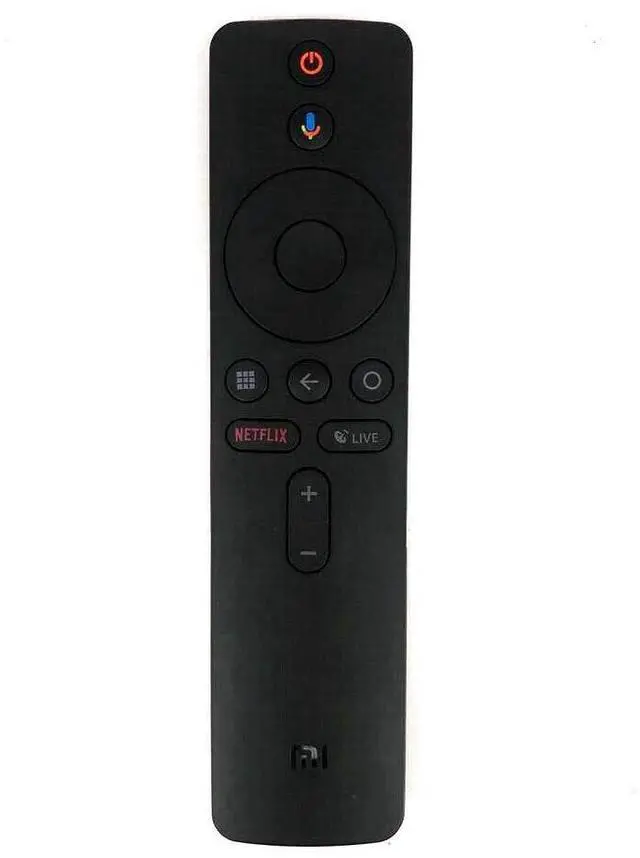
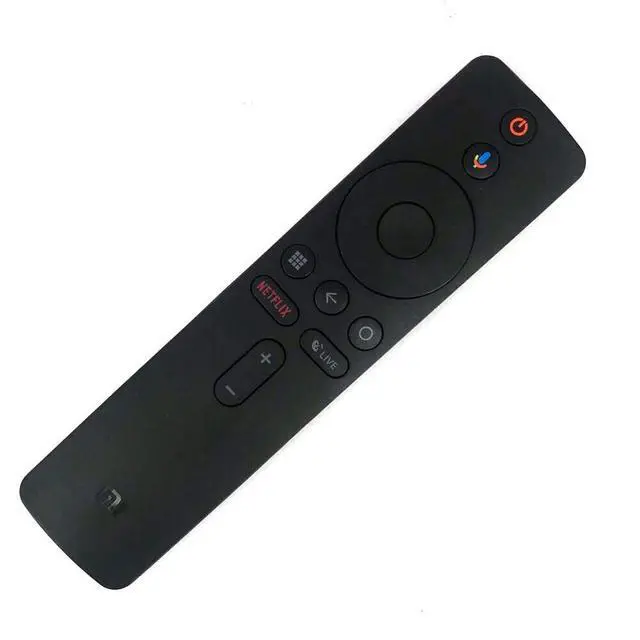
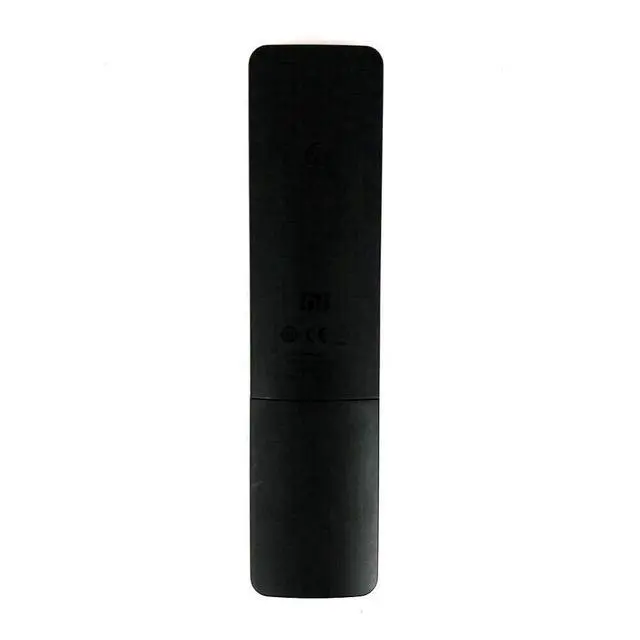


Replacement Remote Control Controller for Xiaomi Mi Box S 4K HDR Android TV Streaming Media Player
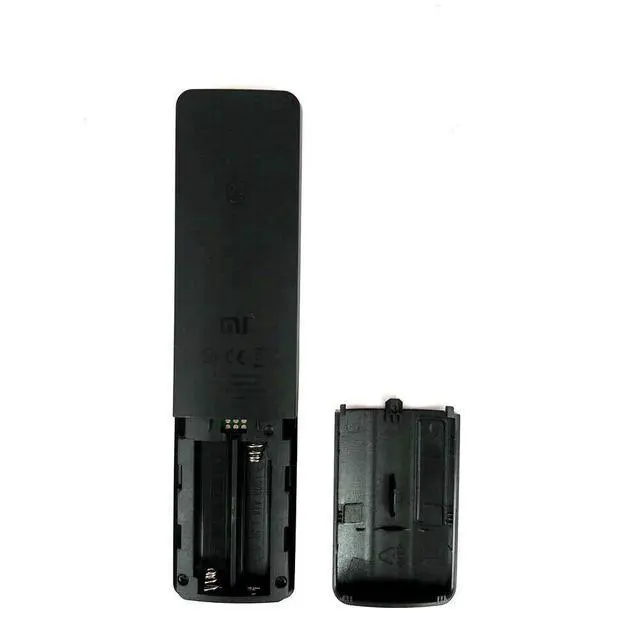
- Replacement Remote Control Controller for Xiaomi Mi Box S 4K HDR Android TV Streaming Media Player Pairing: From the device home screen, go to Settings > Remote Control and Accessories > Add Accessory, then follow the on-screen instructions. Once paired, a notification will show on the TV screen to confirm a successful connection. Power Supply: 2X 1.5V AAA Alkaline Battery (Battery and User Manual Not Included) XMRM-006
+
+
Overview
Specs
Reviews

Any questions? Our AI mode will help you find out quickly.
Try me now
Replacement Remote Control Controller for Xiaomi Mi Box S 4K HDR Android TV Streaming
Media Player Pairing: From the device home screen, go to Settings > Remote Control and Accessories > Add Accessory, then follow the on-screen instructions. Once paired, a notification will show on the TV screen to confirm a successful connection.
Power Supply: 2X 1.5V AAA Alkaline Battery (Battery and User Manual Not Included) XMRM-006
Media Player Pairing: From the device home screen, go to Settings > Remote Control and Accessories > Add Accessory, then follow the on-screen instructions. Once paired, a notification will show on the TV screen to confirm a successful connection.
Power Supply: 2X 1.5V AAA Alkaline Battery (Battery and User Manual Not Included) XMRM-006
Warranty & Returns
Warranty, Returns, And Additional Information
Warranty
- Please contact the Seller directly for warranty information. Warranty information may also be found on the Manufacturer's website.
- CONTACT
Return Policies
- Return for refund within: 30 days
- Return for replacement within: 30 days
- This item is covered by HeYuan Shop Return Policy
Manufacturer Contact Info
- For a directory of all our manufacturers, please click below.
- Manufacturers Directory
LOADING...