

Your Browsing History

Meet Your Seller

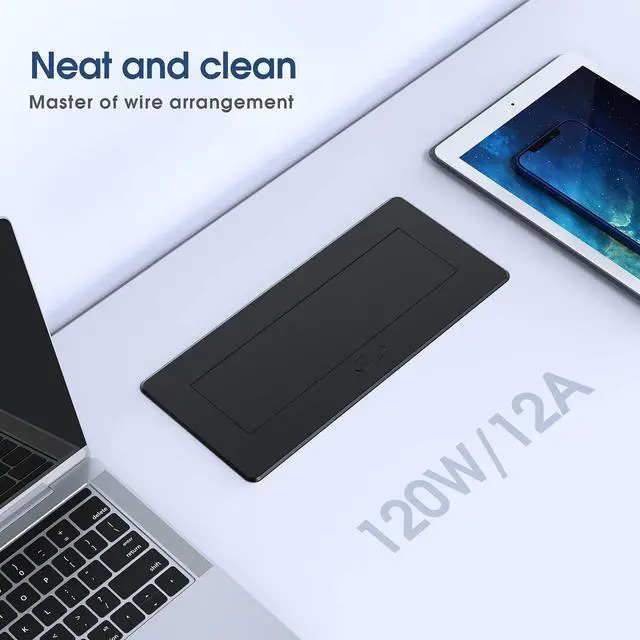
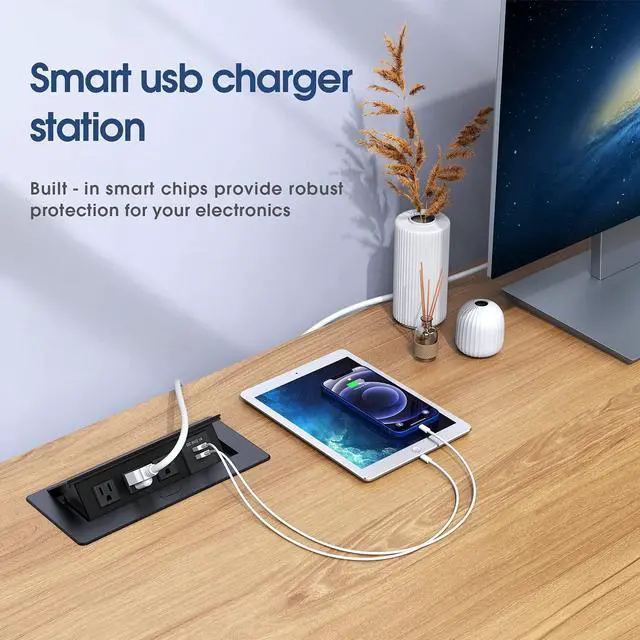


Connection Box Desktop Pop Up Outlet with 2 USB Ports & 3 Outlets(Black)
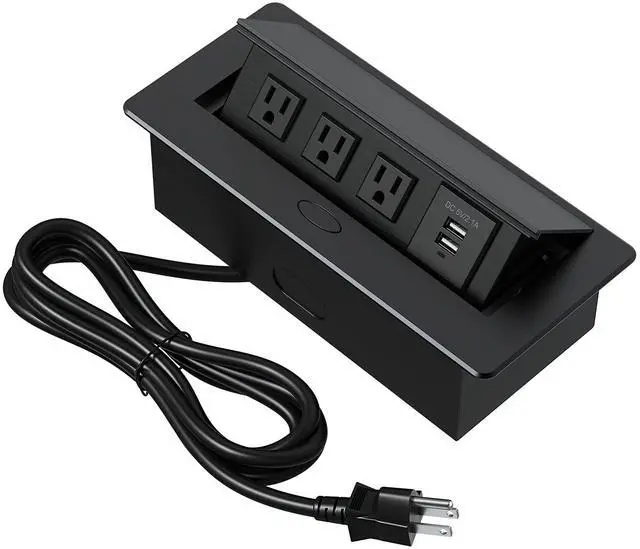
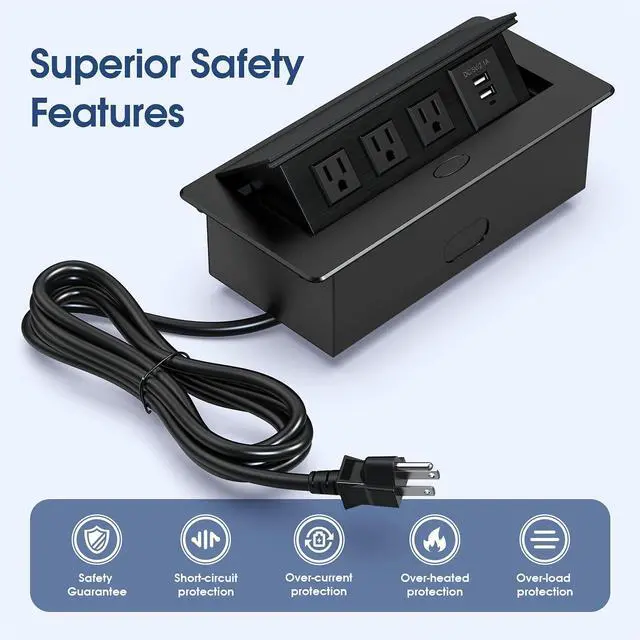
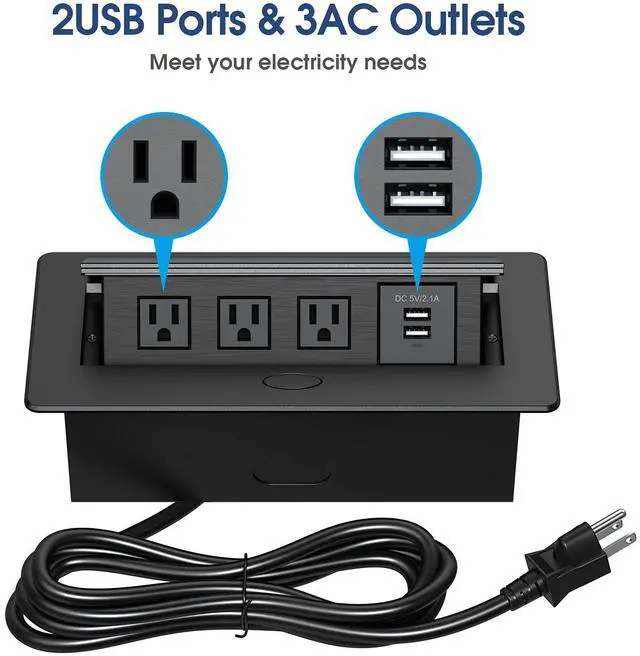
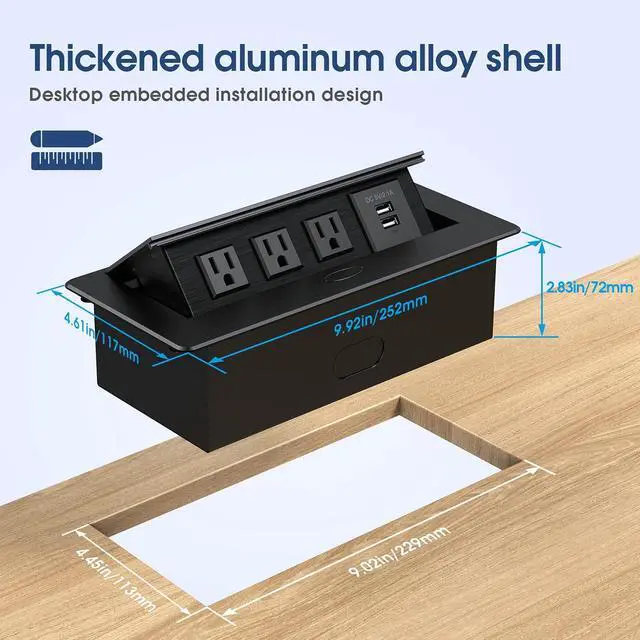
- Pop-up Power Strip: High quality and professional elegant look. This desktop pop-up socket features a textured black face plate. The pop-up feature allows you to utilize all of the desk space when the outlets are not in use. It pops up slowly at a 45-degree angle with a damped spring structure. After pressing the button to open the socket, you can connect wires and USB chargers. Configuration: Built-in 3 US Plugs & 2 USB Ports connections. Power Output: USB Ports: 5V/2.1A, 125V/15A. 5.9ft standard power cord for the sockets. Easy Install: Cut out hole size: 9.02"L * 4.45"W * 4.33"H. Easy to install into any type of furniture for convenient power access on demand. Save Space: Pops up slowly at a 45-degree angle with a damped spring structure, easy to use, pops up when in use. Simply press to click open, then press down to hide away nearly flush with the surface when not in use
+
+
Overview
Specs
Reviews

Any questions? Our AI mode will help you find out quickly.
Try me now
Pop-up Power Strip: High quality and professional elegant look. This desktop pop-up socket features a textured black face plate. The pop-up feature allows you to utilize all of the desk space when the outlets are not in use. It pops up slowly at a 45-degree angle with a damped spring structure. After pressing the button to open the socket, you can connect wires and USB chargers.
Configuration: Built-in 3 US Plugs & 2 USB Ports connections.
Power Output: USB
Ports: 5V/ 2.1A, 125V/15A. 5.9 ft standard power cord for the sockets.
Easy Install: Cut
out hole size: 9.02"L * 4.45"W * 4.33"H. Easy to install into any type of furniture for convenient power access on demand.
Save Space: Pops up slowly at a 45-degree angle with a damped spring structure, easy to use, pops up when in use. Simply press to click open, then press down to hide away nearly flush with the surface when not in use
Configuration: Built-in 3 US Plugs & 2 USB Ports connections.
Power Output: USB
Ports: 5V/ 2.1A, 125V/15A. 5.9 ft standard power cord for the sockets.
Easy Install: Cut
out hole size: 9.02"L * 4.45"W * 4.33"H. Easy to install into any type of furniture for convenient power access on demand.
Save Space: Pops up slowly at a 45-degree angle with a damped spring structure, easy to use, pops up when in use. Simply press to click open, then press down to hide away nearly flush with the surface when not in use
Warranty & Returns
Warranty, Returns, And Additional Information
Warranty
- Please contact the Seller directly for warranty information. Warranty information may also be found on the Manufacturer's website.
- CONTACT
Return Policies
- Return for refund within: 30 days
- Return for replacement within: 30 days
- This item is covered by Brightflag Electronics Return Policy
Manufacturer Contact Info
- For a directory of all our manufacturers, please click below.
- Manufacturers Directory
LOADING...