Out of stock
  • $37.99
  • Free 30-day Returns

Shipped by Pingquan Store

Price alert
Shop it at NeweggBusiness.

Meet Your Seller

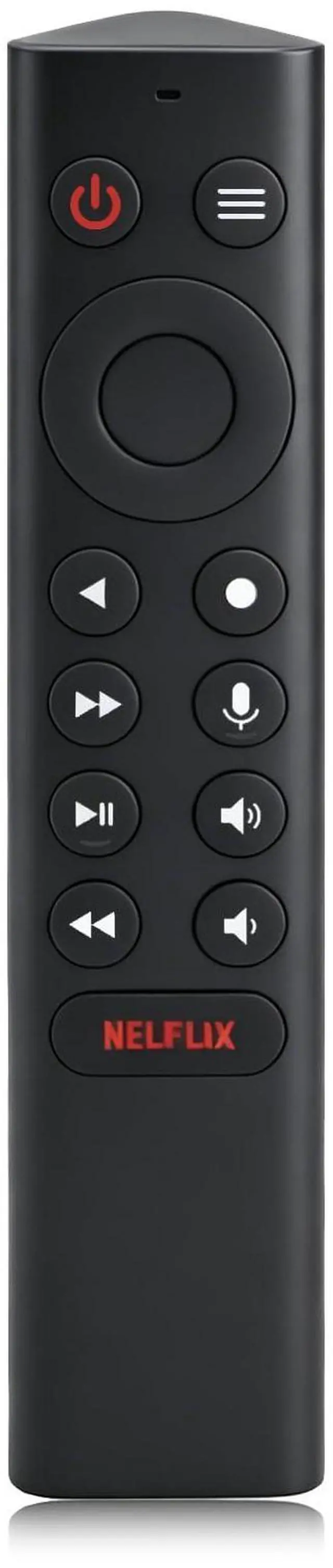
P3700 Shield Voice Remote Control New Replacement Compatible with NVIDIA Shield TV and NVIDIA Shield TV Pro Streaming Media Player 2015/2017/2019 All Models

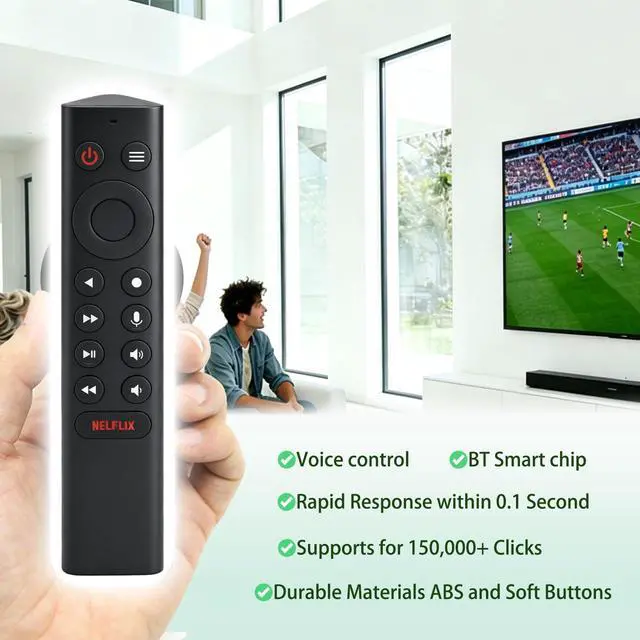
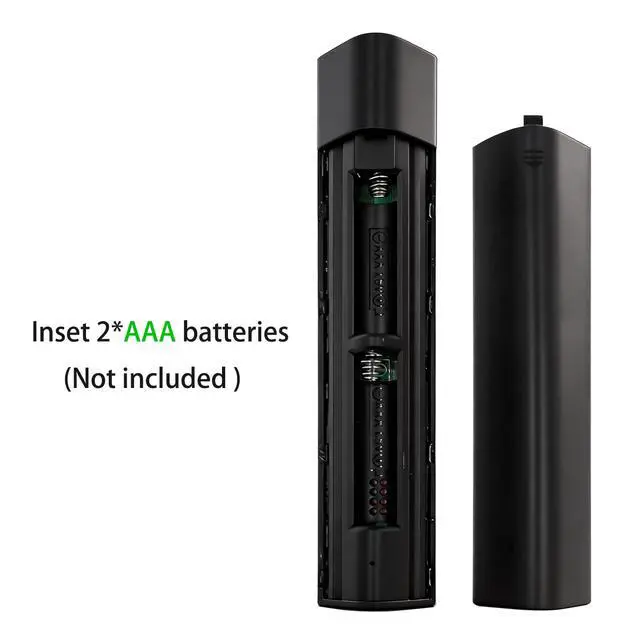
  • Compatibility: The P3700 replacement remote is compatible with NVIDIA SHIELD TV 2015, 2017, and 2019 models, including SHIELD TV, SHIELD TV Pro, and SHIELD TV Cube. Please ensure your streaming player is updated to the latest SHIELD Experience for complete functionality. Easy Pairing: Insert 2 AAA batteries (not included). Make sure the home screen of your SHIELD TV is visible. Hold the remote within 2 feet (60 cm) of the device. Press and hold the Back and Home buttons together for 35 seconds until the indicator light flashes. Wait a moment for the remote to connect; the light will turn off once pairing is successful. If you are replacing an old remote, remove its batteries first to prevent interference. Smart Voice Control & Motion-Activated Backlit Buttons: Press the microphone button and simply speak to search for movies, launch apps, control volume, or check the weather. The backlit keys illuminate automatically when you pick up the remote, so you can clearly see every button even in a dark room. Customizable Menu Button & Built-in IR Control: The menu button can be personalized with over 25 actions assign functions like launching your favorite app, enabling AI upscaling, or muting sound to single press, double press, and long press. The built-in IR blaster allows you to control your TVs power, volume, and input source directly from this remote. Ergonomic Design & Reliable Multi-Remote Use: The remote provides a comfortable grip and well-spaced tactile keys for acc
+
+
Overview
Specs
Reviews
avatar

Any questions? Our AI mode will help you find out quickly.

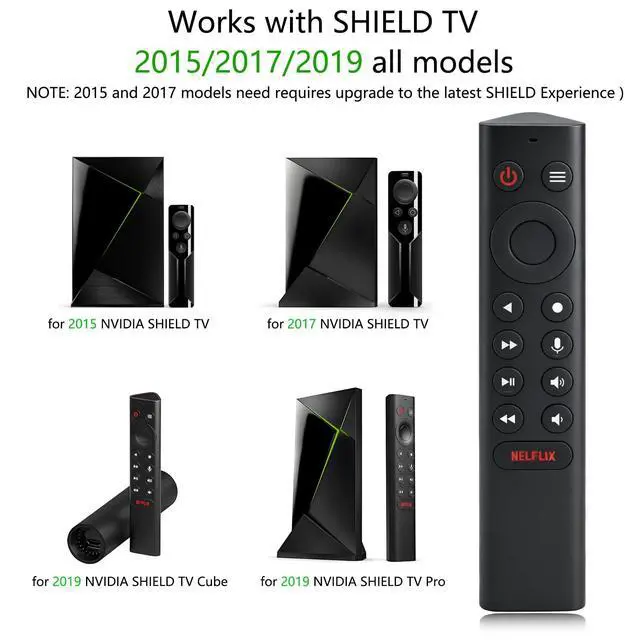
Compatibility: The P3700 replacement remote is compatible with NVIDIA SHIELD TV 2015, 2017, and 2019 models, including SHIELD TV, SHIELD TV Pro, and SHIELD TV Cube. Please ensure your streaming player is updated to the latest SHIELD Experience for complete functionality.
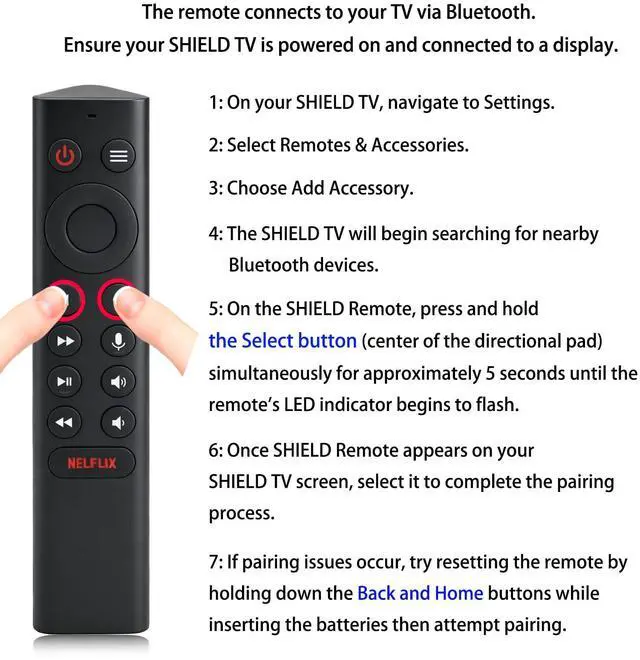
Easy Pairing: Insert 2 AAA batteries (not included). Make sure the home screen of your SHIELD TV is visible. Hold the remote within 2 feet (60 cm) of the device. Press and hold the Back and Home buttons together for 35 seconds until the indicator light flashes. Wait a moment for the remote to connect; the light will turn off once pairing is successful. If you are replacing an old remote, remove its batteries first to prevent interference. Smart Voice Control & Motion-Activated
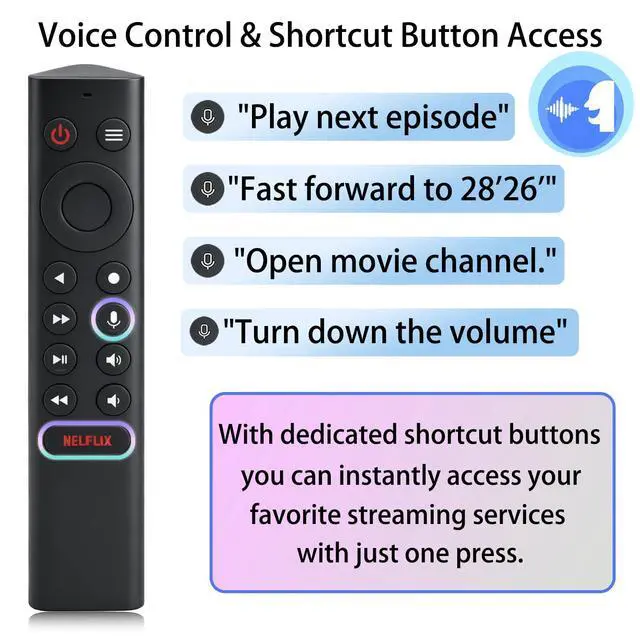
Backlit Buttons: Press the microphone button and simply speak to search for movies, launch apps, control volume, or check the weather. The backlit keys illuminate automatically when you pick up the remote, so you can clearly see every button even in a dark room. Customizable Menu Button & Built-in
IR Control: The menu button can be personalized with over 25 actions assign functions like launching your favorite app, enabling AI upscaling, or muting sound to single press, double press, and long press. The built-in IR blaster allows you to control your TVs power, volume, and input source directly from this remote. Ergonomic Design & Reliable Multi-Remote Use: The remote provides a comfortable grip and well-spaced tactile keys for accurate control. You can use it alongside another SHIELD remote or connect multiple units at the same time for added convenience. Package

Warranty & Returns

Warranty, Returns, And Additional Information

Warranty

  • Please contact the Seller directly for warranty information. Warranty information may also be found on the Manufacturer's website.
  • CONTACT

Return Policies

Manufacturer Contact Info

LOADING...