• $44.99
  • Free 30-day Returns
  • Shipped by Pingquan Store

    Price alert
    Shop it at NeweggBusiness.

    Meet Your Seller

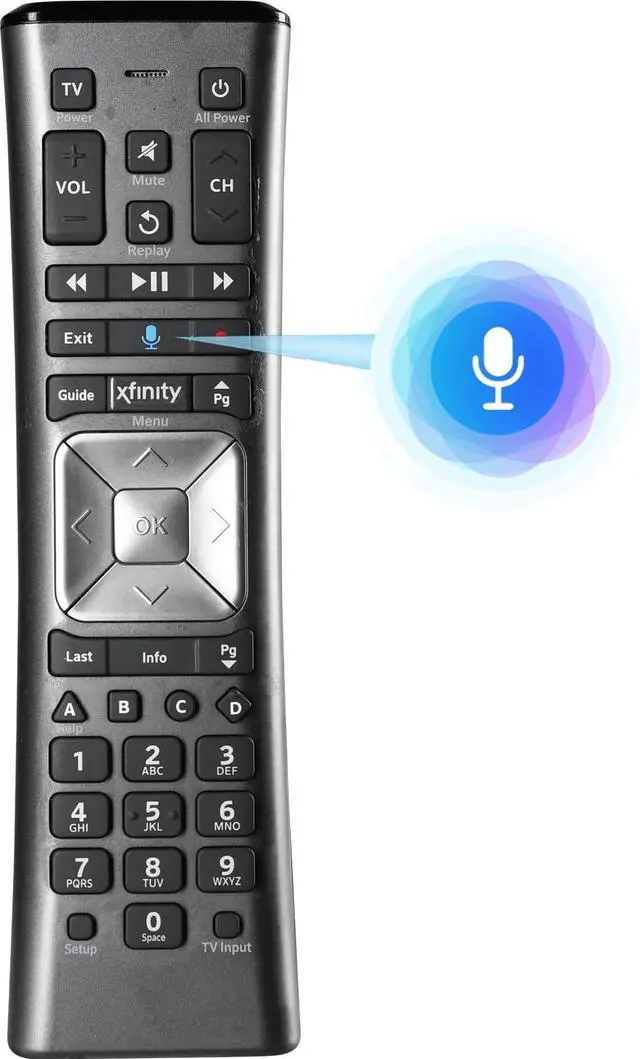
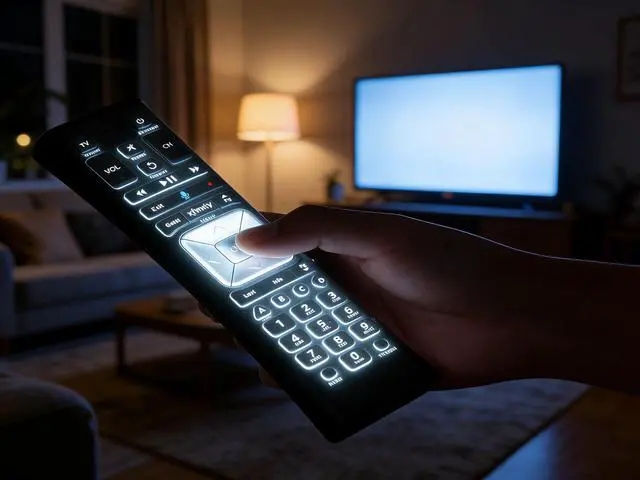
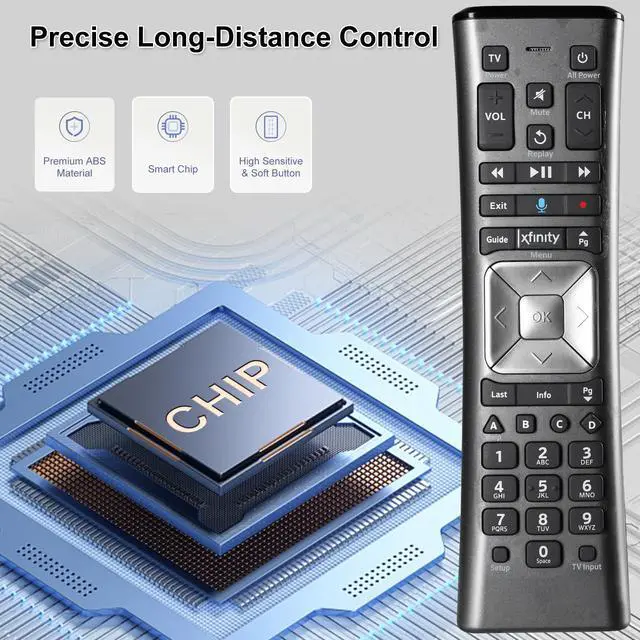
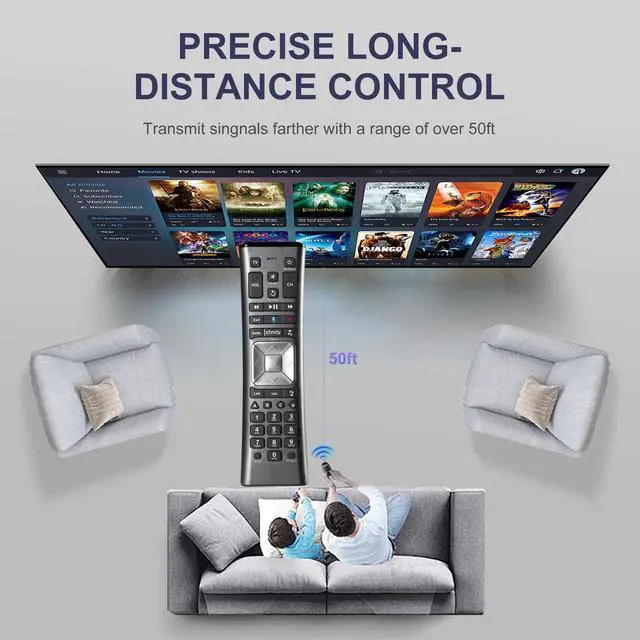
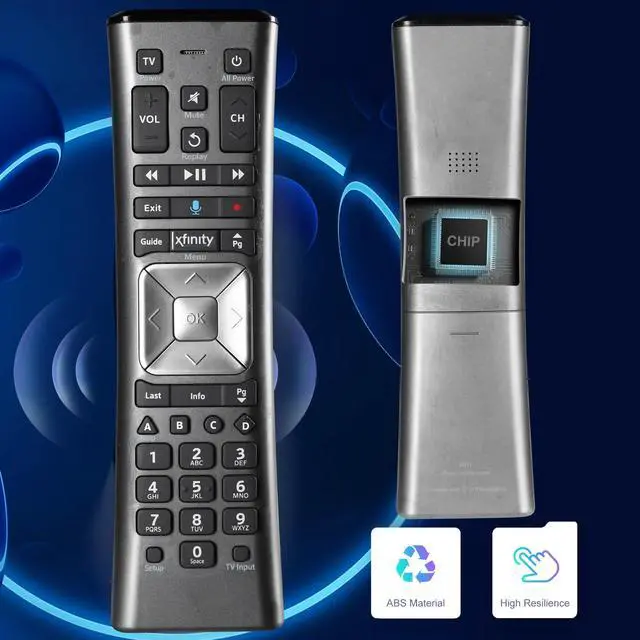
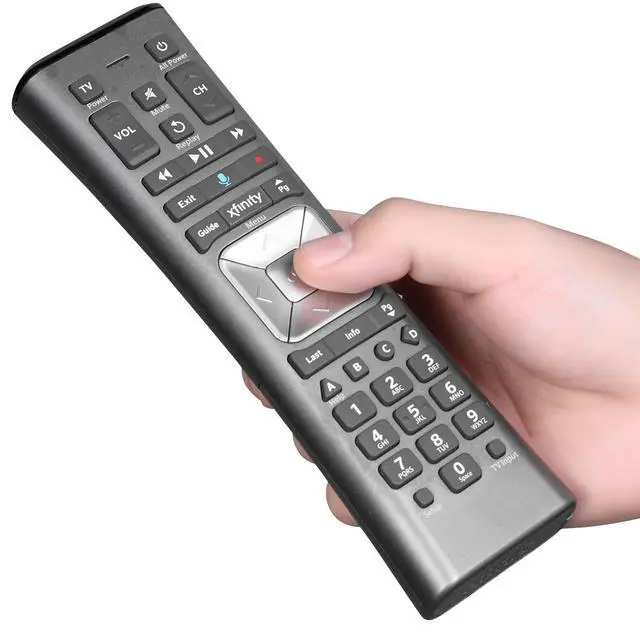
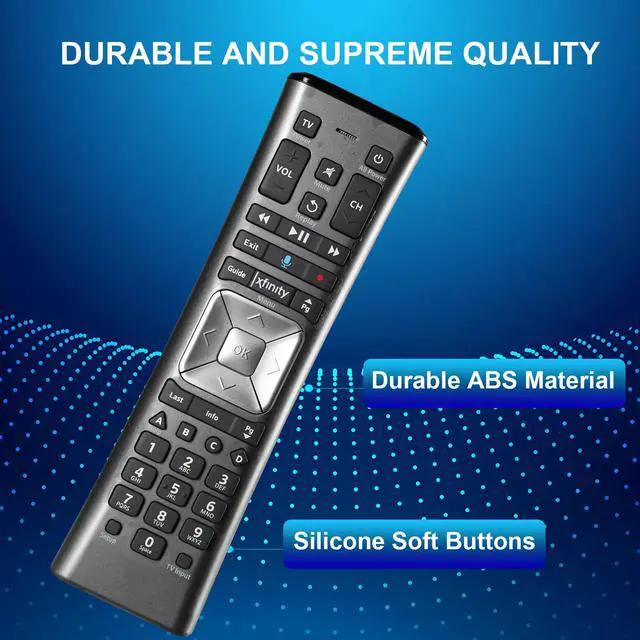
    XR11 Voice Backlit Remote Control Compatible with XFinity X1 Comcast Activated Cable TV

    Limited time offer, ends 09/17 By Pingquan Store

    • Please Note: The remote has minor scratches on the back and buttons may show signs of dirt, but it functions perfectly. Consider this carefully if condition is a concern. This voice remote control replacement is compatible with the XFinity Comcast Activated Cable TV Remote Control XR11. Notice: Voice features are only compatible with the X1 set-top box. RF pairing is exclusively available with the XG1 and Xi3 set-top boxes. How to pair your voice remote: Step 1: Press and hold the Setup button until the LED turns from red to green (about 3 seconds). Step 2: Press the Xfinity button. Step 3: Your TV should display a 3-digit codeenter it using the remote. If the code doesn't appear, press Xfinity 12 more times. Step 4: After entering the code correctly, the remote will pair automatically

    +
    +
    Overview
    Specs
    Reviews
    avatar

    Any questions? Our AI mode will help you find out quickly.

    Please Note: The remote has minor scratches on the back and buttons may show signs of dirt, but it functions perfectly. Consider this carefully if condition is a concern. This voice remote control replacement is compatible with the XFinity Comcast Activated Cable TV Remote Control XR11.
    Notice: Voice features are only compatible with the X1 set-top box. RF pairing is exclusively available with the XG1 and Xi3 set-top boxes. How to pair your voice remote: Step
    1: Press and hold the Setup button until the LED turns from red to green (about 3 seconds).
    Step 2: Press the Xfinity button.
    Step 3: Your TV should display a 3-digit codeenter it using the remote. If the code doesn't appear, press Xfinity 12 more times.
    Step 4: After entering the code correctly, the remote will pair automatically

    Warranty & Returns

    Warranty, Returns, And Additional Information

    Warranty

    • Please contact the Seller directly for warranty information. Warranty information may also be found on the Manufacturer's website.
    • CONTACT

    Return Policies

    Manufacturer Contact Info

    LOADING...