

Your Browsing History

Meet Your Seller


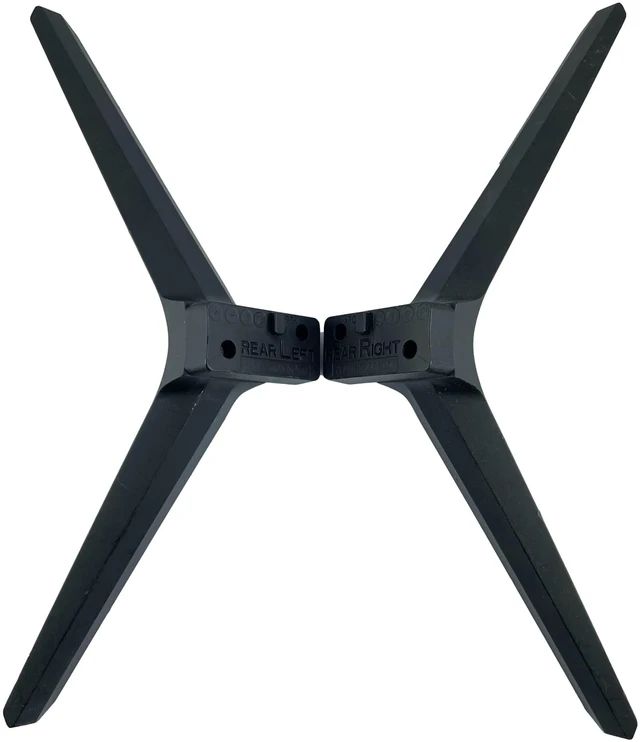
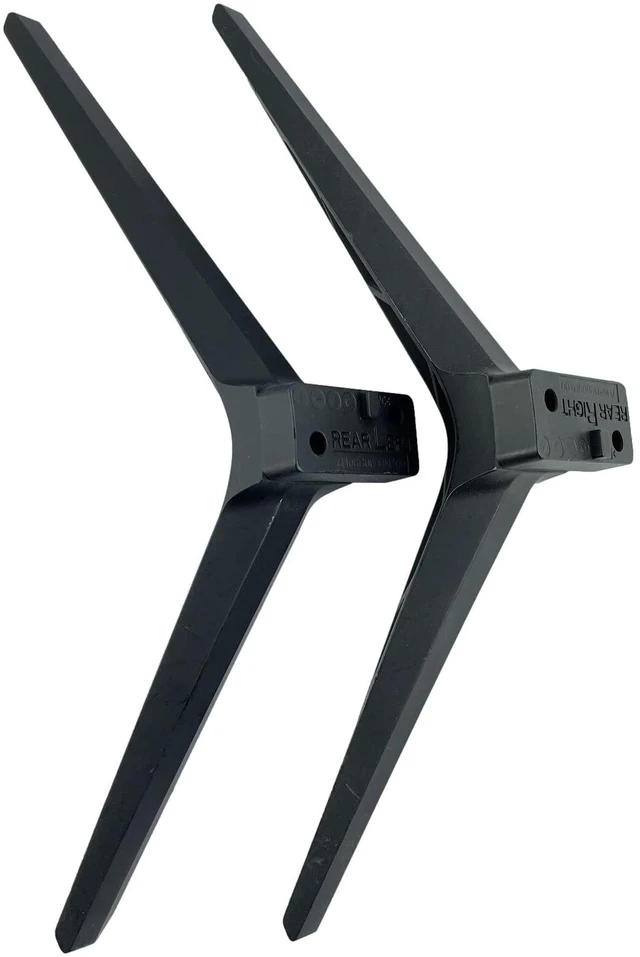


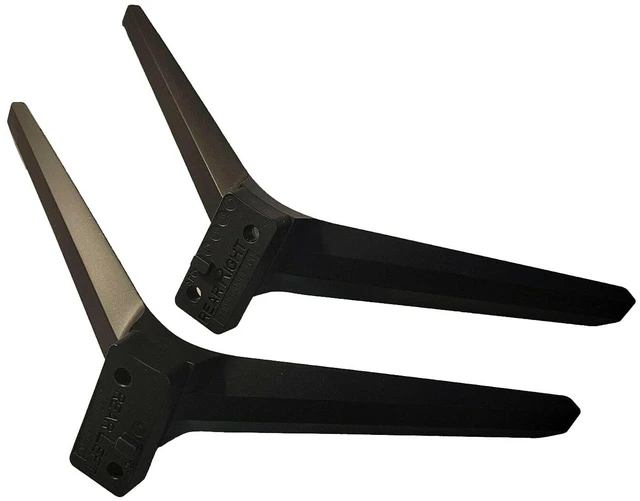
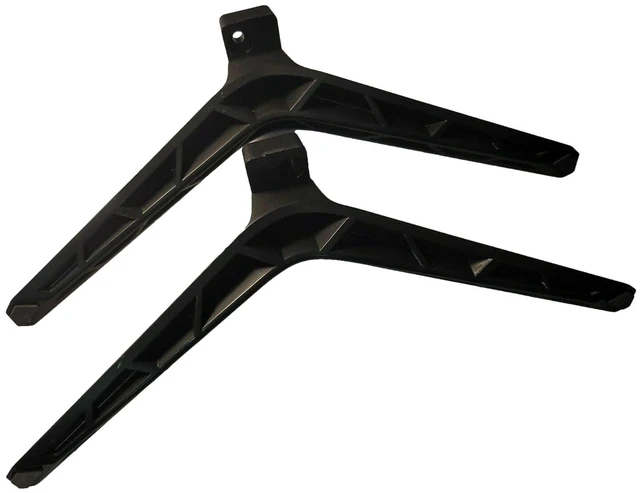
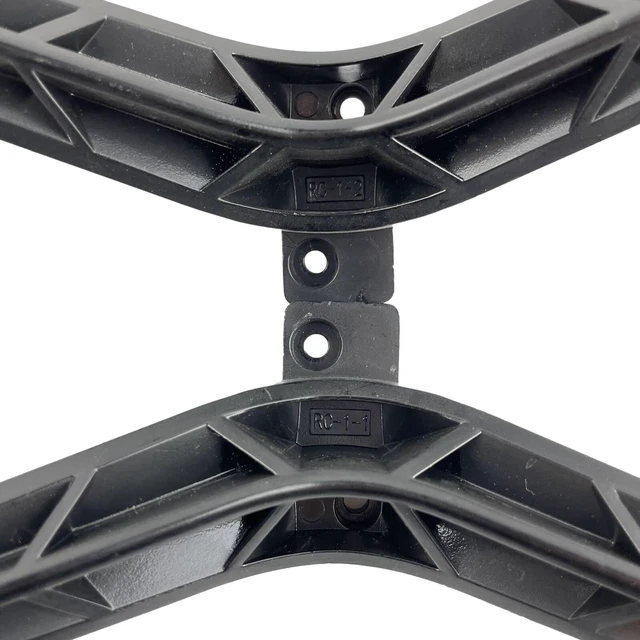


Complete TV Base Stand Legs sub for VIZIO V-Series 50" Class 4K HDR Smart TVs (V505-J09), Screws Included
Limited time offer, ends 09/18 By PixelPlay Accessories Shop
- Complete TV Base Stand Legs Replacement for VIZIO V-Series 50" Class 4K HDR Smart TVs (V505-J09), Screw Set Included. Enhanced Viewing Experience: With these OEM TV stand legs, the TV can be raised to the eye level of most viewers, improving your enjoyment while watching shows or moviesrelax and savor your time! Simple Assembly: 1. Lay the TV flat on a clean, stable table or desk. 2. Align the screw holes of the stand legs with the bottom of the TV (the connecting section), insert the screws to attach the legs to the TV, and tighten them securely. 3. After the legs are properly installed, set the TV upright on a stable, clean surface. Just 3 stepsquick and effortless. Package Contents: 2 x TV legs and 1 x set of screws (Note: instruction manual not included). Important: These TV legs are not compatible with all VIZIO TV models, so be sure to verify your model number before ordering
+
+
Overview
Specs
Reviews

Any questions? Our AI mode will help you find out quickly.
Try me now
Complete TV Base Stand Legs Replacement for VIZIO V-Series 50" Class 4K HDR Smart TVs (V505-J09), Screw Set Included.
Enhanced Viewing Experience: With these OEM TV stand legs, the TV can be raised to the eye level of most viewers, improving your enjoyment while watching shows or moviesrelax and savor your time!
Simple Assembly: 1. Lay the TV flat on a clean, stable table or desk. 2. Align the screw holes of the stand legs with the bottom of the TV (the connecting section), insert the screws to attach the legs to the TV, and tighten them securely. 3. After the legs are properly installed, set the TV upright on a stable, clean surface. Just 3 stepsquick and effortless.
Package Contents: 2 x TV legs and 1 x set of screws (Note: instruction manual not included).
Important: These TV legs are not compatible with all VIZIO TV models, so be sure to verify your model number before ordering
Enhanced Viewing Experience: With these OEM TV stand legs, the TV can be raised to the eye level of most viewers, improving your enjoyment while watching shows or moviesrelax and savor your time!
Simple Assembly: 1. Lay the TV flat on a clean, stable table or desk. 2. Align the screw holes of the stand legs with the bottom of the TV (the connecting section), insert the screws to attach the legs to the TV, and tighten them securely. 3. After the legs are properly installed, set the TV upright on a stable, clean surface. Just 3 stepsquick and effortless.
Package Contents: 2 x TV legs and 1 x set of screws (Note: instruction manual not included).
Important: These TV legs are not compatible with all VIZIO TV models, so be sure to verify your model number before ordering
Warranty & Returns
Warranty, Returns, And Additional Information
Warranty
- Please contact the Seller directly for warranty information. Warranty information may also be found on the Manufacturer's website.
- CONTACT
Return Policies
- Return for refund within: 30 days
- Return for replacement within: 30 days
- This item is covered by PixelPlay Accessories Shop Return Policy
Manufacturer Contact Info
- For a directory of all our manufacturers, please click below.
- Manufacturers Directory
LOADING...