

Your Browsing History

Meet Your Seller


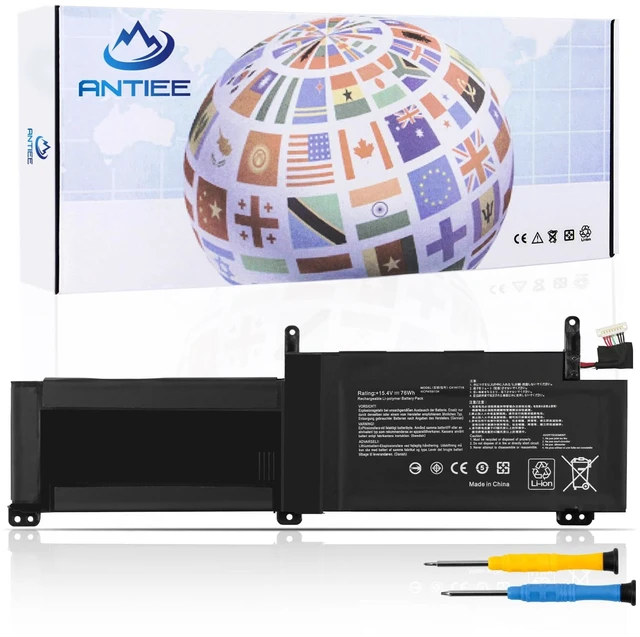
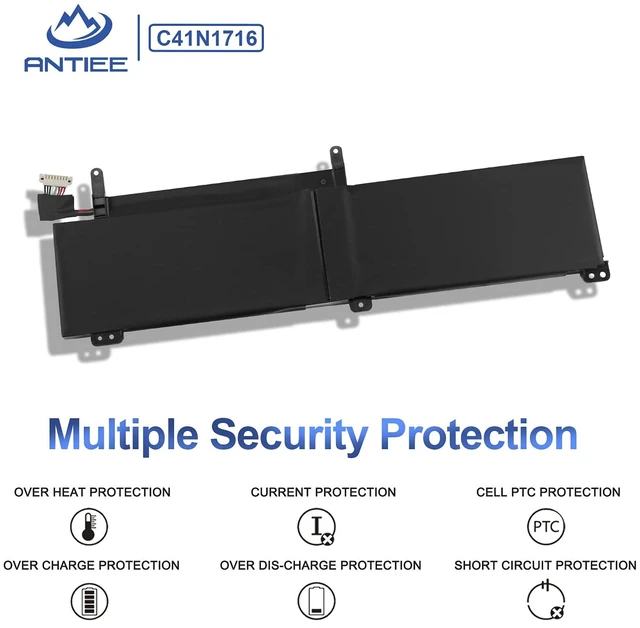
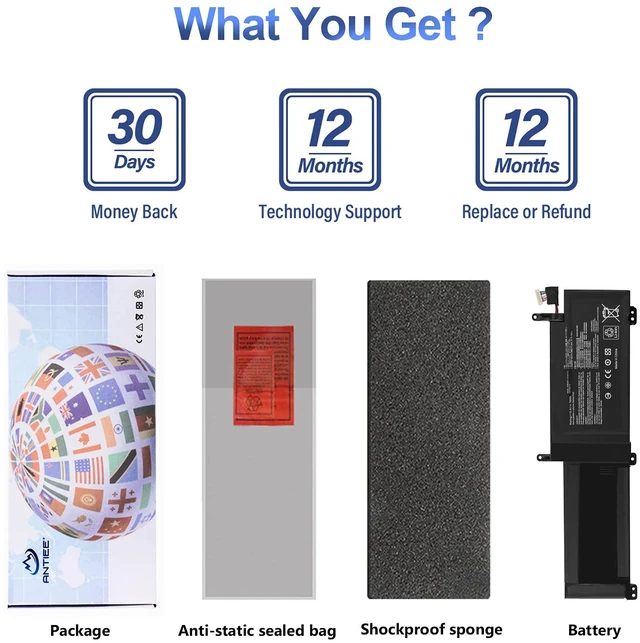
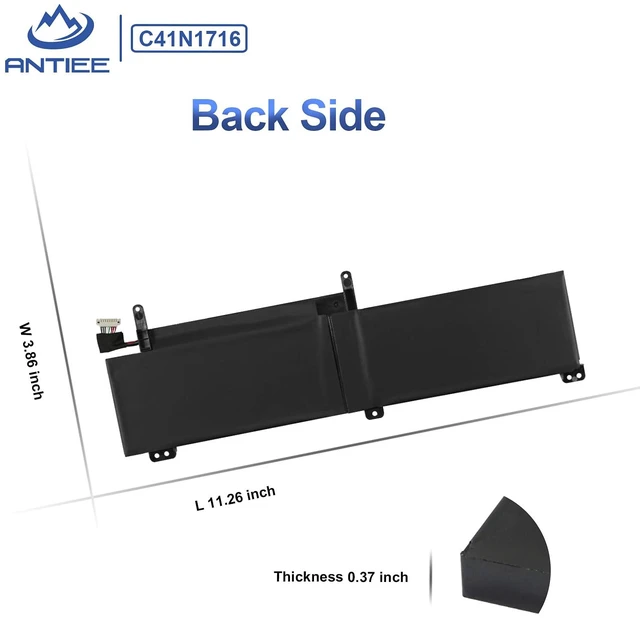


C41N1716 Laptop Battery Replacement for ASUS ROG Strix GL703GS GL703GM Scar for ROG Strix S7BS S7BS8750 GL703GM-NS73 GL703GM-DS74 GL703GS-DS74 0B200-02770000 4ICP4/59/134 15.4V 76Wh
Limited time offer, ends 09/29 By JadeEssence Shop
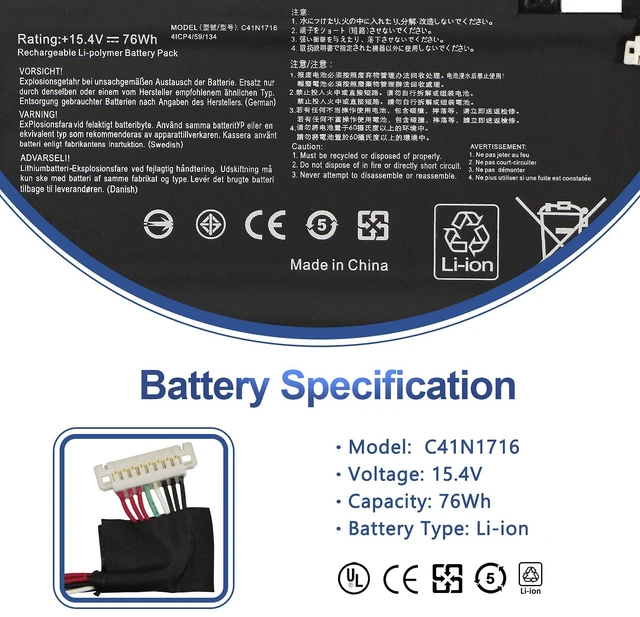
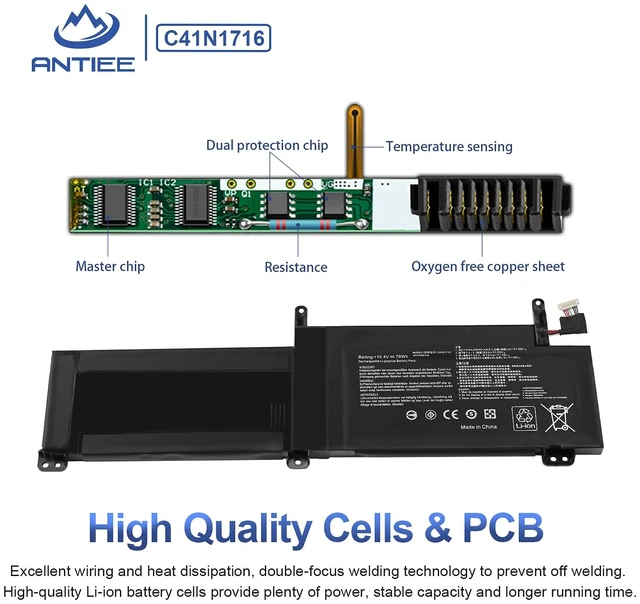
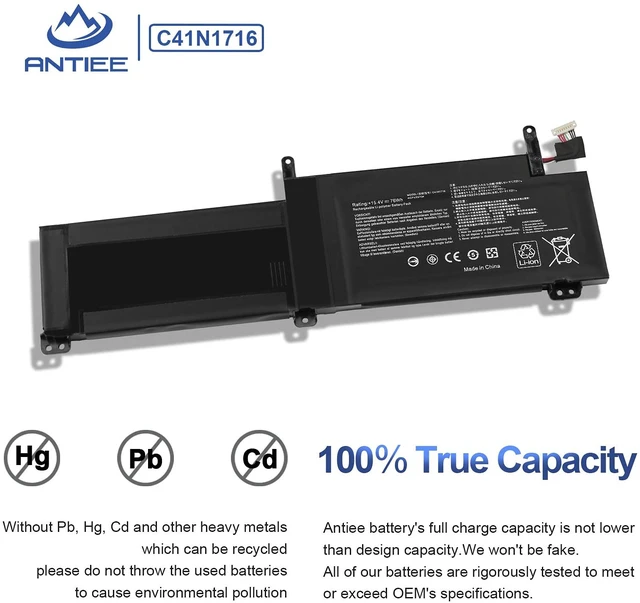
- [Specification] Voltage: 15.4V Capacity: 76Wh Battery Type: Li-ion Condition: Brand new, made from high-quality materials with top circuit boards and a smart chip. [Replace Part Number] C41N1716 0B200-02770000 4ICP4/59/134 [Compatible Laptop Models] Compatible with ASUS ROG Strix GL703GM GL703GS series, including GL703GM-NS73, GL703GM-DS74, and GL703GS-DS74 series, as well as Asus ROG Strix S7BS S7BS8750 series. Each replacement battery is tested under strict quality control standards to help ensure true capacity, stable current, and low self-discharge. The battery is UL / CE / FCC / RoHS certified for safety. [Important Note] If the new battery is not recognized during initial installation, reinstall it and ensure the interface is fully connected. Discharge the new battery to 5% --- 10% (not 0%), then charge and cycle it 3-4 times to activate the battery for optimal performance
+
+
Overview
Specs
Reviews

Any questions? Our AI mode will help you find out quickly.
Try me now
[Specification]
Voltage: 15.4V
Capacity: 76Wh
Battery Type: Li-ion
Condition: Brand new, made from high-quality materials with top circuit boards and a smart chip. [Replace Part Number] C41N1716 0B200-02770000 4ICP4/59/134 [Compatible Laptop Models] Compatible with ASUS ROG Strix GL703GM GL703GS series, including GL703GM-NS73, GL703GM-DS74, and GL703GS-DS74 series, as well as Asus ROG Strix S7BS S7BS8750 series. Each replacement battery is tested under strict quality control standards to help ensure true capacity, stable current, and low self-discharge. The battery is UL / CE / FCC / RoHS certified for safety. [Important Note] If the new battery is not recognized during initial installation, reinstall it and ensure the interface is fully connected. Discharge the new battery to 5% --- 10% (not 0%), then charge and cycle it 3-4 times to activate the battery for optimal performance
Voltage: 15.4V
Capacity: 76Wh
Battery Type: Li-ion
Condition: Brand new, made from high-quality materials with top circuit boards and a smart chip. [Replace Part Number] C41N1716 0B200-02770000 4ICP4/59/134 [Compatible Laptop Models] Compatible with ASUS ROG Strix GL703GM GL703GS series, including GL703GM-NS73, GL703GM-DS74, and GL703GS-DS74 series, as well as Asus ROG Strix S7BS S7BS8750 series. Each replacement battery is tested under strict quality control standards to help ensure true capacity, stable current, and low self-discharge. The battery is UL / CE / FCC / RoHS certified for safety. [Important Note] If the new battery is not recognized during initial installation, reinstall it and ensure the interface is fully connected. Discharge the new battery to 5% --- 10% (not 0%), then charge and cycle it 3-4 times to activate the battery for optimal performance
Warranty & Returns
Warranty, Returns, And Additional Information
Warranty
- Please contact the Seller directly for warranty information. Warranty information may also be found on the Manufacturer's website.
- CONTACT
Return Policies
- Return for refund within: 30 days
- Return for replacement within: 30 days
- This item is covered by JadeEssence Shop Return Policy
Manufacturer Contact Info
- For a directory of all our manufacturers, please click below.
- Manufacturers Directory
LOADING...