

Your Browsing History

Meet Your Seller

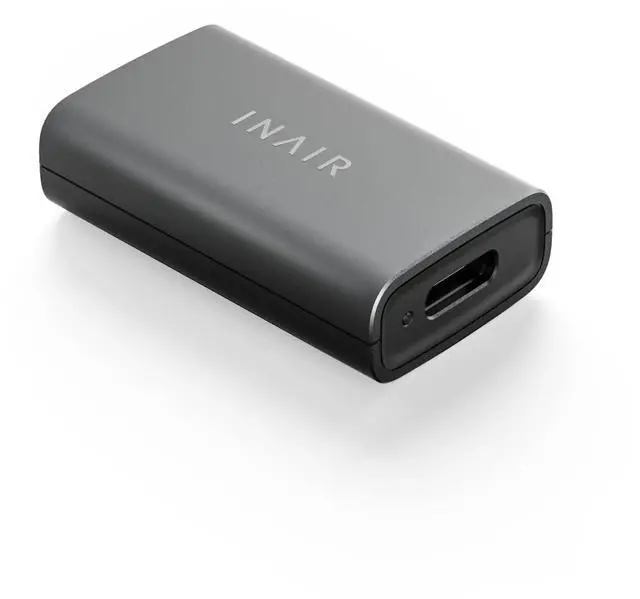
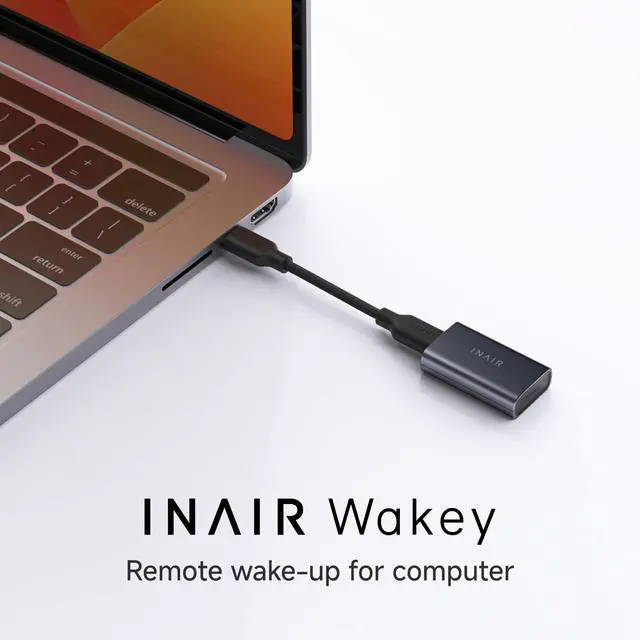
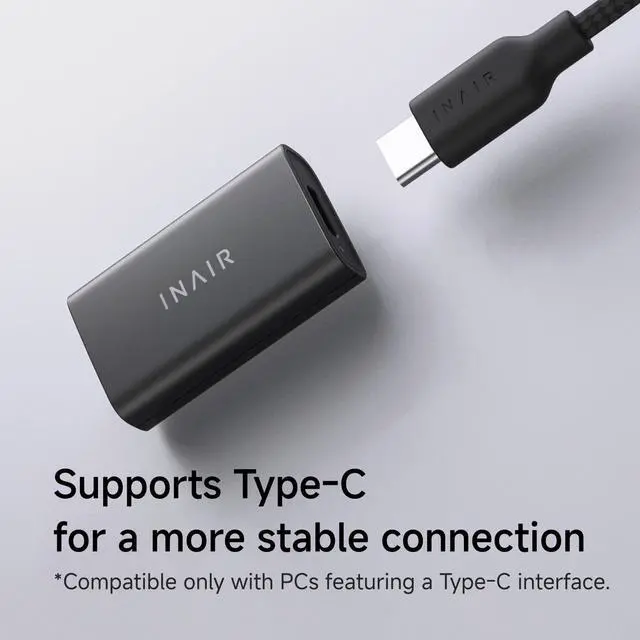


Wakey Remote PC Wake-Up Dongle for Spatial Computer, Exclusive Wake-on-LAN Smart Switch for Wireless PC Streaming & AR Glasses Ecosystem
- ECOSYSTEM ACCESSORY: The Wakey Dongle is designed exclusively for Spatial Computers, including Pod, Go Pack, Elite Suite, and Elite. It requires the Space software and an account to operate. This is not a universal standalone Wake-on-LAN device for standard PCs. REMOTE PC STREAMING: Power on your desktop PC from anywhere in the world with internet access and access your home computer on AR glasses while traveling. PLUG-AND-PLAY SETUP: Plug the Wakey Dongle into your PC's USB port, ensure both devices are initially on the same local network, and they pair automatically. Once paired, your PC can be awakened globally. 1-CLICK WAKE VIA ACCOUNT: Integrated into the Space software. After setup, log into your account on your Spatial Computer and tap within the OS to wake your remote PC from sleep mode. SECURITY & ENCRYPTION: Encrypted communication channels are linked directly to your secure account for protected remote computer access and activation
+
+
Overview
Specs
Reviews

Any questions? Our AI mode will help you find out quickly.
Try me now
ECOSYSTEM ACCESSORY: The Wakey Dongle is designed exclusively for Spatial Computers, including Pod, Go Pack, Elite Suite, and Elite. It requires the Space software and an account to operate. This is not a universal standalone Wake-on-LAN device for standard PCs.
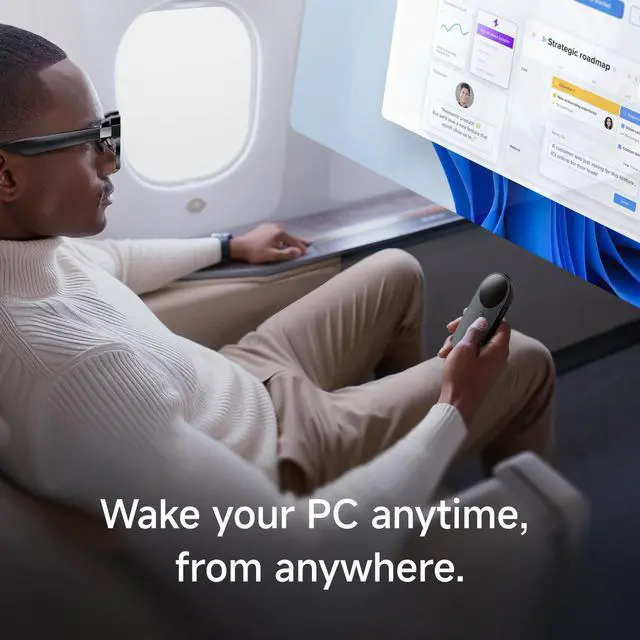
REMOTE PC STREAMING: Power on your desktop PC from anywhere in the world with internet access and access your home computer on AR glasses while traveling.
PLUG-AND-PLAY SETUP: Plug the Wakey Dongle into your PC's USB port, ensure both devices are initially on the same local network, and they pair automatically. Once paired, your PC can be awakened globally.
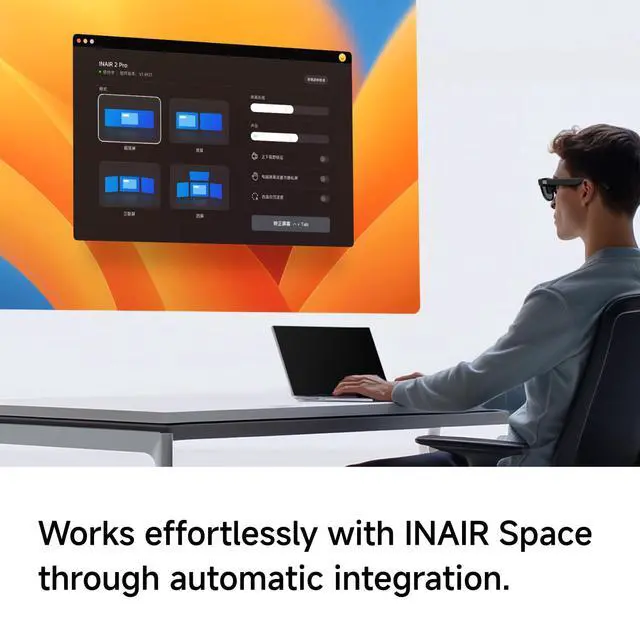
1-CLICK WAKE VIA ACCOUNT: Integrated into the Space software. After setup, log into your account on your Spatial Computer and tap within the OS to wake your remote PC from sleep mode.
SECURITY & ENCRYPTION: Encrypted communication channels are linked directly to your secure account for protected remote computer access and activation
REMOTE PC STREAMING: Power on your desktop PC from anywhere in the world with internet access and access your home computer on AR glasses while traveling.
PLUG-AND-PLAY SETUP: Plug the Wakey Dongle into your PC's USB port, ensure both devices are initially on the same local network, and they pair automatically. Once paired, your PC can be awakened globally.
1-CLICK WAKE VIA ACCOUNT: Integrated into the Space software. After setup, log into your account on your Spatial Computer and tap within the OS to wake your remote PC from sleep mode.
SECURITY & ENCRYPTION: Encrypted communication channels are linked directly to your secure account for protected remote computer access and activation
Warranty & Returns
Warranty, Returns, And Additional Information
Warranty
- Please contact the Seller directly for warranty information. Warranty information may also be found on the Manufacturer's website.
- CONTACT
Return Policies
- Return for refund within: 30 days
- Return for replacement within: 30 days
- This item is covered by HuiXu South Artware Return Policy
Manufacturer Contact Info
- For a directory of all our manufacturers, please click below.
- Manufacturers Directory
LOADING...