

Your Browsing History

Meet Your Seller

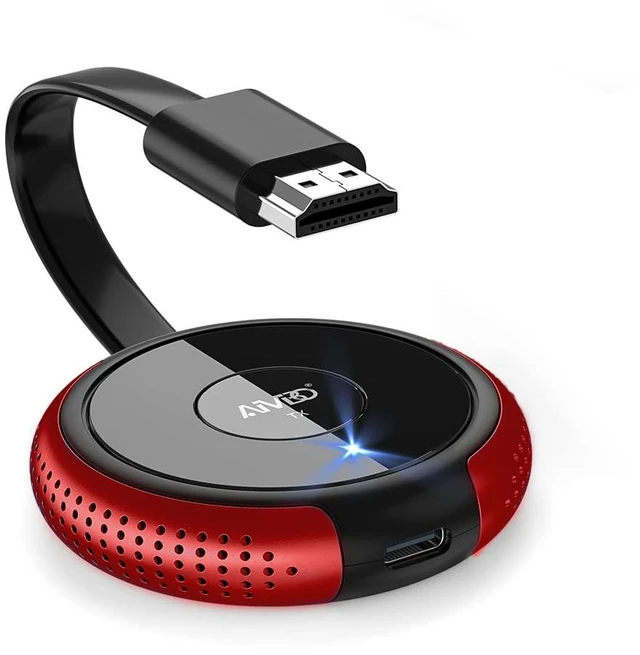
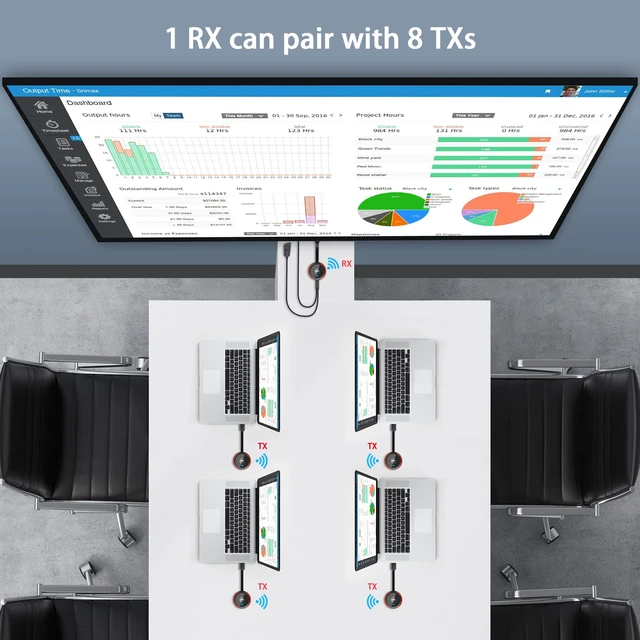
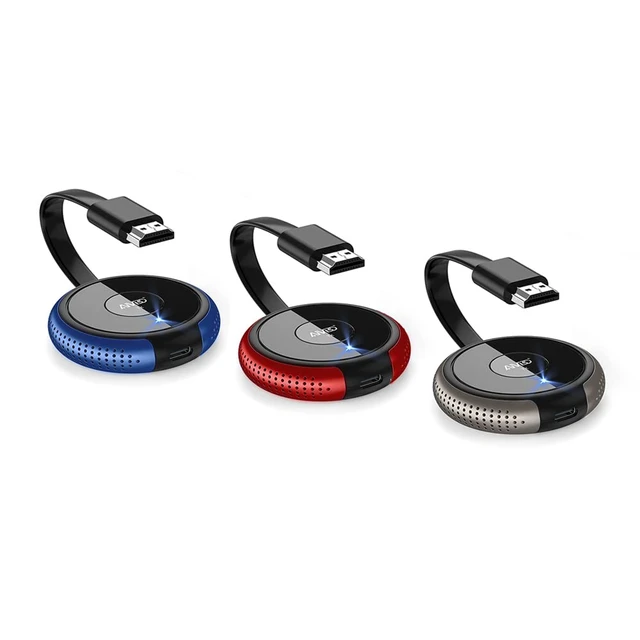


Wireless HDMI Transmitter TX Red - 1 Receiver to 8 Transmitter, Best for Meeting Room
Limited time offer, ends 09/30 By Brightflag Electronics
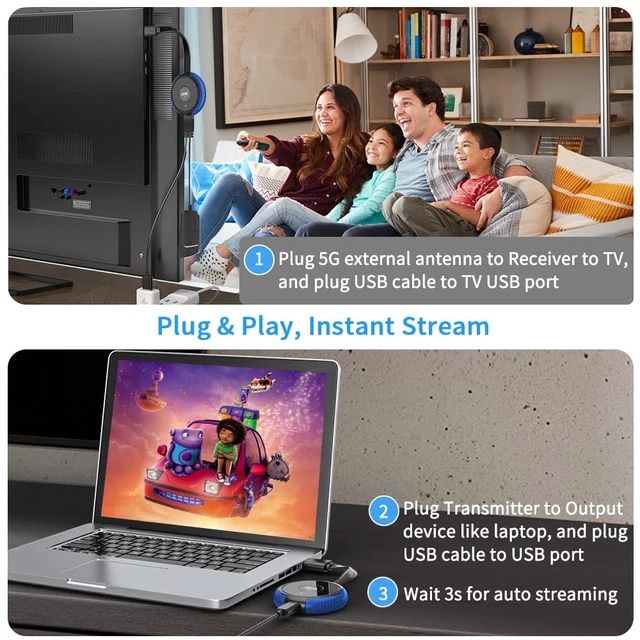
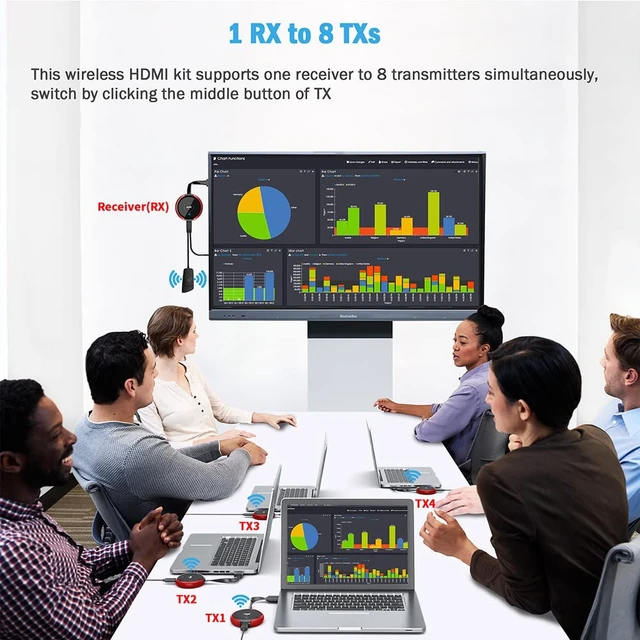
- Please pair the new HDMI transmitter with the receiver before first use. First, long press the receiver's middle button until it shows "release the button". Second, long press the transmitter's middle button until it shows "Pairing". Third, wait 5s; it will show "Paired is OK", then it will auto stream video. One receiver can be paired with up to 8 transmitters. The connection method is the same. Click the first TX's middle button once, then it will return to the blue interface. Then click the second TX's middle button once. It will display the second TX's content
+
+
Overview
Specs
Reviews

Any questions? Our AI mode will help you find out quickly.
Try me now
Please pair the new HDMI transmitter with the receiver before first use. First, long press the receiver's middle button until it shows "release the button". Second, long press the transmitter's middle button until it shows "Pairing". Third, wait 5s; it will show "Paired is OK", then it will auto stream video. One receiver can be paired with up to 8 transmitters. The connection method is the same. Click the first TX's middle button once, then it will return to the blue interface. Then click the second TX's middle button once.
It will display the second TX's content
It will display the second TX's content
Warranty & Returns
Warranty, Returns, And Additional Information
Warranty
- Please contact the Seller directly for warranty information. Warranty information may also be found on the Manufacturer's website.
- CONTACT
Return Policies
- Return for refund within: 30 days
- Return for replacement within: 30 days
- This item is covered by Brightflag Electronics Return Policy
Manufacturer Contact Info
- For a directory of all our manufacturers, please click below.
- Manufacturers Directory
LOADING...