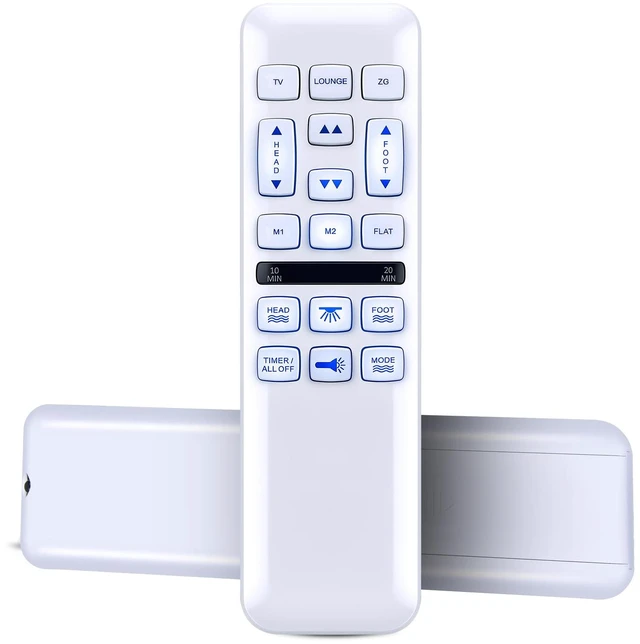
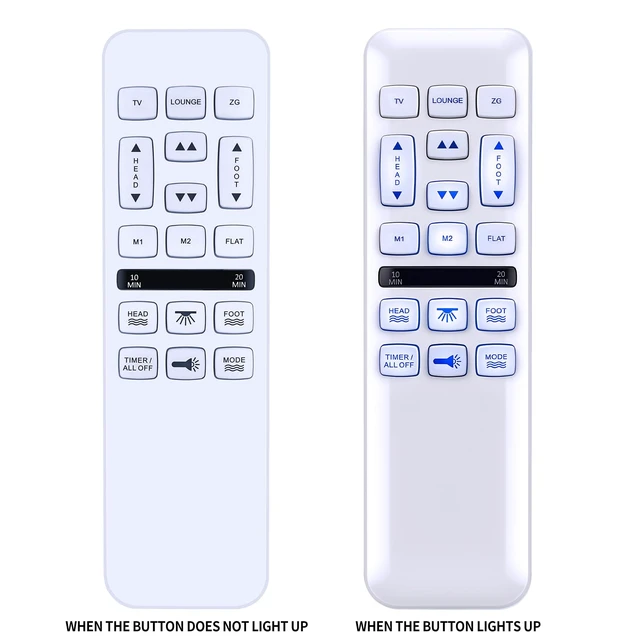
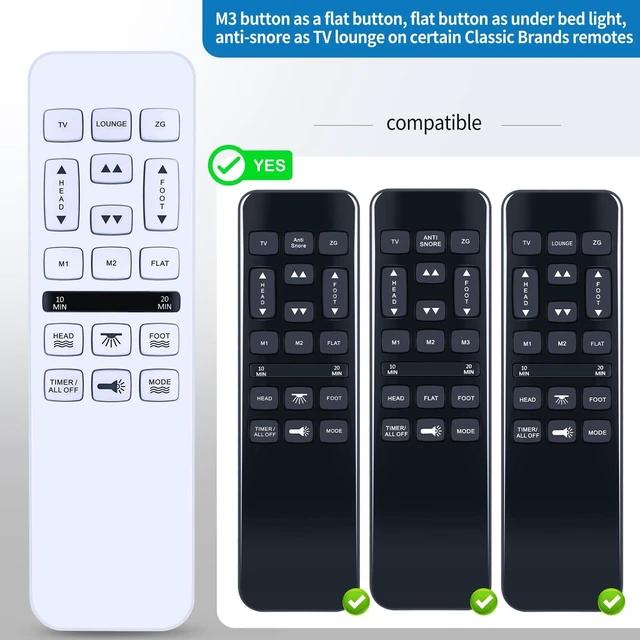
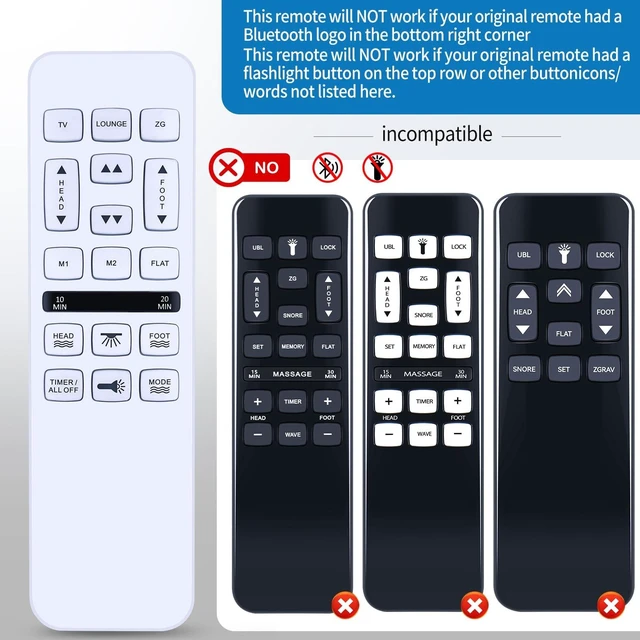
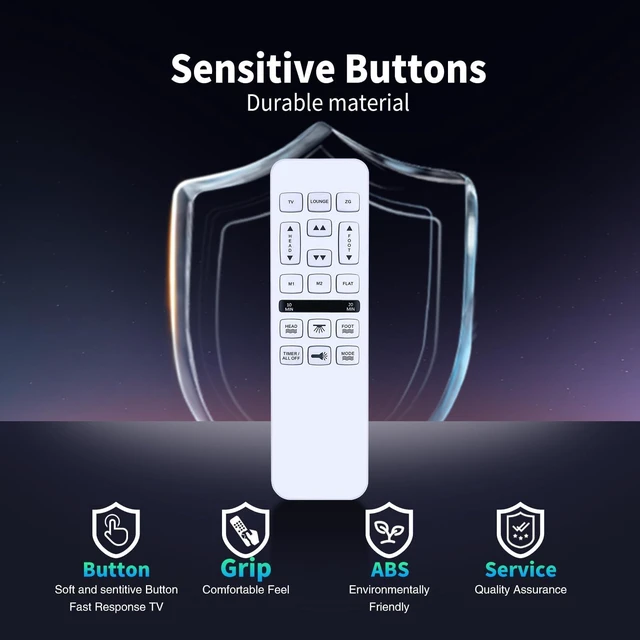
Note: This remote will NOT work if your original remote had a Bluetooth logo in the bottom right corner. This remote will NOT work if your original remote had a flashlight button on the top row or other button icons/words not listed here.
Pairing the Remote Control:
1.
Ensure Power: Make sure your adjustable bed base is plugged into a working power outlet.
2.
Locate Pairing Button: Find the pairing button on the control box of your adjustable bed base. This box is usually located under the bed frame, near the head or foot end. It may be labeled "PAIR, " "SYNC, " or have a small button.
3. Activate Pairing Mode on
Base: Press and hold the pairing button on the control box for approximately 3-5 seconds until you hear a beep or see an indicator light flash. This indicates the base is in pairing mode.
How to pair:
4. Activate Pairing Mode on
Remote: While the base is in pairing mode (within 10-20 seconds), press and hold the "FLAT" button on your new remote control. Some remotes may require pressing and holding the "HEAD UP" and "FOOT DOWN" buttons simultaneously, or a dedicated "PAIR" button if present.
5.
Confirm Pairing: Release the button (s) on the remote when the indicator light on the control box stops flashing or you hear another beep, signifying successful pairing.
6.
Test Functionality: Test all remote functions (head/foot adjustment, flat presets) to ensure proper operation. Easy to Use with
Intuitive Design: Featuring a user-friendly layout with clearly labeled buttons and an ergonomic grip, this remote allows for effortless operation of your adjustable bed's key functions. Quickly adjust head/feet positions, activate zero-gravity or anti-snore presets, control massage modes, and program memory settings with simple button presses. The logical design ensures instant familiarity for all users, making bedtime adjustments hassle-free. High Performance with
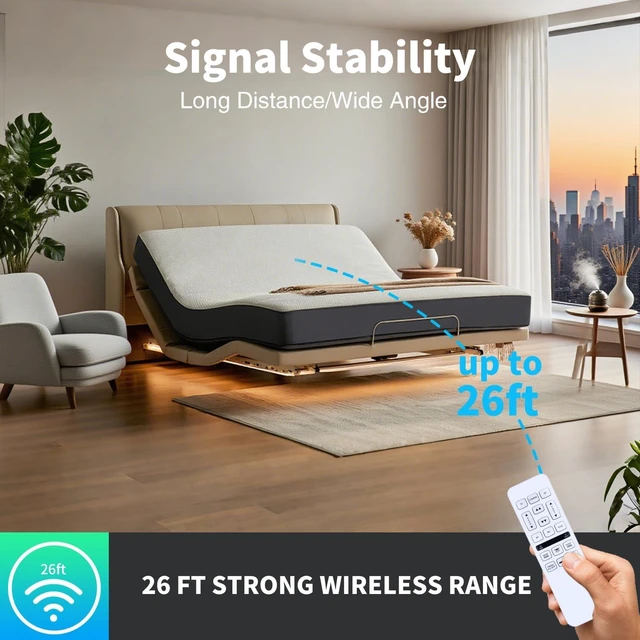
Reliable Signal Transmission: Experience consistent and responsive control with advanced technology that ensures reliable operation from anywhere in your bedroom. This high-performance remote maintains a strong signal transmission, minimizing lag or missed commands. Whether you're adjusting settings from bed or across the room, enjoy durable construction and dependable performance tailored for daily use





 here!
here!