

Your Browsing History

Meet Your Seller

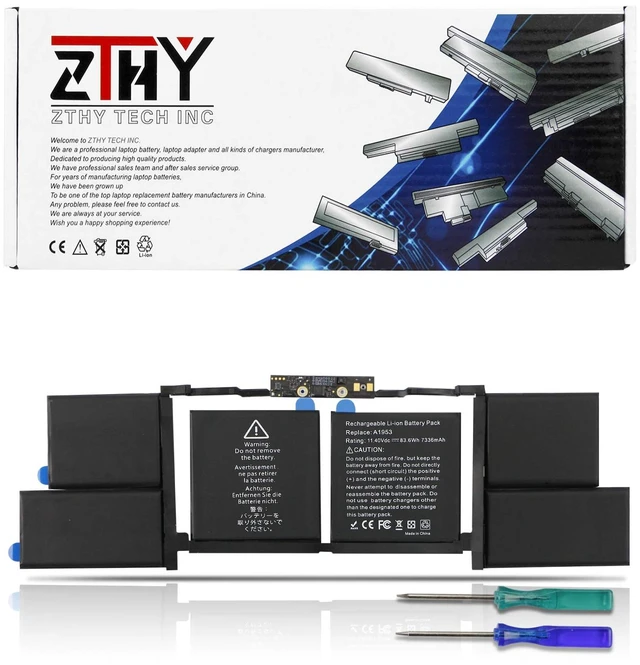
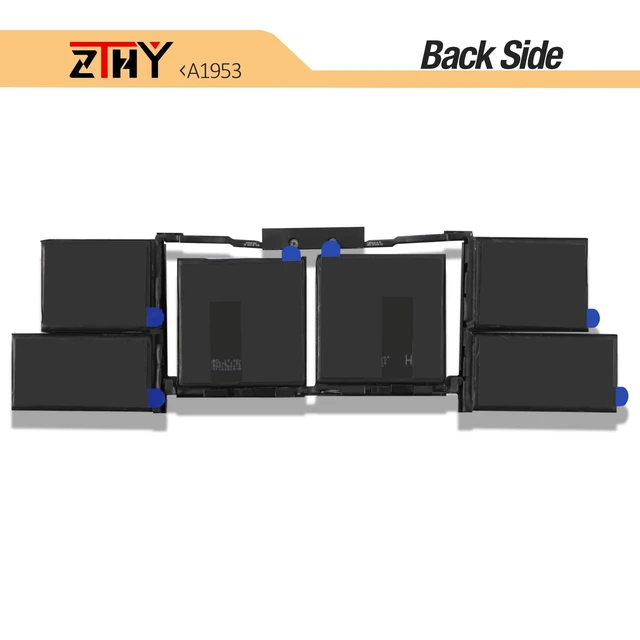
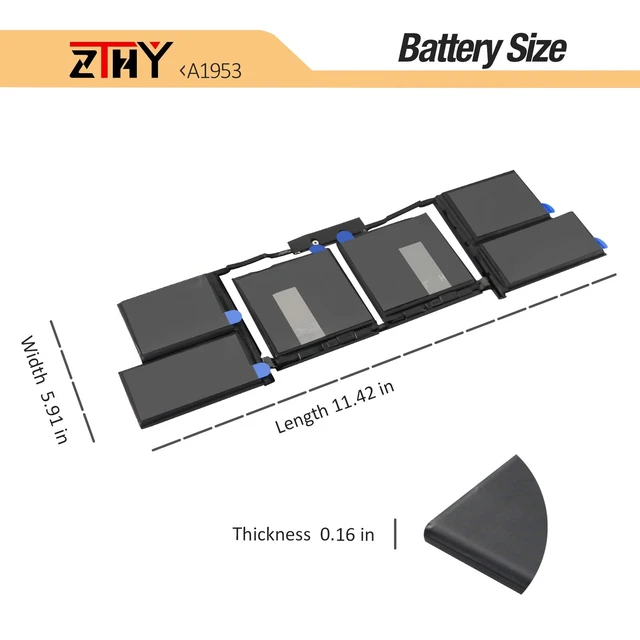


A1990 A1953 Laptop Battery for MacBook Pro 15" Touch Bar A1990 EMC 3215 3359 BTO CTO Mid 2018 2019 MV902LL/A MV912LL/A MV922LL/A MV932LL/A MV942LL/A MV952LL/A MV962LL/A MV972LL/A MV902B/A MV912B/A
Limited time offer, ends 10/05 By HuiXu South Artware
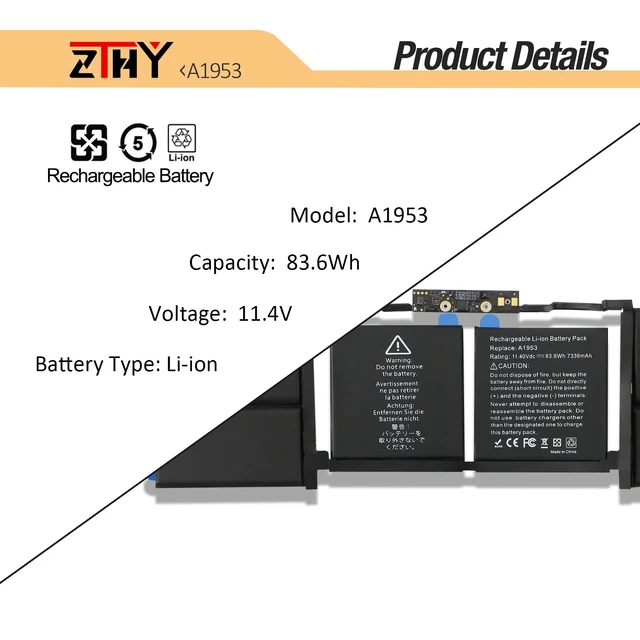
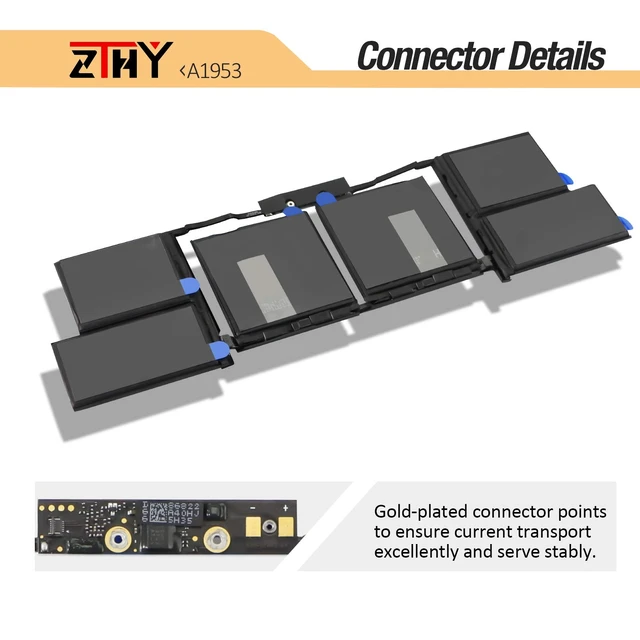
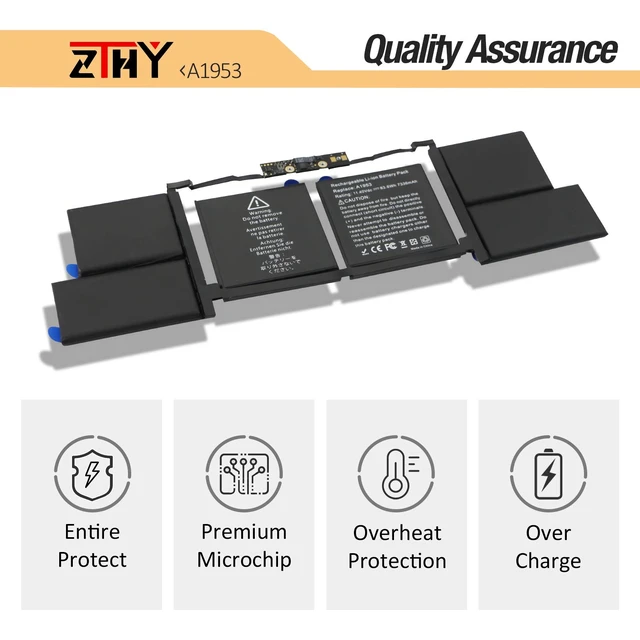
- Specifications: Battery Type: Li-ion; Voltage: 11.4V; Capacity: 83.6Wh/7336mAh/6-Cell; Up to 500 recharge cycles over the life of the battery. Compatible Part Number: 020-02391 080-333-4000 2217-2548 820-01095 A1953 A1990(EMC 3215) A1990(EMC 3359) MV902LL/A MV912LL/A MV922LL/A MV932LL/A MV942LL/A MV952LL/A MV962LL/A MV972LL/A. Compatible Laptop Models: Replacement for MacBook Pro 15 Inch Touch Bar A1990 EMC 3215 EMC 3359 BTO CTO 2018 2019 Series. Attention: The battery disassembly of this MacBook is a bit complicated, especially removing the glued battery from the MacBook Pro. We recommend that you search for related battery replacement videos on the Internet in advance, or seek the help of professional technicians when installing the battery. We will not take any responsibility for any damage caused by improper operation. Hope to understand. Note: If the new battery is not recognized during the initial installation, please reinstall and check if the interface is fully connected. Discharge the new battery to 10-20% (not 0%), then charge and cycle 3-4 times to wake up the new battery
+
+
Overview
Specs
Reviews

Any questions? Our AI mode will help you find out quickly.
Try me now
Specifications
: BatteryType: Li-ion;
Voltage: 11.4V;
Capacity: 83.6W h/7336mAh/6-Cell; Up to 500 recharge cycles over the life of the battery.
Compatible Part Number: 020-02391 080-333-4000 2217-2548 820-01095 A1953 A1990 (EMC 3215) A1990 (EMC 3359) MV902LL/A MV912LL/A MV922LL/A MV932LL/A MV942LL/A MV952LL/A MV962LL/A MV972LL/A.
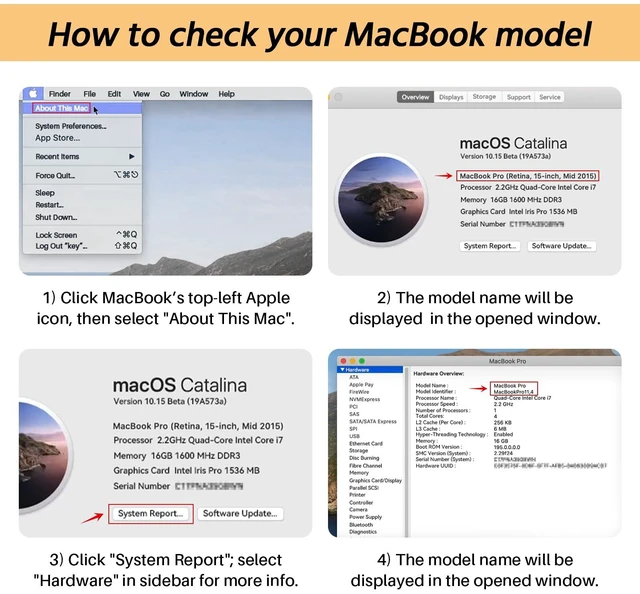
Compatible Laptop Models: Replacement for MacBook Pro 15 Inch Touch Bar A1990 EMC 3215 EMC 3359 BTO CTO 2018 2019 Series.
Attention: The battery disassembly of this MacBook is a bit complicated, especially removing the glued battery from the MacBook Pro. We recommend that you search for related battery replacement videos on the Internet in advance, or seek the help of professional technicians when installing the battery. We will not take any responsibility for any damage caused by improper operation. Hope to understand.
Note: If the new battery is not recognized during the initial installation, please reinstall and check if the interface is fully connected. Discharge the new battery to 10-20% (not 0%), then charge and cycle 3-4 times to wake up the new battery
Warranty & Returns
Warranty, Returns, And Additional Information
Warranty
- Please contact the Seller directly for warranty information. Warranty information may also be found on the Manufacturer's website.
- CONTACT
Return Policies
- Return for refund within: 30 days
- Return for replacement within: 30 days
- This item is covered by HuiXu South Artware Return Policy
Manufacturer Contact Info
- For a directory of all our manufacturers, please click below.
- Manufacturers Directory
LOADING...