

Your Browsing History

Meet Your Seller

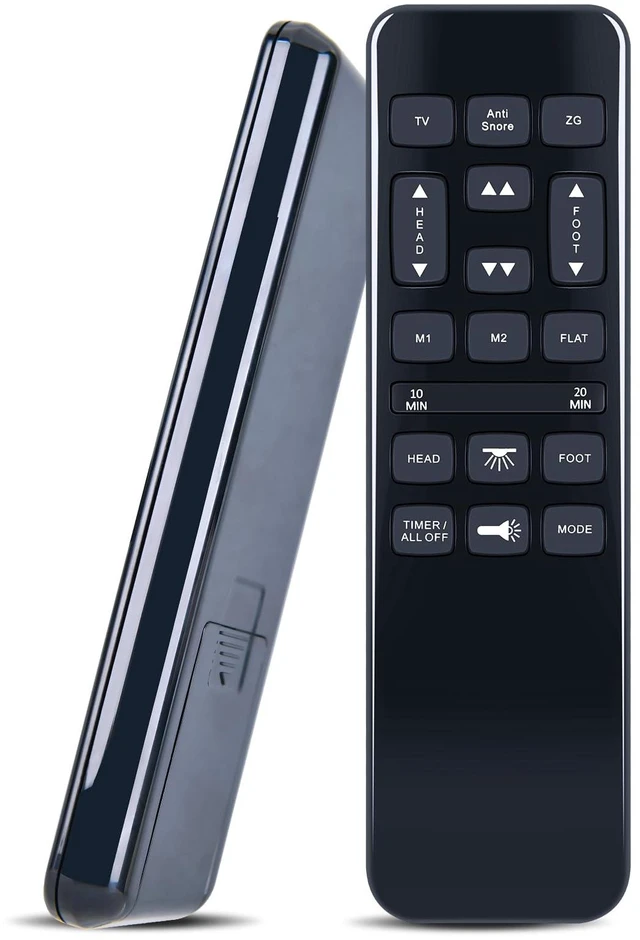
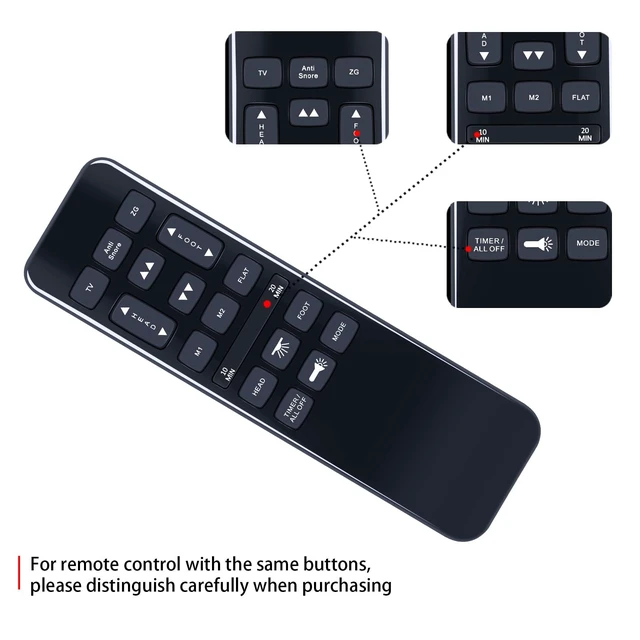
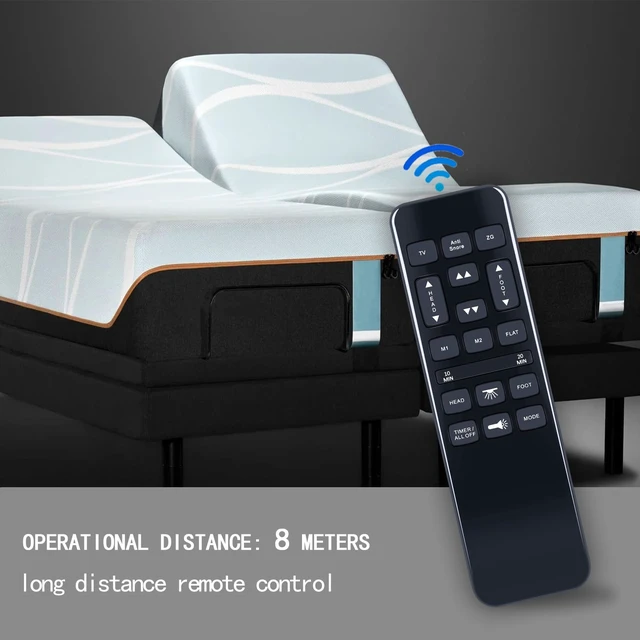
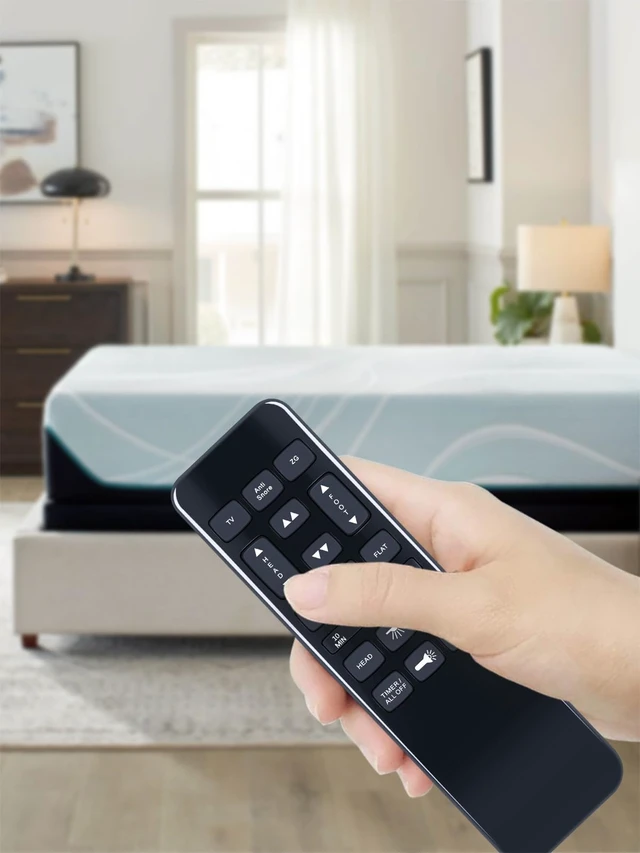
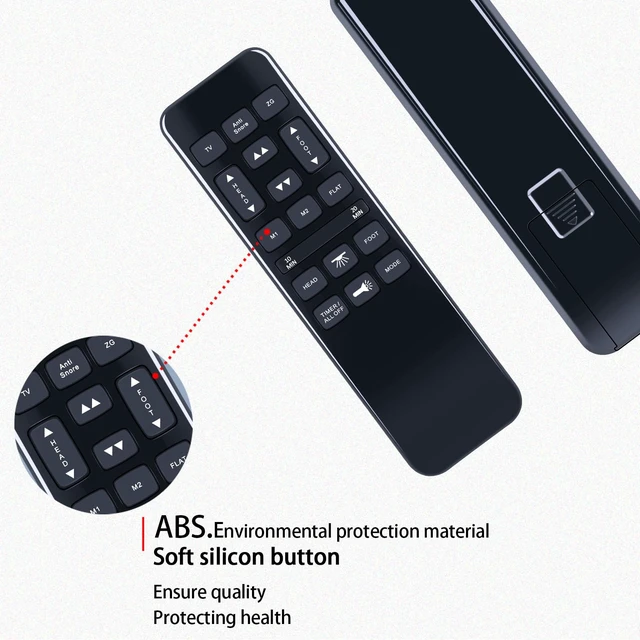
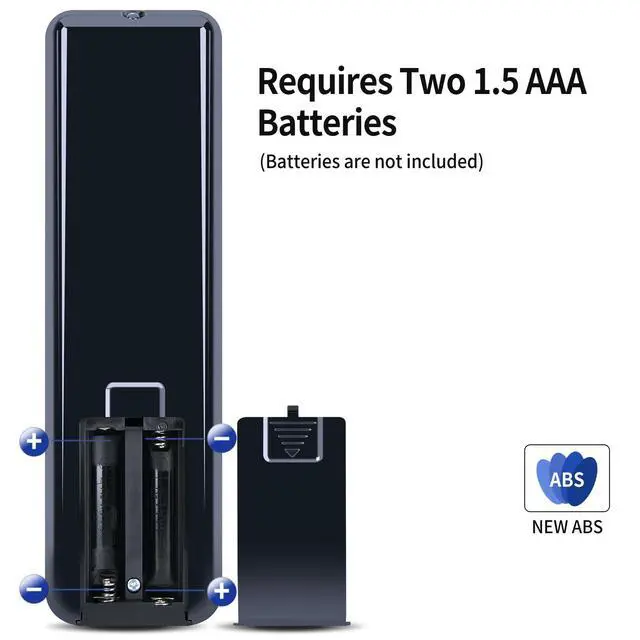


Replacement Remote Control for Wayfair Sleep NU203 /Tech Bedtech BT-3000/ Richmat HJH55/ Ashley M9X842/ iFlex 470/TrueMotion 1000 TM1000/Mattress Firm 600 3000 Adjustable Bed Base
Limited time offer, ends 09/30 By Brightflag Electronics
- Replacement Remote Control for Wayfair Sleep NU203 / Tech Bedtech BT-3000 / Richmat HJH55 / Ashley M9X842 / iFlex 470 / TrueMotion 1000 TM1000 / Mattress Firm 600 3000 Adjustable Bed Base. Easy To Use: Program 1: Press and hold the remote's Head Down and Foot Up buttons for 10 seconds. At the same time, press and hold the Reset Coding button on the side of the control box (sometimes it's on the power cord). You will hear a beep. That means it's paired. Program 2: Press and hold the remote's Head Up and Foot Up buttons for 10 seconds. At the same time, press and hold the Reset Coding button on the side of the control box (sometimes it's on the power cord). You will hear a beep. That means it's paired. Program 3: Press and hold the remote's Head Up and Foot Down buttons for 10 seconds. At the same time, press and hold the Reset Coding button on the side of the control box (sometimes it's on the power cord). You will hear a beep. That means it's paired
+
+
Overview
Specs
Reviews

Any questions? Our AI mode will help you find out quickly.
Try me now
Replacement Remote Control for Wayfair Sleep NU203 / Tech Bedtech BT-3000 / Richmat HJH55 / Ashley M9X842 / iFlex 470 / TrueMotion 1000 TM1000 / Mattress Firm 600 3000 Adjustable Bed Base.
Easy To Use: Program
1: Press and hold the remote's Head Down and Foot Up buttons for 10 seconds. At the same time, press and hold the Reset Coding button on the side of the control box (sometimes it's on the power cord). You will hear a beep. That means it's paired.
Program 2: Press and hold the remote's Head Up and Foot Up buttons for 10 seconds. At the same time, press and hold the Reset Coding button on the side of the control box (sometimes it's on the power cord). You will hear a beep. That means it's paired.
Program 3: Press and hold the remote's Head Up and Foot Down buttons for 10 seconds. At the same time, press and hold the Reset Coding button on the side of the control box (sometimes it's on the power cord). You will hear a beep. That means it's paired
Easy To Use: Program
1: Press and hold the remote's Head Down and Foot Up buttons for 10 seconds. At the same time, press and hold the Reset Coding button on the side of the control box (sometimes it's on the power cord). You will hear a beep. That means it's paired.
Program 2: Press and hold the remote's Head Up and Foot Up buttons for 10 seconds. At the same time, press and hold the Reset Coding button on the side of the control box (sometimes it's on the power cord). You will hear a beep. That means it's paired.
Program 3: Press and hold the remote's Head Up and Foot Down buttons for 10 seconds. At the same time, press and hold the Reset Coding button on the side of the control box (sometimes it's on the power cord). You will hear a beep. That means it's paired
Warranty & Returns
Warranty, Returns, And Additional Information
Warranty
- Please contact the Seller directly for warranty information. Warranty information may also be found on the Manufacturer's website.
- CONTACT
Return Policies
- Return for refund within: 30 days
- Return for replacement within: 30 days
- This item is covered by Brightflag Electronics Return Policy
Manufacturer Contact Info
- For a directory of all our manufacturers, please click below.
- Manufacturers Directory
LOADING...