

Your Browsing History

Meet Your Seller

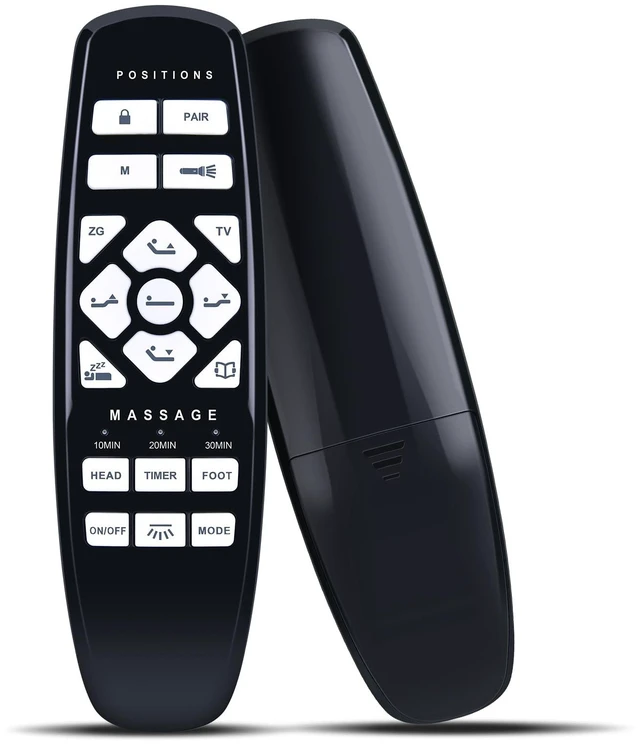
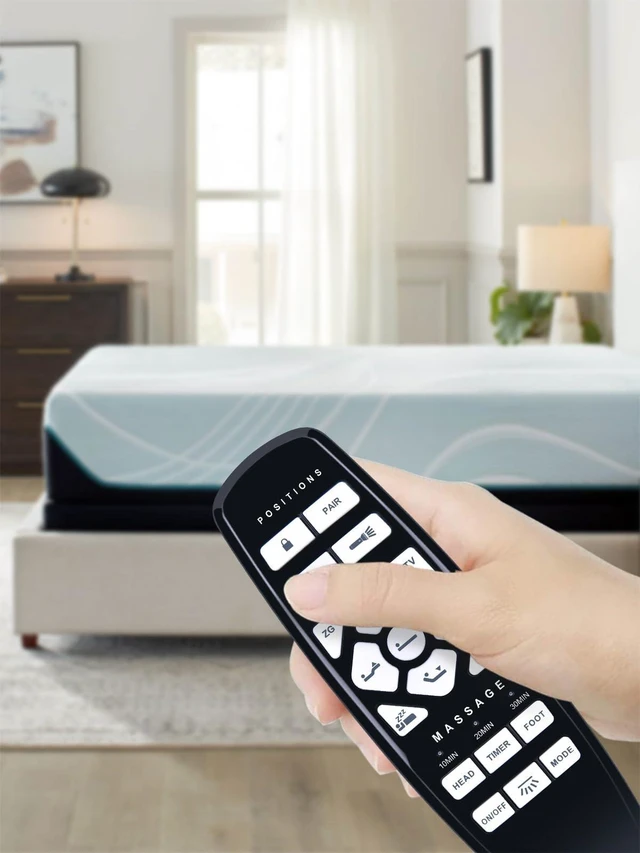
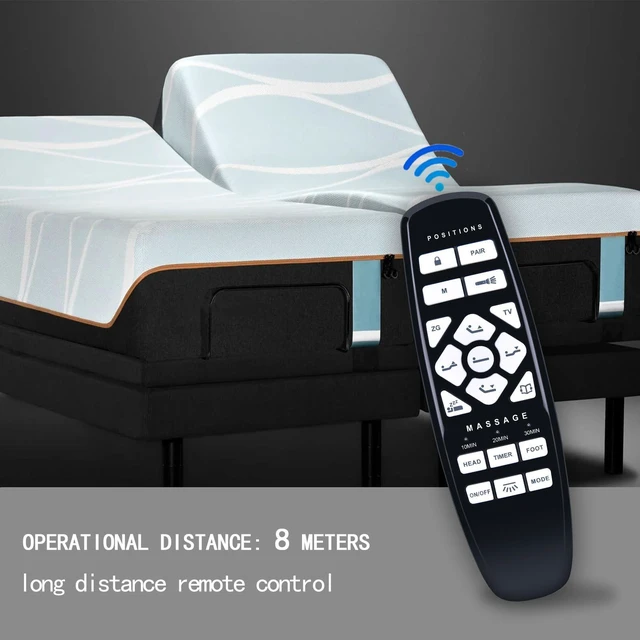
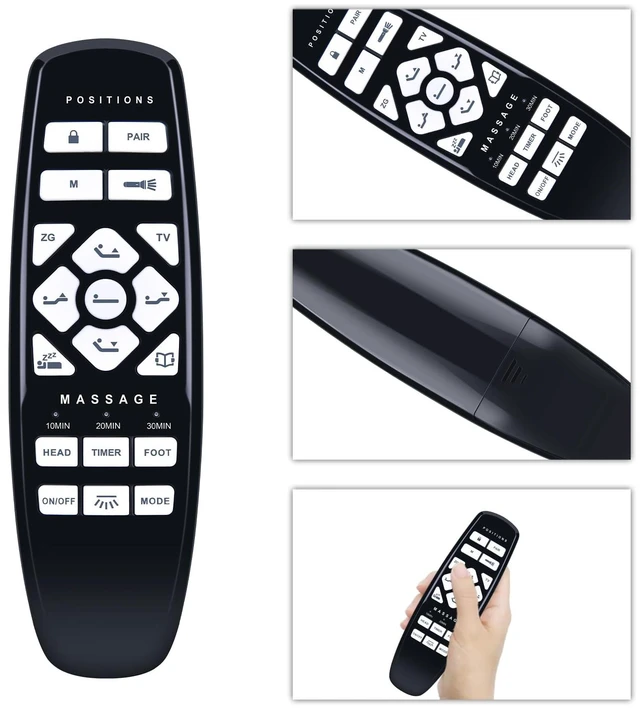
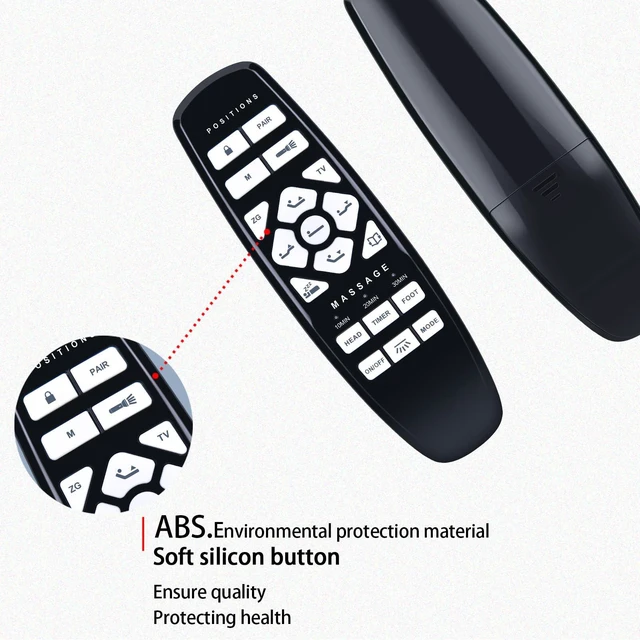
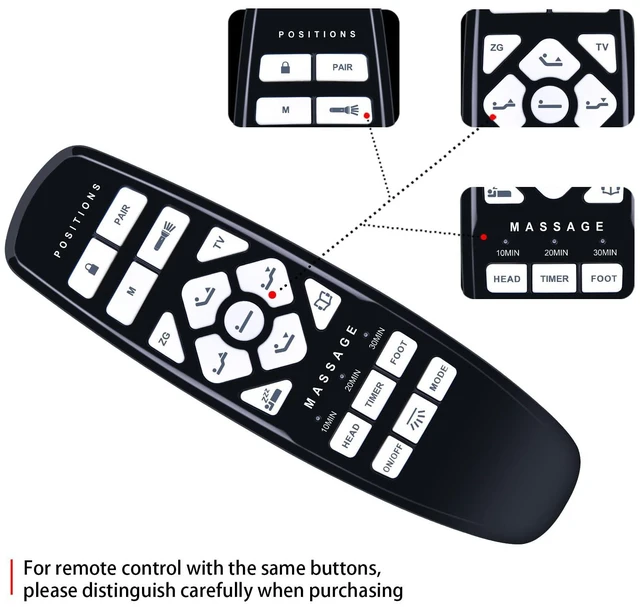


Replacement RF.27.19.02 for GhostBed Adjustabled Bed Remote Control, Compatible with Okin Adjustabled Bed, for Fromann, for King Luxury Black, for ASONLY
Limited time offer, ends 10/05 By HuiXu South Artware
- New replacement RF.27.19.02 remote control compatible with GhostBed adjustable bed, compatible with Okin adjustable bed, for Fromann adjustable bed, for King Luxury Black, for ASONLY adjustable bed base. Pairing Method 1: 1. Plug the power cord into the power source. 2. Plug the power cord into the power source. 3. Press the "PAIR" button located on the side of the control box 2 times, then press the "PAIR" button located on the remote. (Note: The LED light will flash to indicate pairing mode.) Pairing Method 2: 1. Double click the PAIR button on the control box (the light will turn blue during the pairing process). 2. Press and hold the PAIR button on the remote control. Package Included: 1 x IR remote control (Batteries and Instructions are Not Included). It can solve the problem when your home remote control doesn't work and becomes your backup remote control
+
+
Overview
Specs
Reviews

Any questions? Our AI mode will help you find out quickly.
Try me now
New replacement RF. 27.19. 02 remote control compatible with GhostBed adjustable bed, compatible with Okin adjustable bed, for Fromann adjustable bed, for King Luxury Black, for ASONLY adjustable bed base. Pairing Method 1: 1. Plug the power cord into the power source. 2. Plug the power cord into the power source. 3. Press the "PAIR" button located on the side of the control box 2 times, then press the "PAIR" button located on the remote.
(Note: The LED light will flash to indicate pairing mode. ) Pairing Method 2: 1. Double click the PAIR button on the control box (the light will turn blue during the pairing process). 2. Press and hold the PAIR button on the remote control.
Package Included: 1 x IR remote control (Batteries and Instructions are Not Included). It can solve the problem when your home remote control doesn't work and becomes your backup remote control
(Note: The LED light will flash to indicate pairing mode. ) Pairing Method 2: 1. Double click the PAIR button on the control box (the light will turn blue during the pairing process). 2. Press and hold the PAIR button on the remote control.
Package Included: 1 x IR remote control (Batteries and Instructions are Not Included). It can solve the problem when your home remote control doesn't work and becomes your backup remote control
Warranty & Returns
Warranty, Returns, And Additional Information
Warranty
- Please contact the Seller directly for warranty information. Warranty information may also be found on the Manufacturer's website.
- CONTACT
Return Policies
- Return for refund within: 30 days
- Return for replacement within: 30 days
- This item is covered by HuiXu South Artware Return Policy
Manufacturer Contact Info
- For a directory of all our manufacturers, please click below.
- Manufacturers Directory
LOADING...