Your Browsing History
- Free 30-day Returns
$39.99
Sold by DrakeMount FortunaTech Parts
Shipped by DrakeMount FortunaTech Parts
Meet Your Seller
Voice Replacement Remote Control for NVIDIA Shield TV and NVIDIA Shield TV Pro Streaming Media Player 2015/2017/2019 All Models
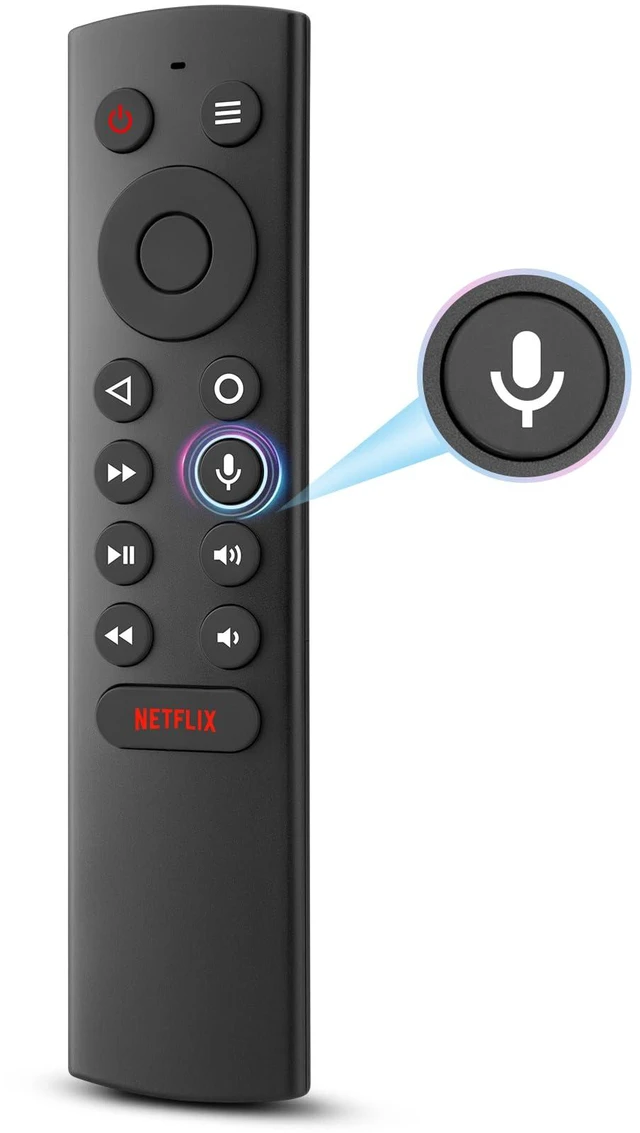
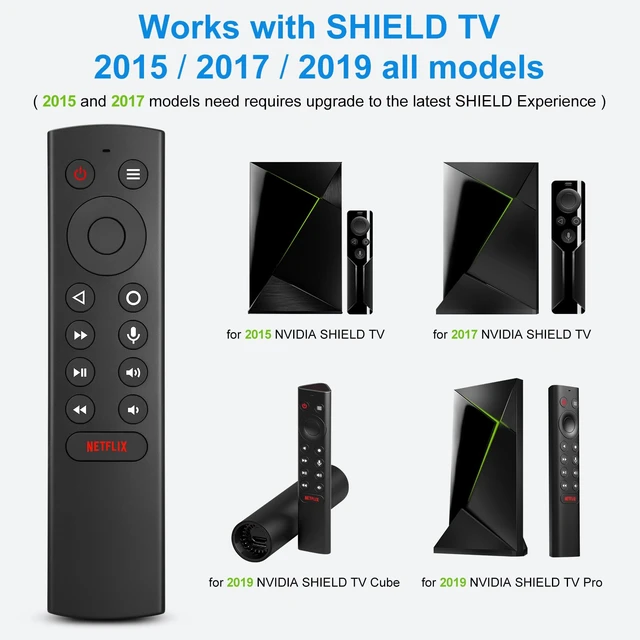
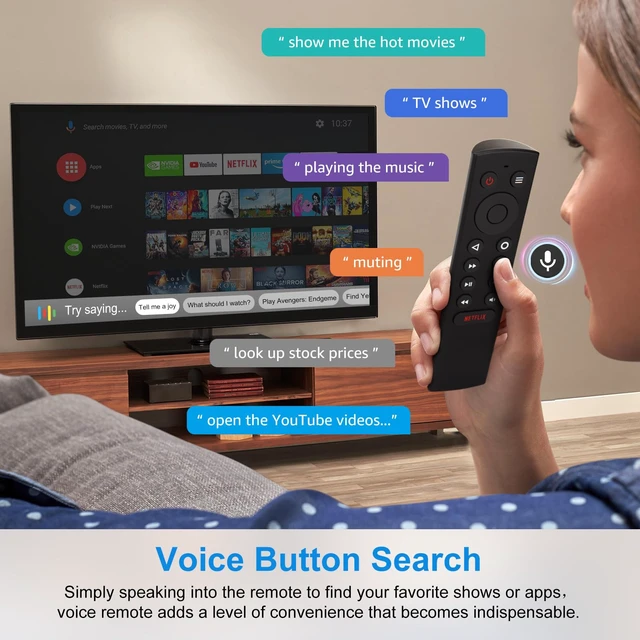
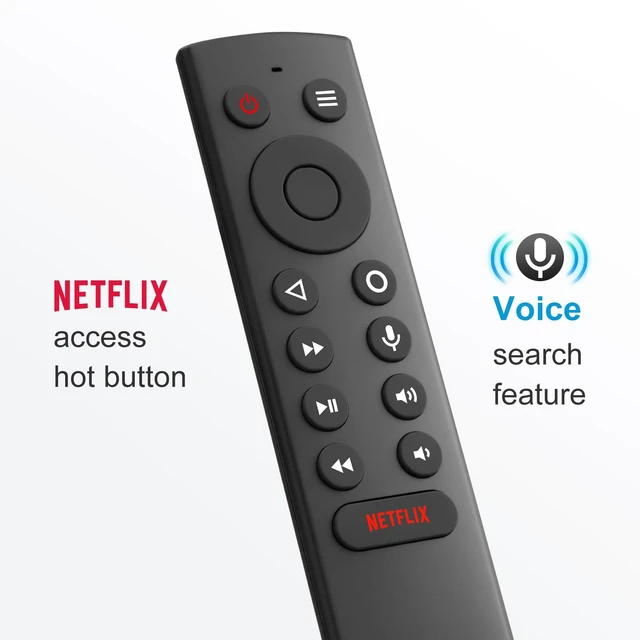
- [TV SPECIFICATION] Remote works with SHIELD TV 2015/2017/2019 all models Streaming Media Player (requires upgrade to the latest SHIELD Experience). Compatible models include the 2015 NVIDIA SHIELD TV, 2017 NVIDIA SHIELD TV, 2019 NVIDIA SHIELD TV Cube, and 2019 NVIDIA SHIELD TV Pro. [VOICE FEATURES] Press and release the Voice Search button, then say your command. The voice search feature makes navigation a breeze. Simply speak into the remote to find your favorite TV shows, launch apps, and control your TV's volume. The voice remote adds a level of convenience that becomes indispensable. [EASY TO PAIR] Hold the new remote within 2 feet of your SHIELD TV. Press and hold the Select button on your remote until the remote light flashes. The remote should connect after a few moments. [BATTERY TYPE] This remote control requires two AAA batteries, but batteries are not included; please prepare them yourself. You will get the Voice Remote and User Manual. [REMOTE ADVANTAGE] Great sense of touch and good form factor; this remote feels super in hand, with good pressure points for the keys. The voice control is very accurate, and it usually understands what you're saying even in noisy environments. It is also possible to use 2 or more remotes on the TV at the same time, including the original remote control

+
+
Overview
Specs
Reviews
Any questions? Our AI mode will help you find out quickly.
Try me now
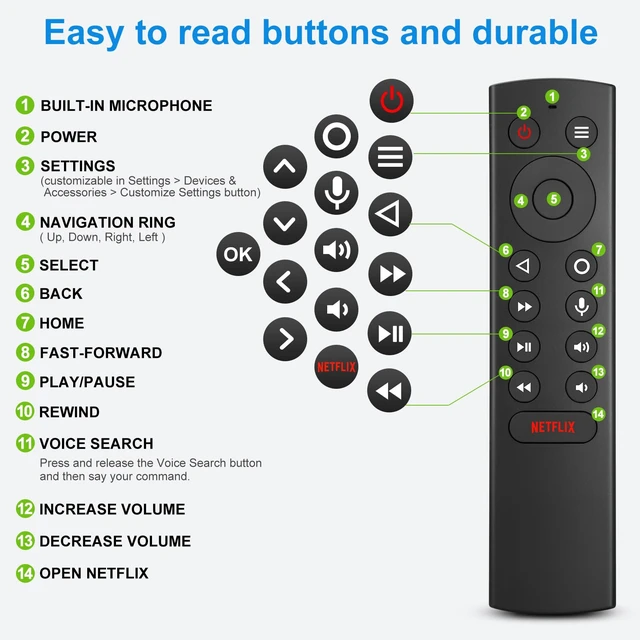
[TV SPECIFICATION] Remote works with SHIELD TV 2015/2017/2019 all models Streaming Media Player (requires upgrade to the latest SHIELD Experience). Compatible models include the 2015 NVIDIA SHIELD TV, 2017 NVIDIA SHIELD TV, 2019 NVIDIA SHIELD TV Cube, and 2019 NVIDIA SHIELD TV Pro. [VOICE FEATURES] Press and release the Voice Search button, then say your command. The voice search feature makes navigation a breeze. Simply speak into the remote to find your favorite TV shows, launch apps, and control your TV's volume. The voice remote adds a level of convenience that becomes indispensable.
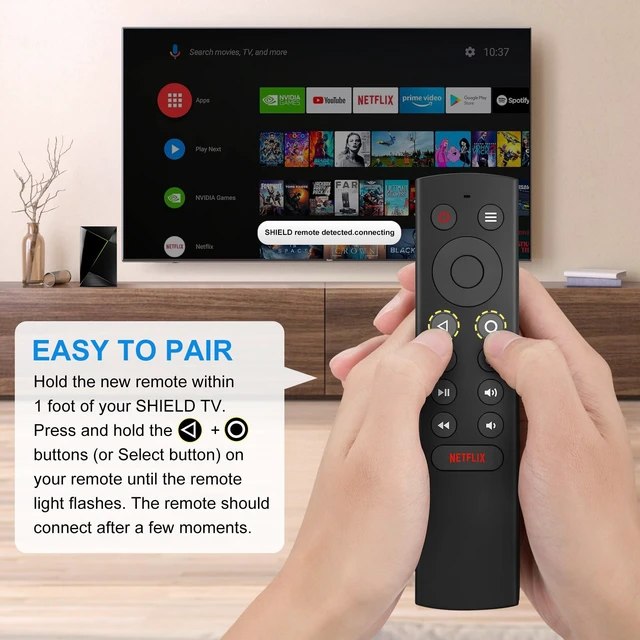
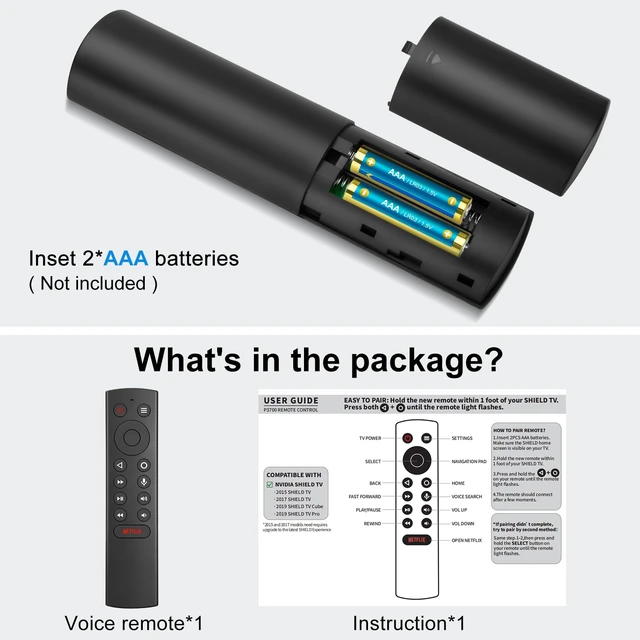
[EASY TO PAIR] Hold the new remote within 2 feet of your SHIELD TV. Press and hold the Select button on your remote until the remote light flashes. The remote should connect after a few moments. [BATTERY TYPE] This remote control requires two AAA batteries, but batteries are not included; please prepare them yourself. You will get the Voice Remote and User Manual. [REMOTE ADVANTAGE] Great sense of touch and good form factor; this remote feels super in hand, with good pressure points for the keys. The voice control is very accurate, and it usually understands what you're saying even in noisy environments.
It is also possible to use 2 or more remotes on the TV at the same time, including the original remote control
[EASY TO PAIR] Hold the new remote within 2 feet of your SHIELD TV. Press and hold the Select button on your remote until the remote light flashes. The remote should connect after a few moments. [BATTERY TYPE] This remote control requires two AAA batteries, but batteries are not included; please prepare them yourself. You will get the Voice Remote and User Manual. [REMOTE ADVANTAGE] Great sense of touch and good form factor; this remote feels super in hand, with good pressure points for the keys. The voice control is very accurate, and it usually understands what you're saying even in noisy environments.
It is also possible to use 2 or more remotes on the TV at the same time, including the original remote control
Warranty & Returns
Warranty, Returns, And Additional Information
Warranty
- Please contact the Seller directly for warranty information. Warranty information may also be found on the Manufacturer's website.
- CONTACT
Return Policies
- Return for refund within: 30 days
- Return for replacement within: 30 days
- This item is covered by DrakeMount FortunaTech Parts Return Policy
Manufacturer Contact Info
- For a directory of all our manufacturers, please click below.
- Manufacturers Directory
LOADING...