• $37.49
  • Free 30-day Returns
  • Price alert
    Shop it at NeweggBusiness.

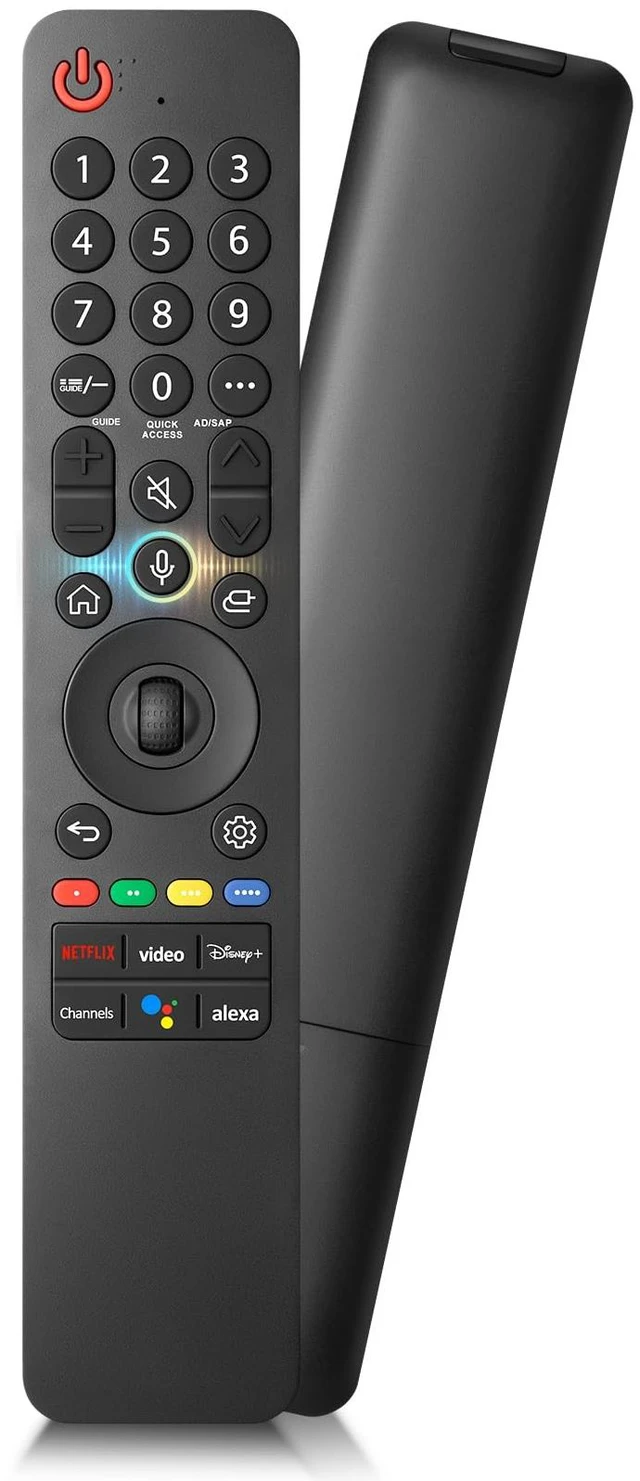
    Voice-Magic-for-LG-TV-Remote-Control-Replacement Compatible with LG MR19GAMR20GAMR21GAMR22GNMR23GA(SlingMR24GNMR25GA

    Limited time offer, ends 10/14 By DrakeMount FortunaTech Parts

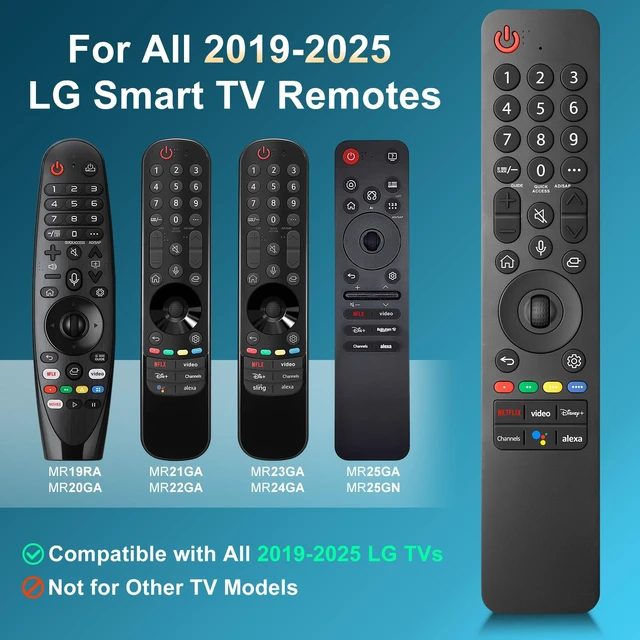
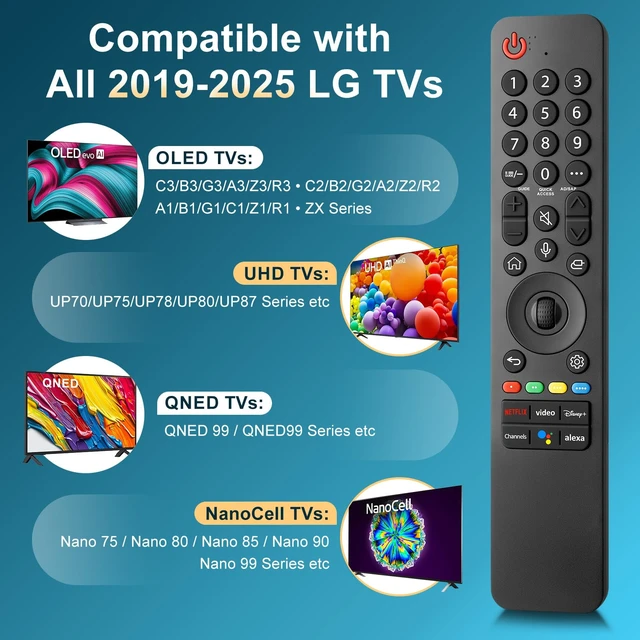
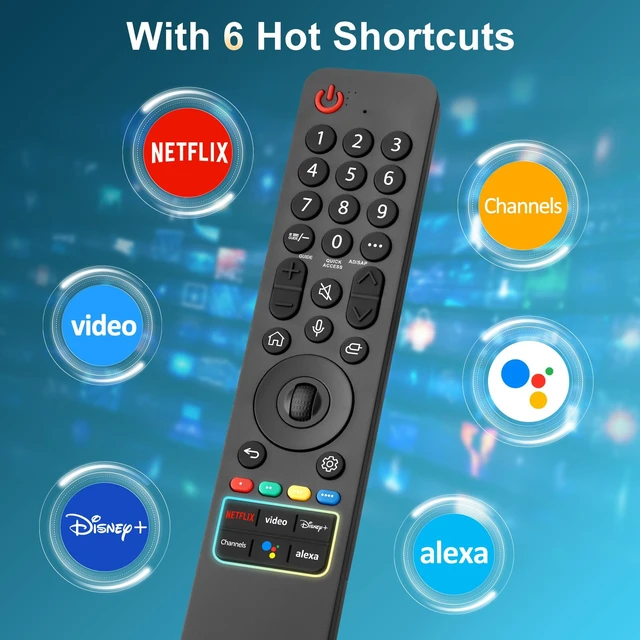
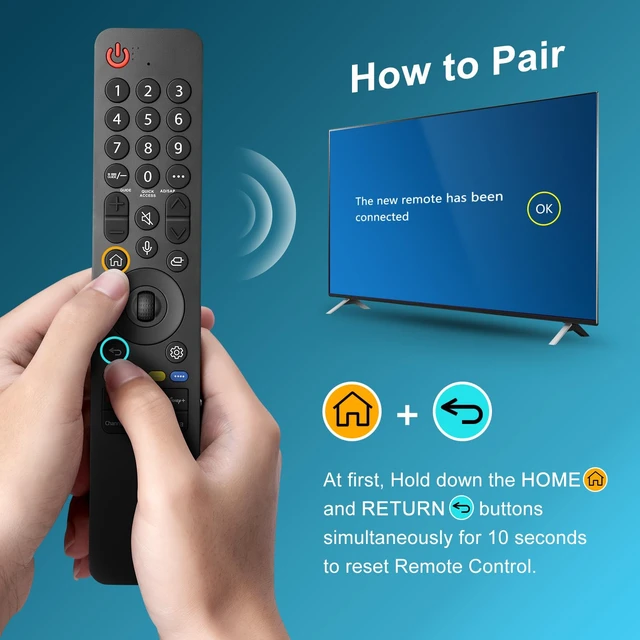
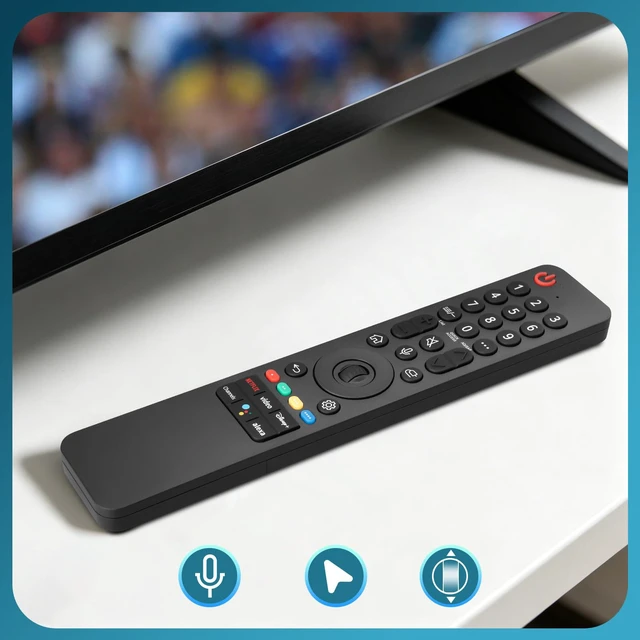
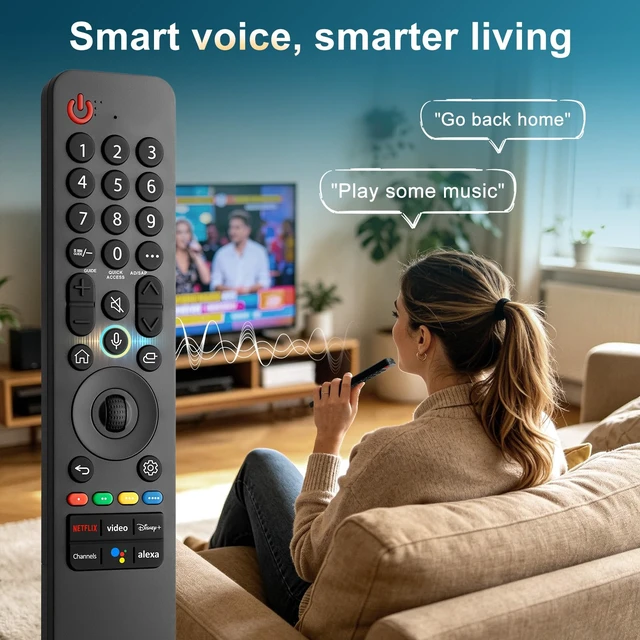
    • Broad Compatibility: This high-quality remote is compatible with all 2019-2025 LG Smart TVs that support voice control. It's a perfect replacement for LG Magic Remotes, including (but not limited to) MR19GA, MR20GA, MR21GA, MR22GN, MR23GA(Sling), MR24GN, MR25GA and many others. Important Notice: For TV models that do not support voice control or were released before 2018, the voice search functionality may not work. This remote only works with LG TVs; Not for LG soundbars or TV boxes. Easy to Pair/Instructions: Step 1, install 2 AAA batteries and turn on the TV. Step 2, press and hold the "Home" button and "Back" button simultaneously for 5-7 seconds. Then aim the remote at the TV and press the middle Wheel (OK) button to complete the pairing. Step 3, If the pairing fails, please repeat Step 2. Key Features: Pair your remote control with your LG TV to enjoy advanced voice functions, and it's also designed with 6 shortcut buttons for one-touch access to your favorite streaming channels!

    +
    +
    Overview
    Specs
    Reviews
    avatar

    Any questions? Our AI mode will help you find out quickly.

    Broad Compatibility: This high-quality remote is compatible with all 2019-2025 LG Smart TVs that support voice control. It's a perfect replacement for LG Magic Remotes, including (but not limited to) MR19GA, MR20GA, MR21GA, MR22GN, MR23GA (Sling), MR24GN, MR25GA and many others.
    Important Notice: For TV models that do not support voice control or were released before 2018, the voice search functionality may not work. This remote only works with LG TVs; Not for LG soundbars or TV boxes.
    Easy to Pair/Instructions: Step 1, install 2 AAA batteries and turn on the TV. Step 2, press and hold the "Home" button and "Back" button simultaneously for 5-7 seconds. Then aim the remote at the TV and press the middle Wheel (OK) button to complete the pairing. Step 3, If the pairing fails, please repeat Step 2.
    Key Features: Pair your remote control with your LG TV to enjoy advanced voice functions, and it's also designed with 6 shortcut buttons for one-touch access to your favorite streaming channels!

    Warranty & Returns

    Warranty, Returns, And Additional Information

    Warranty

    • Please contact the Seller directly for warranty information. Warranty information may also be found on the Manufacturer's website.
    • CONTACT

    Return Policies

    Manufacturer Contact Info

    LOADING...