Out of stock
  • $39.99
  • Free 30-day Returns
Price alert
Shop it at NeweggBusiness.

for LG Smart TV Remote Control Replacement 2019-2025 with Voice and Pointer for LG 2019-2025 UHD/OLED/QNED TVs. 6 shortcut keys for streaming, voice-controlled cursor, easy pairing, durable ABS build

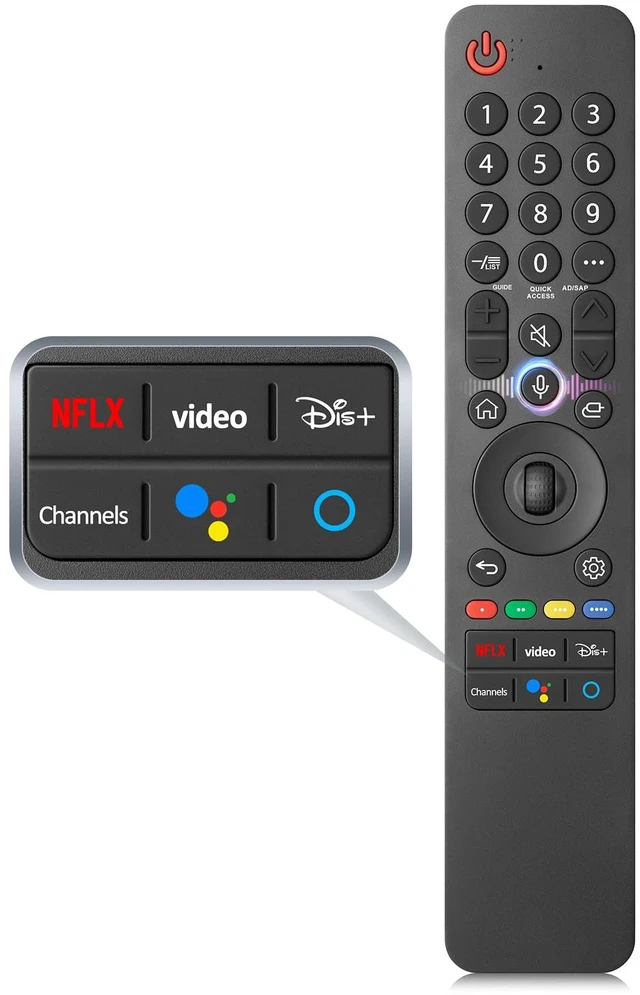
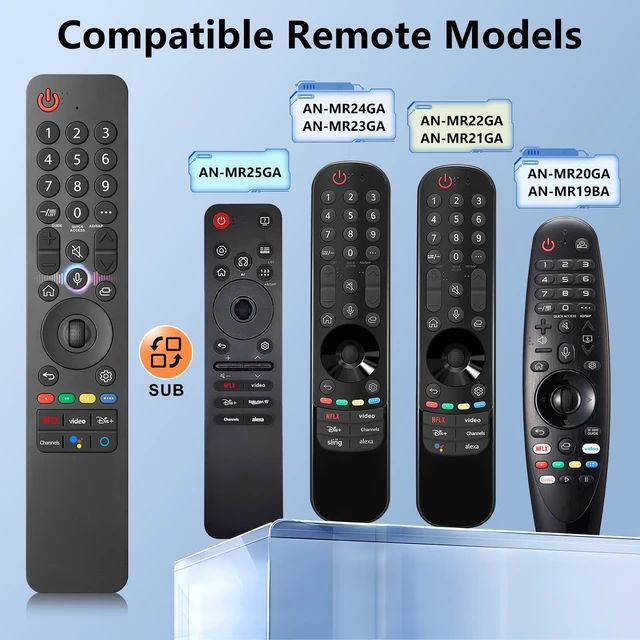
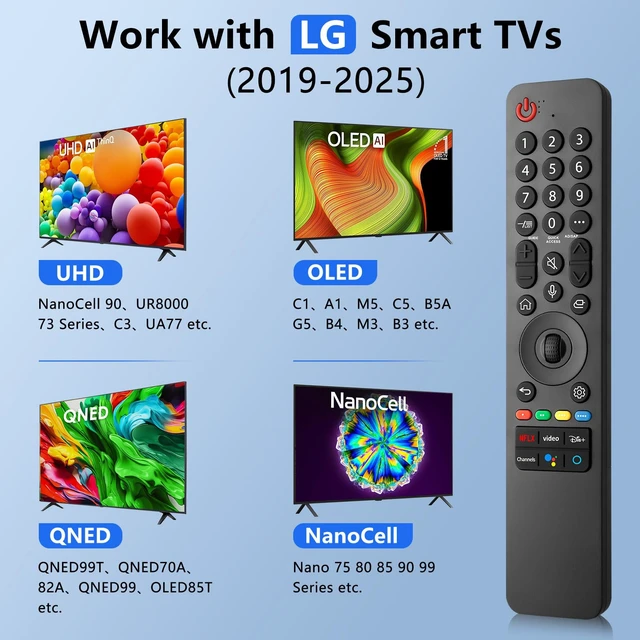
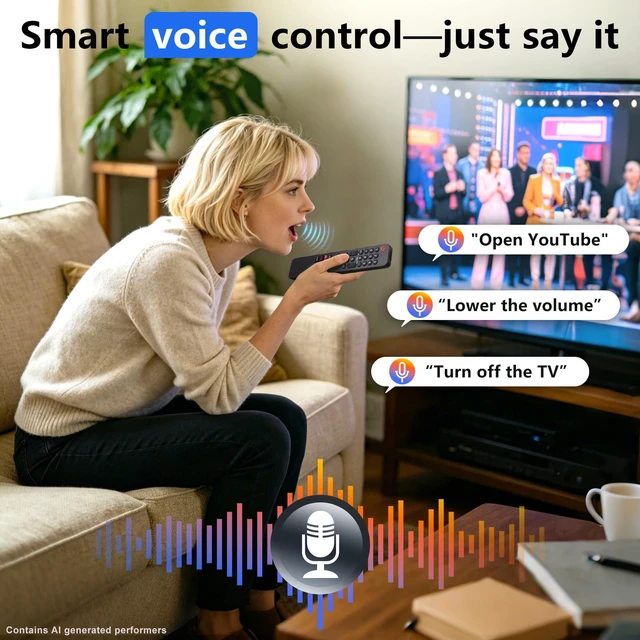
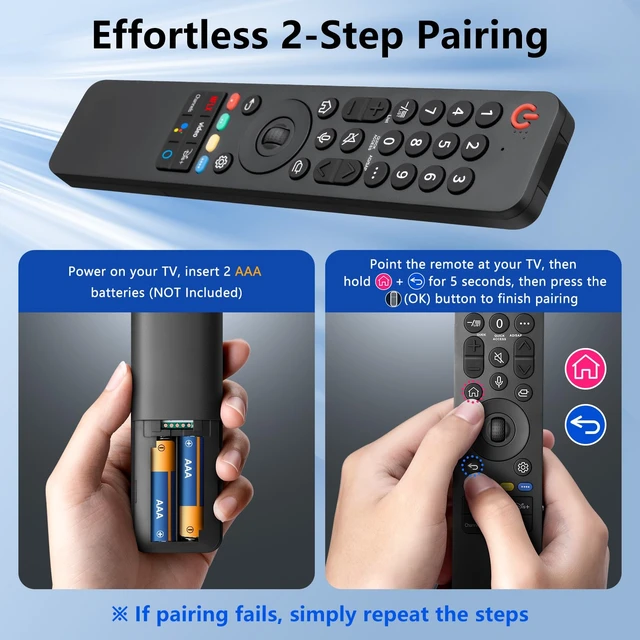
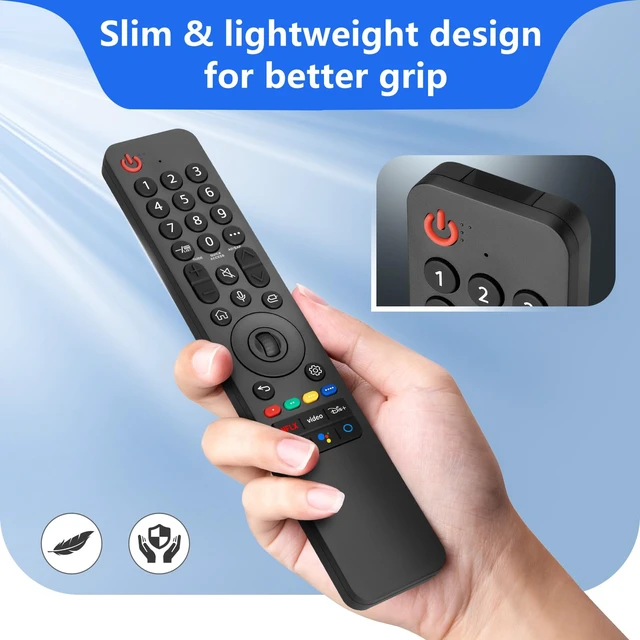
  • [Universal Compatibility] This upgraded remote control is compatible with LG UHD, OLED, and QNED 4K TVs featuring voice control from 2019 to 2025. It serves as a replacement for the LG Magic Remote series, including the MR25, MR24, MR23, MR22, MR21, MR20, and MR19BA models. [6 Popular Shortcut Keys] Equipped with dedicated shortcut keys for popular live-streaming platforms, these let you access your favorite content in just 3 seconds. [Smooth Cursor & Smart Voice] Pair your device with voice control for smooth cursor navigation. Hands-free and easy to use, it lets you speak commands to get things done quickly. [Easy Pairing] 1. Insert 2 AAA batteries, then turn on the TV. 2. Press and hold the "Home" and "Back" buttons simultaneously for 5 to 7 seconds. 3. Point the remote at the TV and press the wheel (OK) button to complete pairing. 4. If pairing fails, repeat the steps above. [Rigor-Tested Quality] Slim, lightweight, and made with tough ABS, this ergonomic remote fits comfortably in your hand. It supports 100,000 presses and features clear, fade-resistant labels
+
+
Overview
Specs
Reviews
avatar

Any questions? Our AI mode will help you find out quickly.

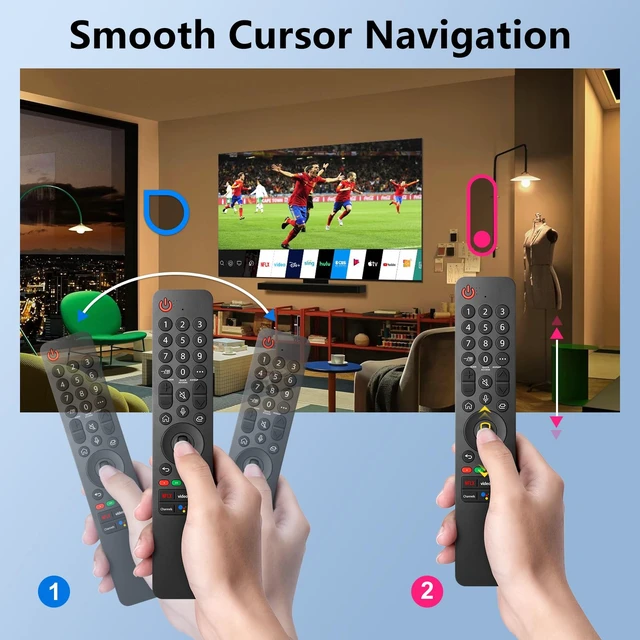
[Universal Compatibility] This upgraded remote control is compatible with LG UHD, OLED, and QNED 4K TVs featuring voice control from 2019 to 2025. It serves as a replacement for the LG Magic Remote series, including the MR25, MR24, MR23, MR22, MR21, MR20, and MR19BA models. [6 Popular Shortcut Keys] Equipped with dedicated shortcut keys for popular live-streaming platforms, these let you access your favorite content in just 3 seconds. [Smooth Cursor & Smart Voice] Pair your device with voice control for smooth cursor navigation. Hands-free and easy to use, it lets you speak commands to get things done quickly.

[Easy Pairing] 1. Insert 2 AAA batteries, then turn on the TV. 2. Press and hold the "Home" and "Back" buttons simultaneously for 5 to 7 seconds. 3. Point the remote at the TV and press the wheel (OK) button to complete pairing. 4. If pairing fails, repeat the steps above. [Rigor-Tested Quality] Slim, lightweight, and made with tough ABS, this ergonomic remote fits comfortably in your hand. It supports 100, 000 presses and features clear, fade-resistant labels

Warranty & Returns

Warranty, Returns, And Additional Information

Warranty

  • Please contact the Seller directly for warranty information. Warranty information may also be found on the Manufacturer's website.
  • CONTACT

Return Policies

Manufacturer Contact Info

LOADING...