Your Browsing History
- Free 30-day Returns
$35.99
Sold by DrakeMount FortunaTech Parts
Shipped by DrakeMount FortunaTech Parts
Meet Your Seller
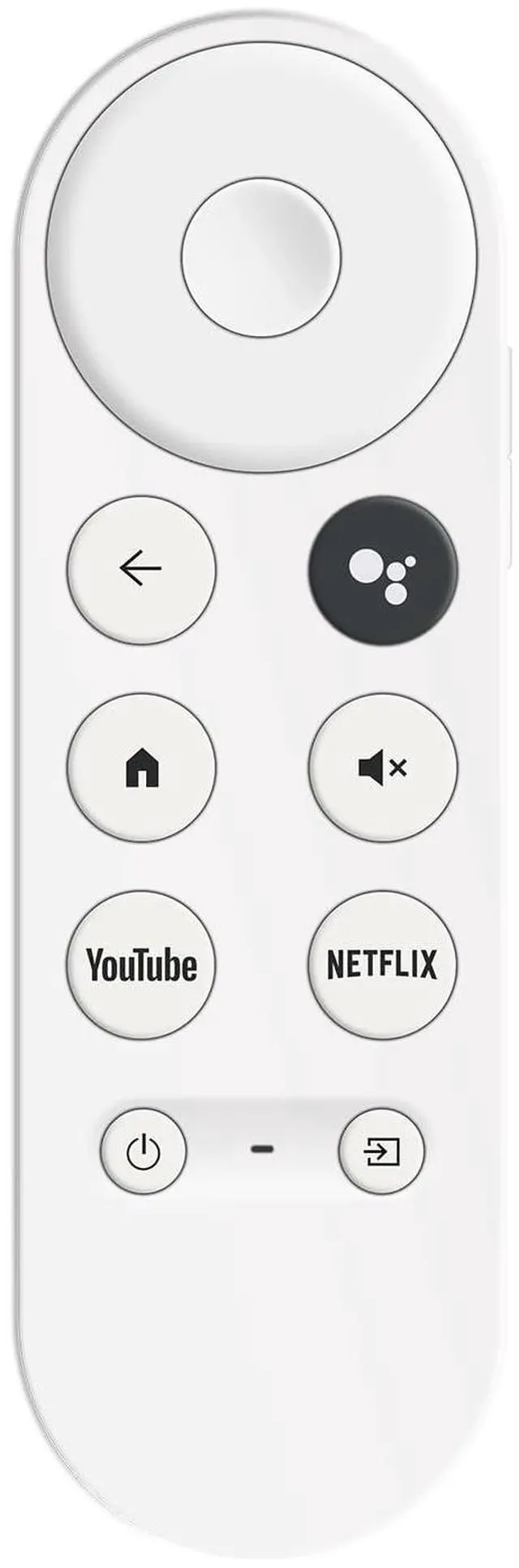
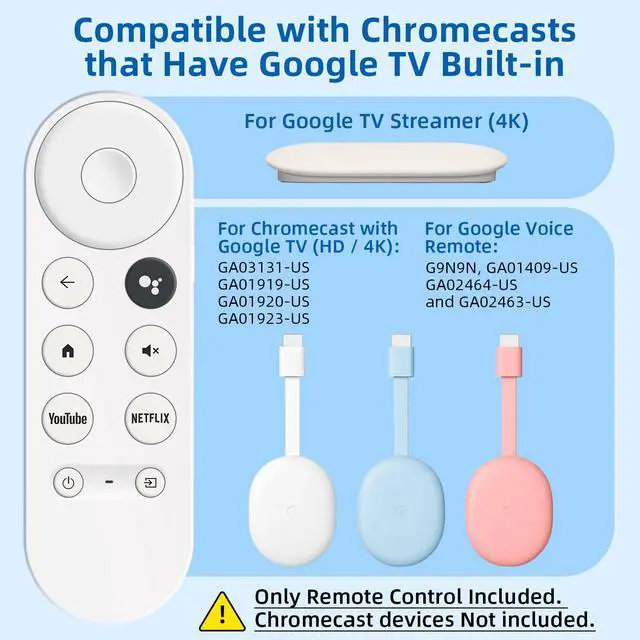
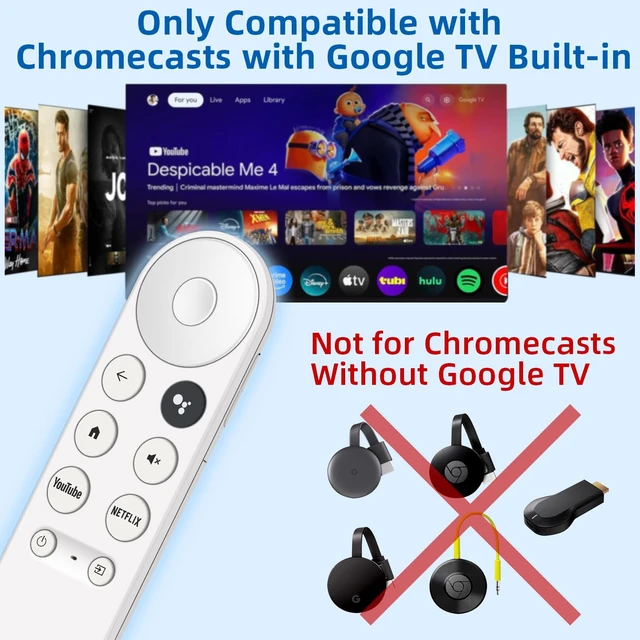
Replacement Remote for Chromecast with Google TV Built-in. Not for Google Streamer TV Box. 1-Year
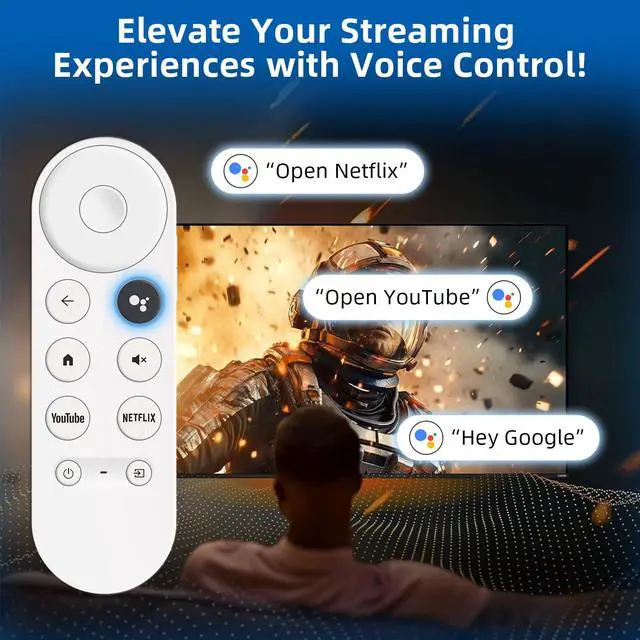
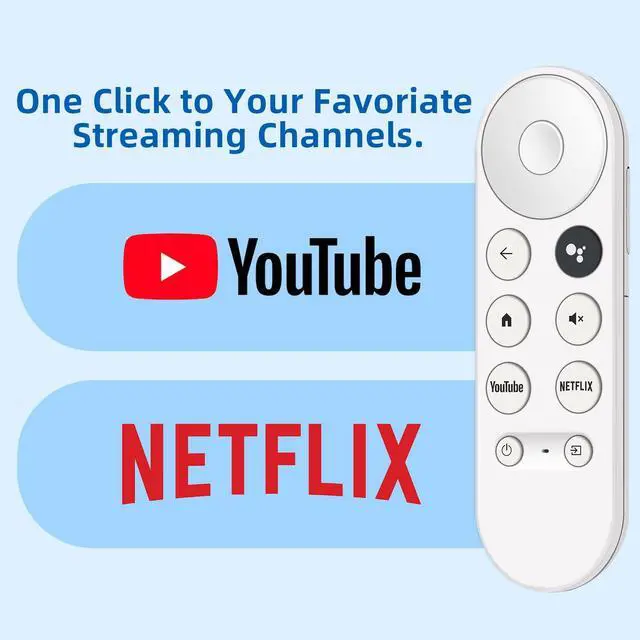
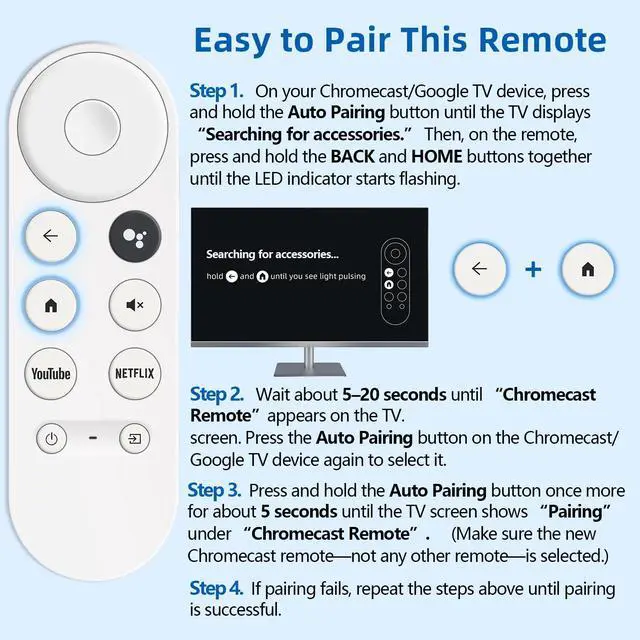
- This voice remote is compatible with Chromecast devices that have Google TV built-in. It does NOT work with the Google Streamer TV Box or with Chromecast models that do not include Google TV. Please note: the package. Easily find your favorite content with built-in voice functionality. Just press the microphone button to search shows, adjust volume, switch inputs, or play music using simple voice commands. On Chromecast, press the "Auto Pairing" button. Press and hold the BACK and HOME buttons on the remote until the LED light starts flashing. When "Chromecast Remote" appears on the TV screen, press the "Auto Pairing Button" on the Chromecast device to select the "Chromecast Remote"; then press and hold the "Auto Pairing Button" for 4 seconds until the TV screen shows "Pairing". If pairing fails, repeat the previous steps until the pairing is successful

+
+
Overview
Specs
Reviews
Any questions? Our AI mode will help you find out quickly.
Try me now
This voice remote is compatible with Chromecast devices that have Google TV built-in. It does NOT work with the Google Streamer TV Box or with Chromecast models that do not include Google TV.
Please note: the package. Easily find your favorite content with built-in voice functionality. Just press the microphone button to search shows, adjust volume, switch inputs, or play music using simple voice commands. On Chromecast, press the "Auto Pairing" button. Press and hold the BACK and HOME buttons on the remote until the LED light starts flashing. When "Chromecast Remote" appears on the TV screen, press the "Auto Pairing Button" on the Chromecast device to select the "Chromecast Remote"; then press and hold the "Auto Pairing Button" for 4 seconds until the TV screen shows "Pairing". If pairing fails, repeat the previous steps until the pairing is successful
Warranty & Returns
Warranty, Returns, And Additional Information
Warranty
- Please contact the Seller directly for warranty information. Warranty information may also be found on the Manufacturer's website.
- CONTACT
Return Policies
- Return for refund within: 30 days
- Return for replacement within: 30 days
- This item is covered by DrakeMount FortunaTech Parts Return Policy
Manufacturer Contact Info
- For a directory of all our manufacturers, please click below.
- Manufacturers Directory
LOADING...