Your Browsing History
- Free 30-day Returns
$37.99
Sold by DrakeMount FortunaTech Parts
Shipped by DrakeMount FortunaTech Parts
Meet Your Seller
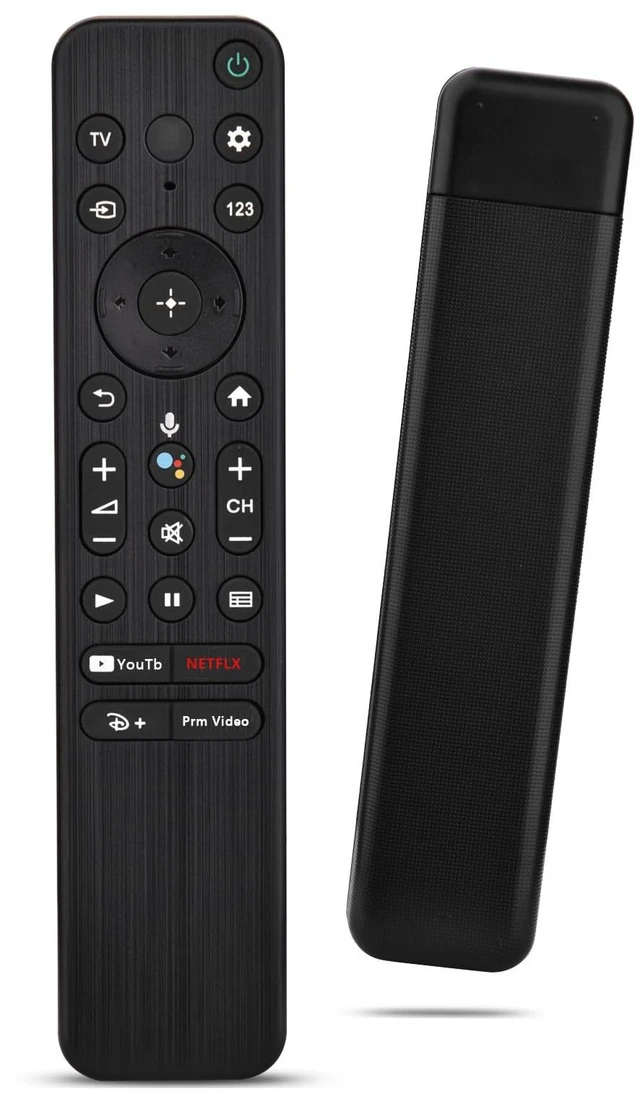
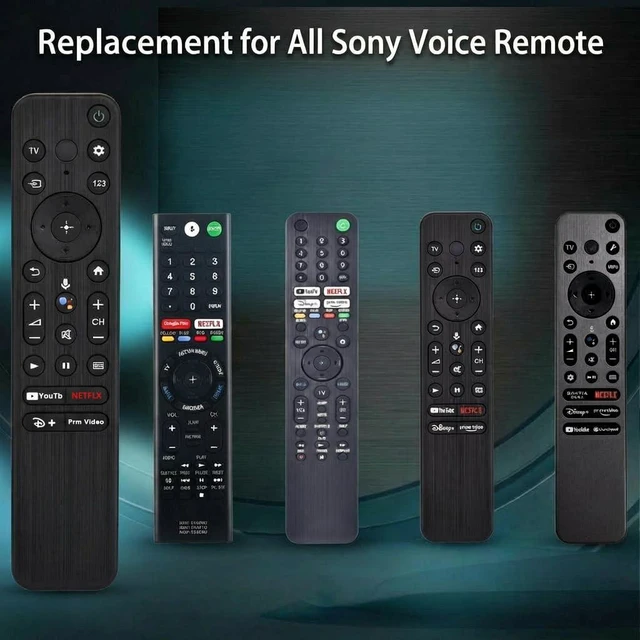
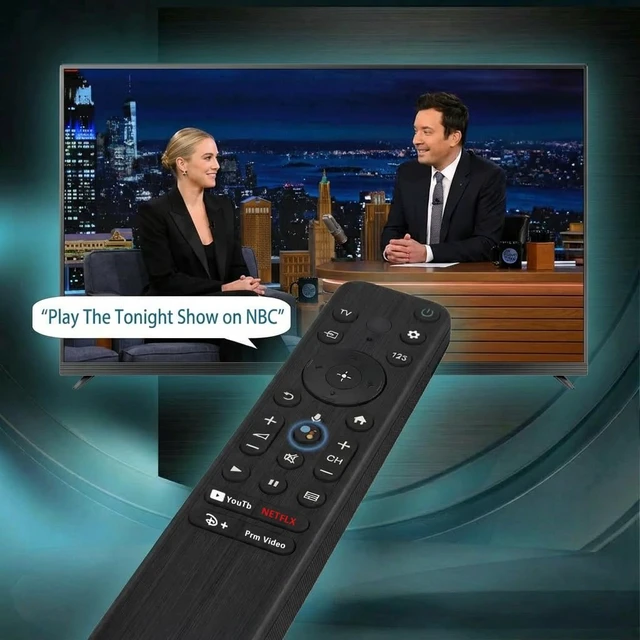
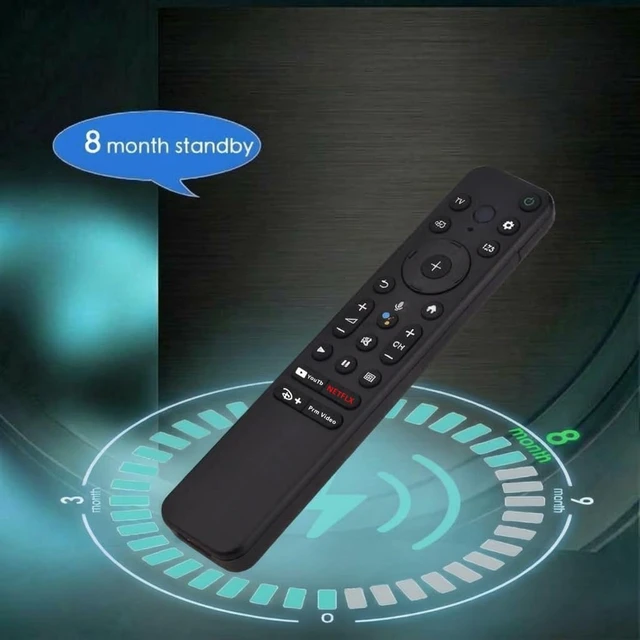
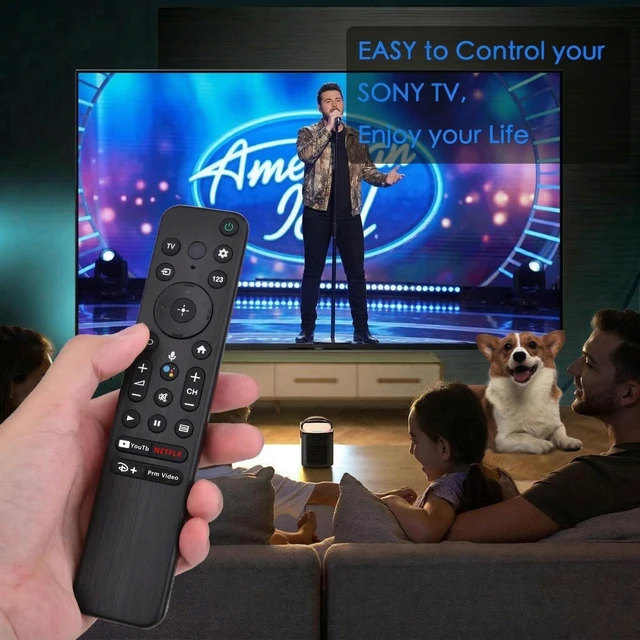
Replacement for Sony TV Voice Remote,for 2019-2026 Sony Bravia Smart TV Compatible with select Sony BRAVIA, Google TV, 4K UHD, LED, LCD and HD TVs from 2019-2026; voice control and 4 shortcut keys
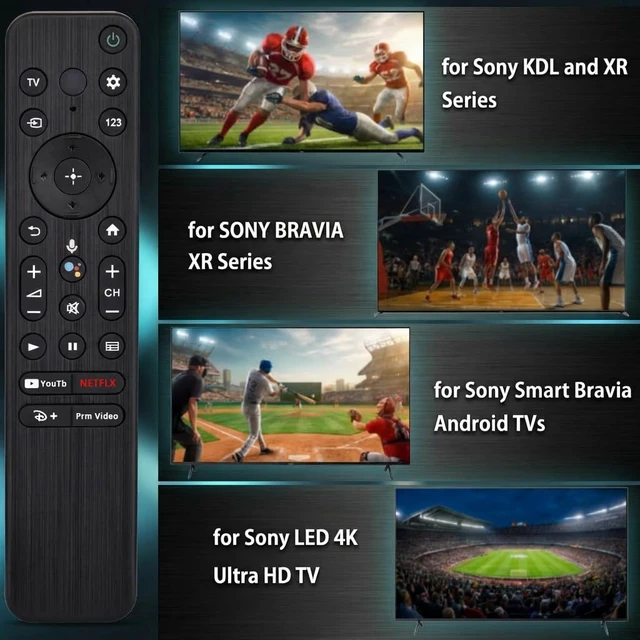
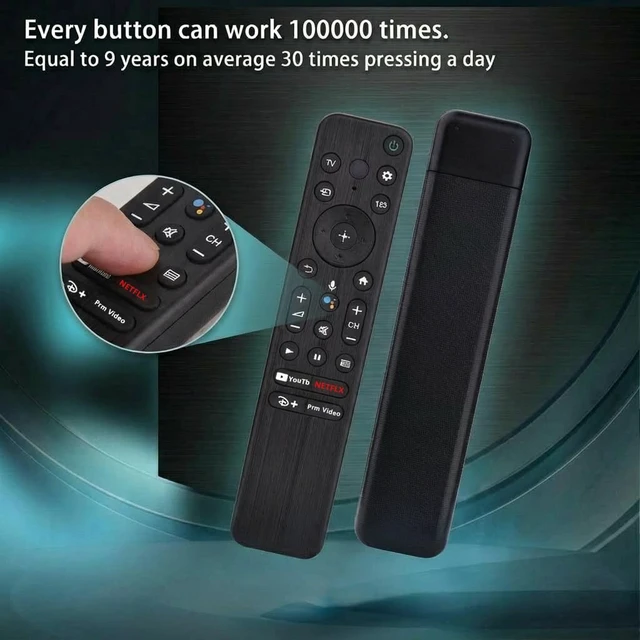
- [Compatible Remote Models] Universal Voice Remote Control Replacement for Sony TV Remote RMF-TX800U/810U/811U/820U, RMF-TX900U/910U/920U, RMF-TX520U/500U, RMF-TX600U/611U/621U, RM F-TX300U/310U. [Compatible TV Models] Compatible with all 2018-2025 Sony Google Bravia Series TVs, Sony XBR/XR/KD/KDL Series TVs, Sony 4K UHD Crystal HDR TVs, and Sony OLED Ultra HD TVs. [Voice Control Function] This smart TV remote enables voice control, letting you tell the TV what you want and it happens at the push of a microphone button. It makes daily use more convenient and adds more fun. Note: ONLY compatible with voice-enabled devices. [Quick Link Buttons] Quickly skip to your favorite content with preset app buttons for Ntflx, YouTobe, disny+, and Prm Video. [Pairing Instruction] Please follow the steps below to pair this remote before using the voice search. Go to your TV Settings -> Remotes & Accessories or BT -> Remote Control -> Connect via BT. To initiate the pairing process, press and hold the "VOL -" button while simultaneously pressing the "Mic" button for 3-5 seconds. 1x New Remote (battery not included), 1x User Manual

+
+
Overview
Specs
Reviews
Any questions? Our AI mode will help you find out quickly.
Try me now
[Compatible Remote Models] Universal Voice Remote Control Replacement for Sony TV Remote RMF-TX800U/810U/811U/820U, RMF-TX900U/910U/920U, RMF-TX520U/500U, RMF-TX600U/611U/621U, RM F-TX300U/310U. [Compatible TV Models] Compatible with all 2018-2025 Sony Google Bravia Series TVs, Sony XBR/XR/KD/KDL Series TVs, Sony 4K UHD Crystal HDR TVs, and Sony OLED Ultra HD TVs. [Voice Control Function] This smart TV remote enables voice control, letting you tell the TV what you want and it happens at the push of a microphone button. It makes daily use more convenient and adds more fun.
Note: ONLY compatible with voice-enabled devices. [Quick Link Buttons] Quickly skip to your favorite content with preset app buttons for Ntflx, YouTobe, disny+, and Prm Video. [Pairing Instruction] Please follow the steps below to pair this remote before using the voice search. Go to your TV Settings -> Remotes & Accessories or BT -> Remote Control -> Connect via BT. To initiate the pairing process, press and hold the "VOL -" button while simultaneously pressing the "Mic" button for 3-5 seconds. 1x New Remote (battery not included), 1x User Manual
Warranty & Returns
Warranty, Returns, And Additional Information
Warranty
- Please contact the Seller directly for warranty information. Warranty information may also be found on the Manufacturer's website.
- CONTACT
Return Policies
- Return for refund within: 30 days
- Return for replacement within: 30 days
- This item is covered by DrakeMount FortunaTech Parts Return Policy
Manufacturer Contact Info
- For a directory of all our manufacturers, please click below.
- Manufacturers Directory
LOADING...