• $26.99
  • Free 30-day Returns
  • Price alert
    Shop it at NeweggBusiness.

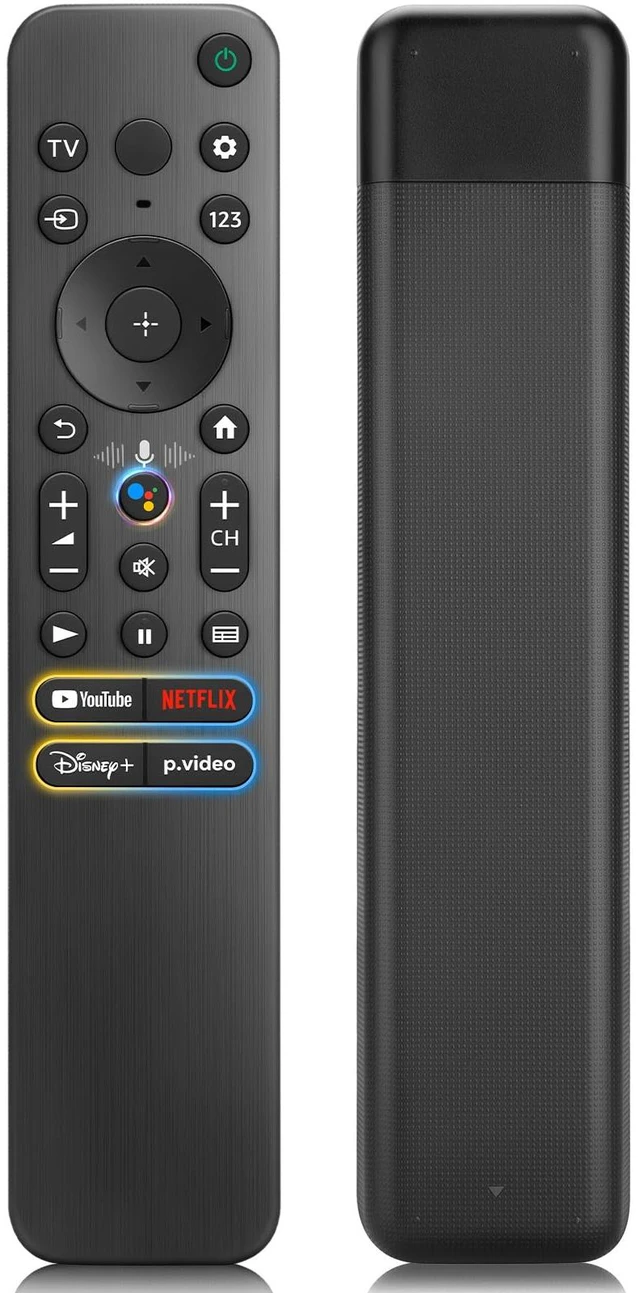
    Replacement Remote for Sony TV & Bravia Smart TV Remote Control with Voice, ABS material, Ergonomic, Universal Remote for Sony Bravia XR 4K Series Smart Google TV RMF-TX520U RMT-TX810U

    Limited time offer, ends 10/14 By DrakeMount FortunaTech Parts

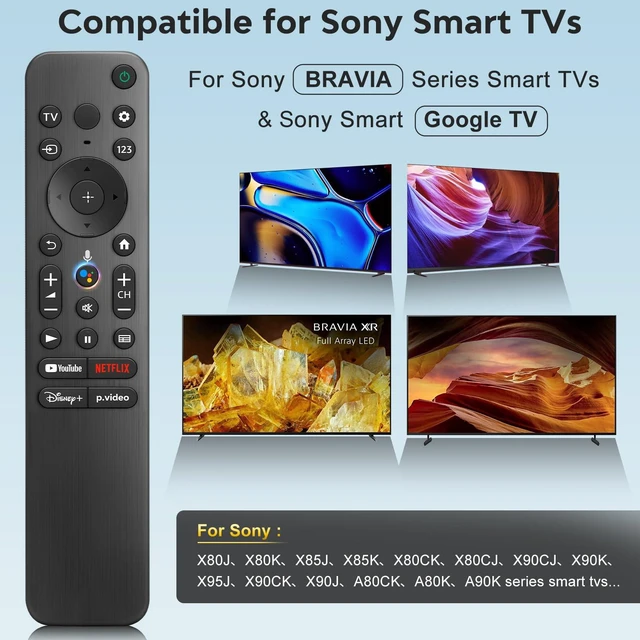
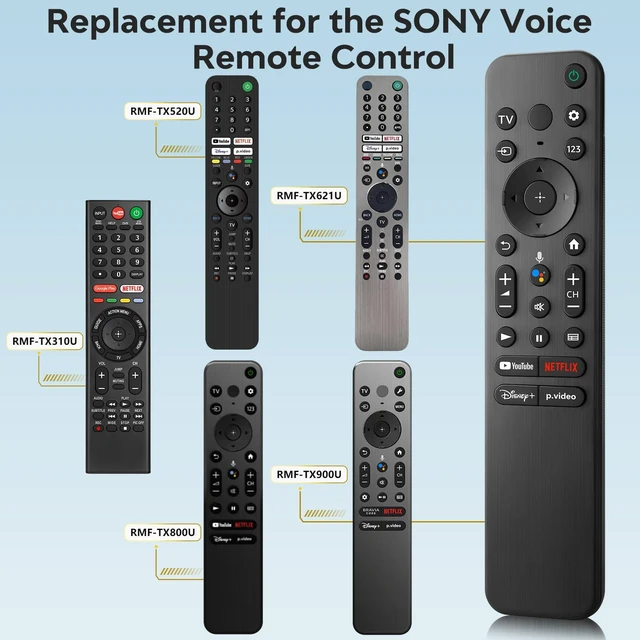
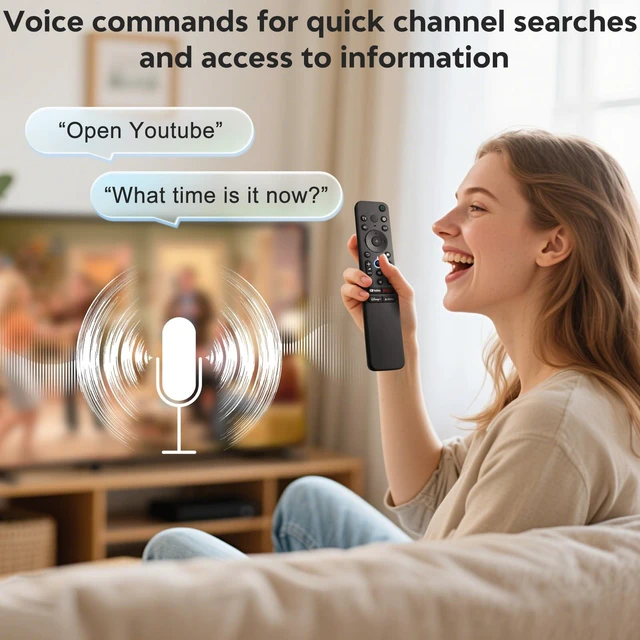
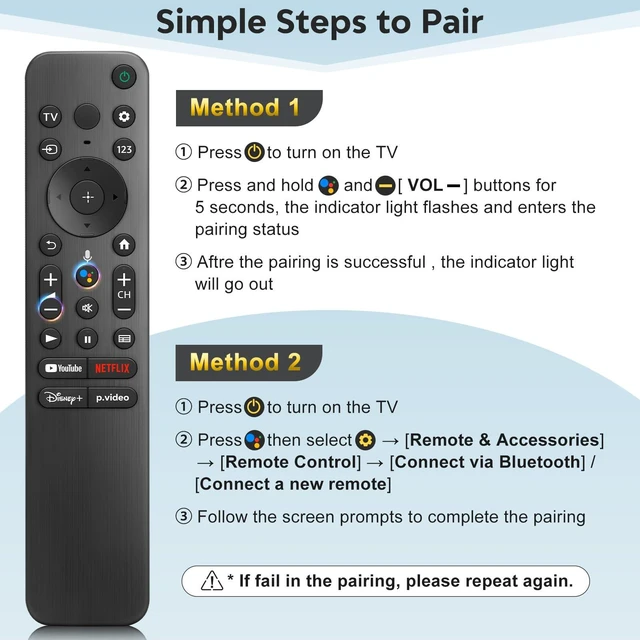
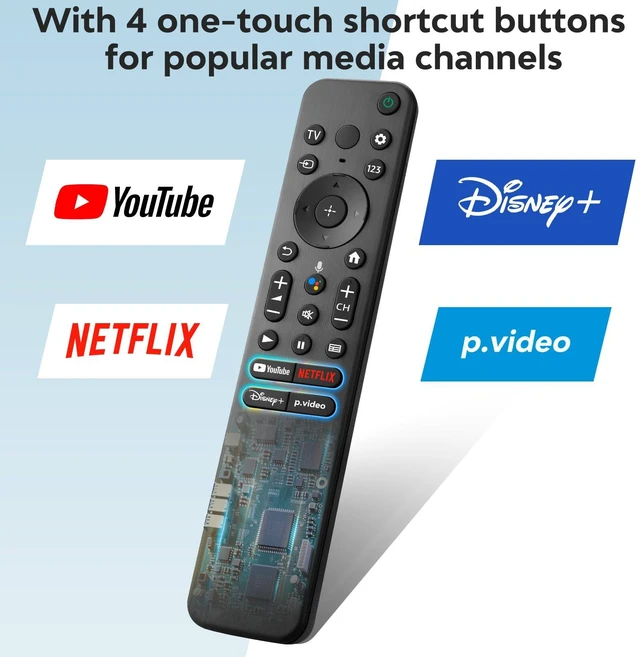
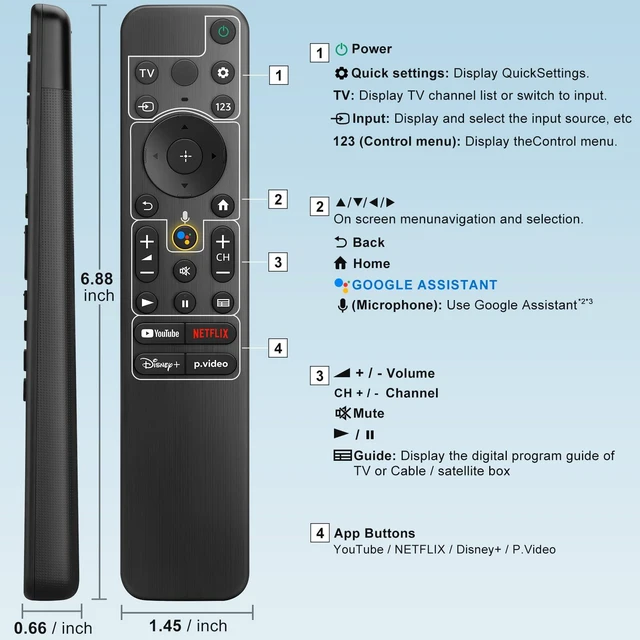
    • [Applicable TV Models] Replacement remote control for Sony Bravia Smart Google TVs. Compatible with Sony 4K HDR Full Array LED/OLED series Smart TVs including X80J, X80K, X85J, X85K, X80CK. and for Sony Bravia XR 4K LED/OLED series TVs such as X90CK, X90J, A80CK, A80J, etc. [Controller Compatibility] Voice replacement compatible with various SONY voice remote controls such as RMF-TX520U, RMF-TX800U, RMF-TX900U, RMF-TX621U, RMF-TX600U, RMF-TX310U, etc. [Popular Shortcuts] This voice remote features 4 popular streaming media shortcut keys. With just one click, you can quickly access the corresponding popular streaming channels. [Matching Methods] 1) Insert 2*AAA batteries into the remote control and turn on the TV. 2) Press and hold the VOL- and Mic buttons for 5 seconds; the indicator light blinks and enters the pairing status. 3) When pairing is successful, the indicator light goes off. (Note: If pairing fails, please repeat again.)
    +
    +
    Overview
    Specs
    Reviews
    avatar

    Any questions? Our AI mode will help you find out quickly.

    [Applicable TV Models] Replacement remote control for Sony Bravia Smart Google TVs. Compatible with Sony 4K HDR Full Array LED/OLED series Smart TVs including X80J, X80K, X85J, X85K, X80CK. and for Sony Bravia XR 4K LED/OLED series TVs such as X90CK, X90J, A80CK, A80J, etc. [Controller Compatibility] Voice replacement compatible with various SONY voice remote controls such as RMF-TX520U, RMF-TX800U, RMF-TX900U, RMF-TX621U, RMF-TX600U, RMF-TX310U, etc. [Popular Shortcuts] This voice remote features 4 popular streaming media shortcut keys. With just one click, you can quickly access the corresponding popular streaming channels.

    [Matching Methods] 1) Insert 2*AAA batteries into the remote control and turn on the TV. 2) Press and hold the VOL- and Mic buttons for 5 seconds; the indicator light blinks and enters the pairing status. 3) When pairing is successful, the indicator light goes off.
    (Note: If pairing fails, please repeat again. )

    Warranty & Returns

    Warranty, Returns, And Additional Information

    Warranty

    • Please contact the Seller directly for warranty information. Warranty information may also be found on the Manufacturer's website.
    • CONTACT

    Return Policies

    Manufacturer Contact Info

    LOADING...