Your Browsing History
- Free 30-day Returns
$29.99
Sold by DrakeMount FortunaTech Parts
Shipped by DrakeMount FortunaTech Parts
Meet Your Seller
Replacement for Google-TV-Remote for Chromecast 4k/HD,G9N9N for Google TV Streamer Remote Control
Limited time offer, ends 10/14 By DrakeMount FortunaTech Parts
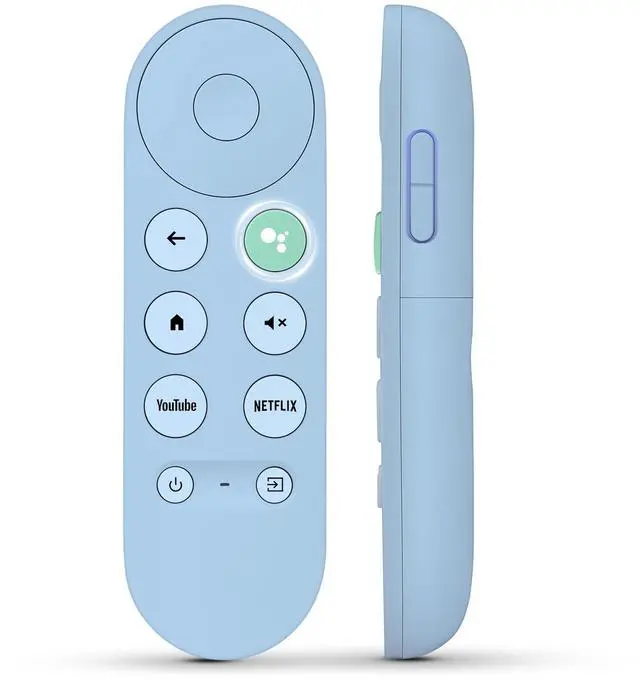
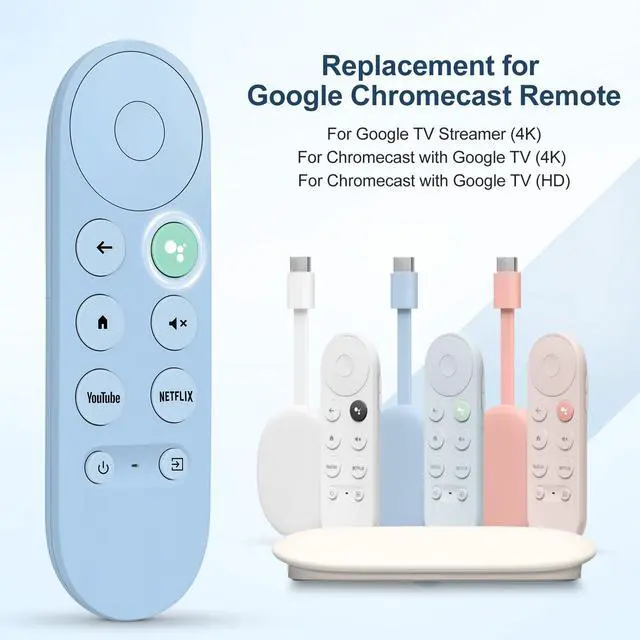
- Compatibility Models: Blue Voice Replacement remote for Google TV & Chromecast 4K/HD, for Google TV Streamer (4K), Universal G9N9N, GA01920-US, GA01923-US, GA01919-US, GA02463-US, GA01409-US, GA02464-US. Incompatible Devices: NOT compatible with Google Chromecast 1st Gen, NOT for Google Chromecast 2nd Gen, NOT for Google Chromecast 3rd Gen, NOT for Chromecast Ultra, NOT for Chromecast Audio. Quick Pairing: Pair your new blue remote: Press the pairing button on your device; Press and hold the "Back" and "Home" buttons simultaneously for 10 seconds until the LED on your new remote starts flashing. Voice Control: Pressing the voice button on the remote, you can use voice to search for specific shows; you can also use voice to control the volume, switch inputs, play music, and get answers on-screen. Channel Buttons: The replacement remote for Google Chromecast TV features 2 popular streaming buttons (for NFLX, YouTube) for quick access to entertainment. Just install 2x AAA batteries to get it to work (batteries are NOT included)

+
+
Overview
Specs
Reviews
Any questions? Our AI mode will help you find out quickly.
Try me now
Compatibility Models: Blue Voice Replacement remote for Google TV & Chromecast 4K/HD, for Google TV Streamer (4K), Universal G9N9N, GA01920-US, GA01923-US, GA01919-US, GA02463-US, GA01409-US, GA02464-US.
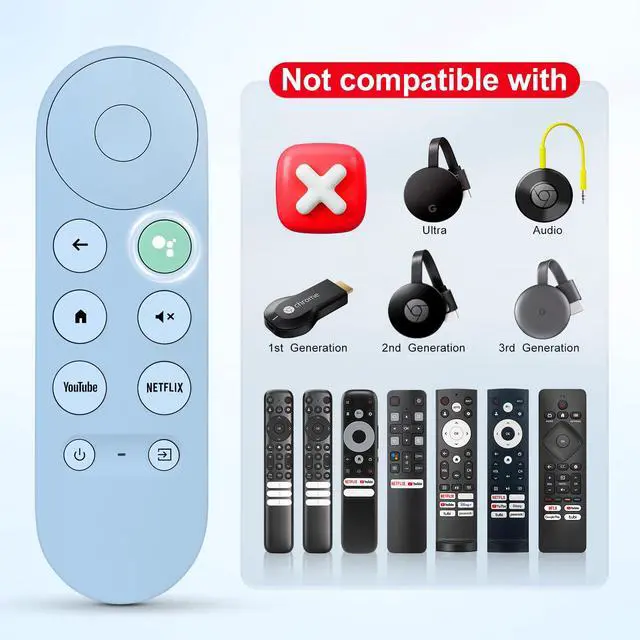
Incompatible Devices: NOT compatible with Google Chromecast 1st Gen, NOT for Google Chromecast 2nd Gen, NOT for Google Chromecast 3rd Gen, NOT for Chromecast Ultra, NOT for Chromecast Audio.
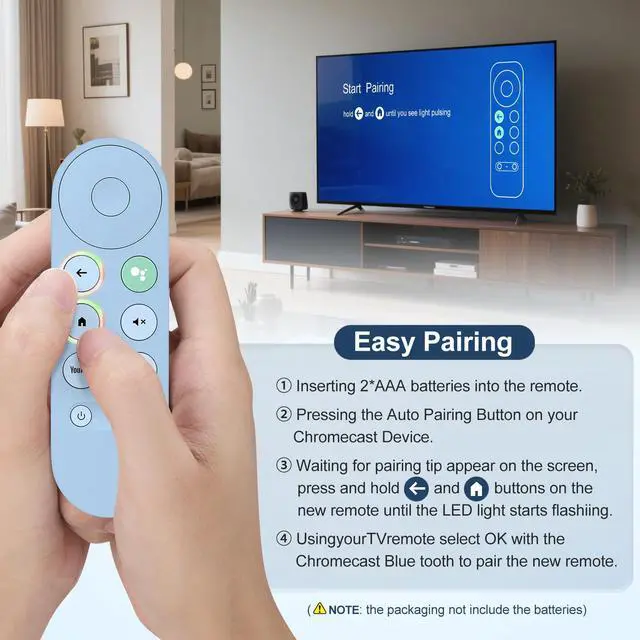
Quick Pairing: Pair
your new blue remote: Press the pairing button on your device; Press and hold the "Back" and "Home" buttons simultaneously for 10 seconds until the LED on your new remote starts flashing.
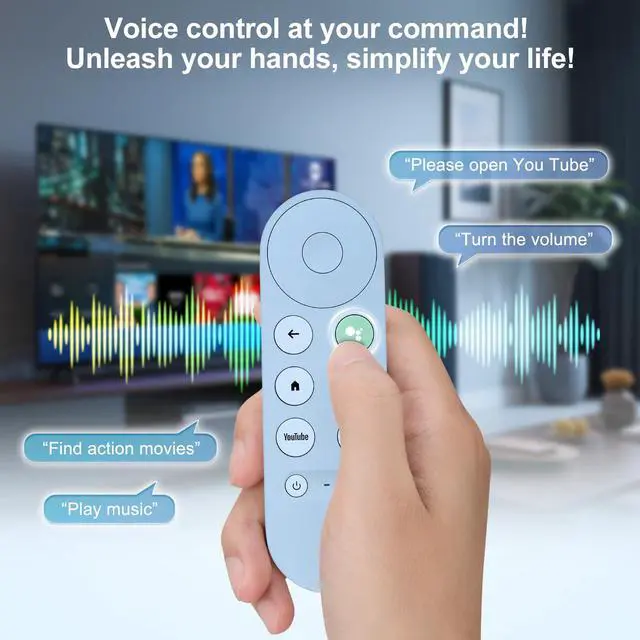
Voice Control: Pressing the voice button on the remote, you can use voice to search for specific shows; you can also use voice to control the volume, switch inputs, play music, and get answers on-screen.
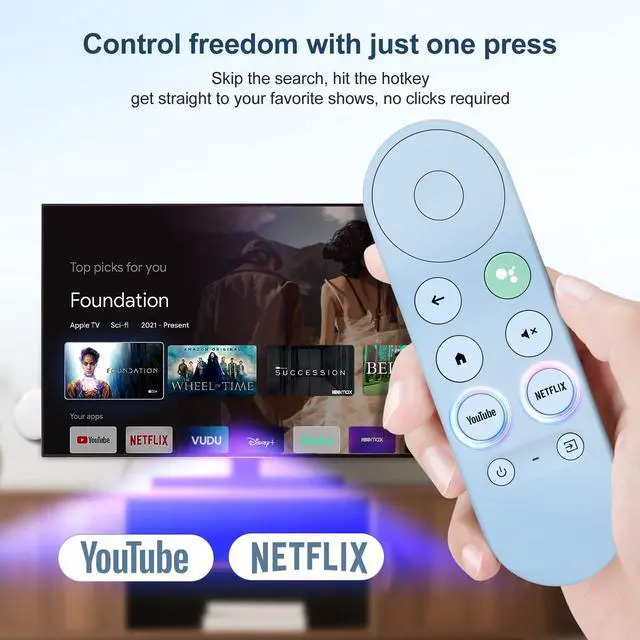
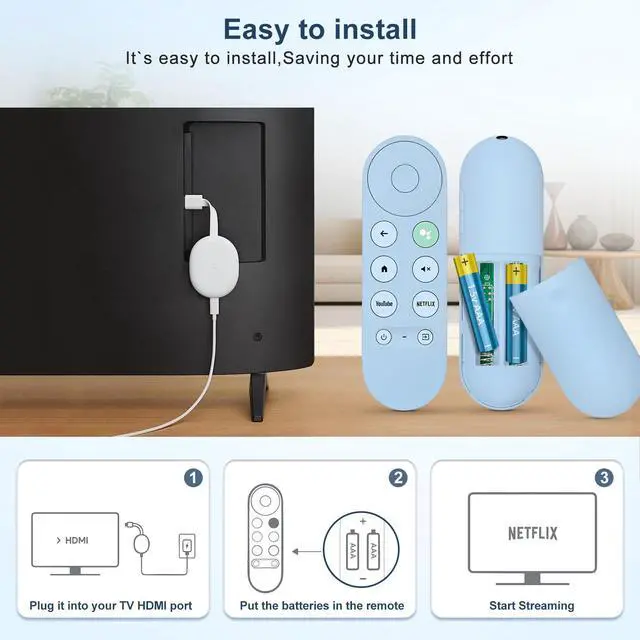
Channel Buttons: The replacement remote for Google Chromecast TV features 2 popular streaming buttons (for NFLX, YouTube) for quick access to entertainment. Just install 2x AAA batteries to get it to work (batteries are NOT included)
Incompatible Devices: NOT compatible with Google Chromecast 1st Gen, NOT for Google Chromecast 2nd Gen, NOT for Google Chromecast 3rd Gen, NOT for Chromecast Ultra, NOT for Chromecast Audio.
Quick Pairing: Pair
your new blue remote: Press the pairing button on your device; Press and hold the "Back" and "Home" buttons simultaneously for 10 seconds until the LED on your new remote starts flashing.
Voice Control: Pressing the voice button on the remote, you can use voice to search for specific shows; you can also use voice to control the volume, switch inputs, play music, and get answers on-screen.
Channel Buttons: The replacement remote for Google Chromecast TV features 2 popular streaming buttons (for NFLX, YouTube) for quick access to entertainment. Just install 2x AAA batteries to get it to work (batteries are NOT included)
Warranty & Returns
Warranty, Returns, And Additional Information
Warranty
- Please contact the Seller directly for warranty information. Warranty information may also be found on the Manufacturer's website.
- CONTACT
Return Policies
- Return for refund within: 30 days
- Return for replacement within: 30 days
- This item is covered by DrakeMount FortunaTech Parts Return Policy
Manufacturer Contact Info
- For a directory of all our manufacturers, please click below.
- Manufacturers Directory
LOADING...