Out of stock
  • $198.99
  • Free 30-day Returns
Price alert
Shop it at NeweggBusiness.

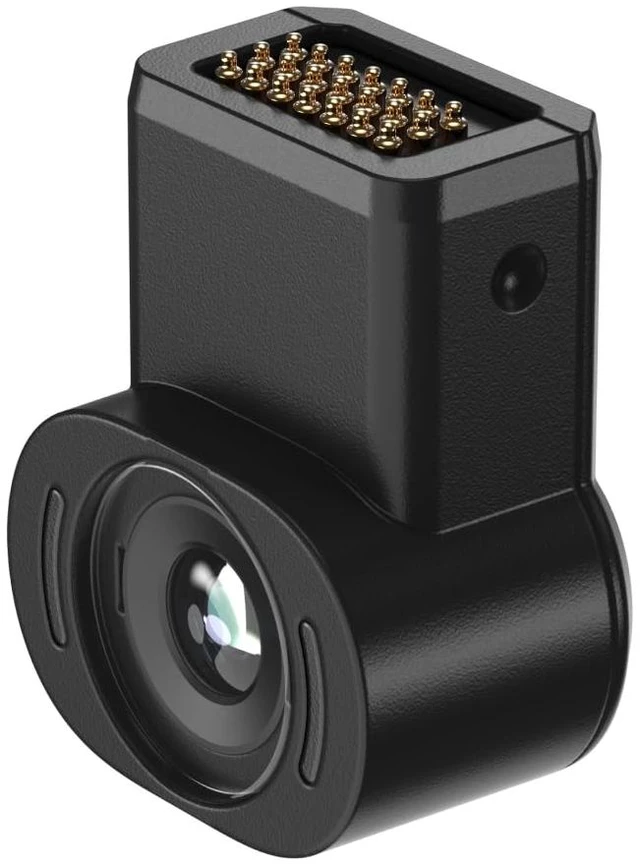
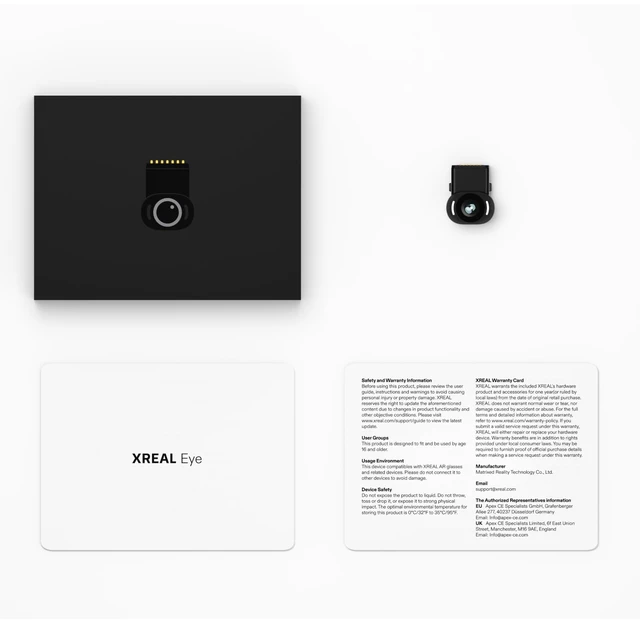
Eye, Pairing One Series, 12MP RGB Camera Experience Native 6DoF Spatial Anchor, Record and Share & Blend Real + Virtual Worlds, Instant Photo & Video Capture

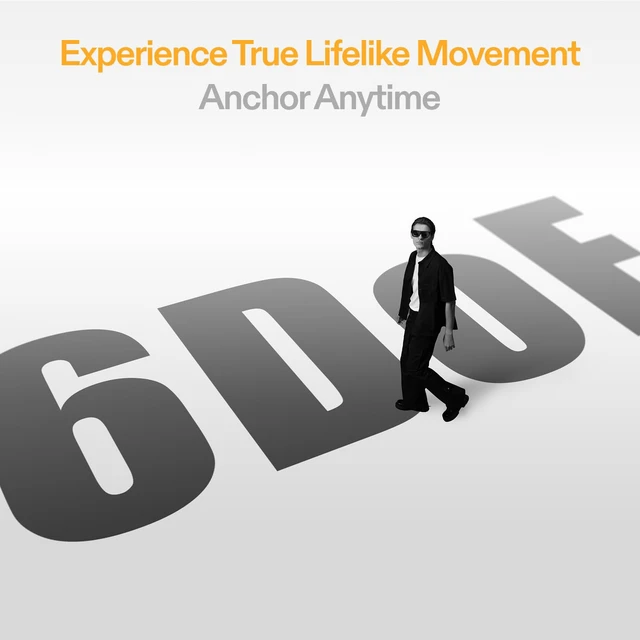
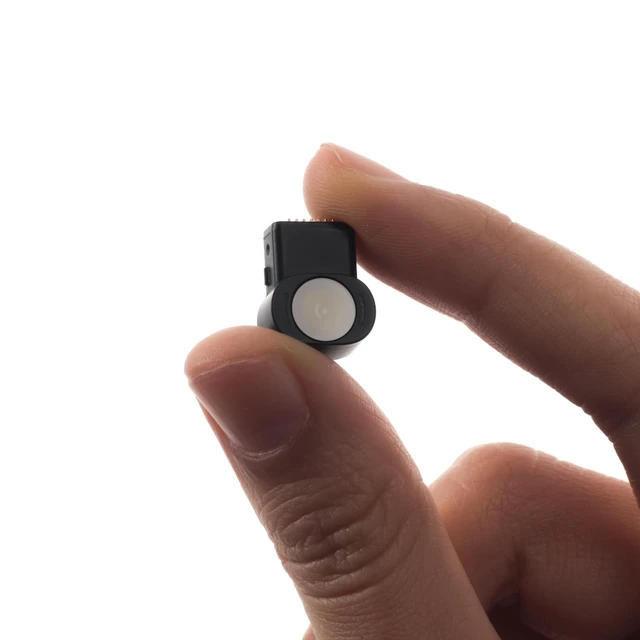
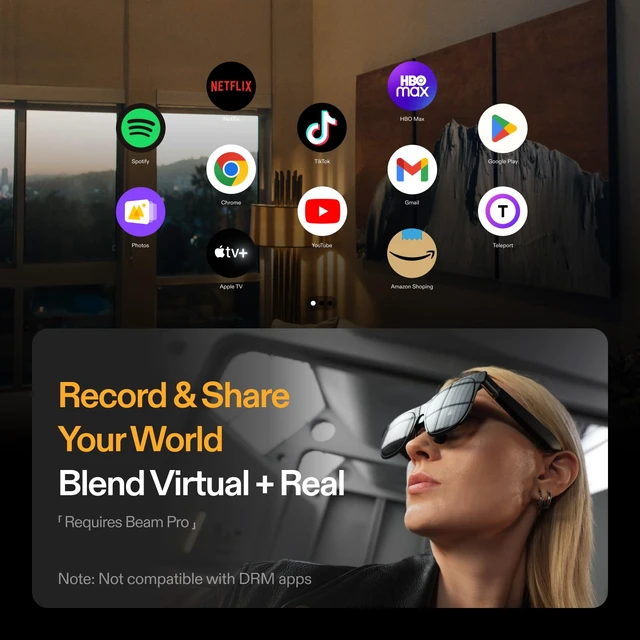
  • A Must-Have Add-On: A lightweight yet powerful micro camera, weighing just 1.5 grams, with a resolution of up to 12 megapixels. Native 6DoF Spatial Anchor Feature with Eye: When connected to Eye, the glasses support the Spatial Anchor feature, enabling a direct 6DoF spatial anchor experience. Mixed Reality Recording with Eye: Connect your glasses to Beam Pro and Eye to record both virtual and real-world content simultaneously. Capture and share your mixed reality experiences exactly as you see them. Note: Beam Pro Required Capture Photos & Videos with Eye: Connect Eye and snap photos/videos instantly using the button on your glasses. Files save directly onboardskip the hassle of grabbing and unlocking your phone. Export them later to your phone, computer, or tablet whenever you want. To attach the Eye to the One Pro: Remove the rectangular cap at the bridge of the nose of the glasses, connect the Eye, then in the One Pro's settings, go to Display, and cycle down to select Spatial Anchor. Compatible with Eye, Beam Pro, and One Pro

+
+
Overview
Specs
Reviews
avatar

Any questions? Our AI mode will help you find out quickly.

A Must-Have Add-On: A lightweight yet powerful micro camera, weighing just 1.5 grams, with a resolution of up to 12 megapixels. Native 6DoF Spatial Anchor
Feature with Eye: When connected to Eye, the glasses support the Spatial Anchor feature, enabling a direct 6DoF spatial anchor experience. Mixed Reality
Recording with Eye: Connect your glasses to Beam Pro and Eye to record both virtual and real-world content simultaneously. Capture and share your mixed reality experiences exactly as you see them.
Note: Beam Pro Required Capture Photos & Videos with
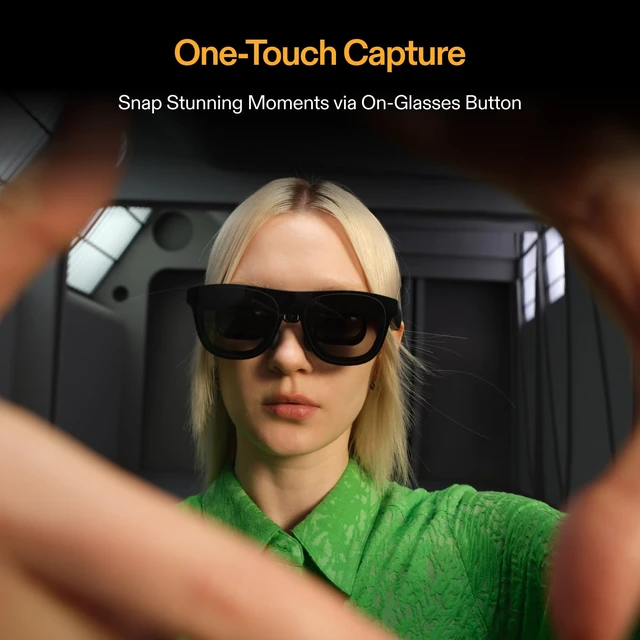
Eye: Connect Eye and snap photos/videos instantly using the button on your glasses. Files save directly onboardskip the hassle of grabbing and unlocking your phone. Export them later to your phone, computer, or tablet whenever you want. To attach the Eye to the
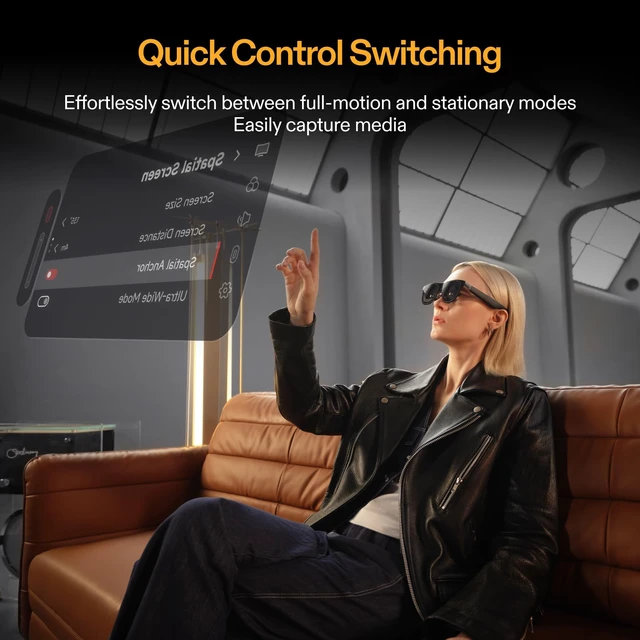
One Pro: Remove the rectangular cap at the bridge of the nose of the glasses, connect the Eye, then in the One Pro's settings, go to Display, and cycle down to select Spatial Anchor. Compatible with Eye, Beam Pro, and One Pro

Warranty & Returns

Warranty, Returns, And Additional Information

Warranty

  • Please contact the Seller directly for warranty information. Warranty information may also be found on the Manufacturer's website.
  • CONTACT

Return Policies

Manufacturer Contact Info

LOADING...