• $29.99
  • Free 30-day Returns
  • Price alert
    Shop it at NeweggBusiness.

    Replacement Remote Control for vSeeBox V1 / V2 /Pro/Elite/Max Voice Search, Replacement for OctaStream Elite Max Latest Technology Android TV Box 2023

    Limited time offer, ends 10/14 By DrakeMount FortunaTech Parts

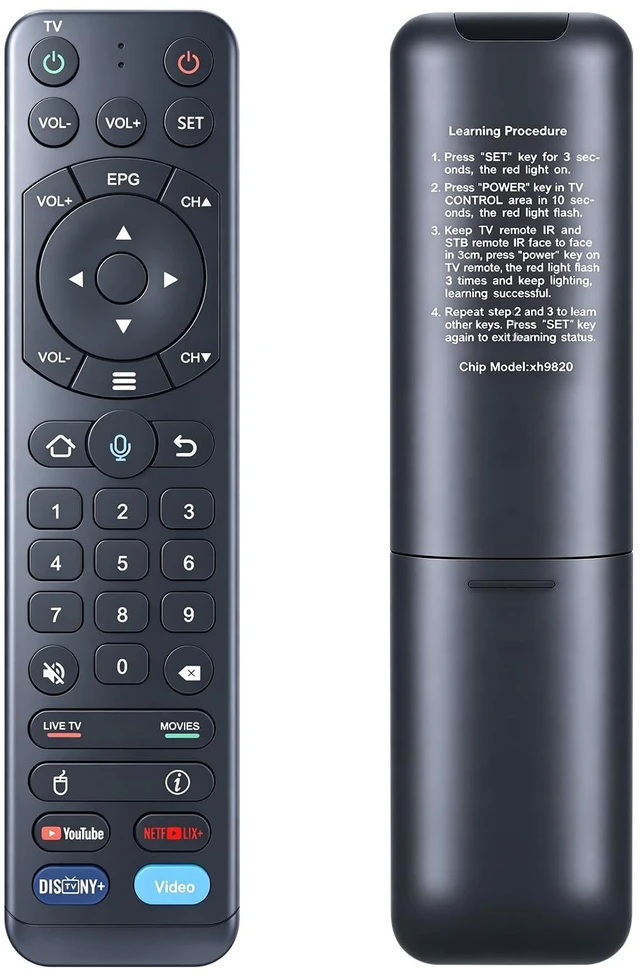
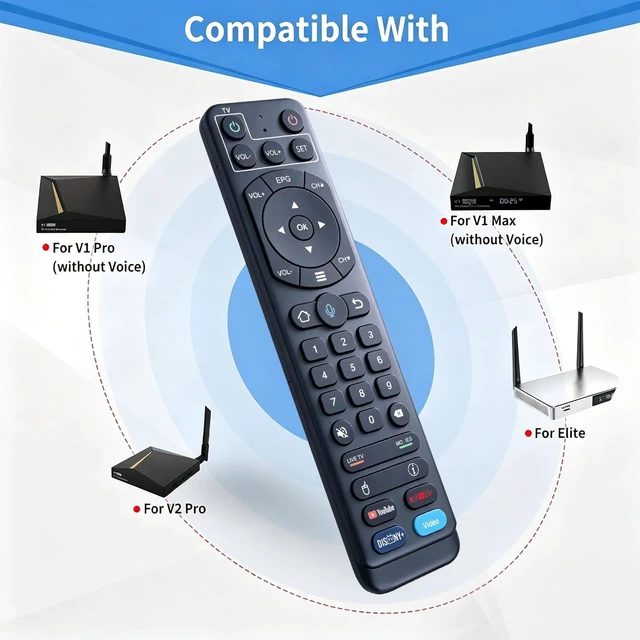
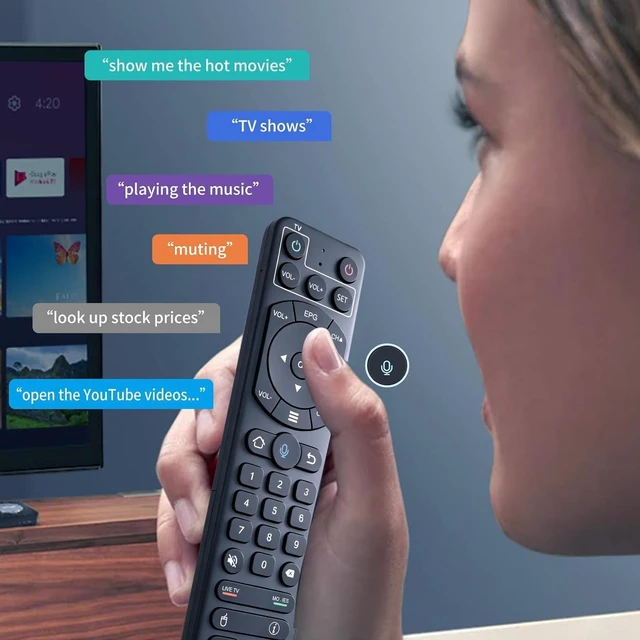
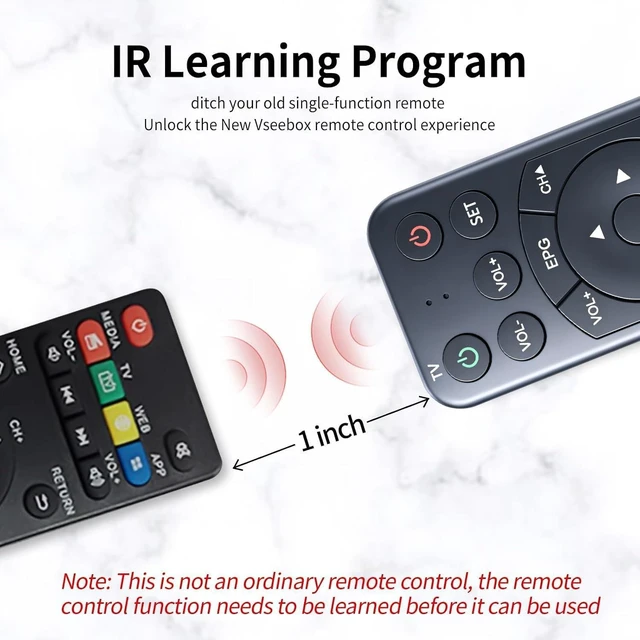
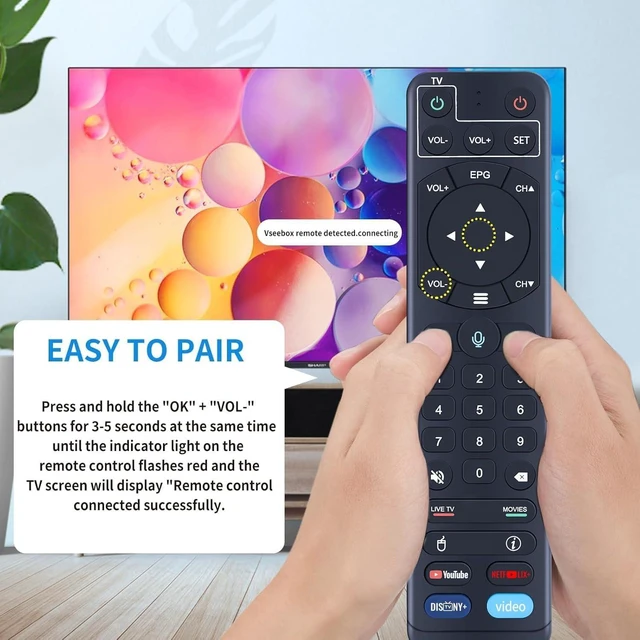
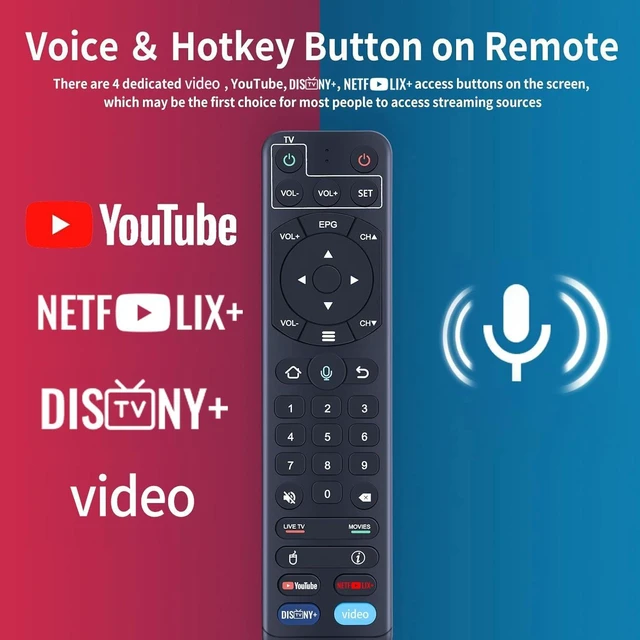
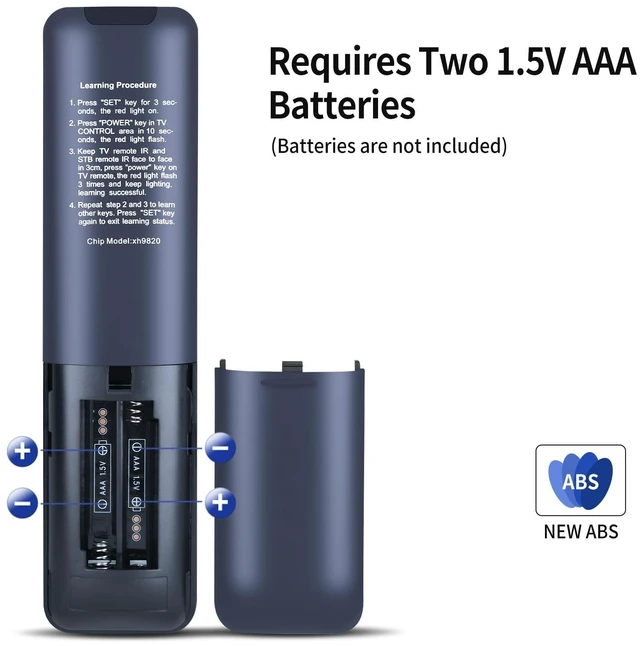
    • [Multi-Device Compatibility] This V2 Pro Replacement voice remote control only works with vSeeBox V1, V2, Elite, and Max. [Note] This remote can be used with vSee Box V1/V2 Pro/V1 Max, but it does not have a voice function. Due to compatibility issues, please do not use this remote to directly control your TV or other devices. [Enhanced Connectivity] Equipped with cutting-edge technology for lightning-fast pairing, rock-solid stability, and extended range, making the connection process more convenient. [How To Learning Procedure] 1) Press the "SET" key for 3 seconds; the red light turns on. 2) Press the "Power" key in the TV CONTROL area within 10 seconds; the red light flashes. 3) Keep the TV remote IR and STB remote IR face to face within 3 cm, press the "Power" key on the TV remote; the red light flashes 3 times and stays lit, indicating successful learning. 4) Repeat steps 2 and 3 to learn other keys. Press the "SET" key again to exit learning status

    +
    +
    Overview
    Specs
    Reviews
    avatar

    Any questions? Our AI mode will help you find out quickly.

    [Multi-Device Compatibility] This V2 Pro Replacement voice remote control only works with vSeeBox V1, V2, Elite, and Max. [Note] This remote can be used with vSee Box V1/V2 Pro/V1 Max, but it does not have a voice function. Due to compatibility issues, please do not use this remote to directly control your TV or other devices. [Enhanced Connectivity] Equipped with cutting-edge technology for lightning-fast pairing, rock-solid stability, and extended range, making the connection process more convenient. [How To Learning Procedure] 1) Press the "SET" key for 3 seconds; the red light turns on.

    2) Press the "Power" key in the TV CONTROL area within 10 seconds; the red light flashes. 3) Keep the TV remote IR and STB remote IR face to face within 3 cm, press the "Power" key on the TV remote; the red light flashes 3 times and stays lit, indicating successful learning. 4) Repeat steps 2 and 3 to learn other keys. Press the "SET" key again to exit learning status

    Warranty & Returns

    Warranty, Returns, And Additional Information

    Warranty

    • Please contact the Seller directly for warranty information. Warranty information may also be found on the Manufacturer's website.
    • CONTACT

    Return Policies

    Manufacturer Contact Info

    LOADING...