• $28.49
  • Free 30-day Returns
  • Price alert
    Shop it at NeweggBusiness.

    Replacement Backlit Voice Remote Control for vSeeBox V3 Pro Compatible with vSee Box V2/V1/V5 Pro V1 Max V3 Plus WE 2USAT Elite Series

    Limited time offer, ends 10/14 By DrakeMount FortunaTech Parts

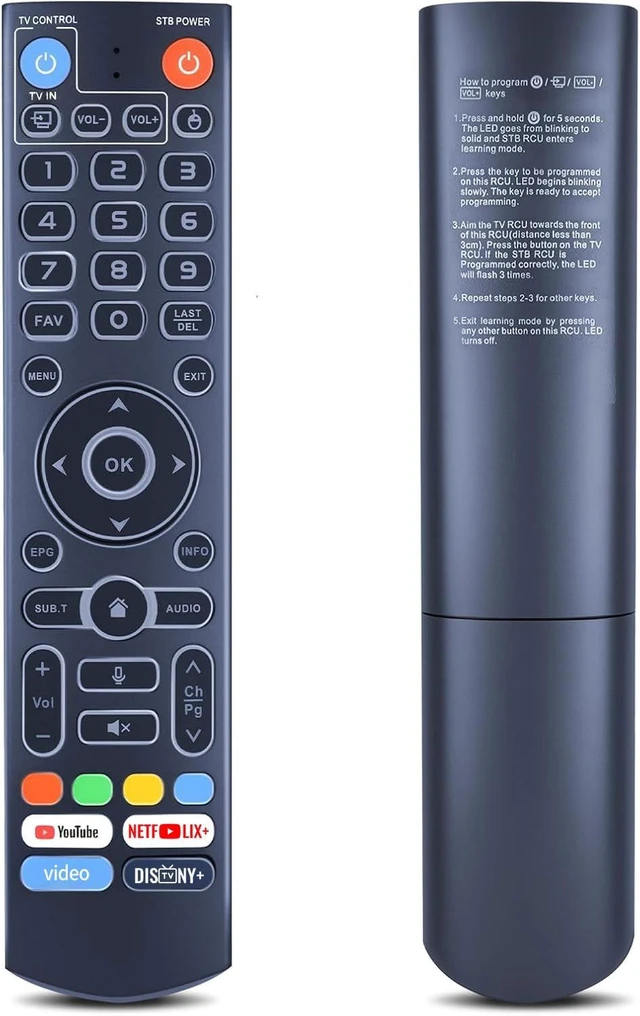
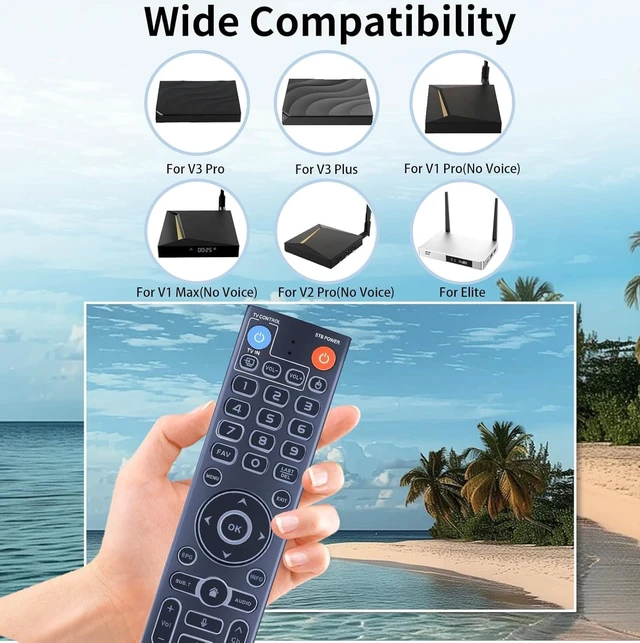
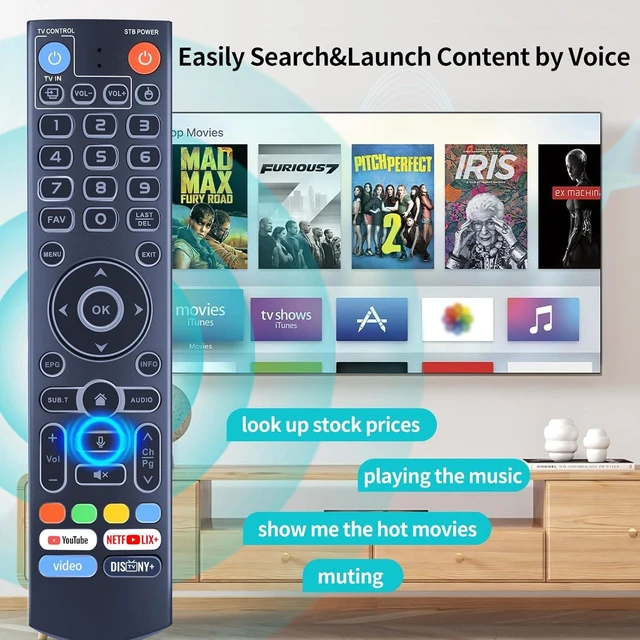
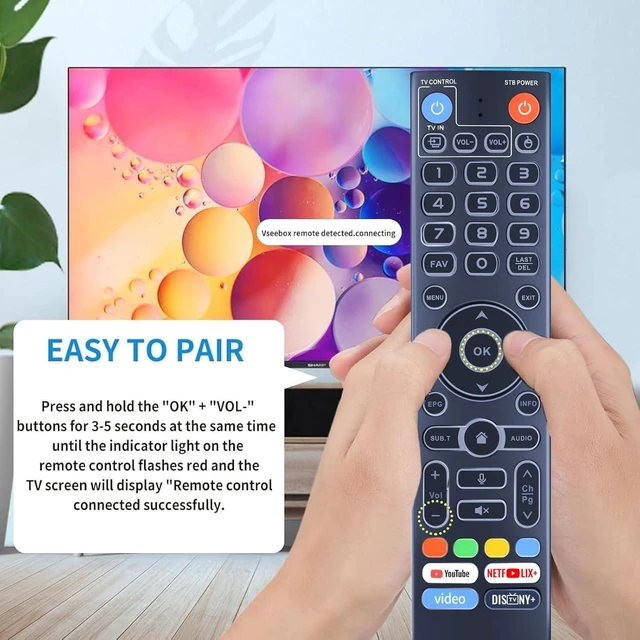
    • **Universal Compatibility** This upgraded replacement remote control is compatible with all vSeeBox streaming boxes, including V3 Pro, V2 Pro, V1 Pro, V5 Pro, V1 Max, V3 Plus, Elite, and WE 2USAT. **Two Working Modes** Supports V3 and V2 working modes. Press and hold the number 5 key for more than 10 seconds until the indicator light flashes, indicating that the mode switch is complete. The V3 Pro working mode is applicable to V3 Pro. The V2 Pro working mode is applicable to V1 Pro, V2 Pro, Max, and Elite. The vSeeBox V3 remote control defaults to V3 working mode. **How to Use the V3 Remote Control with V1 Pro, V2 Pro, Max, and Elite** Press and hold the OK and vol- keys simultaneously for about five seconds until the remote control indicator light continues to flash, indicating that Bluetooth is enabled. Pair the remote control under System Settings - Bluetooth - Pair New Device, find the vSeeBox remote control, and connect it to the vSeeBox. If it is not found, Bluetooth may not be enabled. Press and hold the OK and vol- keys simultaneously to turn on Bluetooth. **Backlit Buttons** When the buttons are difficult to see at night, press any button on the remote control to activate the backlit buttons for easier viewing. **Package Contents** 1 replacement voice remote. 2 AAA batteries and a user manual are not included

    +
    +
    Overview
    Specs
    Reviews
    avatar

    Any questions? Our AI mode will help you find out quickly.

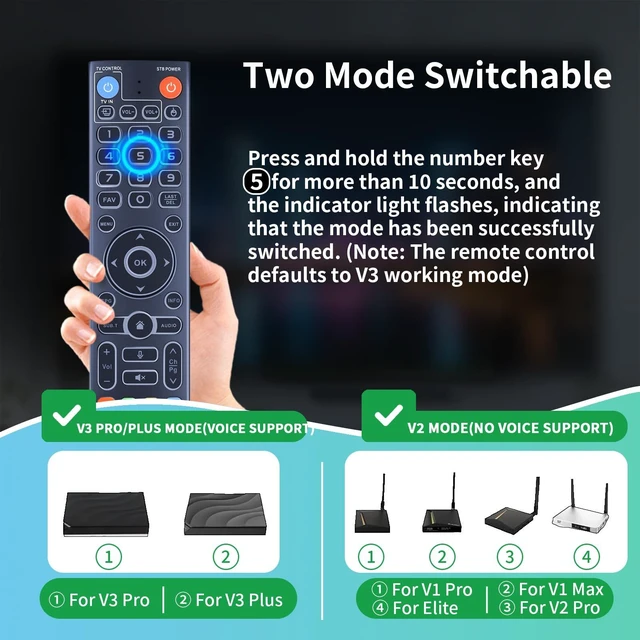
    **Universal Compatibility** This upgraded replacement remote control is compatible with all vSeeBox streaming boxes, including V3 Pro, V2 Pro, V1 Pro, V5 Pro, V1 Max, V3 Plus, Elite, and WE 2USAT. **Two Working Modes** Supports V3 and V2 working modes. Press and hold the number 5 key for more than 10 seconds until the indicator light flashes, indicating that the mode switch is complete. The V3 Pro working mode is applicable to V3 Pro. The V2 Pro working mode is applicable to V1 Pro, V2 Pro, Max, and Elite.

    The vSeeBox V3 remote control defaults to V3 working mode. **How to Use the V3 Remote Control with V1 Pro, V2 Pro, Max, and Elite** Press and hold the OK and vol- keys simultaneously for about five seconds until the remote control indicator light continues to flash, indicating that Bluetooth is enabled. Pair the remote control under System Settings - Bluetooth - Pair New Device, find the vSeeBox remote control, and connect it to the vSeeBox. If it is not found, Bluetooth may not be enabled. Press and hold the OK and vol- keys simultaneously to turn on Bluetooth.

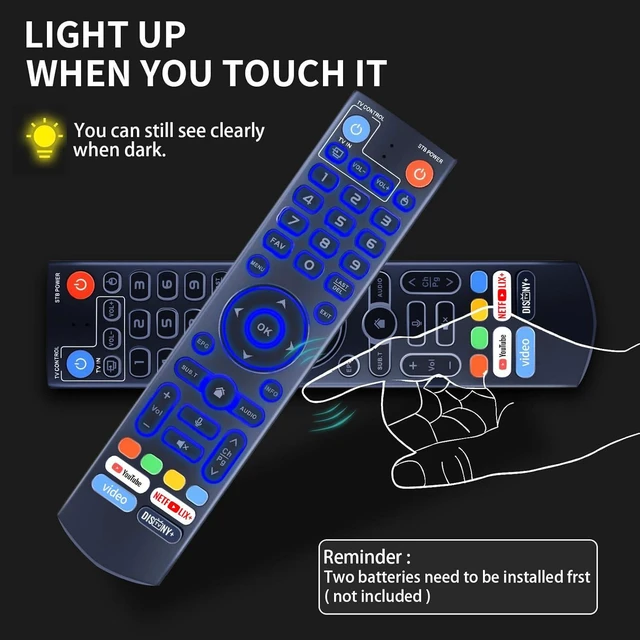
    **Backlit Buttons** When the buttons are difficult to see at night, press any button on the remote control to activate the backlit buttons for easier viewing. **Package Contents** 1 replacement voice remote. 2 AAA batteries and a user manual are not included

    Warranty & Returns

    Warranty, Returns, And Additional Information

    Warranty

    • Please contact the Seller directly for warranty information. Warranty information may also be found on the Manufacturer's website.
    • CONTACT

    Return Policies

    Manufacturer Contact Info

    LOADING...