Your Browsing History
Meet Your Seller
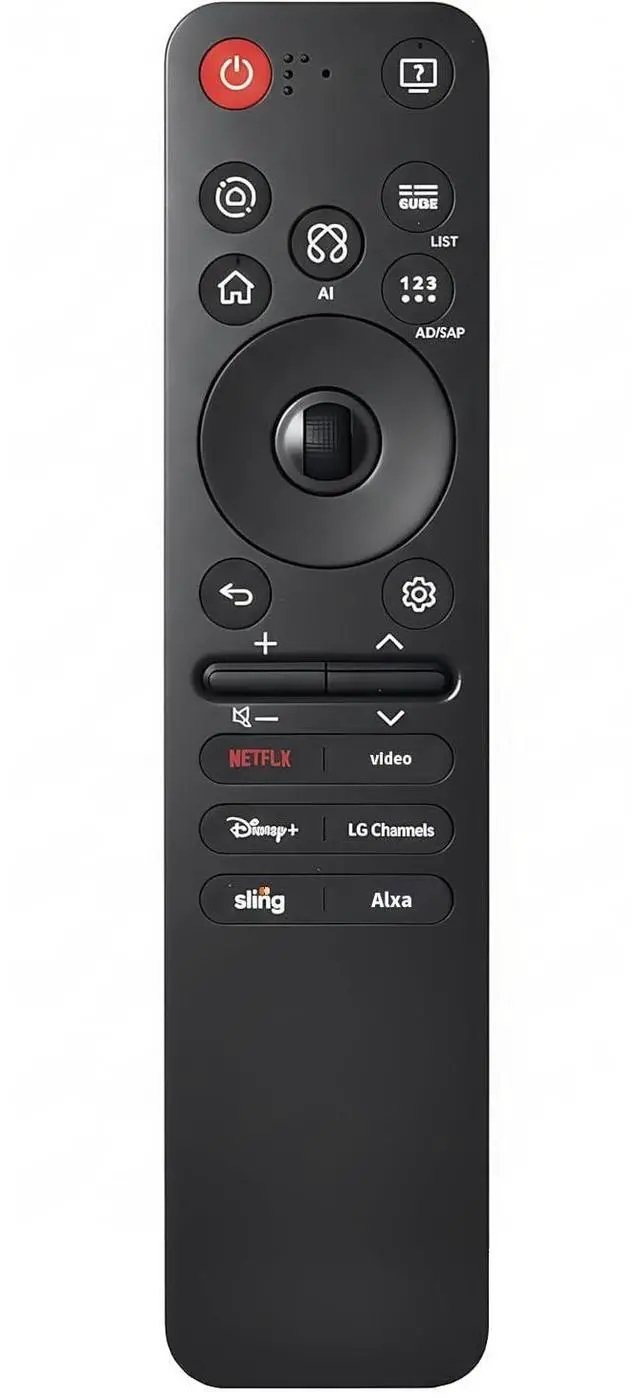
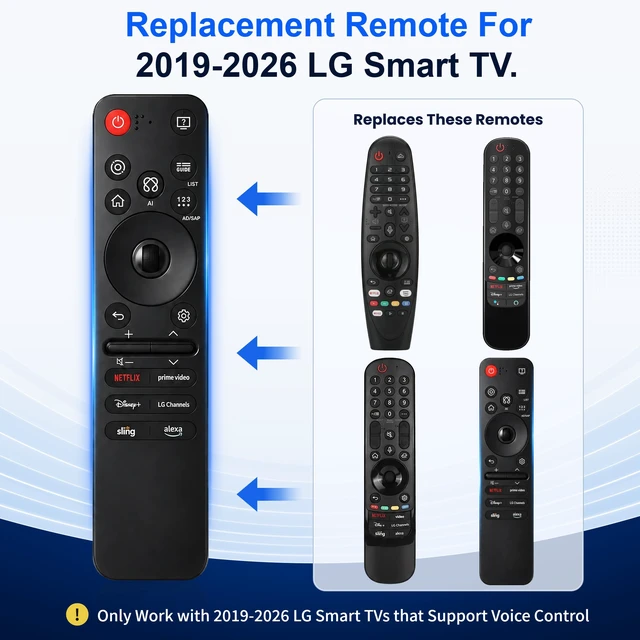
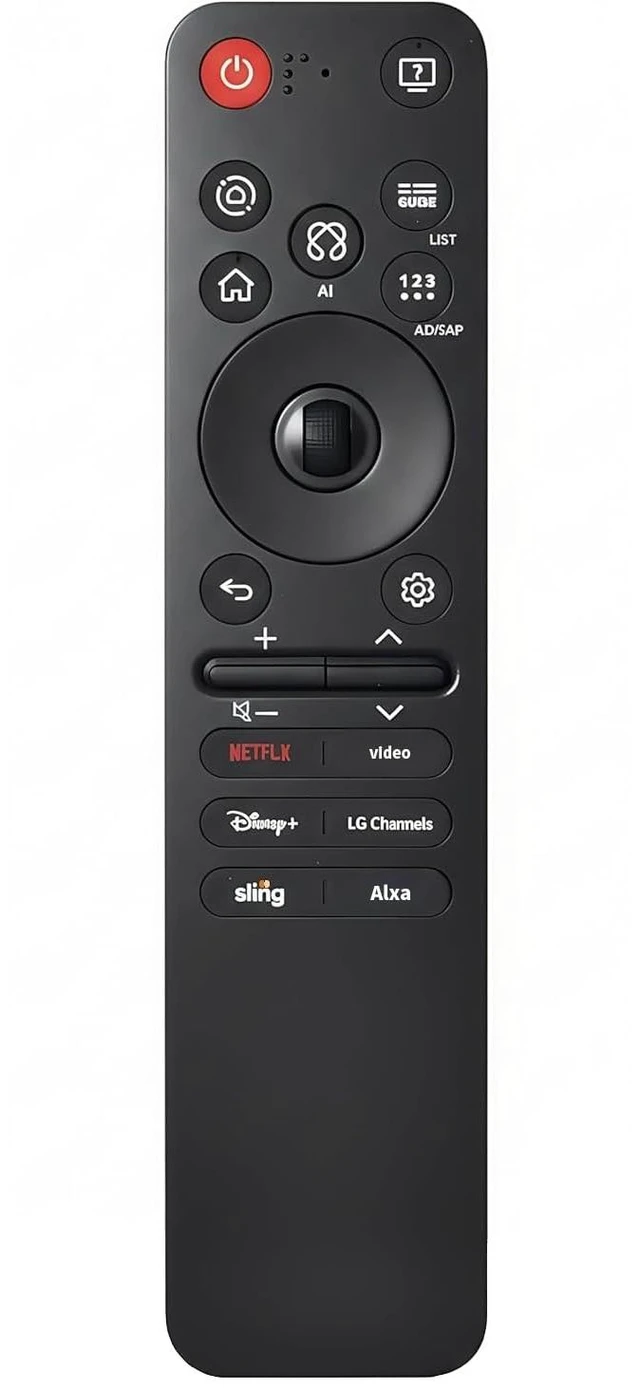
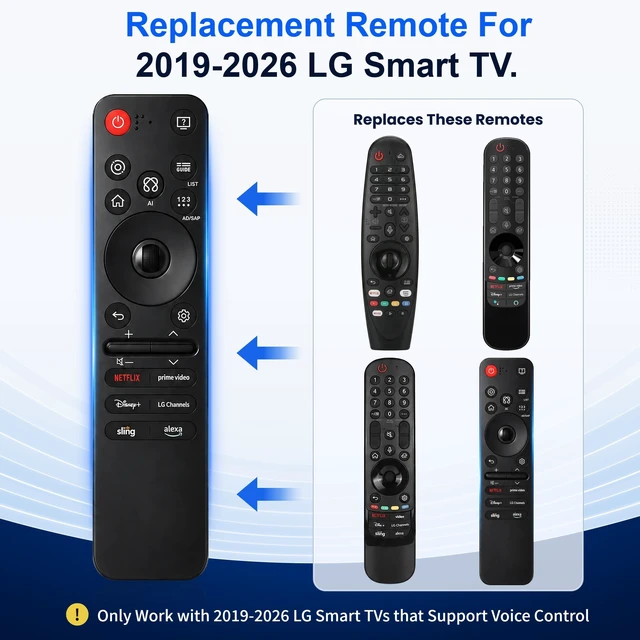
Replacement for LG TV Remote, for All 2019-2026 LG Remote Control for Smart TV with Voice and Pointer, for LG Magic Remote
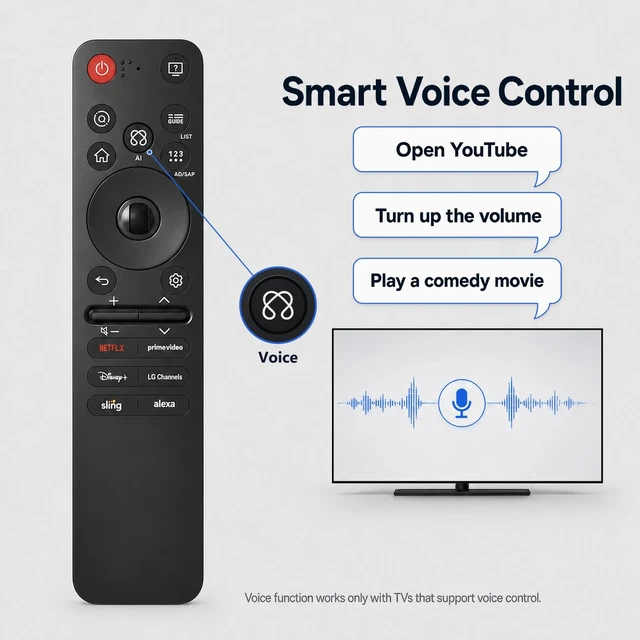
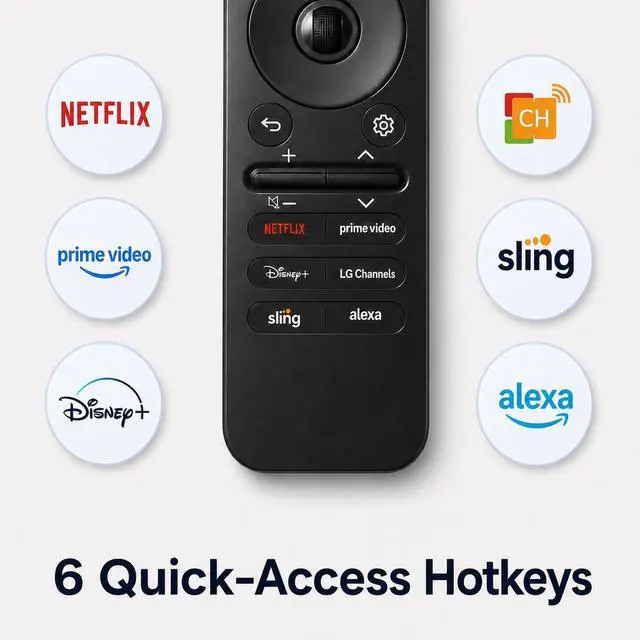
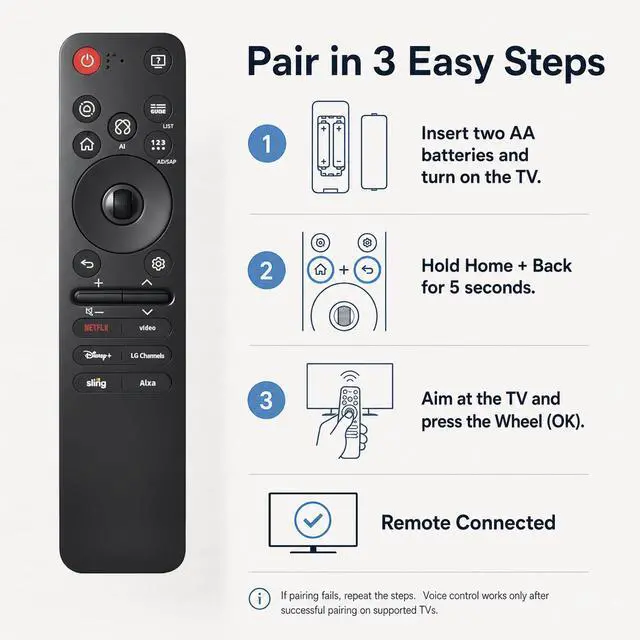
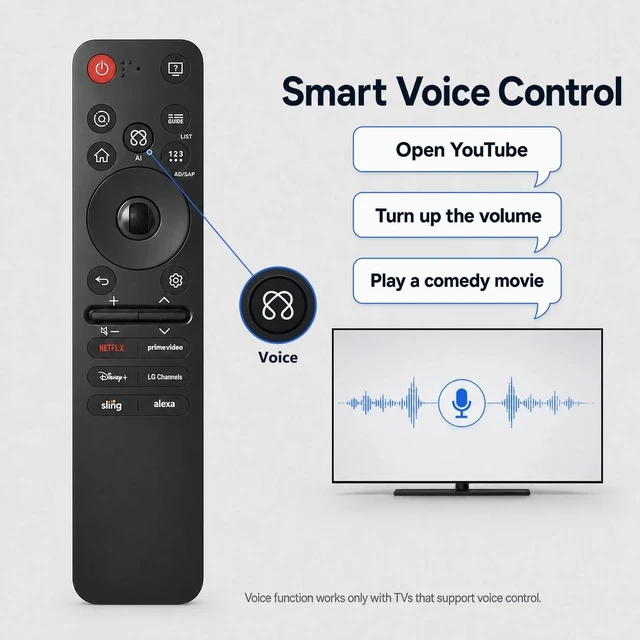
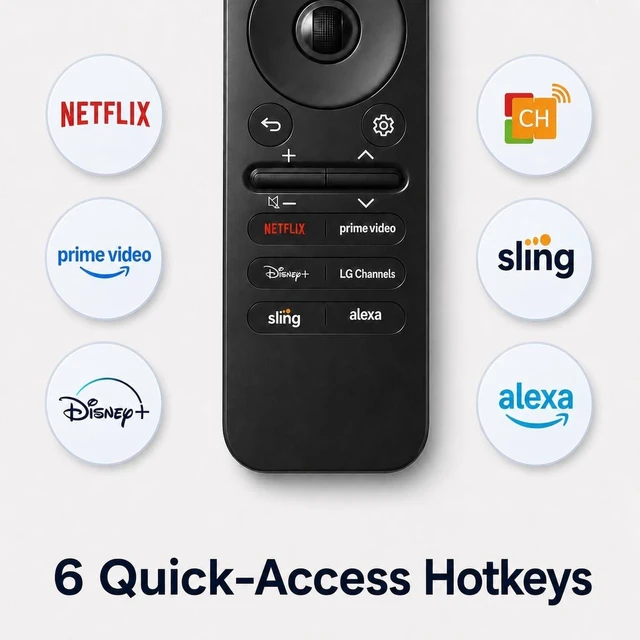
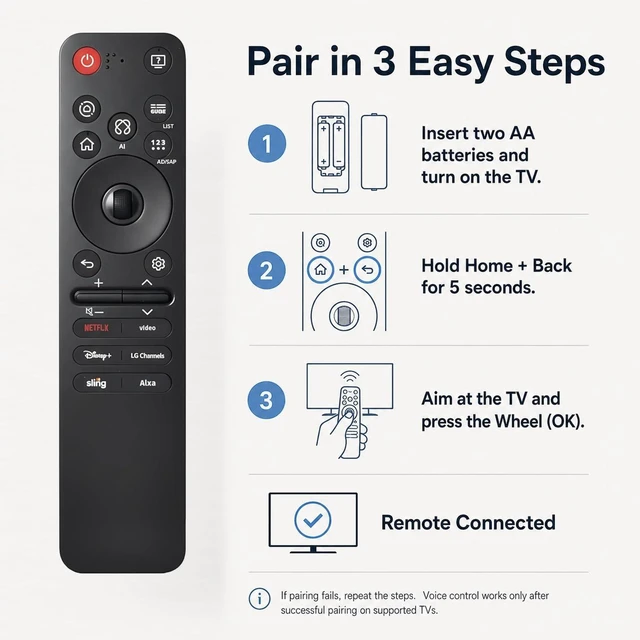
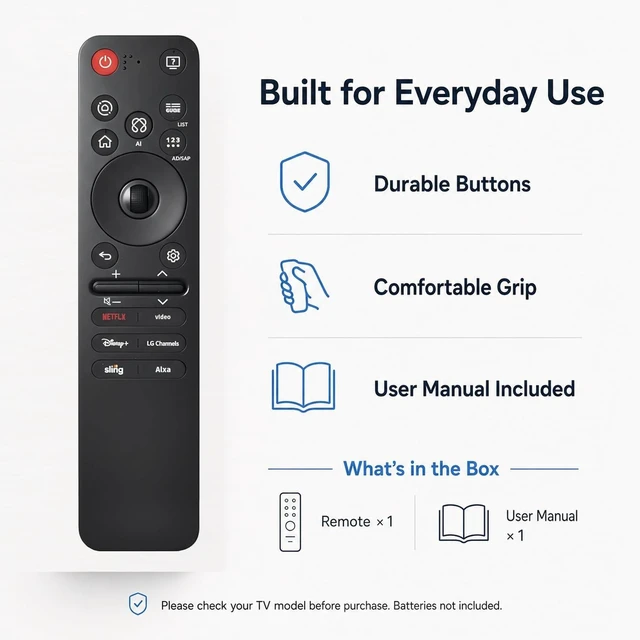
- Designed for All 2019-2026 LG TVs. This premium replacement remote is compatible with LG Smart TVs from year 2019-2026 that support voice control. This remote only works with LG TVs; NOT for LG soundbars or TV boxes. Smart Voice Control. Pair the remote with your compatible LG TV to unlock voice control and pointer functionality. Featuring advanced voice commands and six dedicated shortcut buttons for quick access to popular streaming services such as Netflix, Disney+, and LG Channels, this remote makes entertainment effortless. Simply use your voice to search for movies, TV shows, sports, and more in seconds. Pointer & Cursor Control. Enjoy fast and intuitive navigation with point, click, and scroll functionality. The built-in pointer lets you move the cursor effortlessly, making it easy to browse menus, select content, and control your compatible LG TV from virtually anywhere in the room. Easy Pairing Instructions. Step 1: Install two AA batteries and turn on your LG TV. Step 2: Press and hold the Home and Back buttons simultaneously for 57 seconds. Step 3: Point the remote at the TV and press the Wheel (OK) button to complete the pairing. If pairing is unsuccessful, repeat Steps 2 and 3 until the remote connects successfully

+
+
Overview
Specs
Reviews
Any questions? Our AI mode will help you find out quickly.
Try me now
Designed for All 2019-2026 LG TVs. This premium replacement remote is compatible with LG Smart TVs from year 2019-2026 that support voice control. This remote only works with LG TVs; NOT for LG soundbars or TV boxes. Smart Voice Control. Pair the remote with your compatible LG TV to unlock voice control and pointer functionality. Featuring advanced voice commands and six dedicated shortcut buttons for quick access to popular streaming services such as Netflix, Disney+, and LG Channels, this remote makes entertainment effortless. Simply use your voice to search for movies, TV shows, sports, and more in seconds.
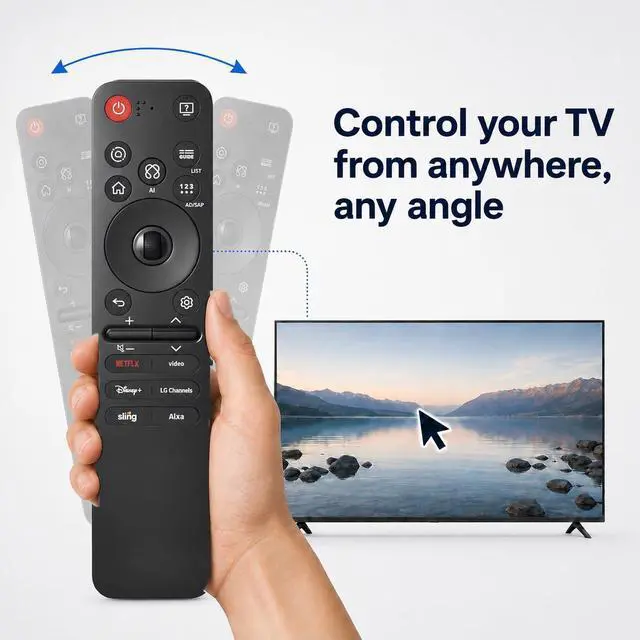
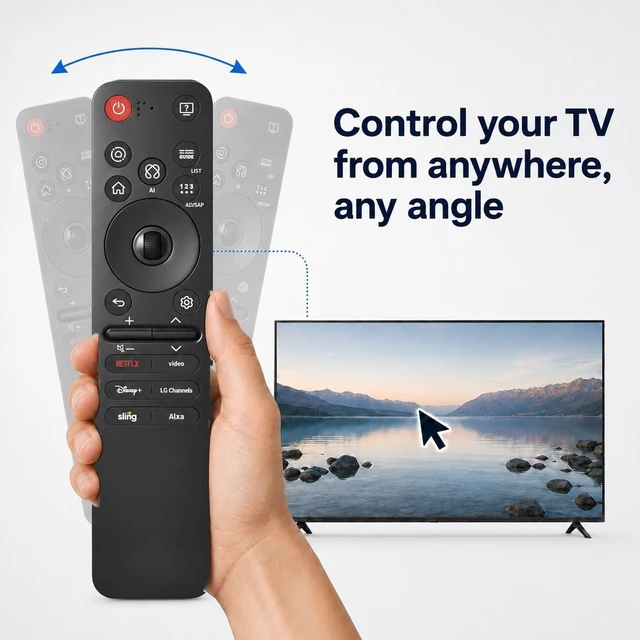
Pointer & Cursor Control. Enjoy fast and intuitive navigation with point, click, and scroll functionality. The built-in pointer lets you move the cursor effortlessly, making it easy to browse menus, select content, and control your compatible LG TV from virtually anywhere in the room. Easy Pairing Instructions.
Step 1: Install two AA batteries and turn on your LG TV.
Step 2: Press and hold the Home and Back buttons simultaneously for 57 seconds.
Step 3: Point the remote at the TV and press the Wheel (OK) button to complete the pairing. If pairing is unsuccessful, repeat Steps 2 and 3 until the remote connects successfully
Pointer & Cursor Control. Enjoy fast and intuitive navigation with point, click, and scroll functionality. The built-in pointer lets you move the cursor effortlessly, making it easy to browse menus, select content, and control your compatible LG TV from virtually anywhere in the room. Easy Pairing Instructions.
Step 1: Install two AA batteries and turn on your LG TV.
Step 2: Press and hold the Home and Back buttons simultaneously for 57 seconds.
Step 3: Point the remote at the TV and press the Wheel (OK) button to complete the pairing. If pairing is unsuccessful, repeat Steps 2 and 3 until the remote connects successfully
Warranty & Returns
Warranty, Returns, And Additional Information
Warranty
- Please contact the Seller directly for warranty information. Warranty information may also be found on the Manufacturer's website.
- CONTACT
Return Policies
- Return for refund within: 30 days
- Return for replacement within: 30 days
- This item is covered by Anunirny Return Policy
Manufacturer Contact Info
- For a directory of all our manufacturers, please click below.
- Manufacturers Directory
LOADING...