Your Browsing History
Meet Your Seller
Hisense TV Remote Control Replacement with Voice Control and Bluetooth for Google TV
Limited time offer, ends 10/13 By Anunirny
- Compatible ONLY with Hisense Google TV | NOT for Fire TV/Roku TV. Compatible including 75A6G, 70A6G, 65A6G, 60A6G, 55A6G, 50A6G, 43A6G, 55U68G, 65U68G, 55U6G, 50U6G, 65U6G, 75U6G, 50U68G, 75U68G. NOTE: We only list some of the models we know of. Compatible with ERF3A90 (65U7G, 75U7G, 55U8G, 65U8G, 75U9DG, PX1-PRO, PX1, 90L5G-90DLTB, 100L5G-DLT100B, 100L5G-CINE100A, 120L5G-CINE120A, 100L9G-CINE100A, 120L9G-CINE120A, 100L9G-DLT100A). ERF3J80H (32A45FH, 40A45H, 43A4H, 40A4H, 32A4H, 75A6G, 70A6G, 65A6G, 60A6G, 55A6G, 50A6G, 43A6G, 43A68G, 50A68G, 55A68G, 60A68G, 65A68G, 75A68G, 50U68G, 55U68G, 65U68G, 75U68G, 75U6G, 65U6G, 55U6G, 50U6G, 65A6GV, 55A6GV, 50A6GV, 43A6GV). Shortcut buttons: Netflix, P video, YouTube, Disney+, tubi and peacock. Easy Pairing: Insert 2*AAA batteries and turn on the TV. Press and hold the Back and Home button for 5 seconds, the indicator light will blink and enter the pairing status. When the screen jumps out "Pairing Successful", it is ready to use. (Note: Batteries not included)
+
+
Overview
Specs
Reviews
Any questions? Our AI mode will help you find out quickly.
Try me now
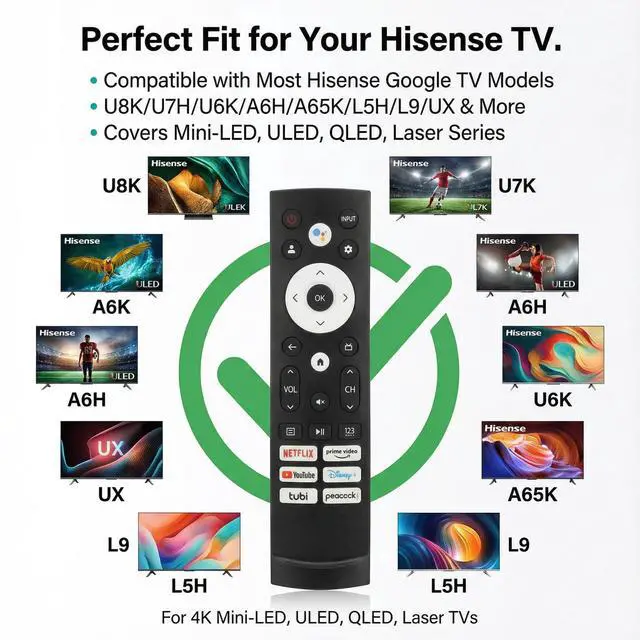
Compatible ONLY with Hisense Google TV | NOT for Fire TV/Roku TV. Compatible including 75A6G, 70A6G, 65A6G, 60A6G, 55A6G, 50A6G, 43A6G, 55U68G, 65U68G, 55U6G, 50U6G, 65U6G, 75U6G, 50U68G, 75U68G.
NOTE: We only list some of the models we know of. Compatible with ERF3A90 (65U7G, 75U7G, 55U8G, 65U8G, 75U9DG, PX1-PRO, PX1, 90L5G-90DLTB, 100L5G-DLT100B, 100L5G-CINE100A, 120L5G-CINE120A, 100L9G-CINE100A, 120L9G-CINE120A, 100L9G-DLT100A). ERF3J80H (32A45FH, 40A45H, 43A4H, 40A4H, 32A4H, 75A6G, 70A6G, 65A6G, 60A6G, 55A6G, 50A6G, 43A6G, 43A68G, 50A68G, 55A68G, 60A68G, 65A68G, 75A68G, 50U68G, 55U68G, 65U68G, 75U68G, 75U6G, 65U6G, 55U6G, 50U6G, 65A6GV, 55A6GV, 50A6GV, 43A6GV).
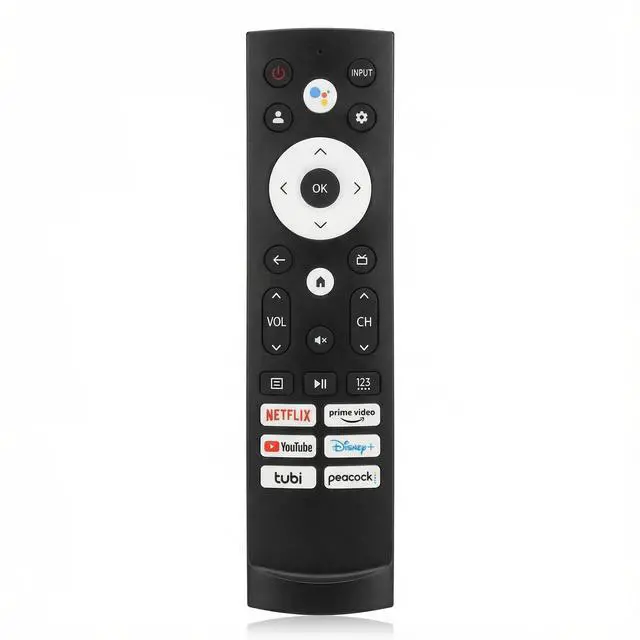
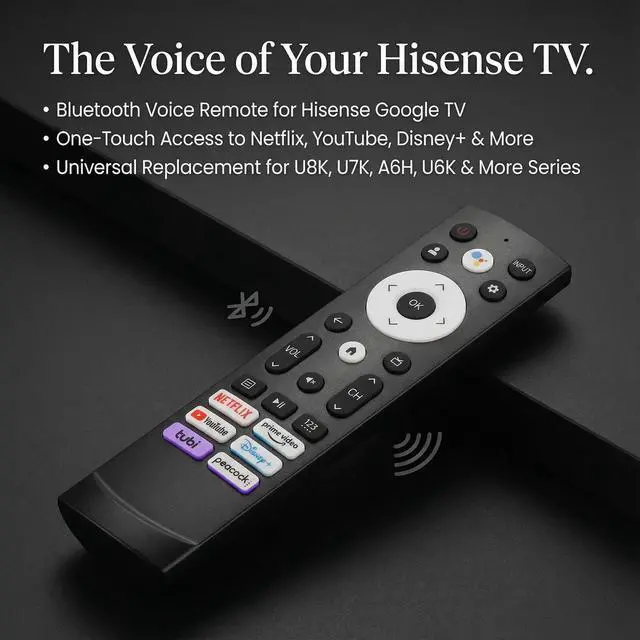
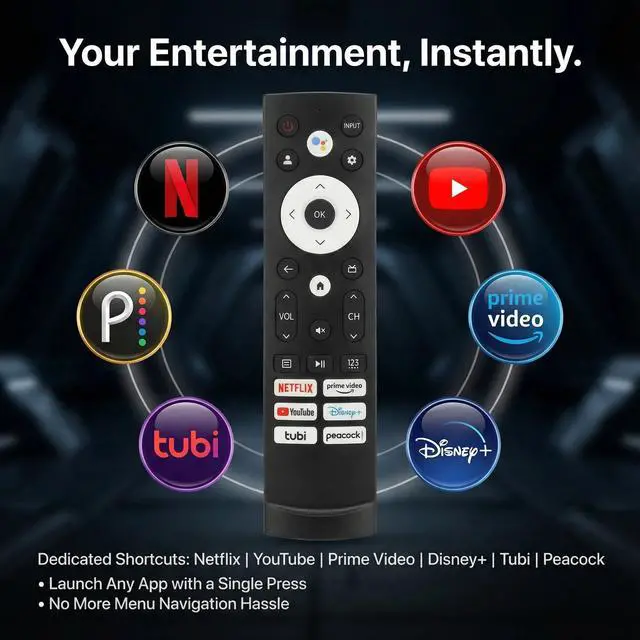
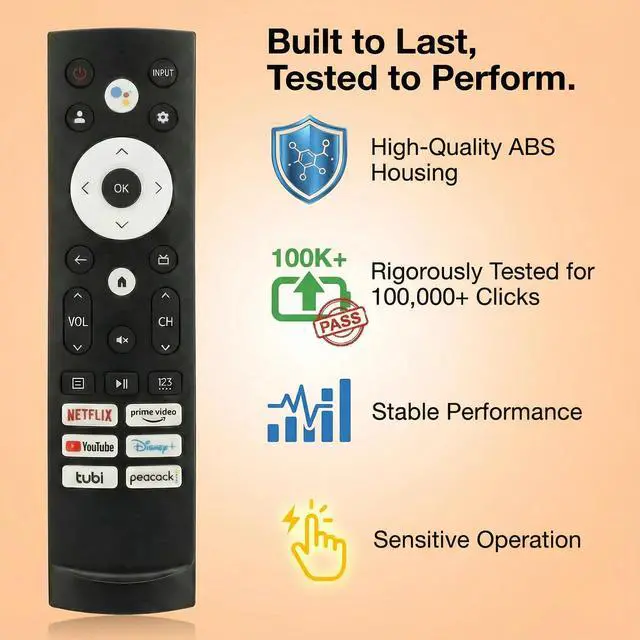
Shortcut buttons: Netflix, P video, YouTube, Disney+, tubi and peacock.
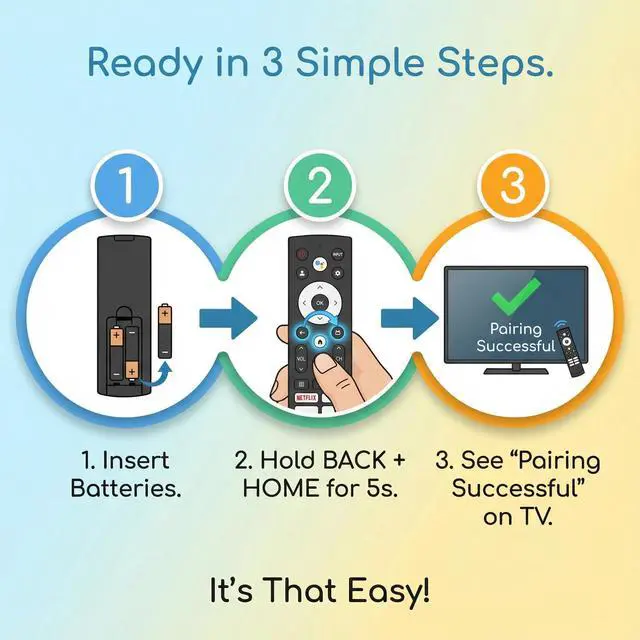
Easy Pairing: Insert 2*AAA batteries and turn on the TV. Press and hold the Back and Home button for 5 seconds, the indicator light will blink and enter the pairing status. When the screen jumps out "Pairing Successful", it is ready to use.
(Note: Batteries not included)

NOTE: We only list some of the models we know of. Compatible with ERF3A90 (65U7G, 75U7G, 55U8G, 65U8G, 75U9DG, PX1-PRO, PX1, 90L5G-90DLTB, 100L5G-DLT100B, 100L5G-CINE100A, 120L5G-CINE120A, 100L9G-CINE100A, 120L9G-CINE120A, 100L9G-DLT100A). ERF3J80H (32A45FH, 40A45H, 43A4H, 40A4H, 32A4H, 75A6G, 70A6G, 65A6G, 60A6G, 55A6G, 50A6G, 43A6G, 43A68G, 50A68G, 55A68G, 60A68G, 65A68G, 75A68G, 50U68G, 55U68G, 65U68G, 75U68G, 75U6G, 65U6G, 55U6G, 50U6G, 65A6GV, 55A6GV, 50A6GV, 43A6GV).
Shortcut buttons: Netflix, P video, YouTube, Disney+, tubi and peacock.
Easy Pairing: Insert 2*AAA batteries and turn on the TV. Press and hold the Back and Home button for 5 seconds, the indicator light will blink and enter the pairing status. When the screen jumps out "Pairing Successful", it is ready to use.
(Note: Batteries not included)
Warranty & Returns
Warranty, Returns, And Additional Information
Warranty
- Please contact the Seller directly for warranty information. Warranty information may also be found on the Manufacturer's website.
- CONTACT
Return Policies
- Return for refund within: 30 days
- Return for replacement within: 30 days
- This item is covered by Anunirny Return Policy
Manufacturer Contact Info
- For a directory of all our manufacturers, please click below.
- Manufacturers Directory
LOADING...