• $68.99
  • Free 30-day Returns
  • Price alert
    Shop it at NeweggBusiness.

    Meet Your Seller

    65W Switch Dock with 4K@120Hz HDMI, 65W PD Fast Charging, USB A Port USB C TV Docking Station Compatible with Switch/Steam Deck/ROG Ally/Samsung/iPad/MacBook and More - OmniCentro Charger Dock

    Limited time offer, ends 10/15 By Lu Sincere Store

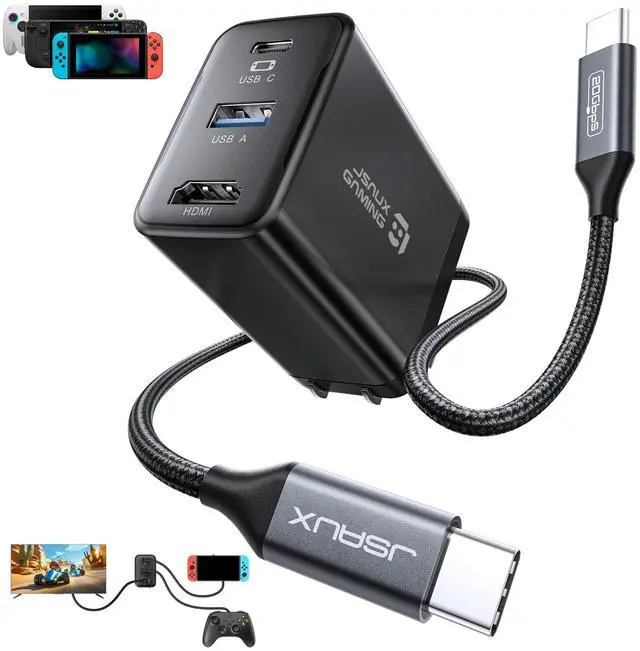
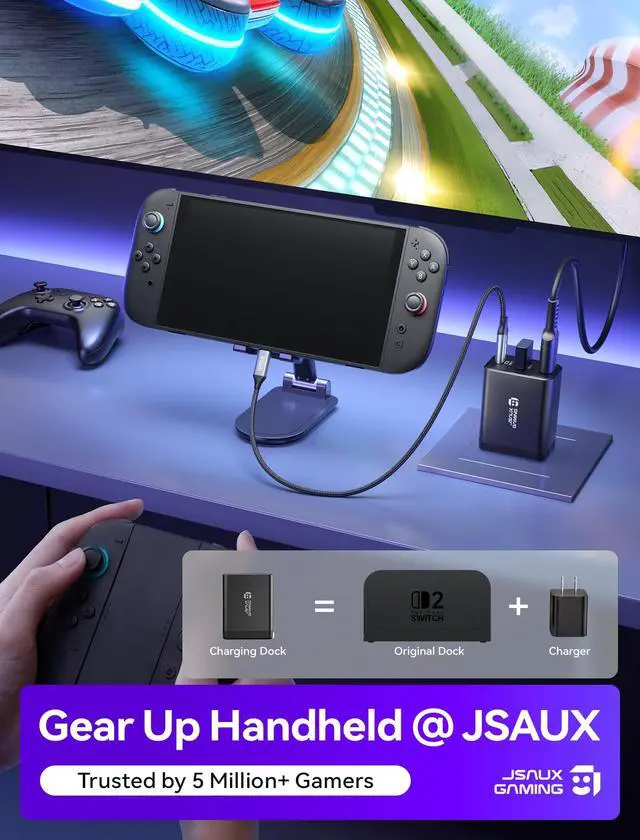
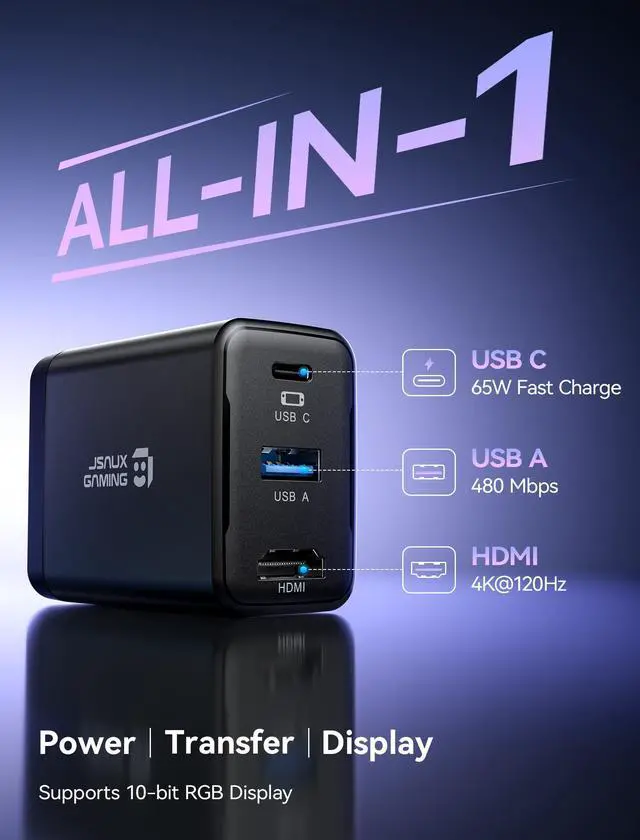
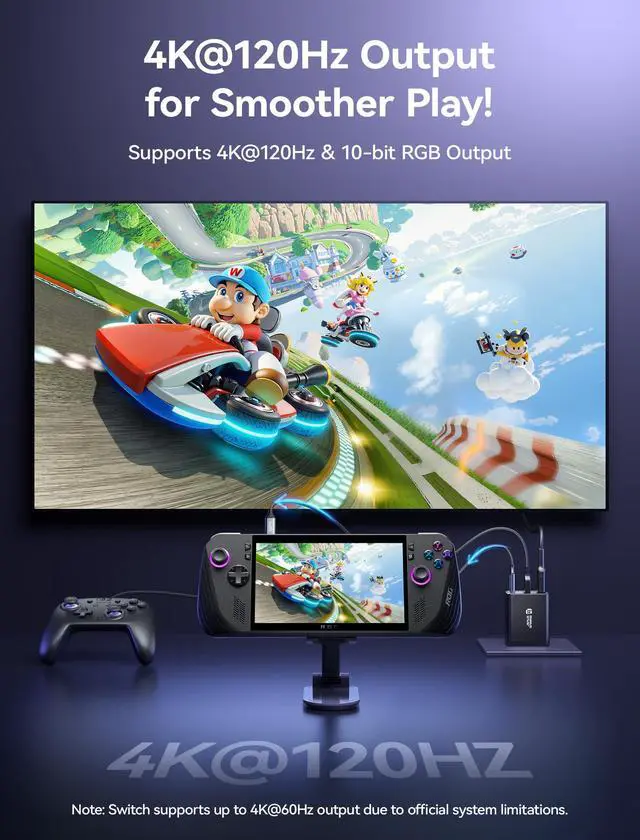
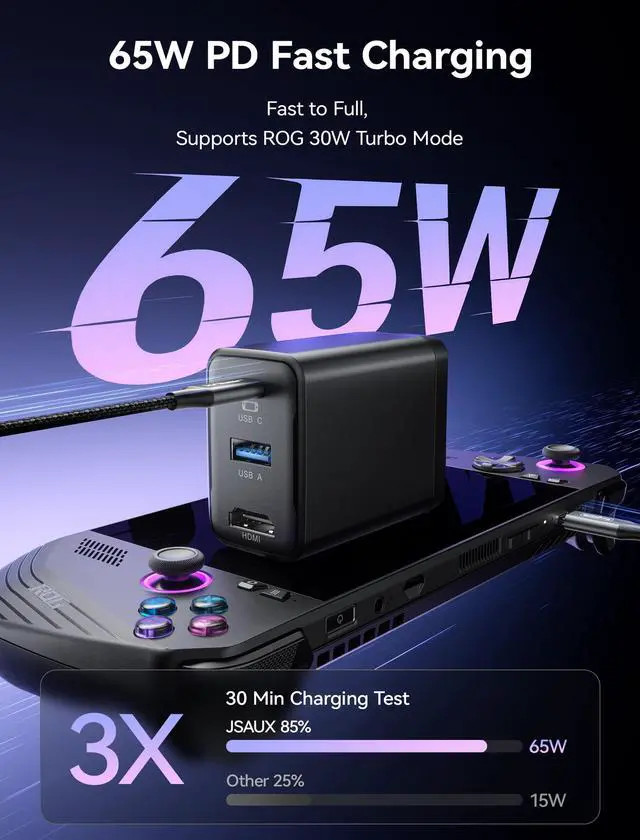
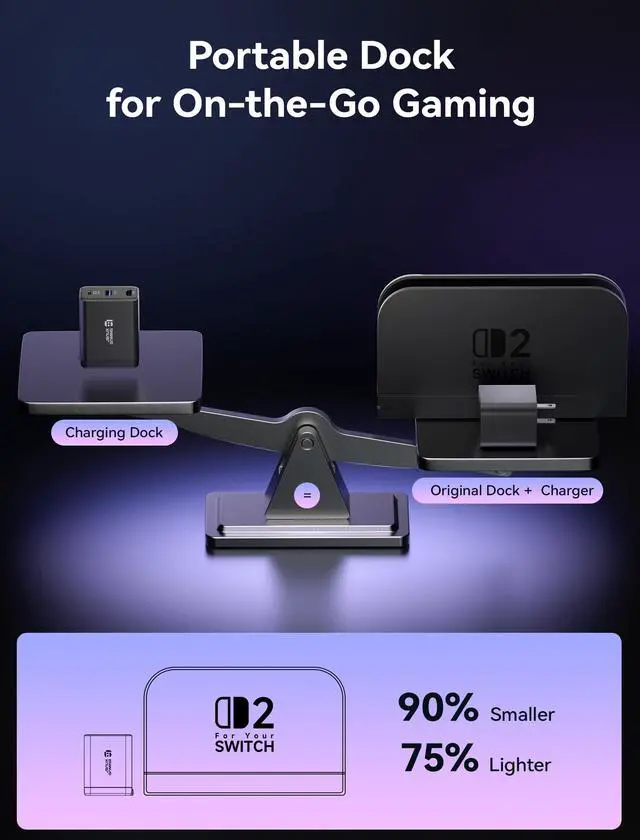
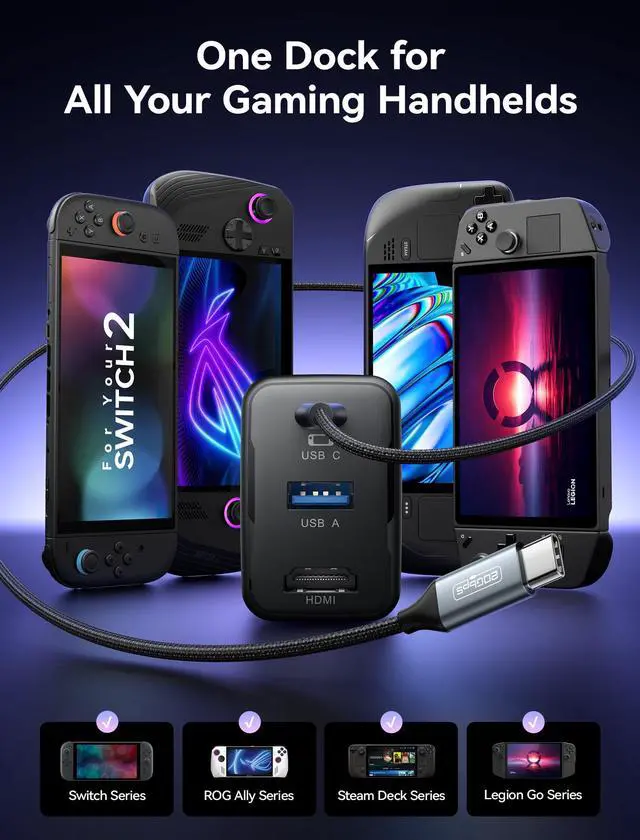
    • [4 in 1 TV Dock for Switch] One compact charging dock combines 4K@120Hz HDMI video output, USB A 2.0 data transfer, and 65W PD fast charging in one device. Plug in your Switch or other gaming handhelds to enjoy big-screen play and connect accessories without extra adapters or a bulky original dock. [4K@120Hz HDMI] Bring your games to the big screen with 4K@120Hz output and crisp, smooth visuals on your TV. For Switch, cast to your TV in seconds and enter TV mode anytime. Note: For Switch, video output is limited to 4K@60Hz due to official system limitations. [65W PD Fast Charging While You Play] With up to 65W USB C PD output, this dock keeps your Switch charging quickly in TV mode while you play. It can also charge phones, tablets, Steam Deck, ROG Ally, and USB C laptops, so one compact charger covers work, gaming, and travel. [USB A 2.0 Port] The USB A 2.0 port supports up to 480 Mbps data transfer and 5V 0.6A output, ideal for keyboards, USB wireless receivers, or drives, so your Switch can easily manage game data and connect compatible accessories. Note: The Switch does not support third-party controllers. Use the Switch Pro Controller or wireless Bluetooth controllers. [Wide Compatibility Portable Dock] Smaller and lighter than the original Switch dock, this 65W charger slips easily into any Switch bag and this Portable Dock works with Switch, phones, tablets, Steam Deck, ROG Ally, USB C laptops, Samsung DeX, iPad, MacBook, ROG Ally X, ROG Xbox Ally, ROG Xbox Ally X, a
    +
    +
    Overview
    Specs
    Reviews
    avatar

    Any questions? Our AI mode will help you find out quickly.

    [4 in 1 TV Dock for Switch] One compact charging dock combines 4K@120Hz HDMI video output, USB A 2.0 data transfer, and 65W PD fast charging in one device. Plug in your Switch or other gaming handhelds to enjoy big-screen play and connect accessories without extra adapters or a bulky original dock. [4K@120Hz HDMI] Bring your games to the big screen with 4K@120Hz output and crisp, smooth visuals on your TV. For Switch, cast to your TV in seconds and enter TV mode anytime.
    Note: For Switch, video output is limited to 4K@60Hz due to official system limitations. [65W PD Fast Charging While You Play] With up to 65W USB C PD output, this dock keeps your Switch charging quickly in TV mode while you play. It can also charge phones, tablets, Steam Deck, ROG Ally, and USB C laptops, so one compact charger covers work, gaming, and travel. [USB A 2.0 Port] The USB A 2.0 port supports up to 480 Mbps data transfer and 5V 0.6A output, ideal for keyboards, USB wireless receivers, or drives, so your Switch can easily manage game data and connect compatible accessories.
    Note: The Switch does not support third-party controllers. Use the Switch Pro Controller or wireless Bluetooth controllers. [Wide Compatibility Portable Dock] Smaller and lighter than the original Switch dock, this 65W charger slips easily into any Switch bag and this Portable Dock works with Switch, phones, tablets, Steam Deck, ROG Ally, USB C laptops, Samsung DeX, iPad, MacBook, ROG Ally X, ROG Xbox Ally, ROG Xbox Ally X, and more, so you can travel light and still enjoy TV mode gaming anywhere.
    Note: To ensure 30W Turbo/Enhanced Mode, connect the HC6502 to your handheld first, then plug in the USB drive, HDMI display, and other peripherals.
    Turbo Mode support: ROG Ally up to 25W, ROG Ally X up to 30W, ROG Xbox Ally up to 20W, and ROG Xbox Ally X up to 30W.
    Note: Connect the cable to the bottom USB C port. On Switch, video output is supported only through the bottom port.
    Note: If a system update prompt appears, select Later. VRR is not currently supported; disable it in TV Mode Settings before using the dock

    Warranty & Returns

    Warranty, Returns, And Additional Information

    Warranty

    • Please contact the Seller directly for warranty information. Warranty information may also be found on the Manufacturer's website.
    • CONTACT

    Return Policies

    Manufacturer Contact Info

    LOADING...