Your Browsing History
Meet Your Seller
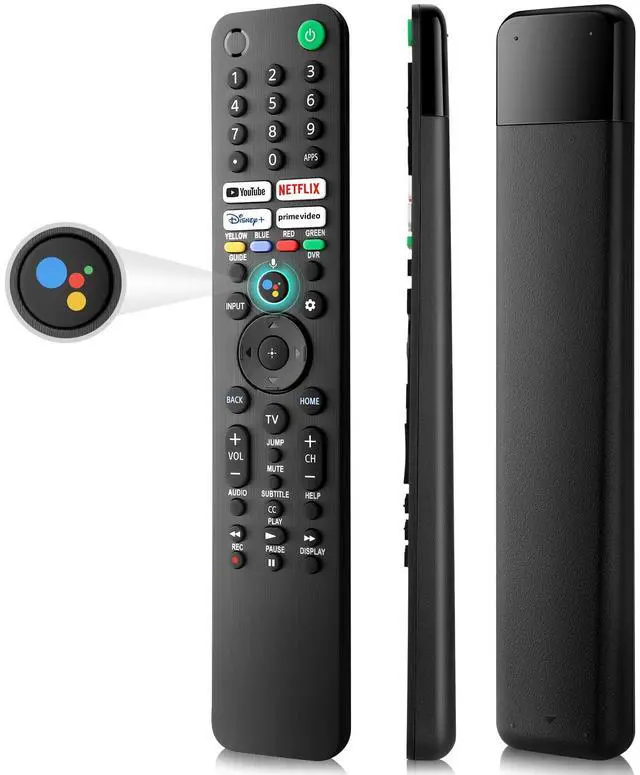
Replacement for Sony-TV-Voice-Remote-Control, Compatible with Sony Bravia XR/XBR/KD Series 4K/8K LED OLED Google/Android Smart TVs
Limited time offer, ends 10/15 By QiPing Global Store
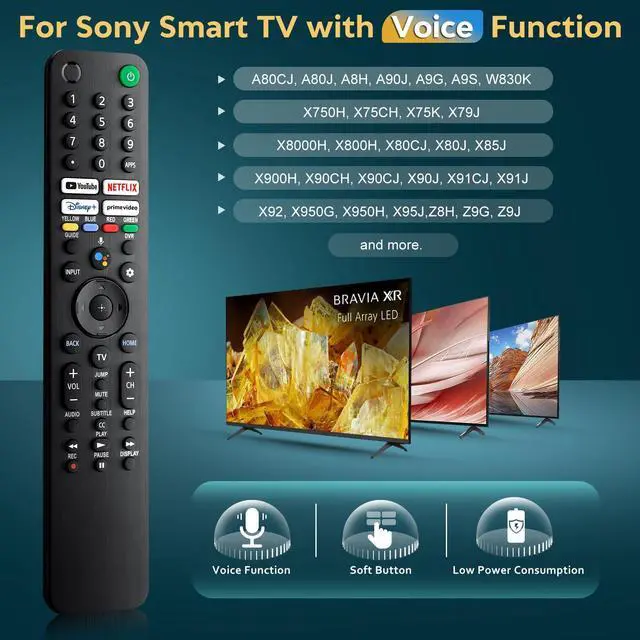
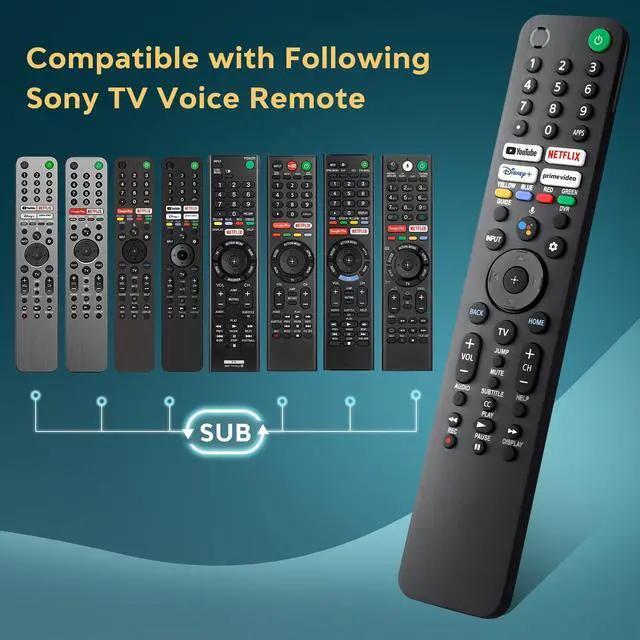
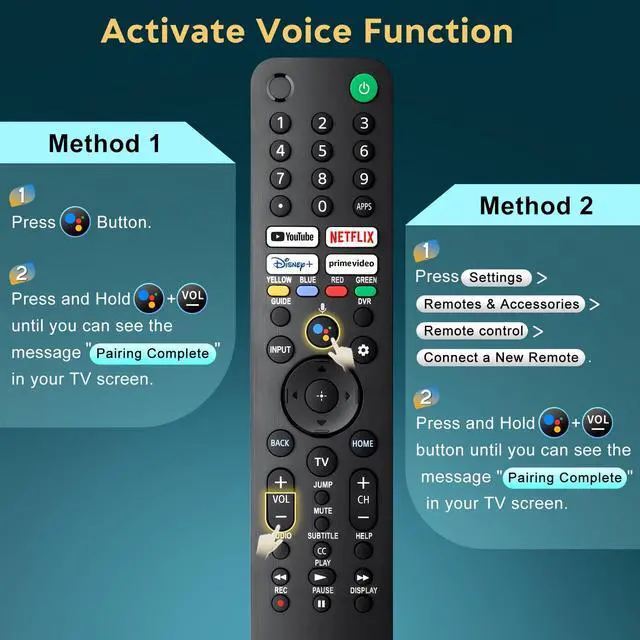
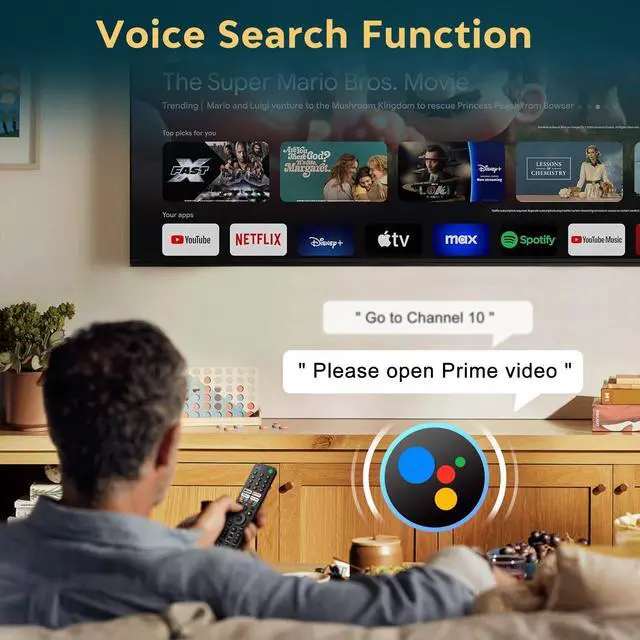
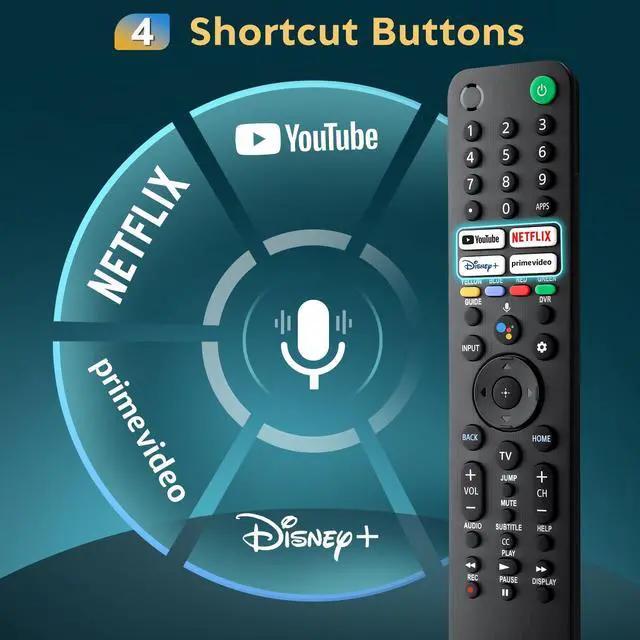
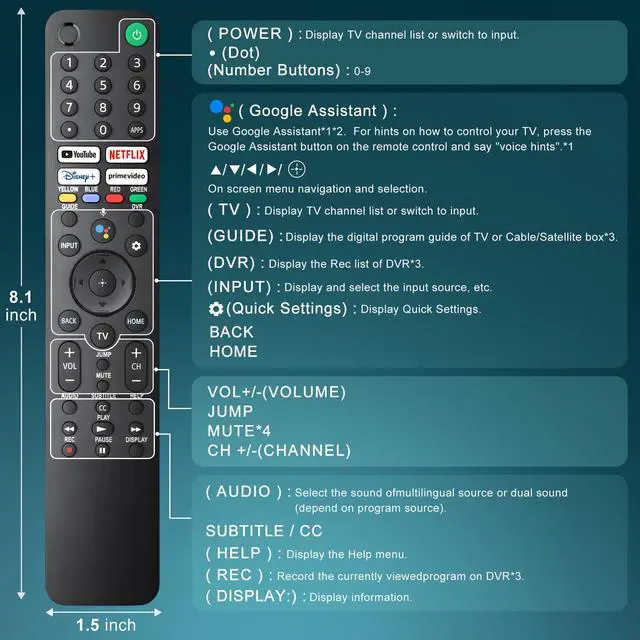
- This replacement voice remote is compatible with a wide range of Sony smart voice TVs, including A80CJ, A80J, A8H, A90J, A9G, A9S, W830K, X750H, X75CH, X75K, X79J, X8000H, X800H, X80CJ, X80J, X85J, X900H, X90CH, X90CJ, X90J, X91CJ, X91J, X92, X950G, X950H, X95J, Z8H, Z9G, Z9J and more. Compatible with Sony TV voice remote control models: RMF-TX520U, RMF-TX500U, RMF-TX600U, RMF-TX700U, RMF-TX611U, RMF-TX621U, RMF-TX300U, RMF-TX310U, RMF-TX800U, RMF-TX810U, RMF-TX820U etc. Enhance your TV viewing experience with our voice remote for Sony smart TV. It enables you to easily search for your favorite shows or apps by simply speaking into the remote. With the fast launch app feature, you can swiftly open your favorite applications with just one click. 1. Insert 2*AAA batteries in your new remote and turn on your TV. 2. Press [Settings] [Remotes & Accessories] [Remote control] [Connect a New Remote]. 3. Press and Hold [Vol-] + [Google Assistant] button until you can see the message "Pairing Complete" in your TV screen. (Note: batteries are not included.) The remote control is designed with soft and sensitive buttons, providing a comfortable touch experience while ensuring durability for long-term use. It also comes with advanced infrared and Wireless connectivity technology and offers a further transmission distance

+
+
Overview
Specs
Reviews
Any questions? Our AI mode will help you find out quickly.
Try me now
This replacement voice remote is compatible with a wide range of Sony smart voice TVs, including A80CJ, A80J, A8H, A90J, A9G, A9S, W830K, X750H, X75CH, X75K, X79J, X8000H, X800H, X80CJ, X80J, X85J, X900H, X90CH, X90CJ, X90J, X91CJ, X91J, X92, X950G, X950H, X95J, Z8H, Z9G, Z9J and more. Compatible with Sony TV voice remote control models: RMF-TX520U, RMF-TX500U, RMF-TX600U, RMF-TX700U, RMF-TX611U, RMF-TX621U, RMF-TX300U, RMF-TX310U, RMF-TX800U, RMF-TX810U, RMF-TX820U etc. Enhance your TV viewing experience with our voice remote for Sony smart TV. It enables you to easily search for your favorite shows or apps by simply speaking into the remote. With the fast launch app feature, you can swiftly open your favorite applications with just one click. 1. Insert 2*AAA batteries in your new remote and turn on your TV. 2. Press [Settings] [Remotes & Accessories] [Remote control] [Connect a New Remote]. 3. Press and Hold [Vol-] + [Google Assistant] button until you can see the message "Pairing Complete" in your TV screen.
(Note: batteries are not included. ) The remote control is designed with soft and sensitive buttons, providing a comfortable touch experience while ensuring durability for long-term use. It also comes with advanced infrared and Wireless connectivity technology and offers a further transmission distance
Warranty & Returns
Warranty, Returns, And Additional Information
Warranty
- Please contact the Seller directly for warranty information. Warranty information may also be found on the Manufacturer's website.
- CONTACT
Return Policies
- Return for refund within: 30 days
- Return for replacement within: 30 days
- This item is covered by QiPing Global Store Return Policy
Manufacturer Contact Info
- For a directory of all our manufacturers, please click below.
- Manufacturers Directory
LOADING...