• $29.99
  • Free 30-day Returns
  • Price alert
    Shop it at NeweggBusiness.

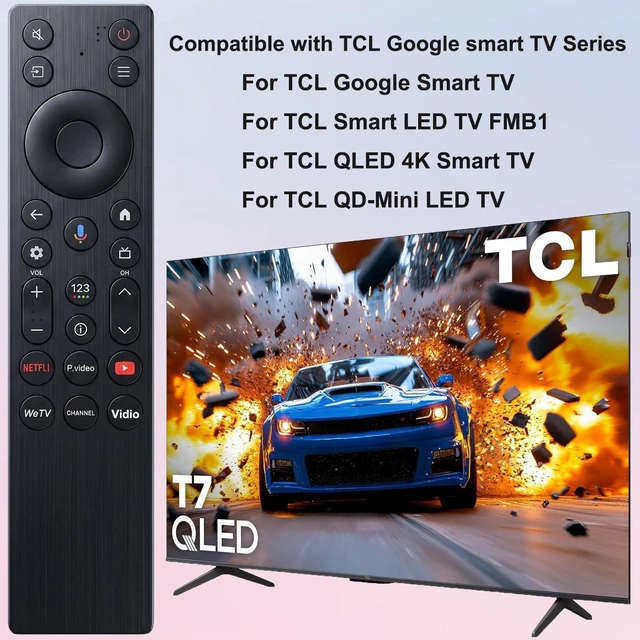
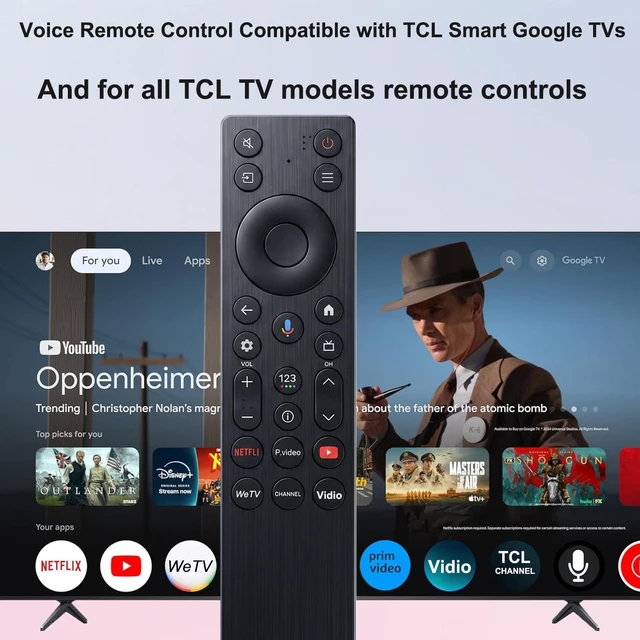
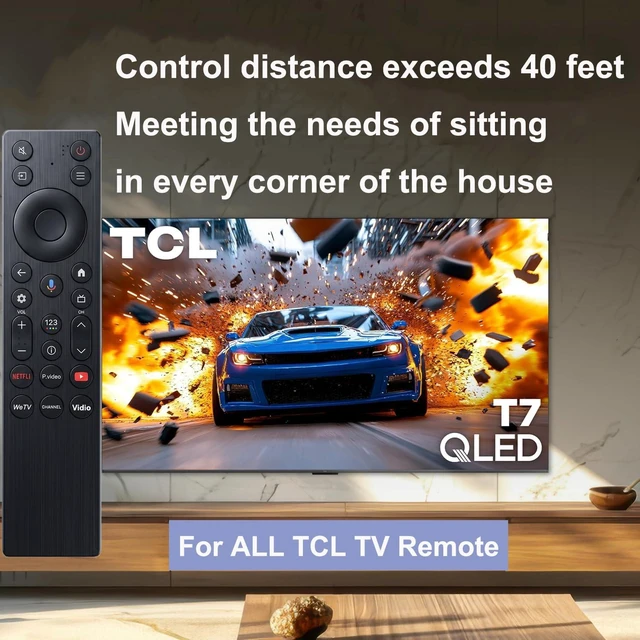
    New Voice Remote Control for TCL TV Remote,for TCL Google TV Remote Compatible with TCL QM5K/QM6k/QM7K LED QLED HDR QD-Mini 4K Google Smart TVs

    Limited time offer, ends 10/28 By QiPing Global Store

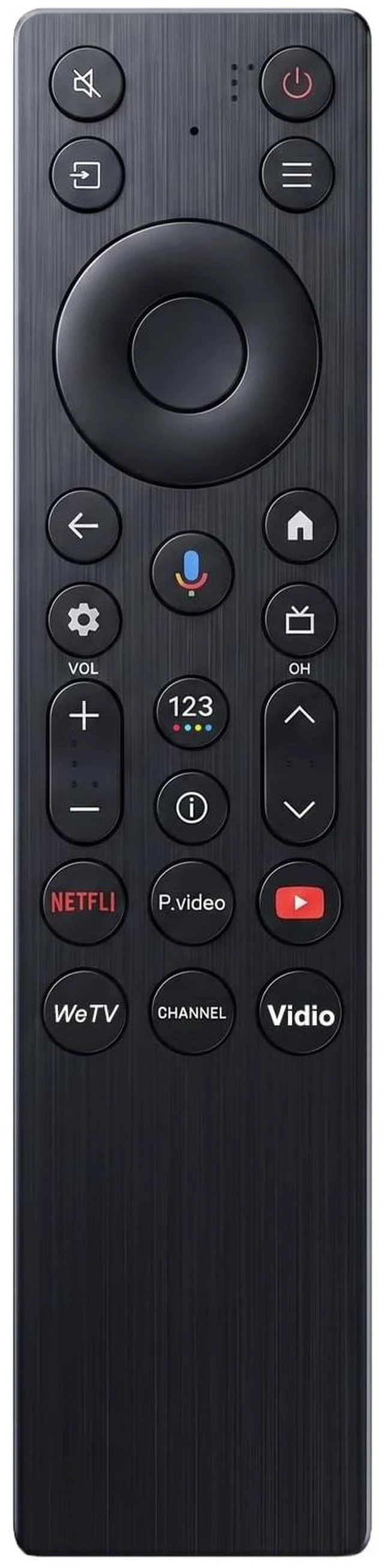
    • Broad Compatibility: Replacement Voice Remote Control compatible for TCL QM5K/QM6K/QM7K LED QLED HDR QD-Mini 4K Smart Google TVs. Compatible with Models: 50QM5K 55QM5K 65QM5K 75QM5K 85QM5K 50QM6K 55QM6K 65QM6K 65QM6KPRO 75QM6K 75QM6KPRO 85QM6K 85QM6KPRO 98QM6K 98QM6KPRO 55QM7K 65QM7K 75QM7K 85QM7K 98QM7K 115QM7K. Smart Voice Search: The RC923A FMB1 Voice Remote puts instant voice control at your fingertips. Press the microphone button and speak naturally to search for content, adjust volume, switch inputs, or play your favorite music. Shortcut Buttons: The remote comes with 6 quick-access buttons. With one press, you can access your favorite streaming platforms directly, saving you time and hassle. Easy To Pair: Just turn on your TV, press the voice button on the remote to enter the setup interface. Then, press and hold the OK+HOME buttons simultaneously on the remote. Hold the remote close to the television and wait for pairing to complete. Battery needed: two Pcs AAA Batteries (batteries are not included)

    +
    +
    Overview
    Specs
    Reviews

    Any questions? Ask CelesteSM will help you find out quickly.

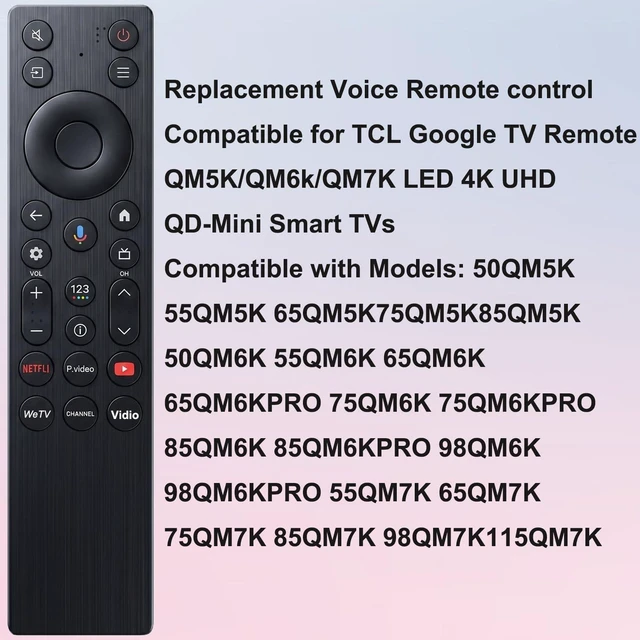
    Broad Compatibility: Replacement Voice Remote Control compatible for TCL QM5K/QM6K/QM7K LED QLED HDR QD-Mini 4K Smart Google TVs.
    Compatible with Models: 50QM5K 55QM5K 65QM5K 75QM5K 85QM5K 50QM6K 55QM6K 65QM6K 65QM6KPRO 75QM6K 75QM6KPRO 85QM6K 85QM6KPRO 98QM6K 98QM6KPRO 55QM7K 65QM7K 75QM7K 85QM7K 98QM7K 115QM7K.
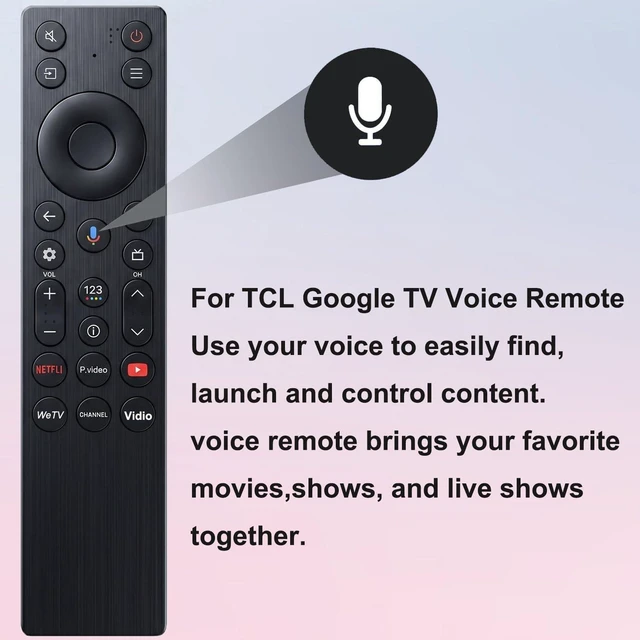
    Smart Voice Search: The RC923A FMB1 Voice Remote puts instant voice control at your fingertips. Press the microphone button and speak naturally to search for content, adjust volume, switch inputs, or play your favorite music.
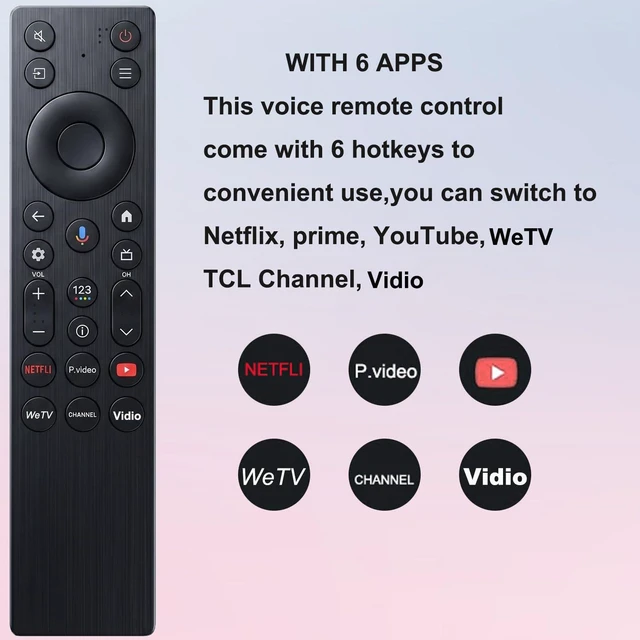
    Shortcut Buttons: The remote comes with 6 quick-access buttons. With one press, you can access your favorite streaming platforms directly, saving you time and hassle.
    Easy To Pair: Just turn on your TV, press the voice button on the remote to enter the setup interface. Then, press and hold the OK+HOME buttons simultaneously on the remote. Hold the remote close to the television and wait for pairing to complete.
    Battery needed: two Pcs AAA Batteries (batteries are not included)

    Warranty & Returns

    Warranty, Returns, And Additional Information

    Warranty

    • Please contact the Seller directly for warranty information. Warranty information may also be found on the Manufacturer's website.
    • CONTACT

    Return Policies

    Manufacturer Contact Info

    LOADING...