Your Browsing History
Meet Your Seller
for Sony TV Remote, for All 2019-2025 Sony Replacement Remote Control for Bravia Smart TV with Voice Control.for Bravia XR/XBR/KD/K Series Google/Android TVsVoice Function Pairing Required
Limited time offer, ends 10/15 By QiPing Global Store
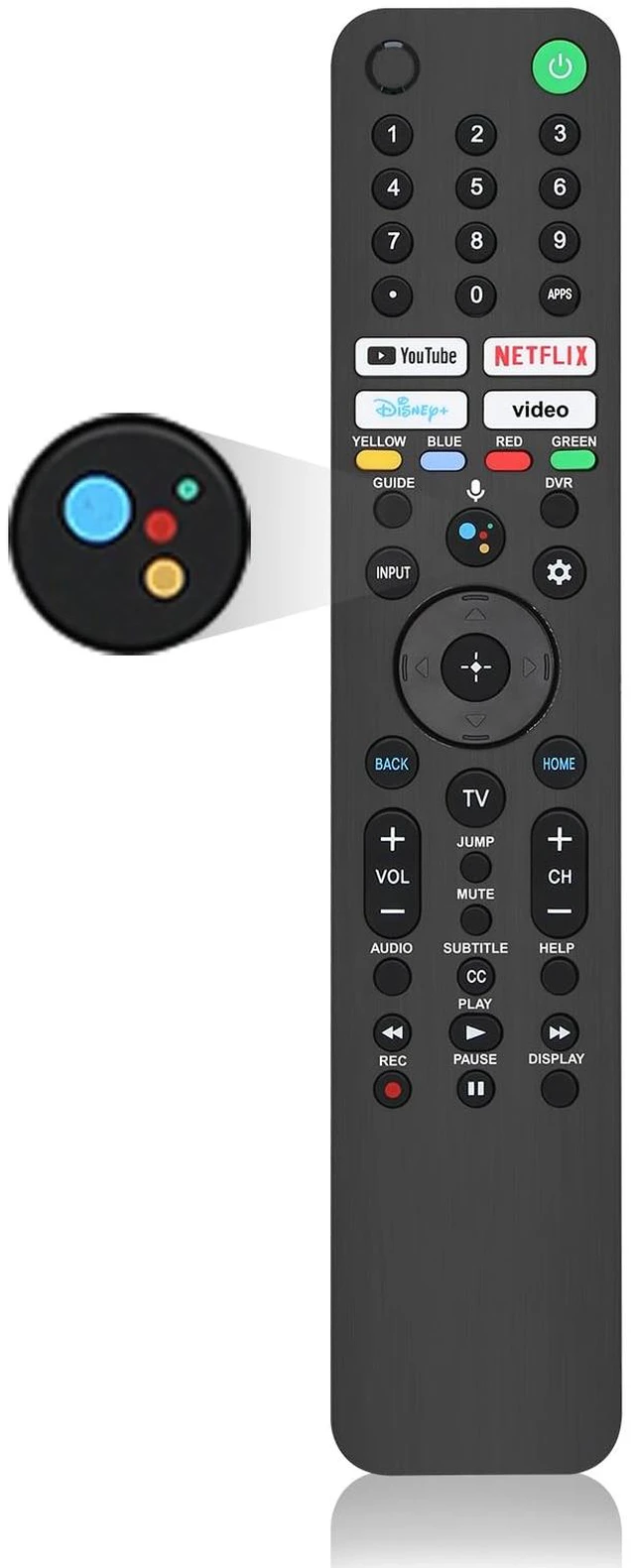
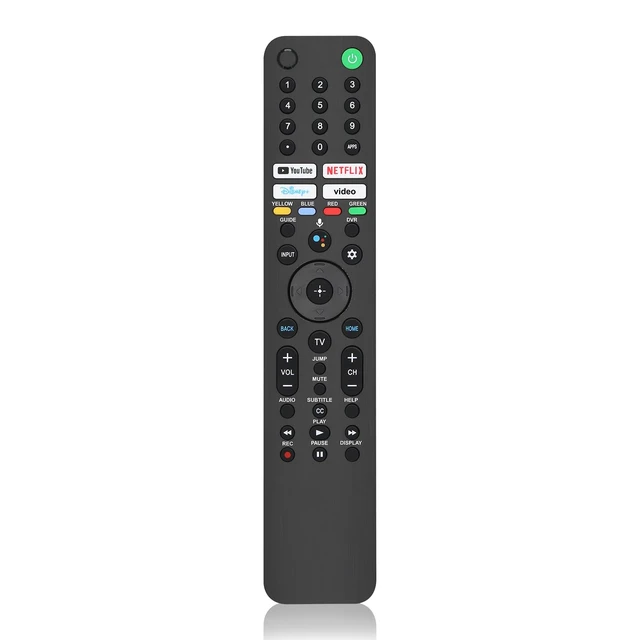
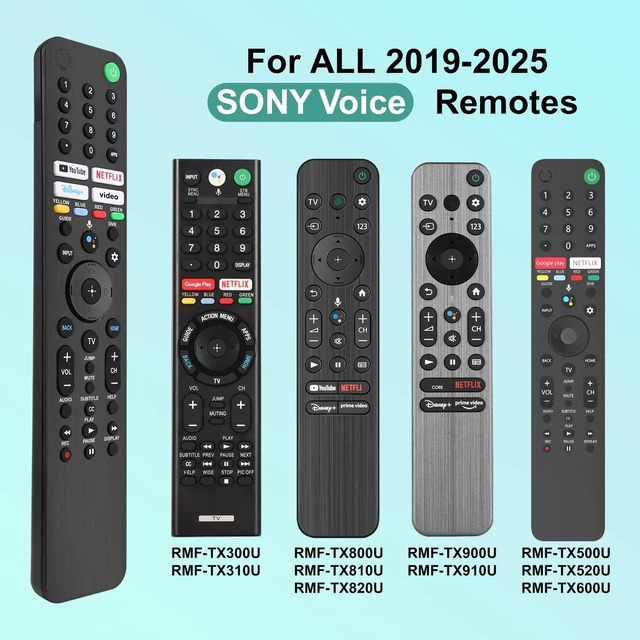
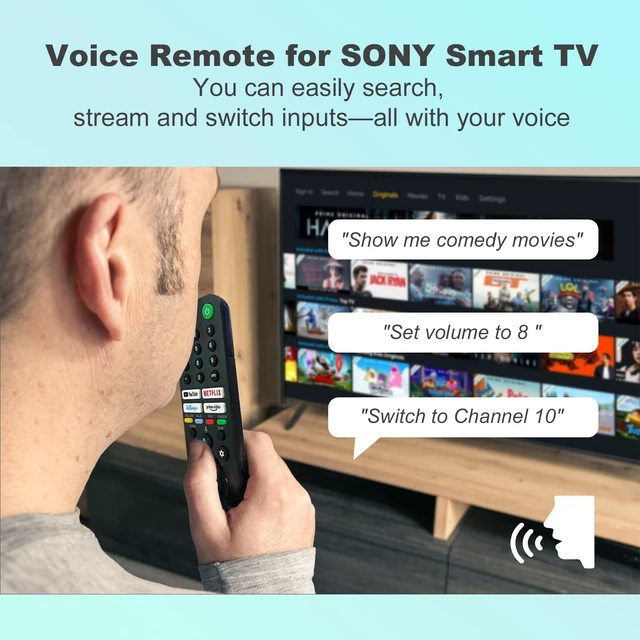
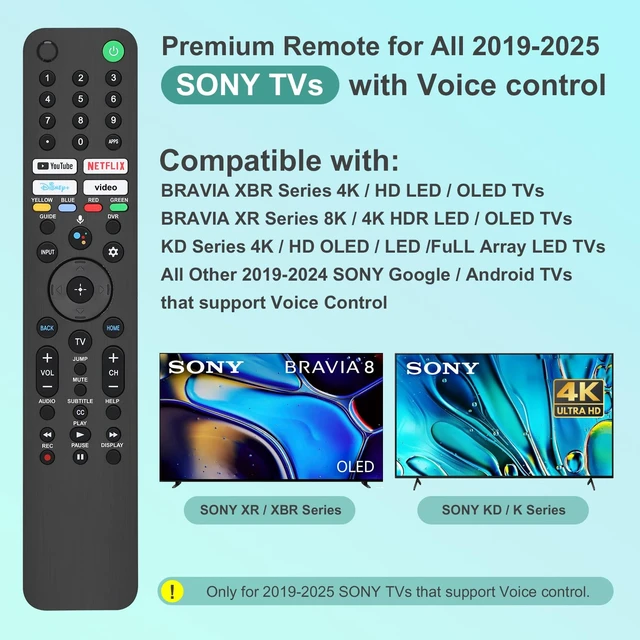
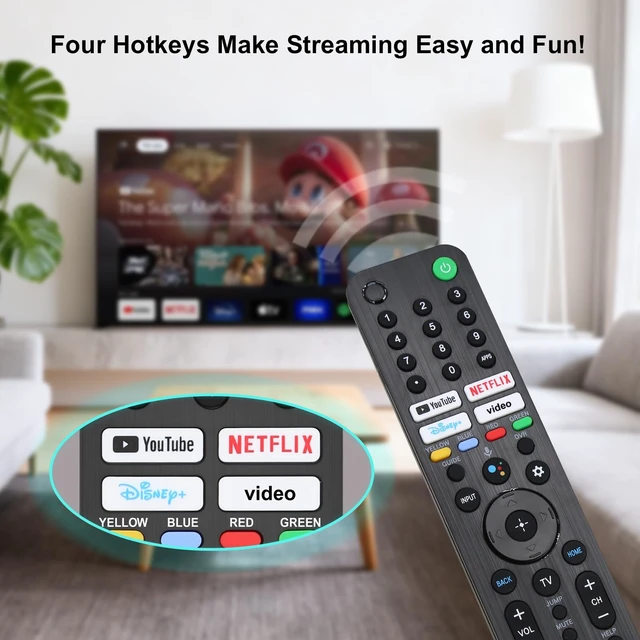
- [Important Notes Before Purchase] All voice remote controls require a Bluetooth connection. (If you do not need the voice function, we suggest choosing the more affordable and convenient infrared version of the remote control.) The method to connect this remote control to your TV can be found in the simple manual included with the product. [Compatible TV Models] The new upgraded remote is designed for All 2019-2025 SONY TVs. It serves as an excellent replacement for various SONY voice remote controls such as RMF-TX300/310U, RMF-TX520U/500U, RMF-TX600U/611U/621U, RMF-TX800U/810U/811U/820U, RMF-TX900U/910U/920U and others. For TVs that do not support voice control or were released before 2018, the voice search functionality may not work. This remote requires two AAA batteries, and is NOT backlit. [Short Keys] With Four Popular Shortcut Buttons, you can switch to your favorite application very conveniently. Youtube/Netflix/Disney+/P video. [Instructions of Pairing] Please follow the following steps to pair this remote before using the voice search. Go to Settings -> Remotes & Accessories (or Bluetooth) -> Remote Control -> Connect via Bluetooth -> Connect a new remote. Then press and hold the "VOL -" button while simultaneously pressing the "Mic" button for 3-5 seconds. [Troubleshooting Steps] If the pairing fails, make sure you have signed in to the Google TV account on your SONY TV, then repeat the previous pairing steps

+
+
Overview
Specs
Reviews
Any questions? Our AI mode will help you find out quickly.
Try me now
[Important Notes Before Purchase] All voice remote controls require a Bluetooth connection. (If you do not need the voice function, we suggest choosing the more affordable and convenient infrared version of the remote control. ) The method to connect this remote control to your TV can be found in the simple manual included with the product. [Compatible TV Models] The new upgraded remote is designed for All 2019-2025 SONY TVs. It serves as an excellent replacement for various SONY voice remote controls such as RMF-TX300/310U, RMF-TX520U/500U, RMF-TX600U/611U/621U, RMF-TX800U/810U/811U/820U, RMF-TX900U/910U/920U and others.
For TVs that do not support voice control or were released before 2018, the voice search functionality may not work. This remote requires two AAA batteries, and is NOT backlit. [Short Keys] With Four Popular Shortcut Buttons, you can switch to your favorite application very conveniently. Youtube/Netflix/Disney+/P video. [Instructions of Pairing] Please follow the following steps to pair this remote before using the voice search. Go to Settings -> Remotes & Accessories (or Bluetooth) -> Remote Control -> Connect via Bluetooth -> Connect a new remote. Then press and hold the "VOL -" button while simultaneously pressing the "Mic" button for 3-5 seconds.
[Troubleshooting Steps] If the pairing fails, make sure you have signed in to the Google TV account on your SONY TV, then repeat the previous pairing steps
For TVs that do not support voice control or were released before 2018, the voice search functionality may not work. This remote requires two AAA batteries, and is NOT backlit. [Short Keys] With Four Popular Shortcut Buttons, you can switch to your favorite application very conveniently. Youtube/Netflix/Disney+/P video. [Instructions of Pairing] Please follow the following steps to pair this remote before using the voice search. Go to Settings -> Remotes & Accessories (or Bluetooth) -> Remote Control -> Connect via Bluetooth -> Connect a new remote. Then press and hold the "VOL -" button while simultaneously pressing the "Mic" button for 3-5 seconds.
[Troubleshooting Steps] If the pairing fails, make sure you have signed in to the Google TV account on your SONY TV, then repeat the previous pairing steps
Warranty & Returns
Warranty, Returns, And Additional Information
Warranty
- Please contact the Seller directly for warranty information. Warranty information may also be found on the Manufacturer's website.
- CONTACT
Return Policies
- Return for refund within: 30 days
- Return for replacement within: 30 days
- This item is covered by QiPing Global Store Return Policy
Manufacturer Contact Info
- For a directory of all our manufacturers, please click below.
- Manufacturers Directory
LOADING...