Your Browsing History
Meet Your Seller
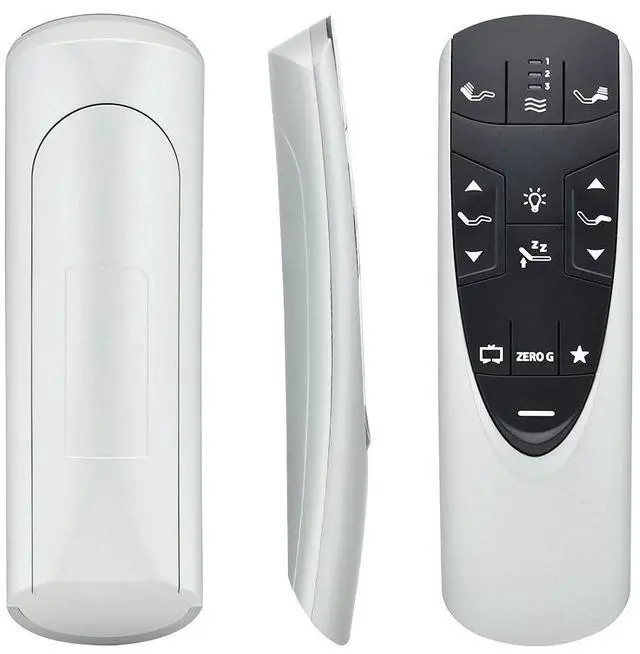
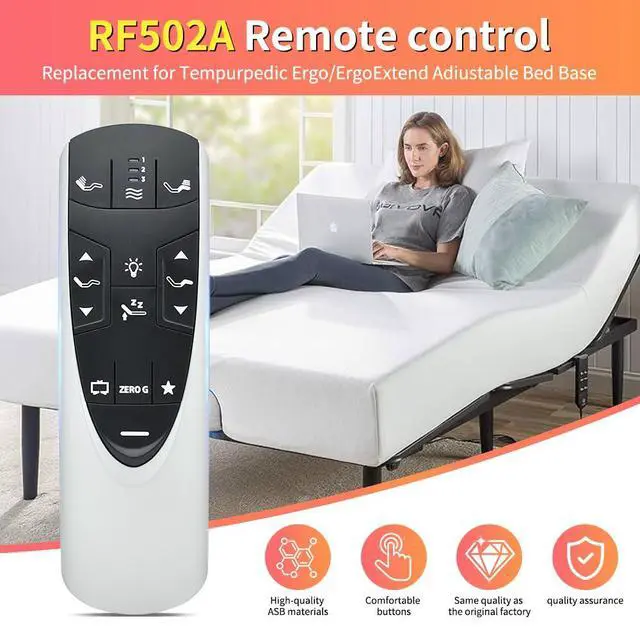
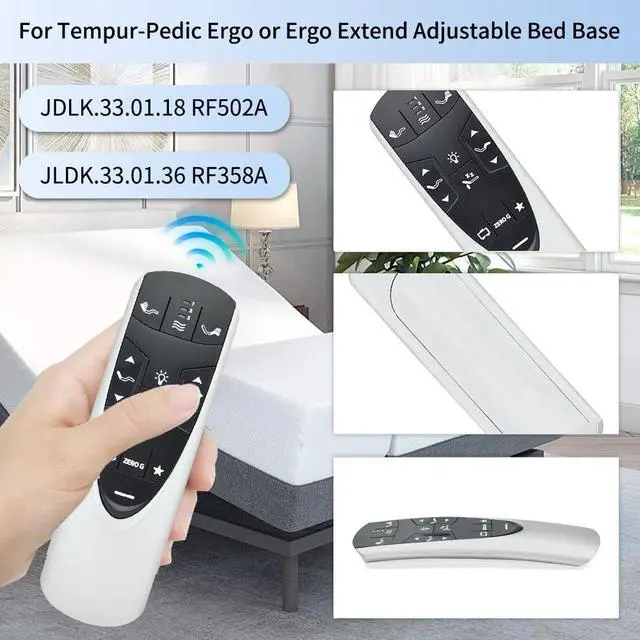
RF358A Remote Control Replacement for Tempurpedic Ergo or Ergo Extend Adjustable Bed Base JDLK.33.01.18 RF358A JLDK.33.01 36, Compatible with RF502A
Limited time offer, ends 10/15 By QiPing Global Store
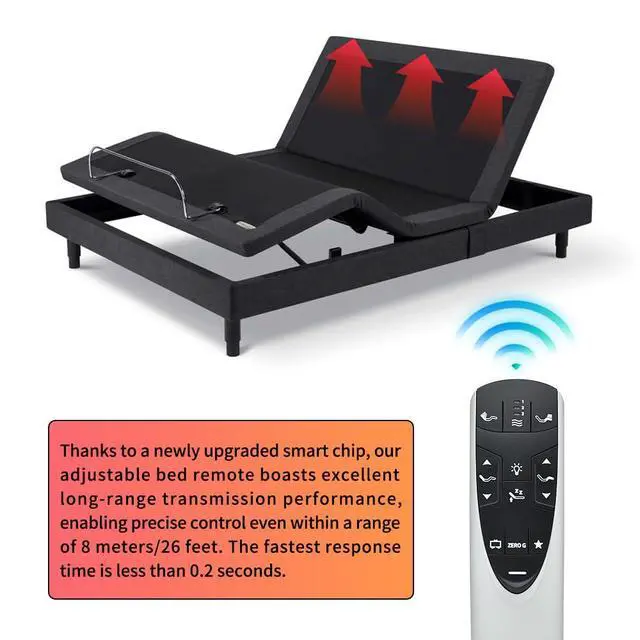
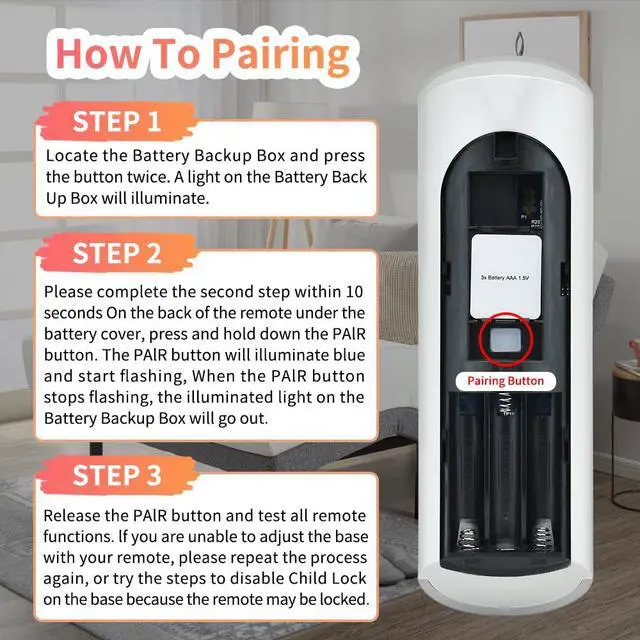
- [Upgrade Design] The upgraded RF358A RF502A remote control is made of high-quality ABS material, and the buttons are made of high-grade translucent silicone, which has a fast rebound and supports 400,000 presses. To ensure outstanding quality, every process is strictly inspected and controlled. [Specific Compatibility] The RF502A RF358A remote control is compatible with the Tempur-Pedic Ergo/Ergo Extend Adjustable bed base JDLK.33.01.18. Note: please confirm that your original remote control is the same as ours. [Simple Pairing] Start the massage bed and find the control box. Locate the Battery Backup Box, press the button twice to light it up (the light may be on the power cord). Point the remote at the control box. Open the remote battery cover and press the Pair button. Hold the Pair button for 30 sec to finish pairing. If you encounter any problems, we will provide you with online support within 21 hours to provide you with the best solution to ensure your user experience at all times

+
+
Overview
Specs
Reviews
Any questions? Our AI mode will help you find out quickly.
Try me now
[Upgrade Design] The upgraded RF358A RF502A remote control is made of high-quality ABS material, and the buttons are made of high-grade translucent silicone, which has a fast rebound and supports 400, 000 presses. To ensure outstanding quality, every process is strictly inspected and controlled. [Specific Compatibility] The RF502A RF358A remote control is compatible with the Tempur-Pedic Ergo/Ergo Extend Adjustable bed base JDLK. 33.01. 18.
Note: please confirm that your original remote control is the same as ours. [Simple Pairing] Start the massage bed and find the control box. Locate the Battery Backup Box, press the button twice to light it up (the light may be on the power cord). Point the remote at the control box. Open the remote battery cover and press the Pair button. Hold the Pair button for 30 sec to finish pairing. If you encounter any problems, we will provide you with online support within 21 hours to provide you with the best solution to ensure your user experience at all times
Warranty & Returns
Warranty, Returns, And Additional Information
Warranty
- Please contact the Seller directly for warranty information. Warranty information may also be found on the Manufacturer's website.
- CONTACT
Return Policies
- Return for refund within: 30 days
- Return for replacement within: 30 days
- This item is covered by QiPing Global Store Return Policy
Manufacturer Contact Info
- For a directory of all our manufacturers, please click below.
- Manufacturers Directory
LOADING...