• $29.99
  • Free 30-day Returns
  • Price alert
    Shop it at NeweggBusiness.

    Meet Your Seller

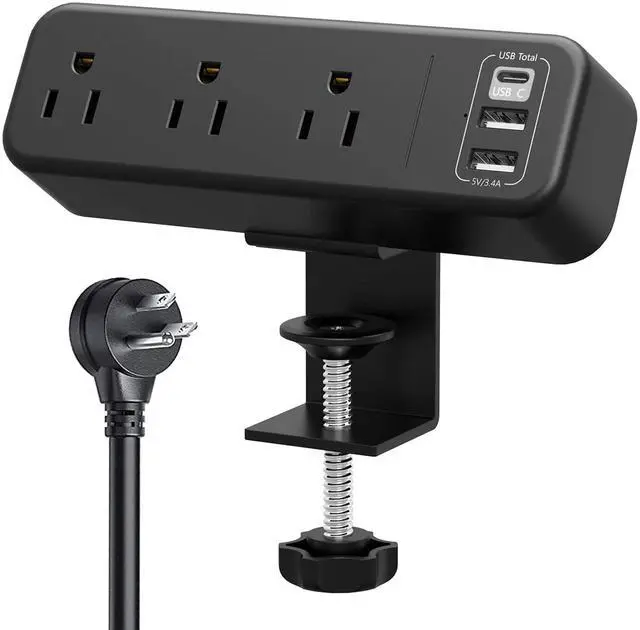
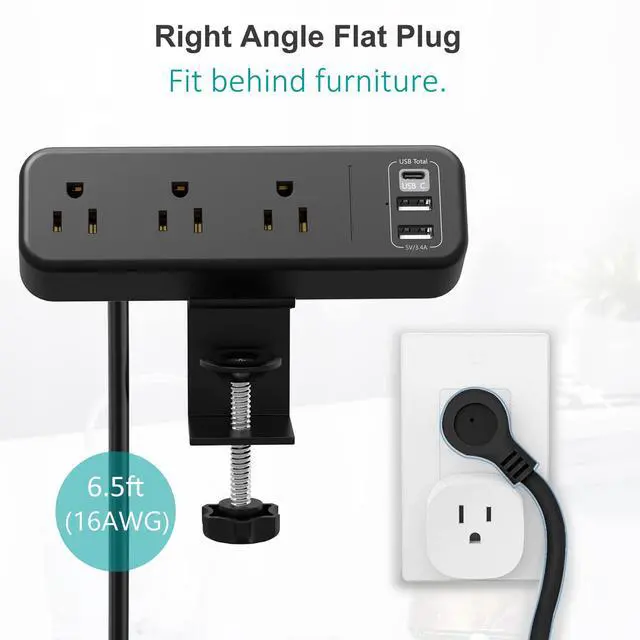
    Desk Clamp Power Strip with USB C, 3 Outlet Desktop Mount Power Station Removable Clamp Socket with 6.5 ft Extension Cord, Fit 1.7 inch Tabletop Edge

    Limited time offer, ends 10/16 By MiniJoyBelle Tech

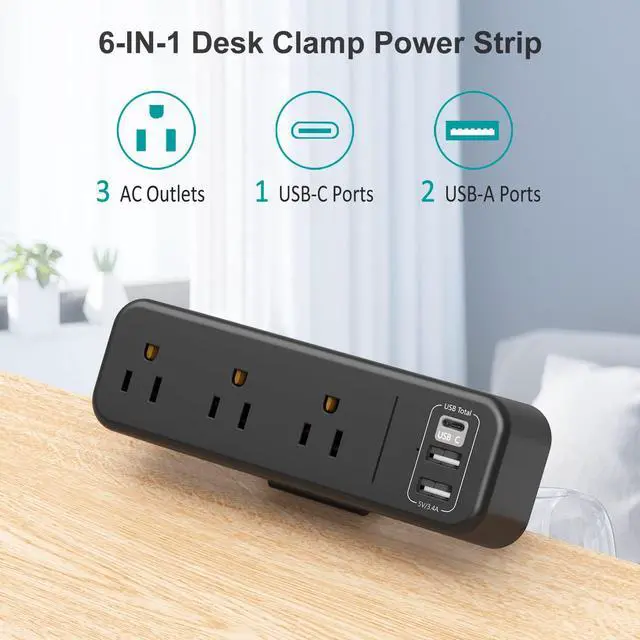
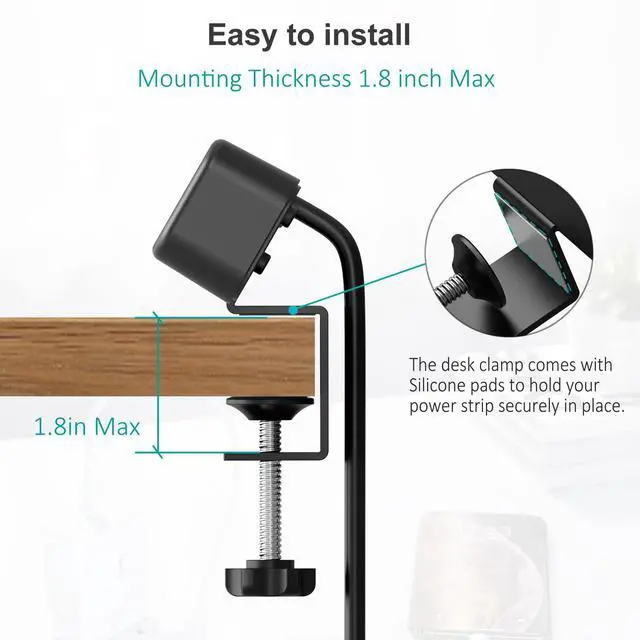
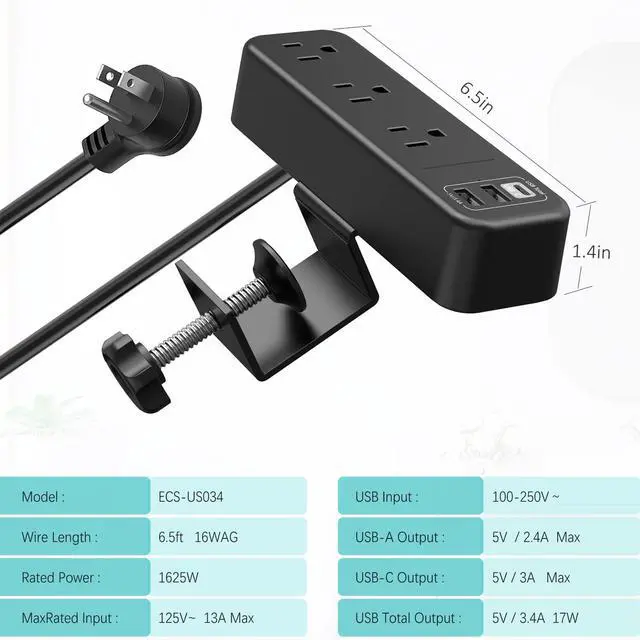
    • Desktop Clamp Power Strip with USB This all-in-one desk clamp power strip is an excellent design to supply power and keep your desk tidy. With 3 AC outlets and 3 USB ports, you can charge multiple appliances at the same time. Features: - 3 AC outlets: 125V, 13A, 60Hz, 1625W - USB-A Output: 5V/2.4A - USB-C Output: 5V/3A - USB Total Output: 5V/3.4A, 17W - Material: ABS fireproof material - Product dimensions: 6.5 x 2.8 x 4.7 in Package Including: - 1 Clamp Mount Kit - 1 Desk Clamp Outlet How to Install: 1. Take out the clamp mount and tighten the screws of the gasket. 2. Complete the clamp mounting. The max clamp is about 1.7 inch. The distance from the table to the wall is about 1.4 inch. Please check the size before installation. 3. Tighten the screw to fix. (The screw can be moved according to your need when unfixed.)
    +
    +
    Overview
    Specs
    Reviews
    avatar

    Any questions? Our AI mode will help you find out quickly.

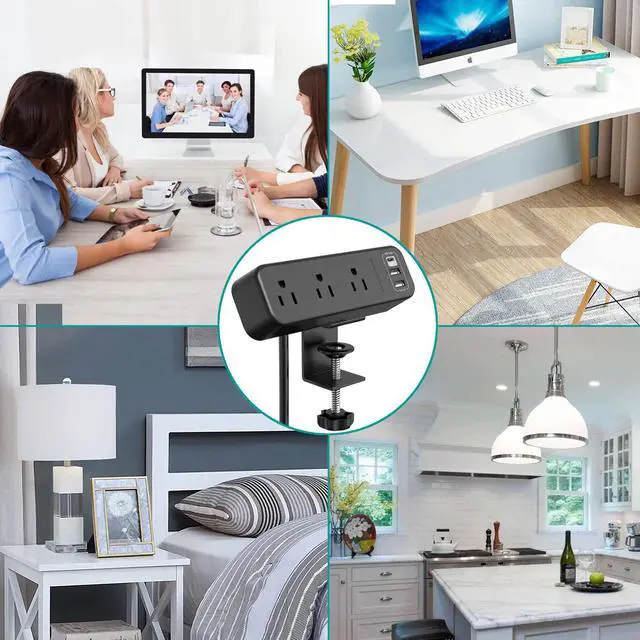
    Desktop Clamp Power Strip with USB This all-in-one desk clamp power strip is an excellent design to supply power and keep your desk tidy. With 3 AC outlets and 3 USB ports, you can charge multiple appliances at the same time.
    Features: - 3
    AC outlets: 125V, 13A, 60Hz, 1625W -
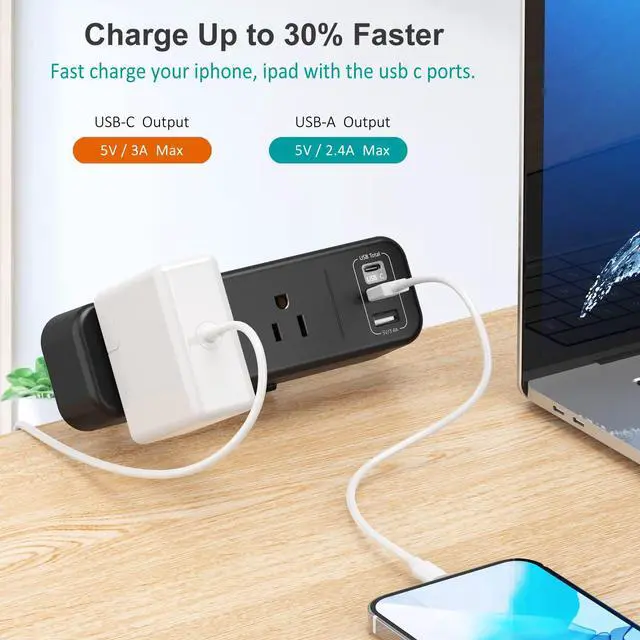
    USB-A Output: 5V/ 2.4A -
    USB-C Output: 5V/3A -
    USB Total Output: 5V/ 3.4A, 17W -
    Material: ABS fireproof material -
    Product dimensions: 6.5 x 2.8 x 4.7 in
    Package Including: - 1 Clamp Mount Kit - 1 Desk Clamp Outlet How to
    Install:
    1. Take out the clamp mount and tighten the screws of the gasket.
    2. Complete the clamp mounting. The max clamp is about 1.7 inch. The distance from the table to the wall is about 1.4 inch. Please check the size before installation.
    3. Tighten the screw to fix. (The screw can be moved according to your need when unfixed. )

    Warranty & Returns

    Warranty, Returns, And Additional Information

    Warranty

    • Please contact the Seller directly for warranty information. Warranty information may also be found on the Manufacturer's website.
    • CONTACT

    Return Policies

    Manufacturer Contact Info

    LOADING...