Your Browsing History
Meet Your Seller
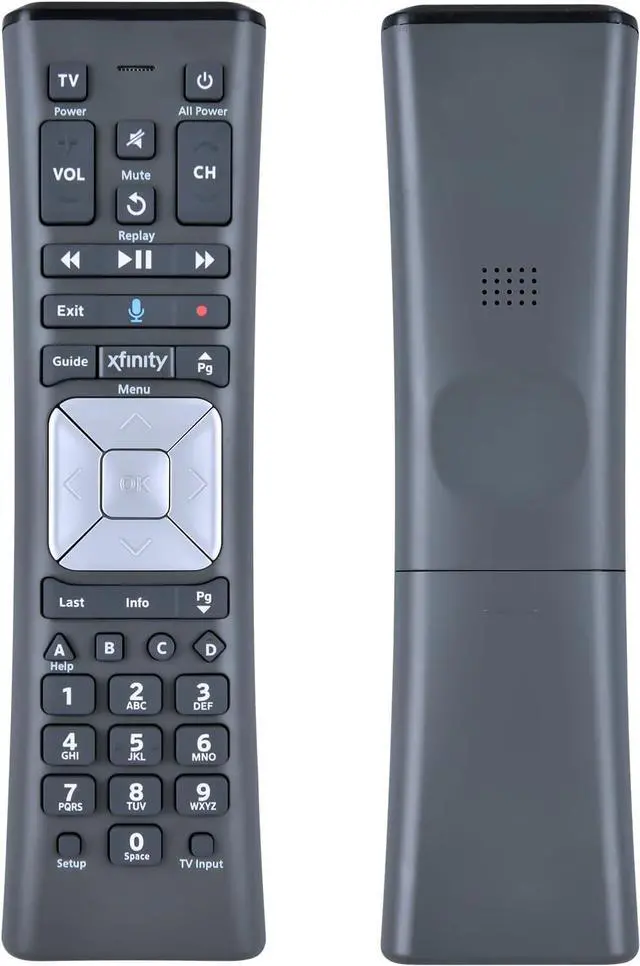
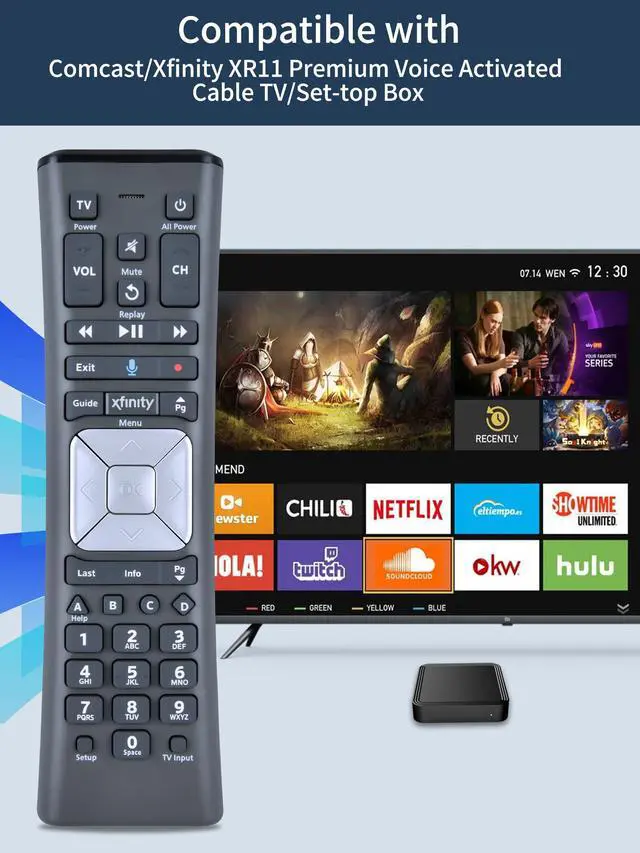
Replacement XR11 Voice Remote Control for Comcast/Xfinity XR11 Premium Voice Activated Cable TV Backlit New Remote Control
Limited time offer, ends 10/16 By Vast Sun Tech
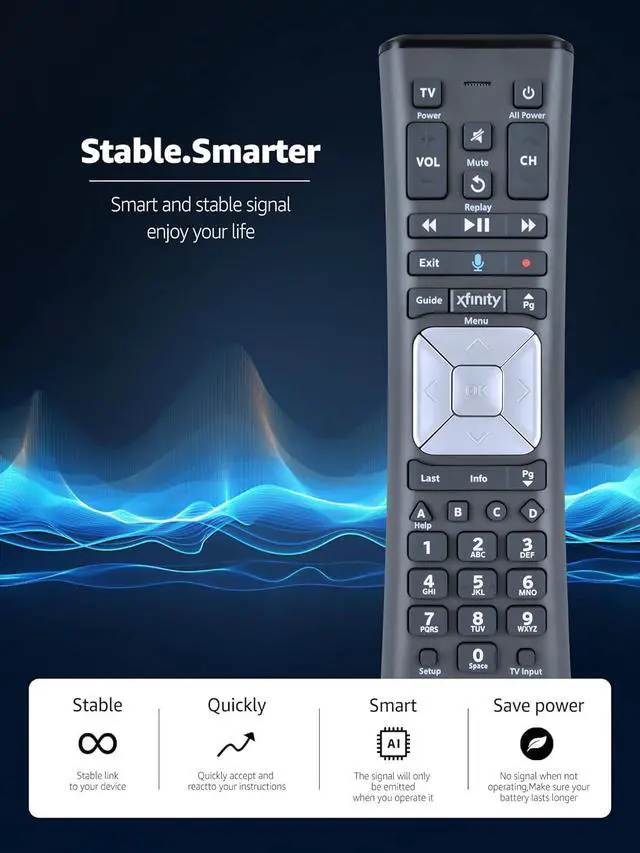
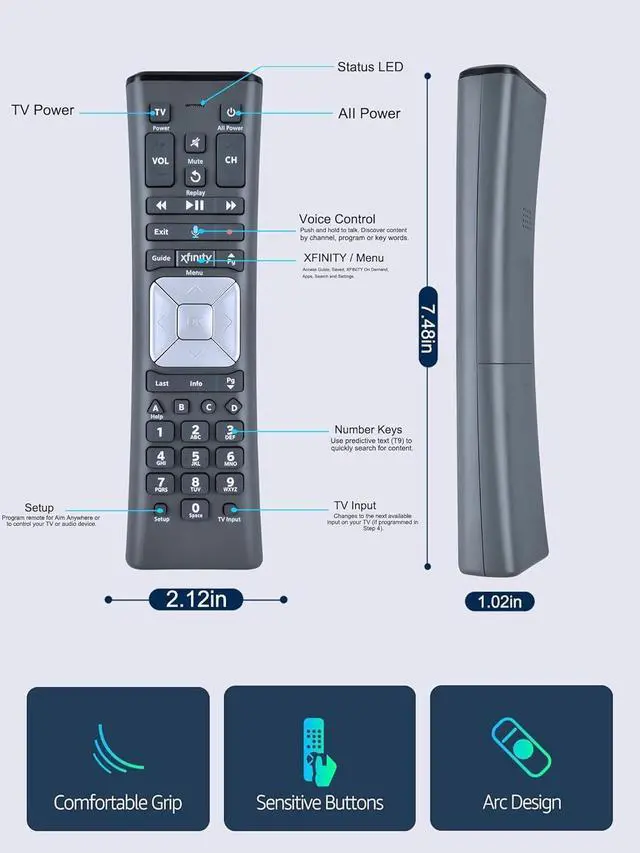
- New Replacement Voice Remote Control works for Comcast/Xfinity XR11 Premium Voice Activated Cable TV Backlit. Aim Anywhere Control (RF Capability): With certain set-top boxes, as well as with HD DTA devices, TV input control. Voice Search Features: Long press the microphone button on the voice remote control and speak your command to easily search for your favorite TV shows, launch applications, etc. on Comcast/Xfinity TV. The voice search function makes navigation a breeze. Easy Pairing: Step 1) Press the "Setup" button on your remote until the LED at the top changes from red to green; Step 2) Press the "Xfinity" button on the remote. The LED will begin flashing green; Step 3) Correctly enter the pairing code on the screen, pairing is successful. (Note: if no pairing instructions are displayed on the screen after pressing the "Xfinity" button in step three, please press the Xfinity button again until it appears.)
+
+
Overview
Specs
Reviews
Any questions? Our AI mode will help you find out quickly.
Try me now
New Replacement Voice Remote Control works for Comcast/Xfinity XR11 Premium Voice Activated Cable TV Backlit. Aim Anywhere
Control (RF Capability): With certain set-top boxes, as well as with HD DTA devices, TV input control.
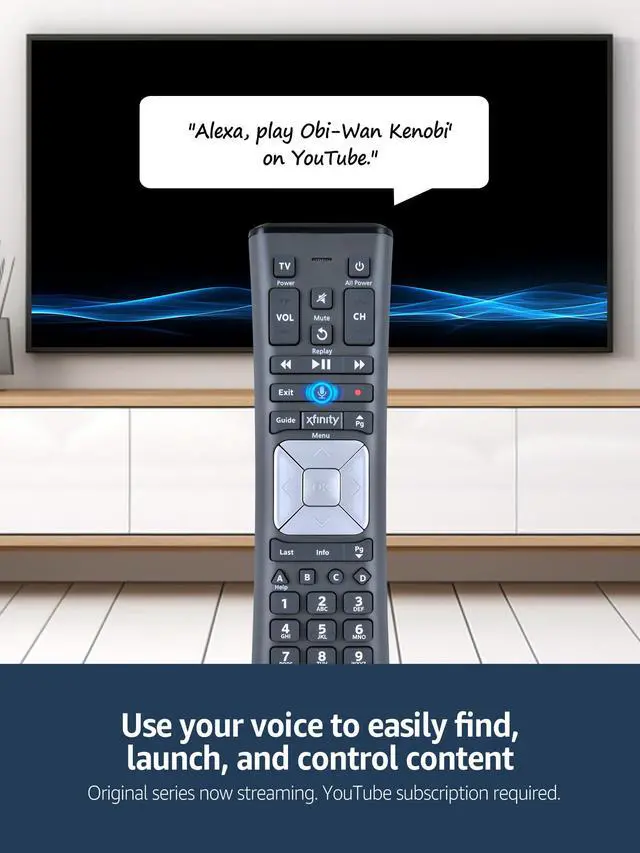
Voice Search Features: Long press the microphone button on the voice remote control and speak your command to easily search for your favorite TV shows, launch applications, etc. on Comcast/Xfinity TV. The voice search function makes navigation a breeze.
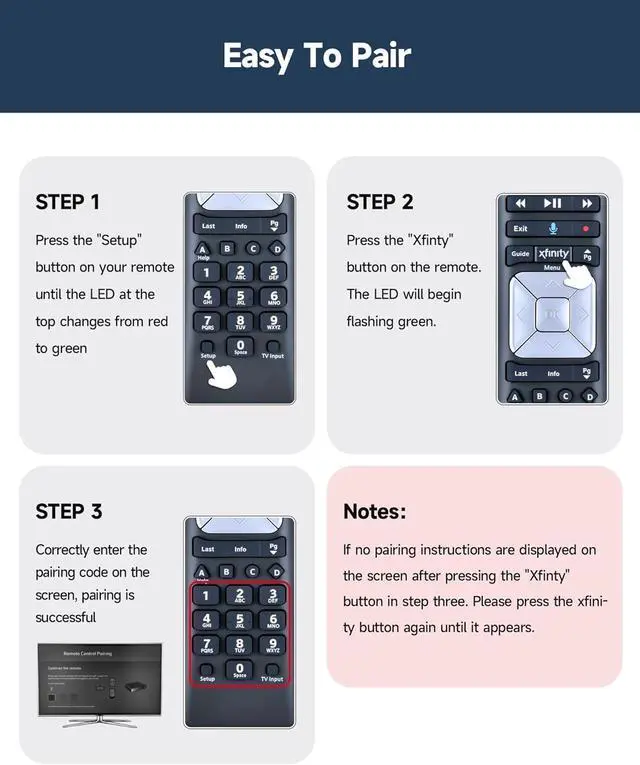
Easy Pairing: Step 1) Press the "Setup" button on your remote until the LED at the top changes from red to green; Step 2) Press the "Xfinity" button on the remote. The LED will begin flashing green; Step 3) Correctly enter the pairing code on the screen, pairing is successful.
(Note: if no pairing instructions are displayed on the screen after pressing the "Xfinity" button in step three, please press the Xfinity button again until it appears. )

Control (RF Capability): With certain set-top boxes, as well as with HD DTA devices, TV input control.
Voice Search Features: Long press the microphone button on the voice remote control and speak your command to easily search for your favorite TV shows, launch applications, etc. on Comcast/Xfinity TV. The voice search function makes navigation a breeze.
Easy Pairing: Step 1) Press the "Setup" button on your remote until the LED at the top changes from red to green; Step 2) Press the "Xfinity" button on the remote. The LED will begin flashing green; Step 3) Correctly enter the pairing code on the screen, pairing is successful.
(Note: if no pairing instructions are displayed on the screen after pressing the "Xfinity" button in step three, please press the Xfinity button again until it appears. )
Warranty & Returns
Warranty, Returns, And Additional Information
Warranty
- Please contact the Seller directly for warranty information. Warranty information may also be found on the Manufacturer's website.
- CONTACT
Return Policies
- Return for refund within: 30 days
- Return for replacement within: 30 days
- This item is covered by Vast Sun Tech Return Policy
Manufacturer Contact Info
- For a directory of all our manufacturers, please click below.
- Manufacturers Directory
LOADING...