• $61.49
  • Free 30-day Returns
  • Sold by Vast Sun Tech

    Shipped by Vast Sun Tech

    Price alert
    Shop it at NeweggBusiness.

    Meet Your Seller

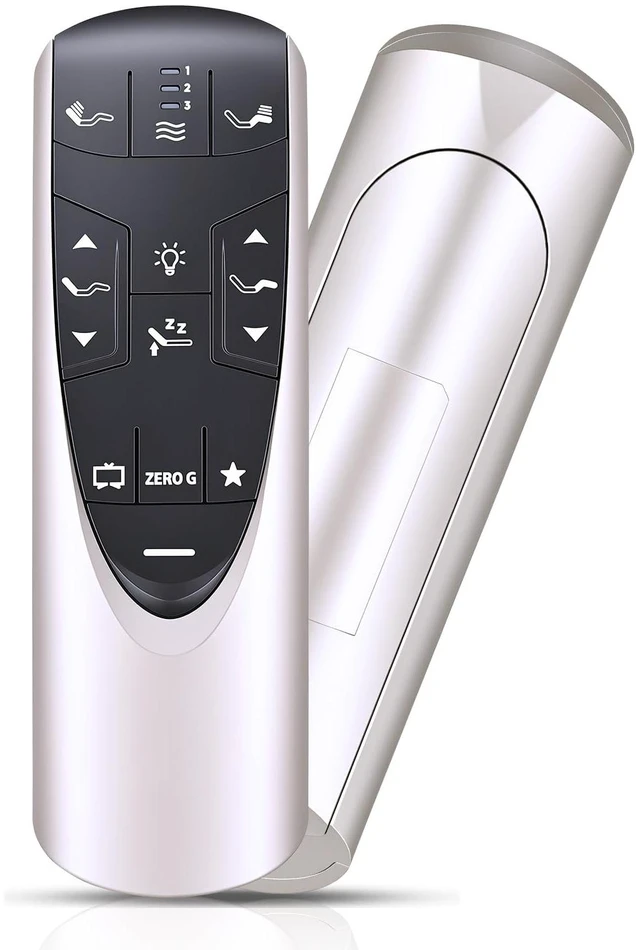
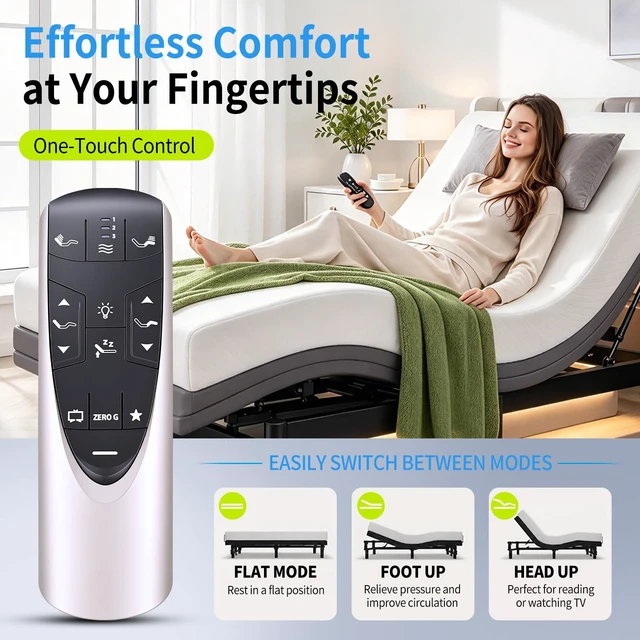
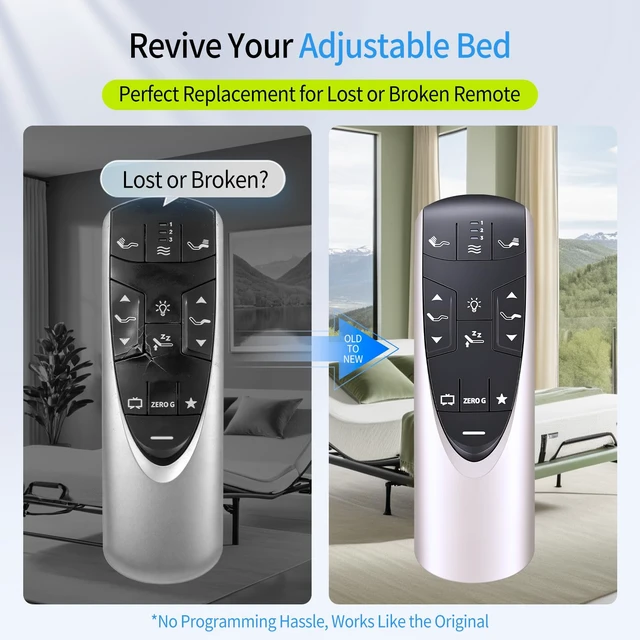
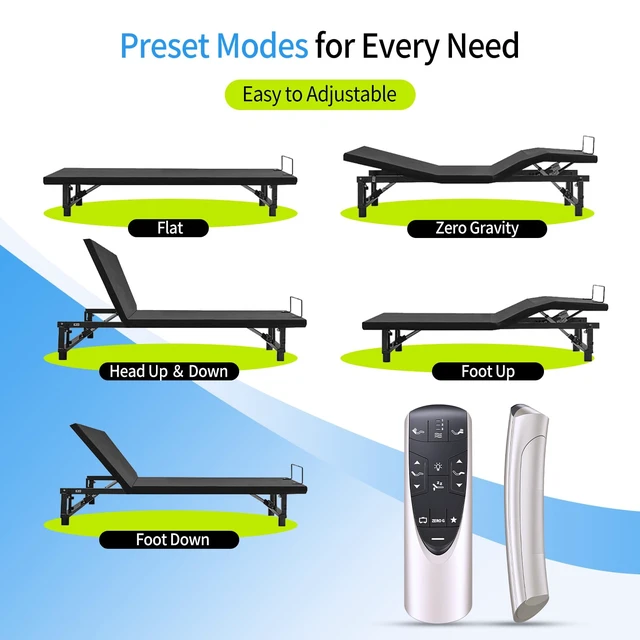
    Replacement Remote Control for Tempurpedic Ergo/Ergo Extend Adjustable Bed Base JRF358A RF502A DLK.33.01.18 RF358A, JLDK.33.01.36, RF502A

    Limited time offer, ends 10/16 By Vast Sun Tech

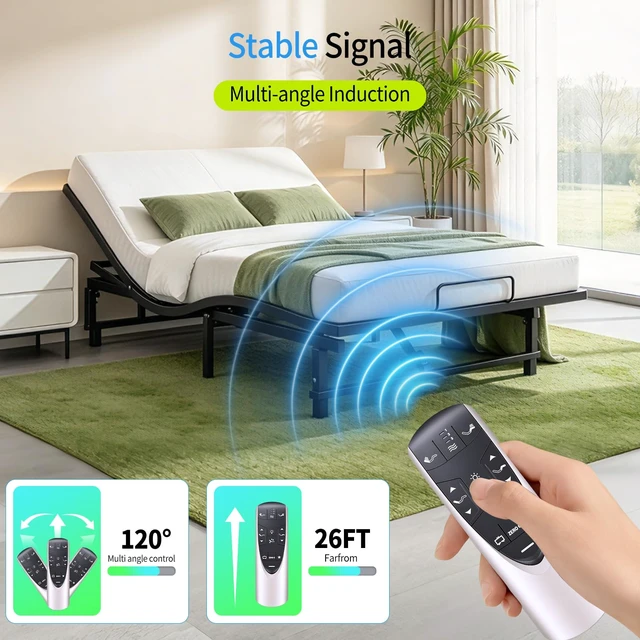
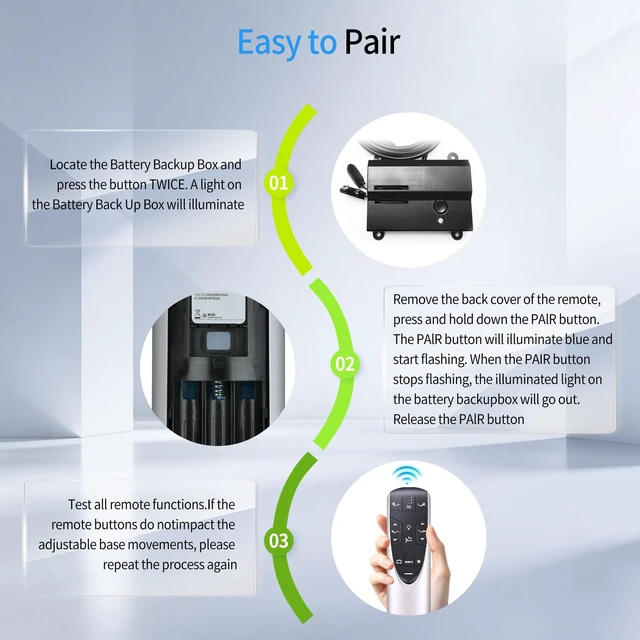
    • RF358A RF502A replacement remote control for Tempur-Pedic Ergo or Ergo Extend adjustable bed base JDLK.33.01.18 RF358A, JLDK.33.01.36, RF502A. Easy to Pair: Please pair before use. 1) Start the massage bed, then locate the control box of the massage bed. Locate the Battery Backup Box and press the button TWICE. A light on the Battery Back Up Box will illuminate (Sometimes on the power cord). 2) Point the remote control at the control box (open the remote control battery cover and press the Pair/Paire button). 3) Press and hold the Pair/Paire button for 30 seconds to complete the pairing. NOTE: If pairing fails, please deactivate child lock and then pair again. Deactivate Child Lock: Press and hold FOOT UP and FOOT DOWN buttons together for approximately six (6) seconds. The remote backlight will flash twice. When the backlight goes away, the remote is no longer in Child Lock. Easy To Use: Engineered with high-quality ABS material and a new-gen smart chip, it delivers instant button response and reliable 8m/26ft range coverage. Its 120-degree wide-angle design eliminates positioning constraints, while the ergonomic curved shape ensures comfortable, fatigue-free control for extended daily use. Package Included: 1 * remote control (Batteries and Instructions are Not Included)

    +
    +
    Overview
    Specs
    Reviews
    avatar

    Any questions? Our AI mode will help you find out quickly.

    RF358A RF502A replacement remote control for Tempur-Pedic Ergo or Ergo Extend adjustable bed base JDLK. 33.01. 18 RF358A, JLDK. 33.01. 36, RF502A.
    Easy to Pair: Please pair before use. 1) Start the massage bed, then locate the control box of the massage bed. Locate the Battery Backup Box and press the button TWICE. A light on the Battery Back Up Box will illuminate (Sometimes on the power cord). 2) Point the remote control at the control box (open the remote control battery cover and press the Pair/Paire button). 3) Press and hold the Pair/Paire button for 30 seconds to complete the pairing.
    NOTE: If pairing fails, please deactivate child lock and then pair again.
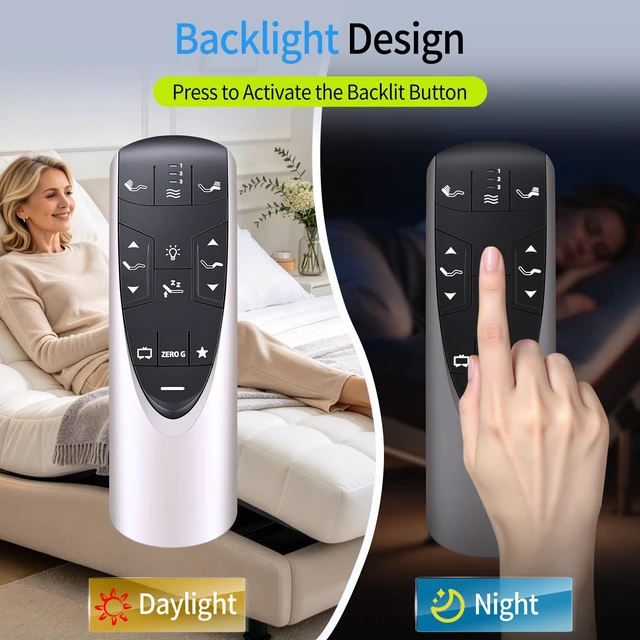
    Deactivate Child Lock: Press and hold FOOT UP and FOOT DOWN buttons together for approximately six (6) seconds. The remote backlight will flash twice. When the backlight goes away, the remote is no longer in Child Lock.
    Easy To Use: Engineered with high-quality ABS material and a new-gen smart chip, it delivers instant button response and reliable 8m/26ft range coverage. Its 120-degree wide-angle design eliminates positioning constraints, while the ergonomic curved shape ensures comfortable, fatigue-free control for extended daily use.
    Package Included: 1 * remote control (Batteries and Instructions are Not Included)

    Warranty & Returns

    Warranty, Returns, And Additional Information

    Warranty

    • Please contact the Seller directly for warranty information. Warranty information may also be found on the Manufacturer's website.
    • CONTACT

    Return Policies

    Manufacturer Contact Info

    LOADING...