• $59.99
  • Free 30-day Returns
  • Sold by Vast Sun Tech

    Shipped by Vast Sun Tech

    Price alert
    Shop it at NeweggBusiness.

    Meet Your Seller

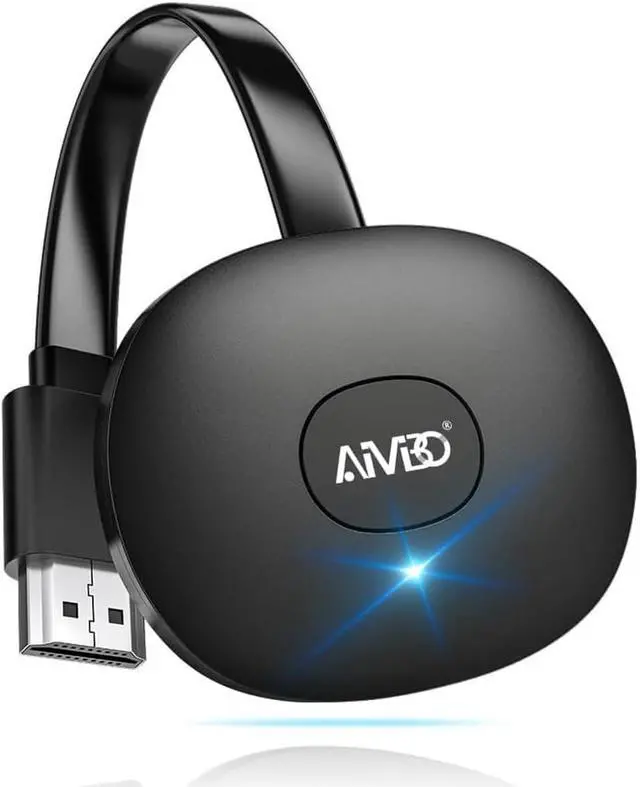
    Wireless HDMI Display Dongle Adapter 4K, Screen Mirror Receiver Casting Video & Audio from Android, i-OS, Pad, Laptop, Tablet to TV/Projector/Monitor, Support Miracast, Airplay, DLNA

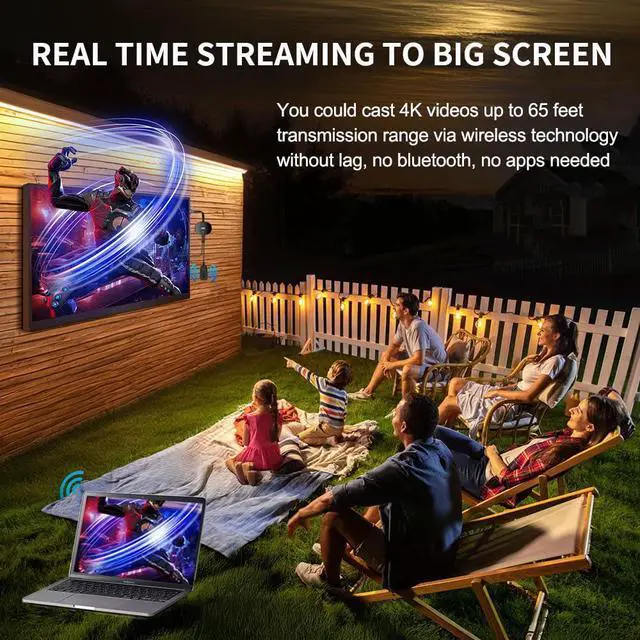
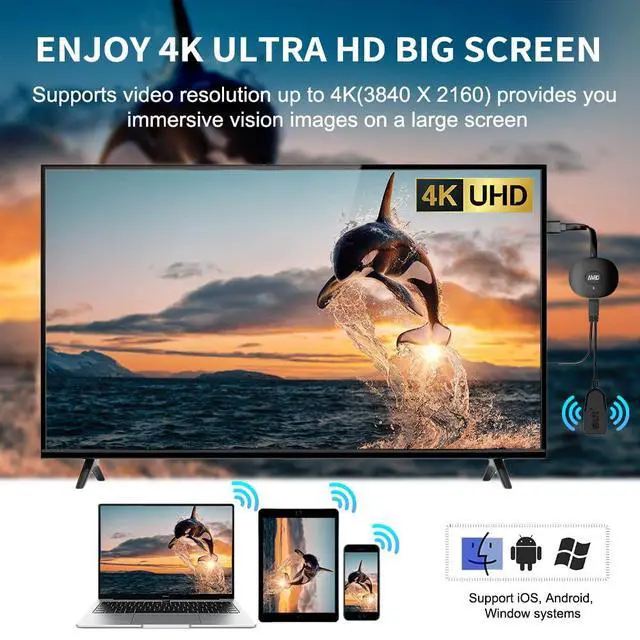
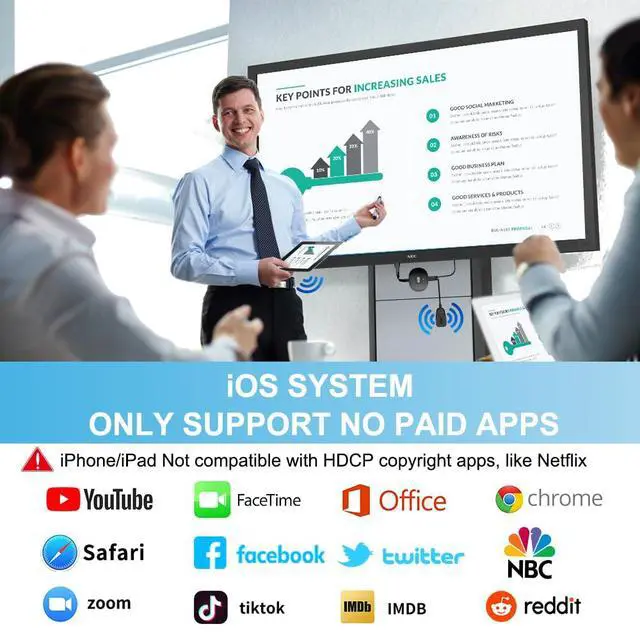
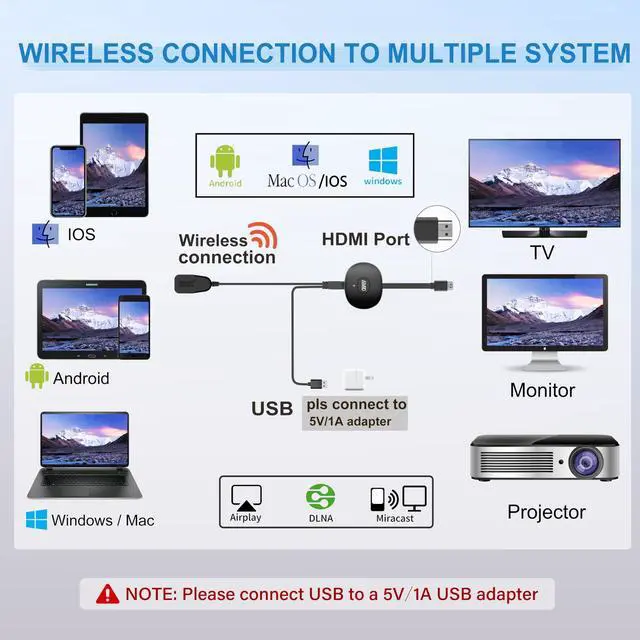
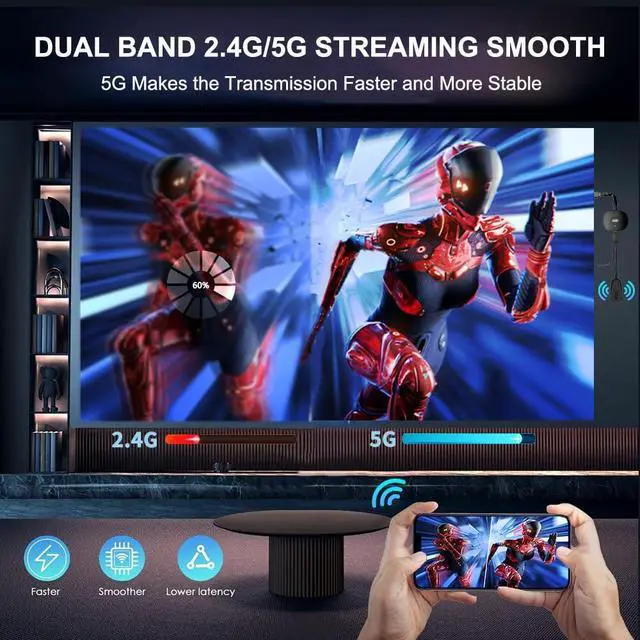
    • [WIRELESS 4K CASTING IN SECONDS] Wireless HDMI Display Adapter wirelessly mirrors 4K video and audio from small screens (Phone, i-Pad, MacBook, Android phones, tablet, laptop) to larger displays (TV/monitor/projector). You can experience 4K decoding & 1080P@60Hz output, low-latency casting on a big screenno more cable clutter. [PLUG & PLAY SETUP] Set up your wireless screen sharing in 3 simple stepsjust plug the HDMI dongle into your TV, power it, and connect via your device's screen mirroring function. No apps or drivers required, the seamless HD video and audio will display on your TV in minutes. (Note: iOS users need extra steps to connect to the dongle's wireless signal) [POPULAR APP CASTING FROM ANDROID & WINDOWS] Instant cast all your favorite app content from Android or Windows ( Win 10, not supported on Win 11) devices to your TV, like Netfix, Prime Video, HULU, HBO Max, Sky Go, and more. Switch from small screen to larger one and enjoy high-definition series, movies, live sports, and shows with friends and family. [HDCP LIMITATION FOR IOS MIRRORING] Our Wireless HDMI Dongle supports casting your Apple Phone (included Apple Phone17), i-Pad, or MacBook to a larger screen for web browsing, watching movies, presentations, and more. It works with YouTube, Instagram, TikTok, and other non-HDCP copyright-protected apps. (Note: Due to Apple's HDCP restrictions, premium apps like Netfix and Prime Video are not supported.) [MIRROR & EXTEND MODE] Switch between two display
    +
    +
    Overview
    Specs
    Reviews
    avatar

    Any questions? Our AI mode will help you find out quickly.

    [WIRELESS 4K CASTING IN SECONDS] Wireless HDMI Display Adapter wirelessly mirrors 4K video and audio from small screens (Phone, i-Pad, MacBook, Android phones, tablet, laptop) to larger displays (TV/monitor/projector). You can experience 4K decoding & 1080P@60Hz output, low-latency casting on a big screenno more cable clutter. [PLUG & PLAY SETUP] Set up your wireless screen sharing in 3 simple stepsjust plug the HDMI dongle into your TV, power it, and connect via your device's screen mirroring function. No apps or drivers required, the seamless HD video and audio will display on your TV in minutes.

    (Note: iOS users need extra steps to connect to the dongle's wireless signal) [POPULAR APP CASTING FROM ANDROID & WINDOWS] Instant cast all your favorite app content from Android or Windows ( Win 10, not supported on Win 11) devices to your TV, like Netfix, Prime Video, HULU, HBO Max, Sky Go, and more. Switch from small screen to larger one and enjoy high-definition series, movies, live sports, and shows with friends and family. [HDCP LIMITATION FOR IOS MIRRORING] Our Wireless HDMI Dongle supports casting your Apple Phone (included Apple Phone17), i-Pad, or MacBook to a larger screen for web browsing, watching movies, presentations, and more. It works with YouTube, Instagram, TikTok, and other non-HDCP copyright-protected apps.
    (Note: Due to Apple's HDCP restrictions, premium apps like Netfix and Prime Video are not supported. ) [MIRROR & EXTEND MODE] Switch between two display modes: Mirror Mode for real-time shared content casting and Extend Mode for dual-screen multitasking, supporting 4K decoding & output at 1080P@60Hz. You can enjoy casting HD videos to your TV while using your phone for other apps, texts, or browsing in flexible extended mode. [ONLINE
    UPGRADE FOR PIXEL USERS] Note: To ensure optimal performance, Google Pixel and Apple Phone 17 users may need to upgrade the dongle's firmware online before screen mirroring

    Warranty & Returns

    Warranty, Returns, And Additional Information

    Warranty

    • Please contact the Seller directly for warranty information. Warranty information may also be found on the Manufacturer's website.
    • CONTACT

    Return Policies

    Manufacturer Contact Info

    LOADING...