Your Browsing History
Meet Your Seller
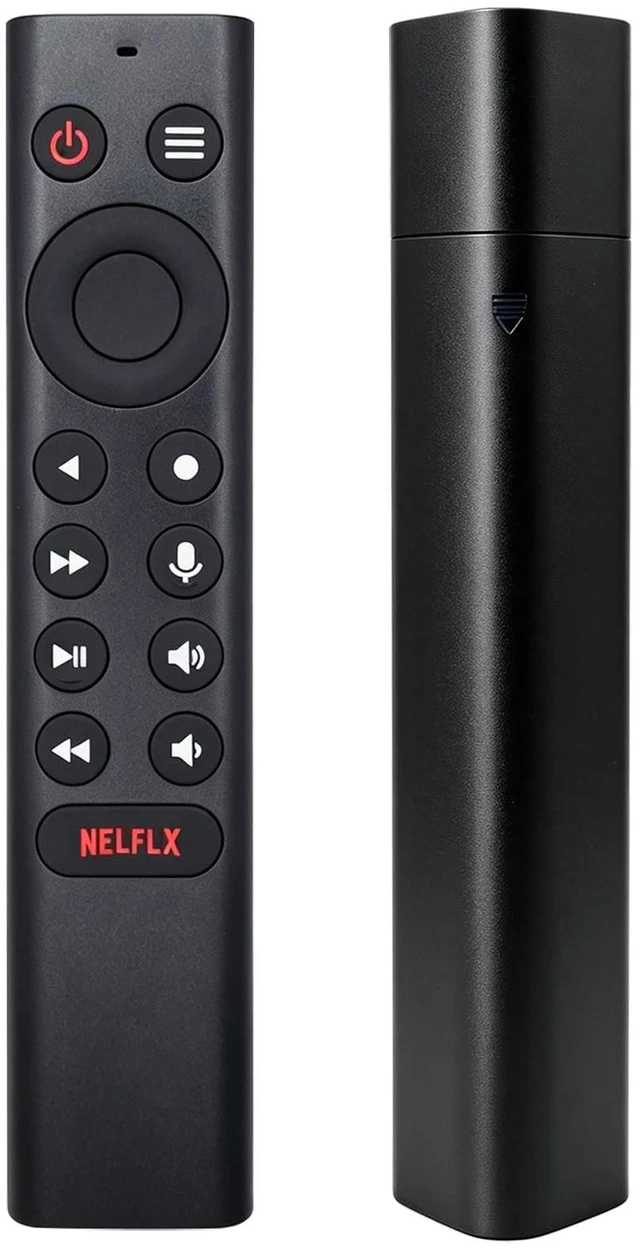
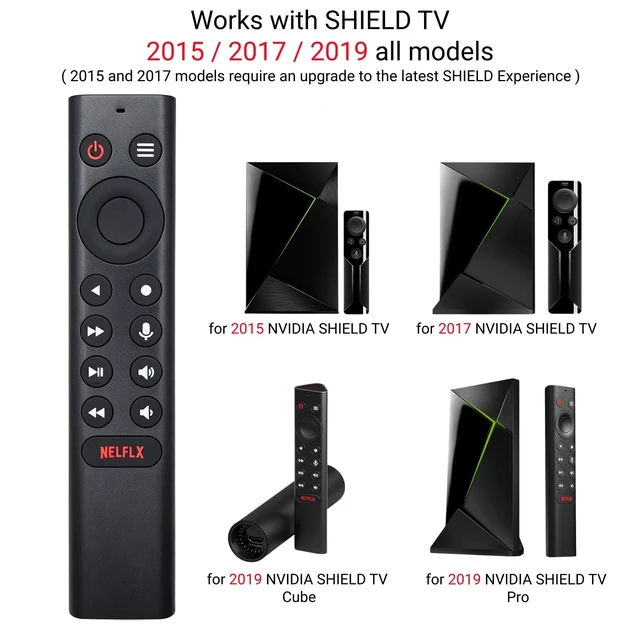
New P3700 Shield Voice Remote Control, Compatible with NVIDIA Shield TV and NVIDIA Shield TV Pro Streaming Media Player 2015/2017/2019 All Models
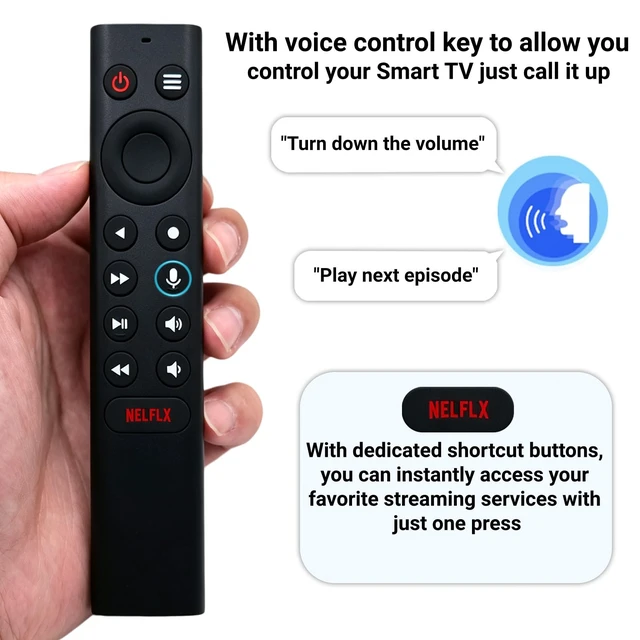
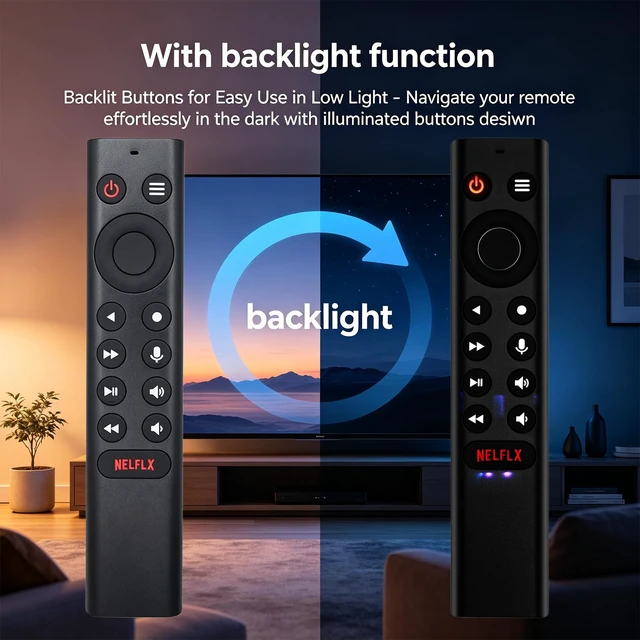
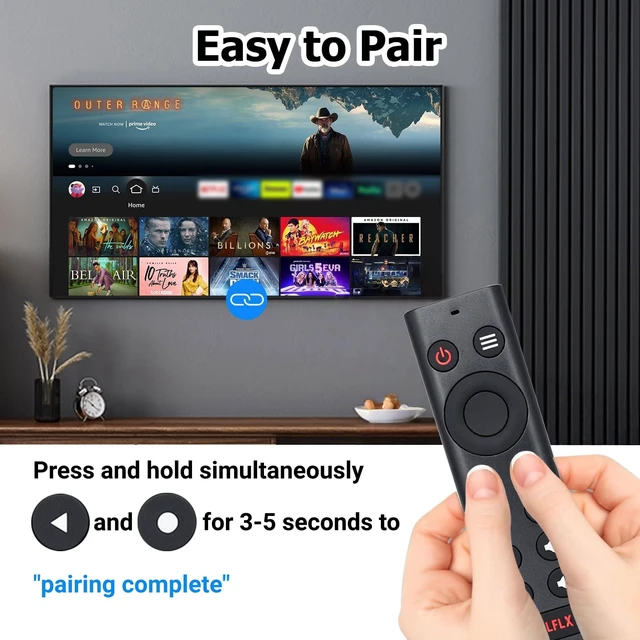
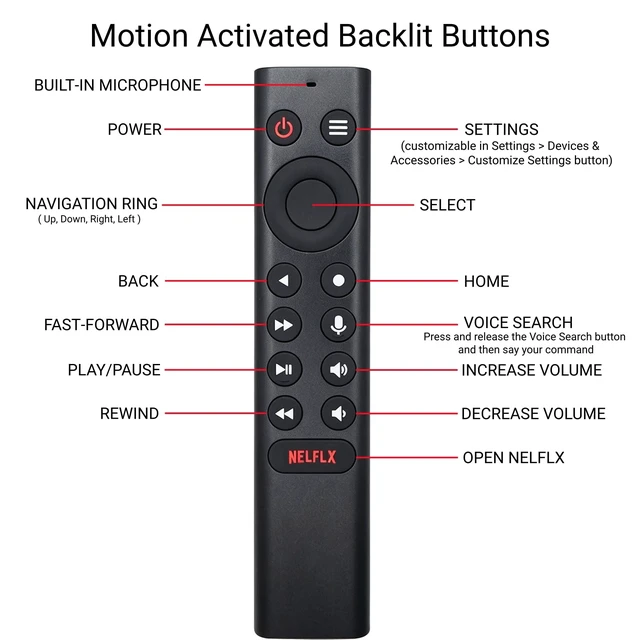
- [P3700 Voice Remote for Model Numbers] Compatible with NVIDIA Shield TV and NVIDIA Shield TV Pro Streaming Media Player 2015/2017/2019. [Easy Voice Control] Seamlessly control your NVIDIA Shield TV with the P3700 voice remote. It enables voice search for content, volume adjustment, input source switching, and music playback. Simply speak your commands to change channels, adjust audio, or play your favorite trackseffortlessly. [Motion-Activated Backlit Buttons] The backlit keys light up automatically when you pick up the remote, so you can easily see every button even in a dark room. No need to fumble for a switchjust grab and go. [Effortless Pairing] 1. Install 2 AAA batteries (not included). 2. Keep the SHIELD TV home screen on, with the remote within 2 ft (60 cm). 3. Hold "Back" + "Home" buttons for 35 seconds until the LED flashes. 4. Wait for the LED to turn offpairing is done. If you are replacing an old remote, remove its batteries first to avoid interference. [Customizable Menu Button] Personalize the menu button to match your viewing habits. With over 25 assignable actions, you can set single press, double press, or long press to launch your favorite app, enable AI upscaling, or mute sound instantly. One button, endless possibilities
+
+
Overview
Specs
Reviews
Any questions? Our AI mode will help you find out quickly.
Try me now
[P3700 Voice Remote for Model Numbers] Compatible with NVIDIA Shield TV and NVIDIA Shield TV Pro Streaming Media Player 2015/2017/2019. [Easy Voice Control] Seamlessly control your NVIDIA Shield TV with the P3700 voice remote. It enables voice search for content, volume adjustment, input source switching, and music playback. Simply speak your commands to change channels, adjust audio, or play your favorite trackseffortlessly. [Motion-Activated Backlit Buttons] The backlit keys light up automatically when you pick up the remote, so you can easily see every button even in a dark room.
No need to fumble for a switchjust grab and go. [Effortless Pairing] 1. Install 2 AAA batteries (not included). 2. Keep the SHIELD TV home screen on, with the remote within 2 ft (60 cm). 3. Hold "Back" + "Home" buttons for 35 seconds until the LED flashes. 4. Wait for the LED to turn offpairing is done. If you are replacing an old remote, remove its batteries first to avoid interference. [Customizable Menu Button] Personalize the menu button to match your viewing habits. With over 25 assignable actions, you can set single press, double press, or long press to launch your favorite app, enable AI upscaling, or mute sound instantly.
One button, endless possibilities

No need to fumble for a switchjust grab and go. [Effortless Pairing] 1. Install 2 AAA batteries (not included). 2. Keep the SHIELD TV home screen on, with the remote within 2 ft (60 cm). 3. Hold "Back" + "Home" buttons for 35 seconds until the LED flashes. 4. Wait for the LED to turn offpairing is done. If you are replacing an old remote, remove its batteries first to avoid interference. [Customizable Menu Button] Personalize the menu button to match your viewing habits. With over 25 assignable actions, you can set single press, double press, or long press to launch your favorite app, enable AI upscaling, or mute sound instantly.
One button, endless possibilities
Warranty & Returns
Warranty, Returns, And Additional Information
Warranty
- Please contact the Seller directly for warranty information. Warranty information may also be found on the Manufacturer's website.
- CONTACT
Return Policies
- Return for refund within: 30 days
- Return for replacement within: 30 days
- This item is covered by EpicTransTrade Return Policy
Manufacturer Contact Info
- For a directory of all our manufacturers, please click below.
- Manufacturers Directory
LOADING...