• $19.49
  • Free 30-day Returns
  • Shipped by EpicTransTrade

    Price alert
    Shop it at NeweggBusiness.

    Meet Your Seller

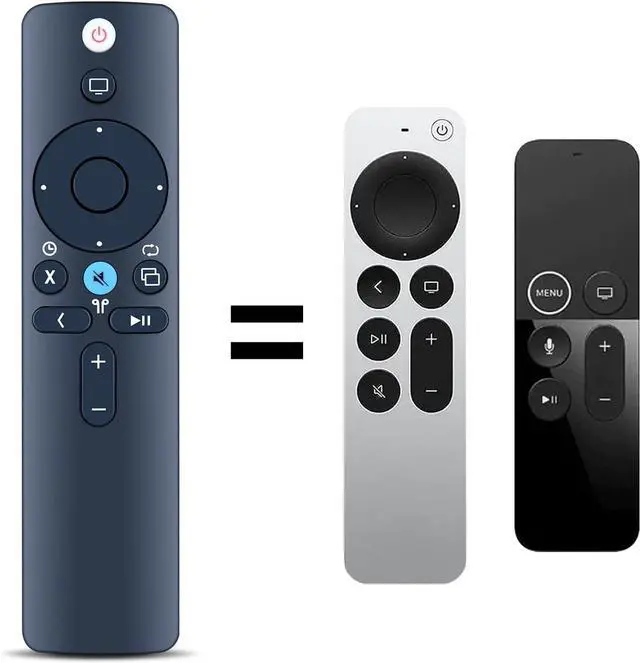
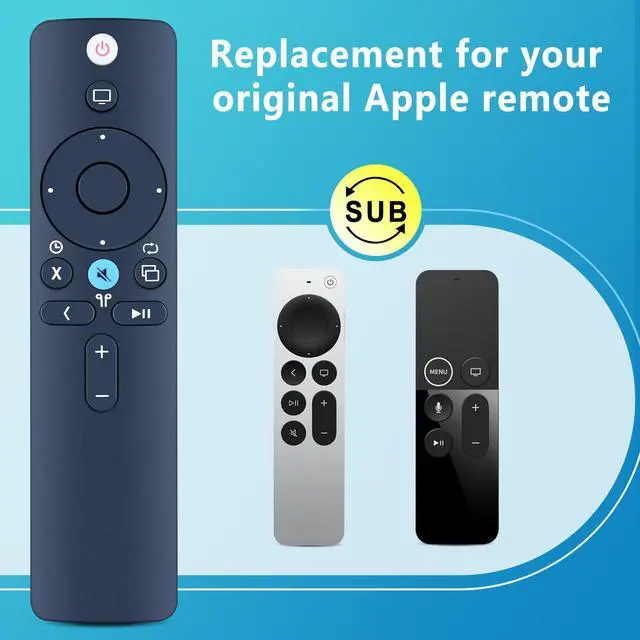
    Replacement Remote Control for Apple TV 4K / HD Players - Not Siri, Voice Compatible with A1294 A1218/MA711 A1378/MC572 A1427/MD199 A1625/MGY52/MLNC2 A1842/MQD22/MP7P2

    Limited time offer, ends 10/19 By EpicTransTrade

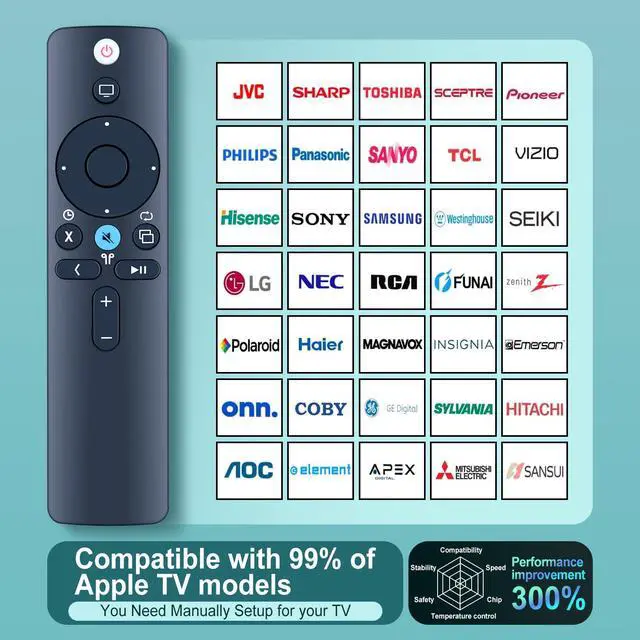
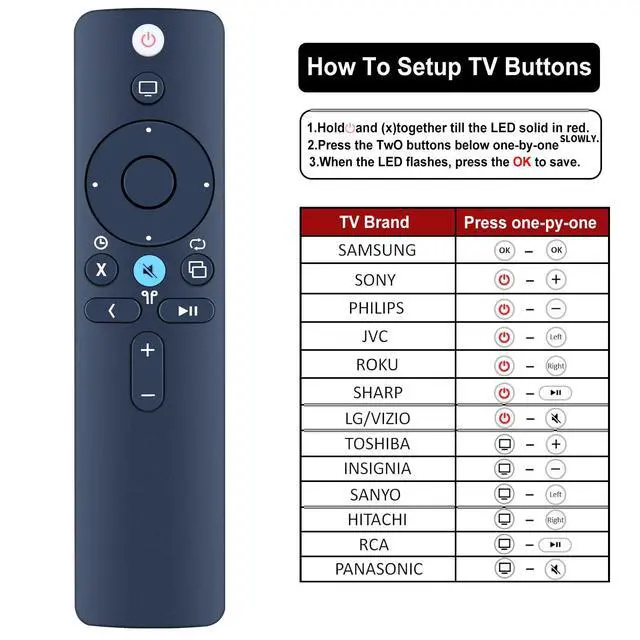
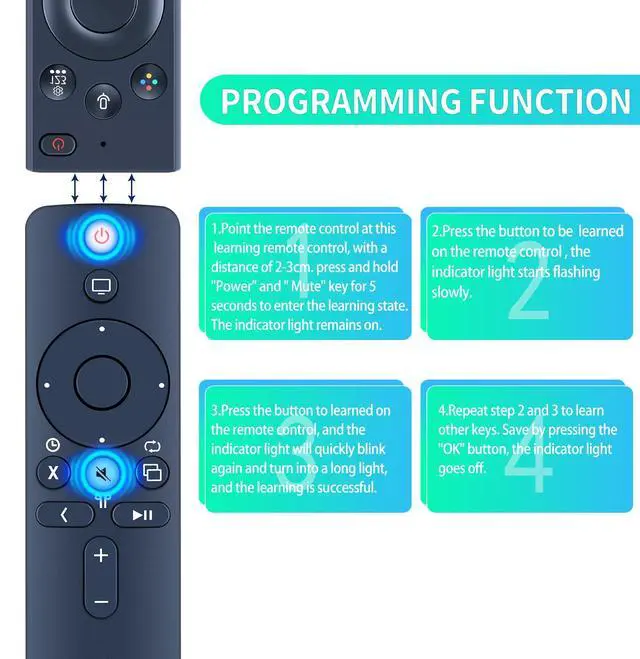
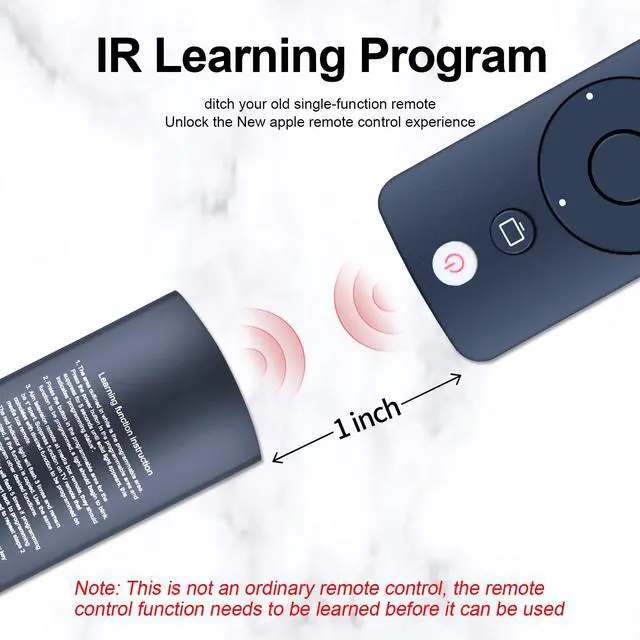
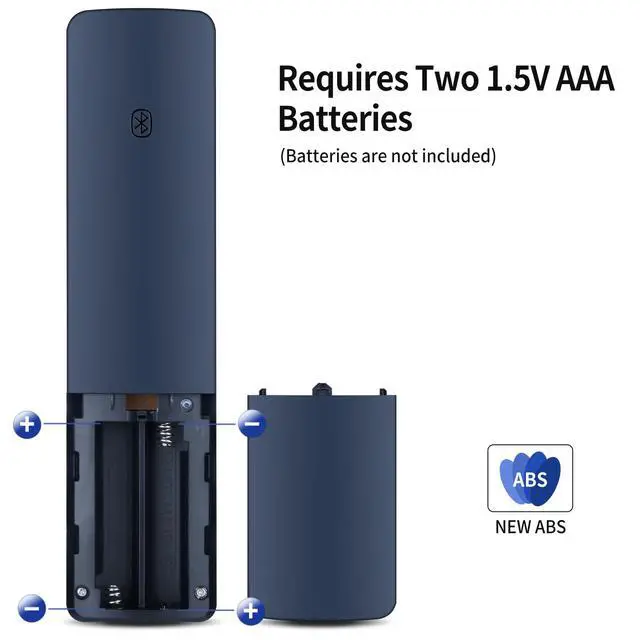
    • [Note] This is an IR (NOT Bluetooth/RF) remote. It does not include Siri, Voice, or Touchpad functions. [Compatible with All Apple TV Models] A1294, A1218/MA711, A1378/MC572, A1427/MD199, A1625/MGY52/MLNC2, A1842/MQD22/MP7P2. [Functional Design] This remote has a TV/Home button along with 4 programmable TV buttons. The TV/Home button can turn on the ATV box (ATV HD and newer Gens), switch/close apps, and put the ATV box into sleep. The Power, Volume up/down, and Mute buttons can be programmed to work with most TV brands. [How to Learn Other Remote] 1) Point the remote control at this learning remote control, with a distance of 2-3cm. Press and hold the "Power" and "Mute" keys for 5 seconds to enter the learning state. The indicator light remains on. 2) Press the button to be learned on the remote control; the indicator light starts flashing slowly. 3) Press the button to be learned on the remote control, and the indicator light will quickly blink again and turn into a long light, and the learning is successful. 4) Repeat steps 2 and 3 to learn other keys. Save by pressing the "OK" button; the indicator light goes off. [What's in the Box] 1x Remote Control & 1 x Use Manual (2pcs AAA batteries are not included)

    +
    +
    Overview
    Specs
    Reviews
    avatar

    Any questions? Our AI mode will help you find out quickly.

    [Note] This is an IR (NOT Bluetooth/RF) remote. It does not include Siri, Voice, or Touchpad functions. [Compatible with All Apple TV Models] A1294, A1218/MA711, A1378/MC572, A1427/MD199, A1625/MGY52/MLNC2, A1842/MQD22/MP7P2. [Functional Design] This remote has a TV/Home button along with 4 programmable TV buttons. The TV/Home button can turn on the ATV box (ATV HD and newer Gens), switch/close apps, and put the ATV box into sleep. The Power, Volume up/down, and Mute buttons can be programmed to work with most TV brands. [How to Learn Other Remote] 1) Point the remote control at this learning remote control, with a distance of 2-3cm.

    Press and hold the "Power" and "Mute" keys for 5 seconds to enter the learning state. The indicator light remains on. 2) Press the button to be learned on the remote control; the indicator light starts flashing slowly. 3) Press the button to be learned on the remote control, and the indicator light will quickly blink again and turn into a long light, and the learning is successful. 4) Repeat steps 2 and 3 to learn other keys. Save by pressing the "OK" button; the indicator light goes off. [What's in the Box] 1x Remote Control & 1 x Use Manual (2pcs AAA batteries are not included)

    Warranty & Returns

    Warranty, Returns, And Additional Information

    Warranty

    • Please contact the Seller directly for warranty information. Warranty information may also be found on the Manufacturer's website.
    • CONTACT

    Return Policies

    Manufacturer Contact Info

    LOADING...