

Your Browsing History

Meet Your Seller

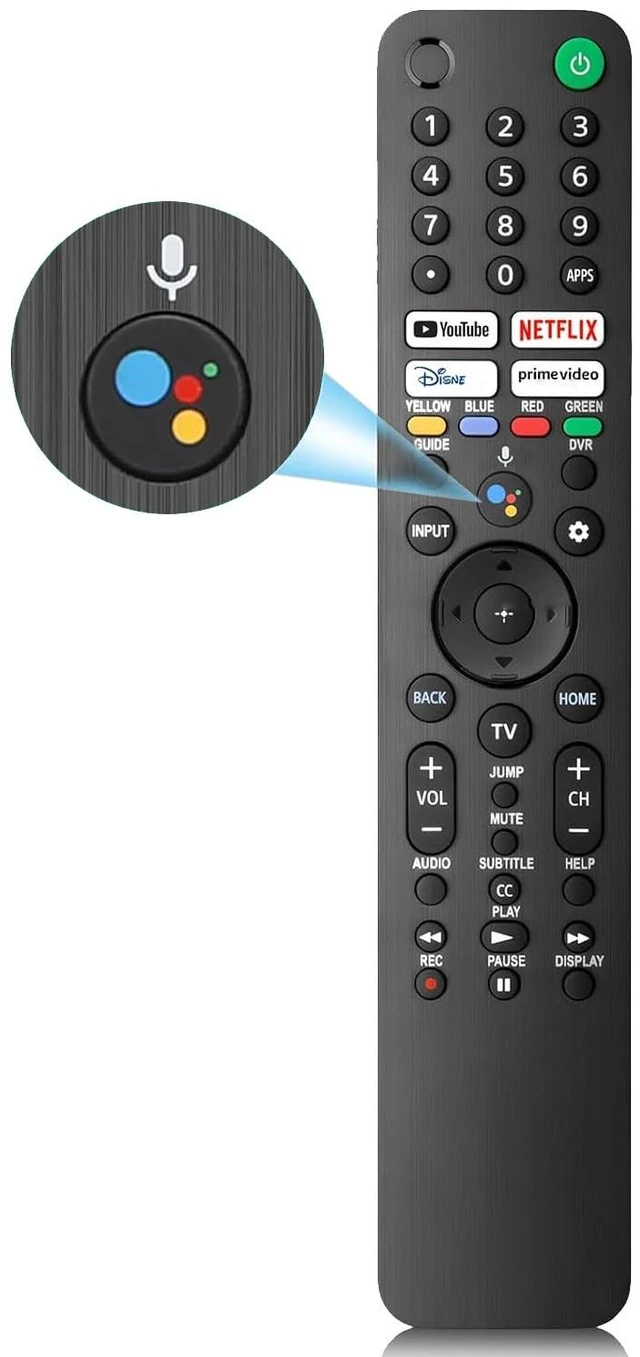
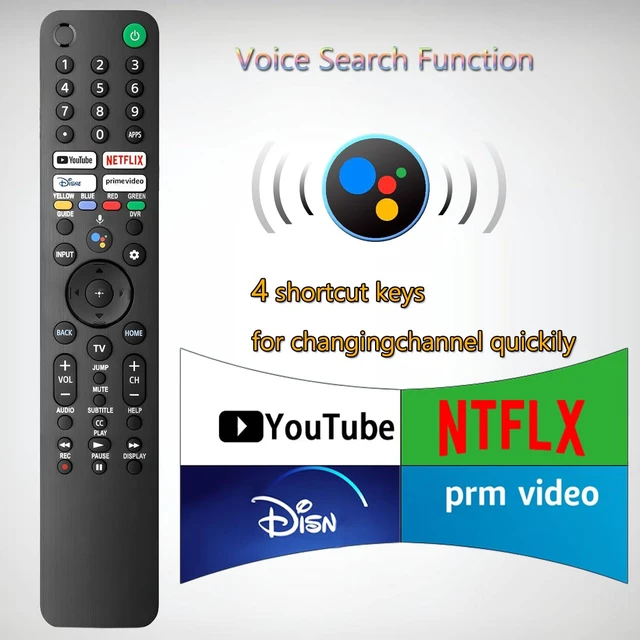
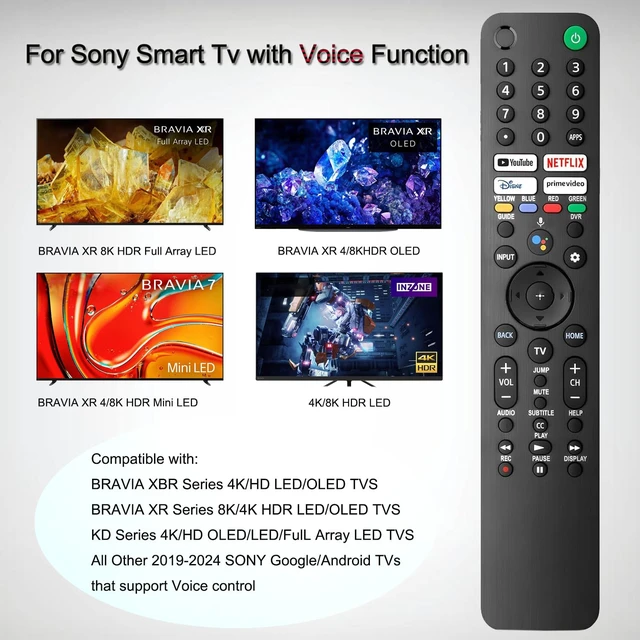
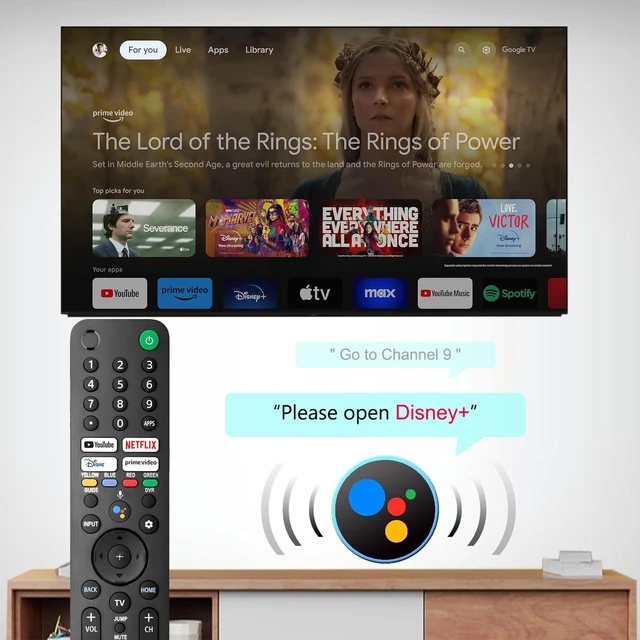
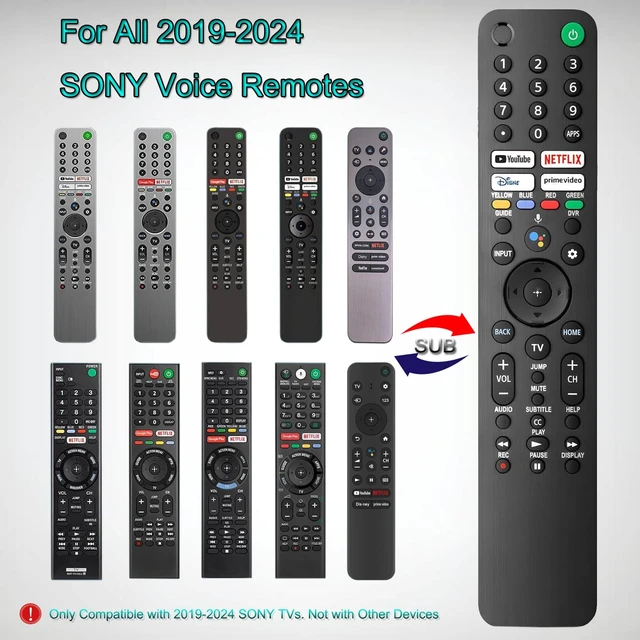


for Sony TV Remote Replacement,with Voice Control Compatible with Sony Bravia XR/XBR/KD/K Series 4K LED OLED Google/Android TVs
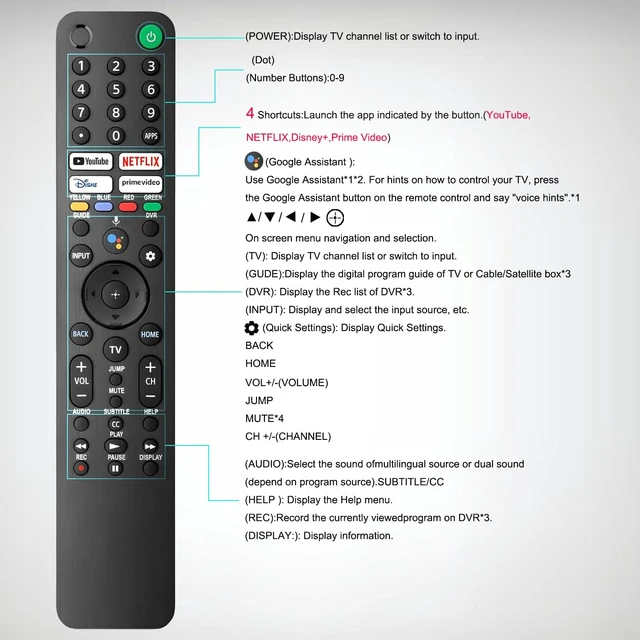
- This is a remote control that supports voice function, compatible with Sony Bravia TV remote, Sony XBR/XR/KD/KDL Series, and 4K LED OLED Google/Android Smart TVs. This remote is designed for Sony TVs from 2019-2024. It serves as an excellent replacement for various Sony voice remote controls such as RMF-TX300U, RMF-TX310U, RMF-TX500U, RMF-TX520U, RMF-TX600U/700U, TX800U/810U/820U, RMF-TX900U/910U and others. Quick access to the four most popular streaming channels, including Youtube, Netfli, Prime Video and Disne with just one click for convenient viewing. Provides you with a unique viewing experience. Easy Pairing: 1. Insert 2*AAA batteries in your new remote and turn on your TV. 2. Press [Settings] [Remotes & Accessories] [Remote control] [Connect a New Remote]. 3. Press and Hold [Vol-] + [Google Assistant] button until you can see the message "Pairing Complete" in your TV screen. (Note: batteries are not included.) Ergonomic Design: Soft buttons and comfortable touch, while using advanced infrared Bluetooth technology, it responds quickly within 0.2 seconds and has a transmission distance of 20 meters. A better replacement for Sony TV remote control
+
+
Overview
Specs
Reviews

Any questions? Our AI mode will help you find out quickly.
Try me now
This is a remote control that supports voice function, compatible with Sony Bravia TV remote, Sony XBR/XR/KD/KDL Series, and 4K LED OLED Google/Android Smart TVs. This remote is designed for Sony TVs from 2019-2024. It serves as an excellent replacement for various Sony voice remote controls such as RMF-TX300U, RMF-TX310U, RMF-TX500U, RMF-TX520U, RMF-TX600U/700U, TX800U/810U/820U, RMF-TX900U/910U and others. Quick access to the four most popular streaming channels, including Youtube, Netfli, Prime Video and Disne with just one click for convenient viewing. Provides you with a unique viewing experience.
Easy Pairing: 1. Insert 2*AAA batteries in your new remote and turn on your TV. 2. Press [Settings] [Remotes & Accessories] [Remote control] [Connect a New Remote]. 3. Press and Hold [Vol-] + [Google Assistant] button until you can see the message "Pairing Complete" in your TV screen.
(Note: batteries are not included. )
Ergonomic Design: Soft buttons and comfortable touch, while using advanced infrared Bluetooth technology, it responds quickly within 0.2 seconds and has a transmission distance of 20 meters. A better replacement for Sony TV remote control
Easy Pairing: 1. Insert 2*AAA batteries in your new remote and turn on your TV. 2. Press [Settings] [Remotes & Accessories] [Remote control] [Connect a New Remote]. 3. Press and Hold [Vol-] + [Google Assistant] button until you can see the message "Pairing Complete" in your TV screen.
(Note: batteries are not included. )
Ergonomic Design: Soft buttons and comfortable touch, while using advanced infrared Bluetooth technology, it responds quickly within 0.2 seconds and has a transmission distance of 20 meters. A better replacement for Sony TV remote control
Warranty & Returns
Warranty, Returns, And Additional Information
Warranty
- Please contact the Seller directly for warranty information. Warranty information may also be found on the Manufacturer's website.
- CONTACT
Return Policies
- Return for refund within: 30 days
- Return for replacement within: 30 days
- This item is covered by EpicTransTrade Return Policy
Manufacturer Contact Info
- For a directory of all our manufacturers, please click below.
- Manufacturers Directory
LOADING...